

Minecraft’s first yearly-numbered Java update, 26.1, is taking shape through early snapshots. Instead of a headline-grabbing new biome or structure, the focus so far is on systems: trading, lighting, performance, and a big visual and audio pass on baby mobs.
New version scheme and where 26.1 fits
Minecraft Java has moved off the long-running “1.xx” line. Future major drops now use the format <year>.<drop>, so 26.1 is the first big release in 2026 for both Java Edition and the broader “game drop” cadence.
Java Edition 26.1 is being built out through numbered snapshots (26.1 Snapshot 1, 26.1 Snapshot 2, and so on). Each snapshot is a testing build that adds features and fixes ahead of the eventual stable 26.1 release.
Villager and Wandering Trader revamp (data-driven trades)
Snapshot 1 quietly delivers one of the most important backend changes in years: villager and Wandering Trader trades are now fully data-driven. Instead of being hardcoded, trades are defined in datapack JSON, similar to loot tables.
Two new concepts power this:
- Villager trades live in a
villager_tradefolder and define the blueprint for a single offer (what items the player gives and receives, max uses, XP, discounts, and predicates on the merchant). - Trade sets live in a
trade_setfolder and act as pools that pick several villager trades, using deterministic named random sequences when desired.
Each villager trade can now include:
wantsandadditional_wantsto define one or two cost items, including optional components like NBT-style data components.givesfor the result item stack, plusgiven_item_modifiersthat run standard loot-style functions such asminecraft:enchant_randomlyorminecraft:set_random_potion.- Number providers for
count,max_uses,xp, andreputation_discount, giving trades controlled randomness. merchant_predicatethat lets a trade only appear for certain villagers (for example, a specific biome variant).double_trade_price_enchantments, tying extra emerald cost directly to particular enchantments applied to an item.
Trade sets then reference either specific trade IDs or tags like #armorer/level_1, and specify how many offers to generate, whether duplicates are allowed, and which named random sequence to use. This keeps generation deterministic in the same way as loot drops.
For players, this doesn’t immediately change the default offers, but it makes it much easier for Mojang and datapack creators to reshuffle or expand professions, adjust regional trade pools, or build entirely new trading systems without new code.
Enchanting and loot pipeline tweaks
The loot function stack that powers many items and trades is expanding in 26.1.
minecraft:set_random_dyesadds a configurable number of random dyes to an item’sminecraft:dyed_colorcomponent, but only when the item falls under the#dyeabletag. The same dye can be picked multiple times, so this can yield both solid and mixed colors.minecraft:set_random_potionsets theminecraft:potion_contentscomponent to a random potion, optionally limited by a list or tag. If you omit options, it can pick from the full potion registry.
Two existing functions that control enchantment rolls gain a new flag:
minecraft:enchant_with_levelsandminecraft:enchant_randomlynow acceptinclude_additional_cost_component, which, when true, adds a transientminecraft:additional_trade_costvalue to the item. This value tracks the “cost” of the enchantment based on levels, and can then be used by villager trades to double emerald prices for powerful books or items.
Together with data-driven trades, this creates a pipeline where the enchantment system and villager offers can share information about how valuable an enchanted item should be, instead of treating books and gear as interchangeable.
Lighting overhaul and debug tools
Snapshot 1 also rewrites how the game translates sky and block light into on-screen brightness. The goal is parity with previous visuals where possible, but the path there is different.
Key outcomes:
- Smoother low-light behavior, fixing several long‑standing bugs where mixed low sky and block light looked wrong or transitions between levels felt abrupt.
- Consistent darkening effects; the Darkness status effect and the Wither fight’s world darkening now work uniformly across dimensions instead of having special cases.
- Different Night Vision logic; rather than scaling the final colors, Night Vision now effectively bumps ambient light. That stops fully dark areas from looking brighter than genuinely lit spaces.
Much of this is now controlled via new environment attributes:
minecraft:visual/block_light_tintsets the global tint for block light (torches by default use a warm yellow).minecraft:visual/ambient_light_colordefines the color and baseline brightness in a dimension at light level 0, with different defaults for the Overworld, Nether, and End.minecraft:visual/night_vision_coloracts like an alternative ambient color that is combined with the normal ambient light when Night Vision is active.
For debugging and tuning, F3+4 now brings up a lightmap debug renderer in the corner of the screen. The vertical axis represents sky light levels 0–15, the horizontal axis does the same for block light, and each pixel shows the resulting tint. It replaces the usual FPS/TPS and network graph while active.
The supporting shader, lightmap.fsh, has been reworked to match. It now receives explicit BlockLightTint and NightVisionColor fields and blends against a simpler ambient color, while UI text and item icons use a separate white lightmap texture so on‑screen brightness doesn’t have to preserve a fully white 15×15 region.
New swing command for entities
A new command, /swing <entity selector> <mainhand|offhand>, lets you trigger arm swing animations on demand.
Not every entity has a visible swing animation, but the command still runs server‑side and returns the number of entities targeted. Where supported—like Mannequins—the client will display the appropriate swing. This is primarily a tool for map makers and server owners who want more expressive NPCs or custom combat logic.
Baby mob redesigns and name tag crafting
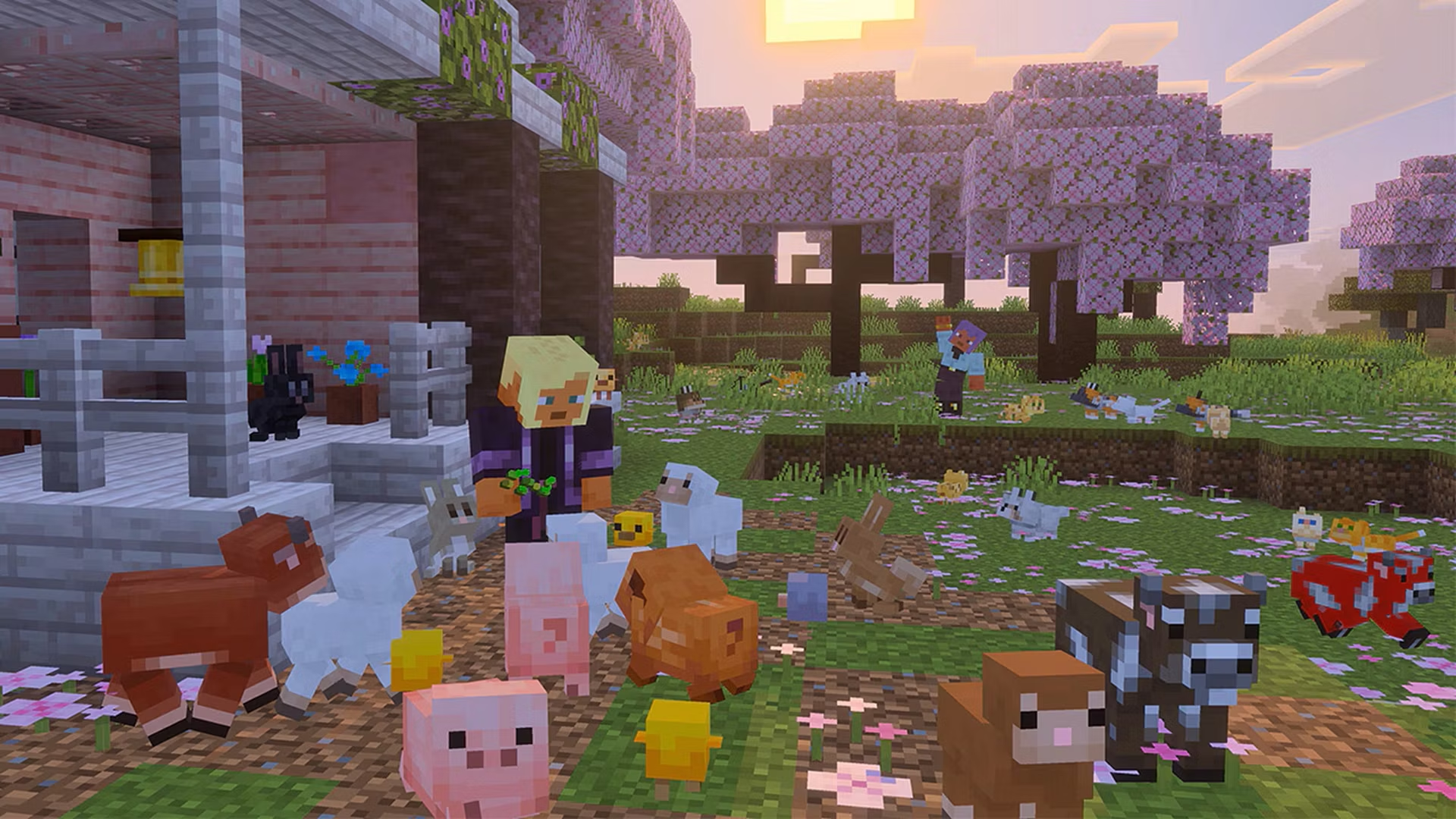
Snapshot 2 and the “cutest drop yet” testing wave shift the spotlight to animals. Many baby farm mobs finally get distinct models and textures instead of being scaled‑down adults with oversized heads.
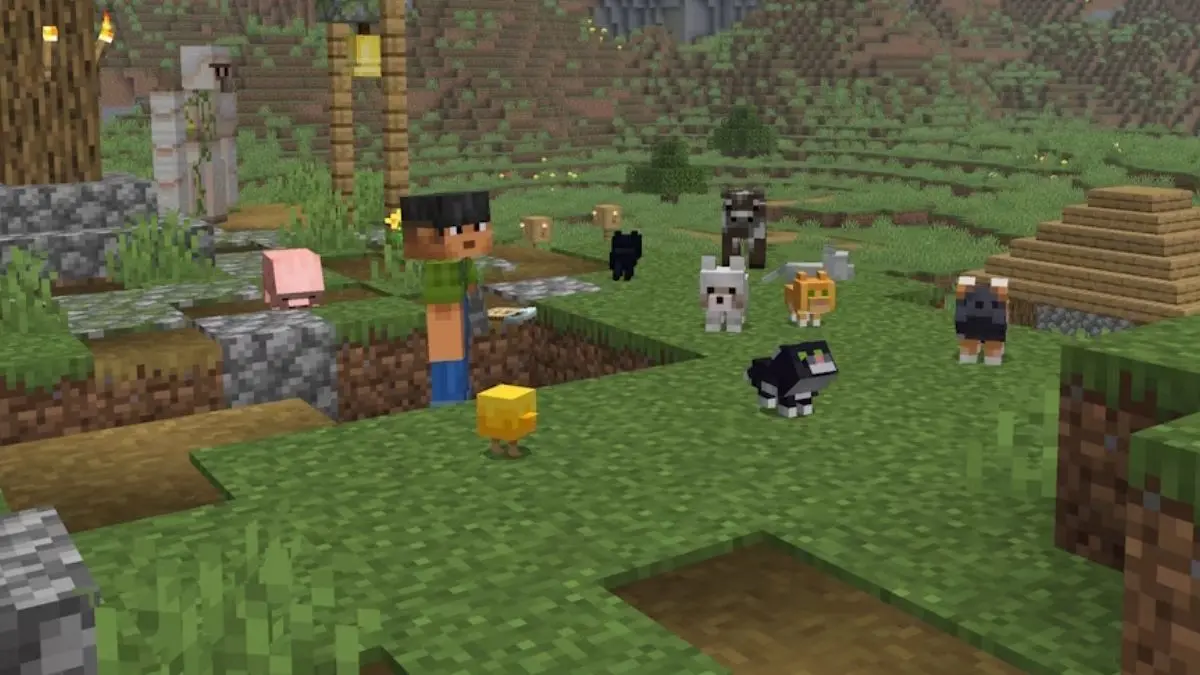
On Java Edition, 26.1 Snapshot 2 updates the baby models and textures for:
- Cows and mooshrooms
- Sheep
- Pigs
- Cats
- Ocelots
- Wolves
- Chickens
Rabbits are a special case. Both the adult and baby rabbit models and animations are redone, with tweaked bounding boxes to match. The old “programmer art” rabbit textures are removed as part of this.
These redesigns aren’t just cosmetic. Bounding boxes matter for hit detection, pathfinding, and player interactions, so the engine adjusts their size to line up with the new shapes. On the rendering side, armor no longer appears on baby wolves and saddles no longer render on baby pigs, which avoids visual glitches where equipment scaled poorly to the new bodies.
To go with the visual pass, three baby-friendly sounds are now distinct:
- Wolf pups
- Kittens
- Piglets
Instead of pitch‑shifted versions of adult sounds, each uses custom recordings tailored to baby animals, which makes pet-heavy worlds feel more alive.
All of this ties directly into a long‑requested quality‑of‑life change: name tags become craftable. Rather than relying solely on dungeon chests or fishing, you can now craft a name tag from 1 paper and 1 of any metal nugget. Snapshot 2 backs this with a new metal_nuggets-style item tag that groups all nugget variants, so the recipe doesn’t have to list them individually.
Performance and engine requirements
26.1 makes notable changes under the hood for Java Edition.
- Minimum Java runtime is bumped to Java SE 25. The bundled distribution is now a Microsoft build of OpenJDK 25, so older JVMs are no longer supported.
- Default memory allocation doubles from 2GB to 4GB. This is intended to smooth out heavy scenes and reduce stuttering without manual tuning.
- Garbage collection changes from G1GC to generational ZGC on compatible machines, targeting more stable frame times, especially in memory‑intensive worlds.
If your system has less than 4GB of RAM, or if a third‑party launcher doesn’t respect the new defaults, you may need to adjust memory and GC settings manually. Mojang’s help pages for memory allocation and garbage collector configuration are the reference point; both are reachable through the official Help Center at help.minecraft.net.
On the server side, operators now see a toast warning when disk space runs low, reducing the risk of world corruption from running a full drive.
Combat, zombies, and entity data changes
Several long‑standing combat quirks get addressed in Snapshot 1, especially around zombie behavior.
- Leader zombie-type mobs—rare variants with boosted max health—now spawn with their full health instead of always entering the world at 20 HP. That makes them the tanks they were meant to be and can noticeably extend certain fights.
- Zombies and similar mobs no longer stay angry at you after you die when they previously should have forgiven dead players, fixing edge cases like revengeful reinforcements chasing you in Creative mode.
- Zombie villagers spawned via eggs now correctly use biome variants instead of always defaulting to plains styling.
- Creepers no longer complete an explosion after the player has died, which avoids stray blasts during respawn moments.
A deeper engine-level shift shares more explosion context across entities. Two fields previously limited to players—current_explosion_impact_pos and current_impulse_context_reset_grace_time—now exist on all mobs and armor stands. The ignore_fall_damage_from_current_explosion flag is removed from players, suggesting a more unified approach to how blast knockback and fall damage interactions are tracked.
On the piglin side, inventory access improves: piglin slots can be addressed through piglin.* in commands in the same way villager inventories already work via villager.*. That gives map makers and server admins fine‑grained control over bartering setups or custom gear distributions.
New predicates, tags, and data pack versioning
To support all these systems, Minecraft’s datapack and tag infrastructure keeps evolving.
- Data pack format increments to 95 in Snapshot 1 and 96 in Snapshot 2. Packs targeting 26.1 need to declare these higher versions to use new features.
- Villager trade tags group trade IDs per profession and level, like
#armorer/level_1, up to level 5. Smith professions share#common_smith/level_ntags for offers common to armorers, weaponsmiths, and toolsmiths. Wandering Traders get#wandering_trader/buying,#wandering_trader/common, and#wandering_trader/specialpools. - Older biome‑specific enchantment trade tags such as
trades/desert_specialand other climate variants are removed and replaced with the new system. - A new potion tag,
#tradeable, marks all potion effects that can appear in villager trades. - A generic numeric predicate
minecraft:sumreturns the sum of several number providers, which simplifies some datapack math. - The player entity predicate gains an optional
foodobject, letting conditions check bothlevel(hunger) andsaturationranges directly.
One balance tweak tied to these predicates: the post_piercing_attack enchantment component is no longer gated behind a specific food level when used on a player, which decouples hunger from some custom combat effects.
Baby mob rollout across Java and Bedrock
The baby mob work in Java Snapshot 2 is part of a coordinated game drop that spans both Java and Bedrock editions. On Bedrock, the same redesigned baby farm mobs—wolf pups, kittens, piglets, calves, lambs, baby chickens, baby ocelots, and rabbits—are available in beta/preview builds under an experiment toggle.
Bedrock also adopts Java’s behavior where using a spawn egg on an adult mob creates a baby of that species. For example, using a cat spawn egg on an adult cat spawns a kitten. That makes controlled breeding for specific variants in creative setups much simpler.
Name tag crafting and the custom baby sounds are shared goals across both platforms, aligning with Mojang’s larger parity push between Java and Bedrock.
Snapshot builds are always subject to change, but the shape of 26.1 is already clear: tighter control over trading and enchanting, a more transparent lighting model, a gentler experience for lower‑end systems through modern Java and GC defaults, and a tangible dose of personality via baby mobs and their sounds. As more snapshots land, expect these systems to be iterated rather than replaced, with datapack authors in particular gaining a much larger surface area to work with.