

Death in Where Winds Meet is split between simple solo respawns and a more involved resurrection system in co-op. The two modes share the same world but use very different rules, and the game does not spell them out clearly once you are in the middle of a boss fight.
Here is how reviving works, what you need to unlock to bring other players back, and how to make your healing and resurrection skills noticeably stronger.
How death and reviving work in solo mode
In solo mode, there is no manual revive of your own character. When your HP hits zero, you are taken out and offered a quick way back into the fight.
Step 1: When you die, wait for the on-screen heal/respawn prompt to appear (for example, the Square button on PS5). This prompt is effectively your “revive” button.
Step 2: Press the prompted button to respawn at the nearest checkpoint. The game restores your health and moves you back to the last active checkpoint or shrine.
The important detail: you do not lose progress beyond that checkpoint. Position and HP are reset, but your story progress, loot, and quest state are not rolled back.
Outside of death, you keep yourself alive with the same tools used in co-op:
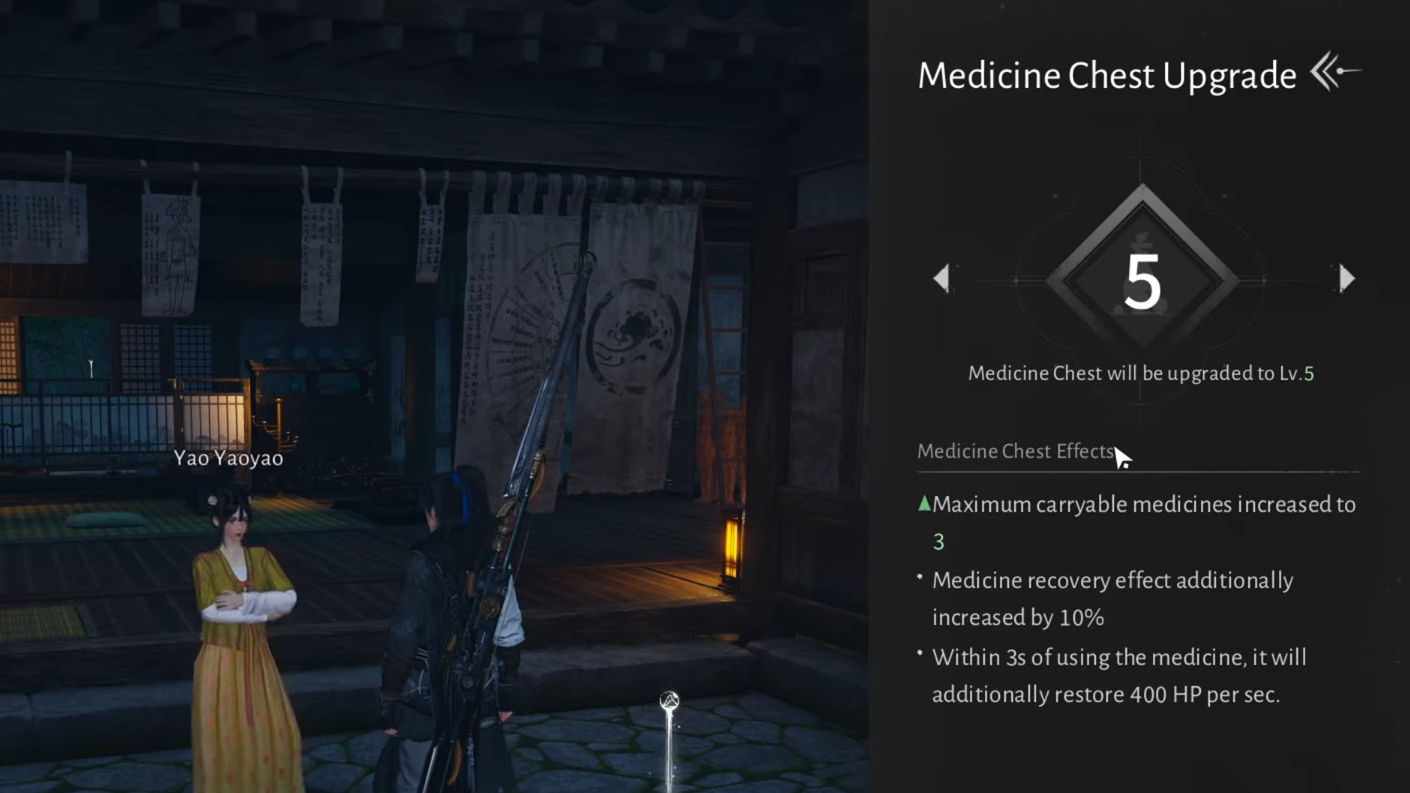
- Healing potions assigned in the Medicine Chest, with uses refilled at Boundary Stones.
- Food items you cook or collect that restore HP or offer temporary buffs.
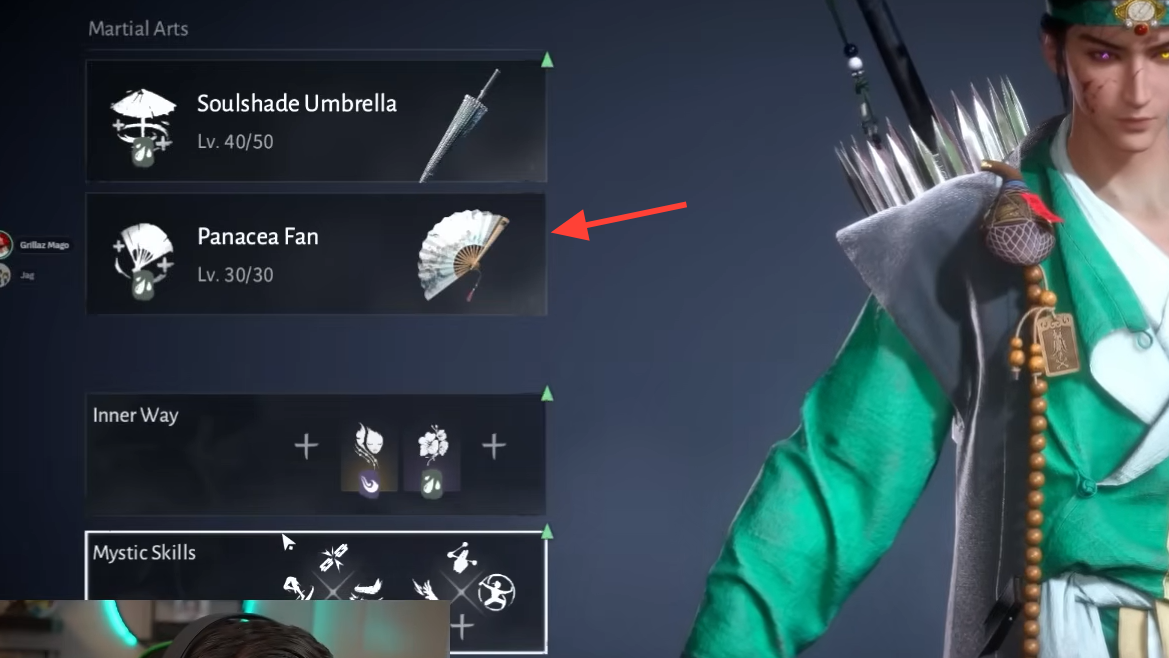
- Healing weapons such as the Panacea Fan and Soulshade Umbrella, which can restore HP to you and nearby allies when you trigger their skills.
Those systems do not change how solo respawns work, but they reduce how often you hit that death prompt in the first place.
How reviving works in multiplayer and co‑op
In co-op, defeated players do not automatically reset at a checkpoint. Teammates can bring each other back mid-fight, but only in specific ways and only a limited number of times.
Golden Dawn Revival and the Panacea Fan
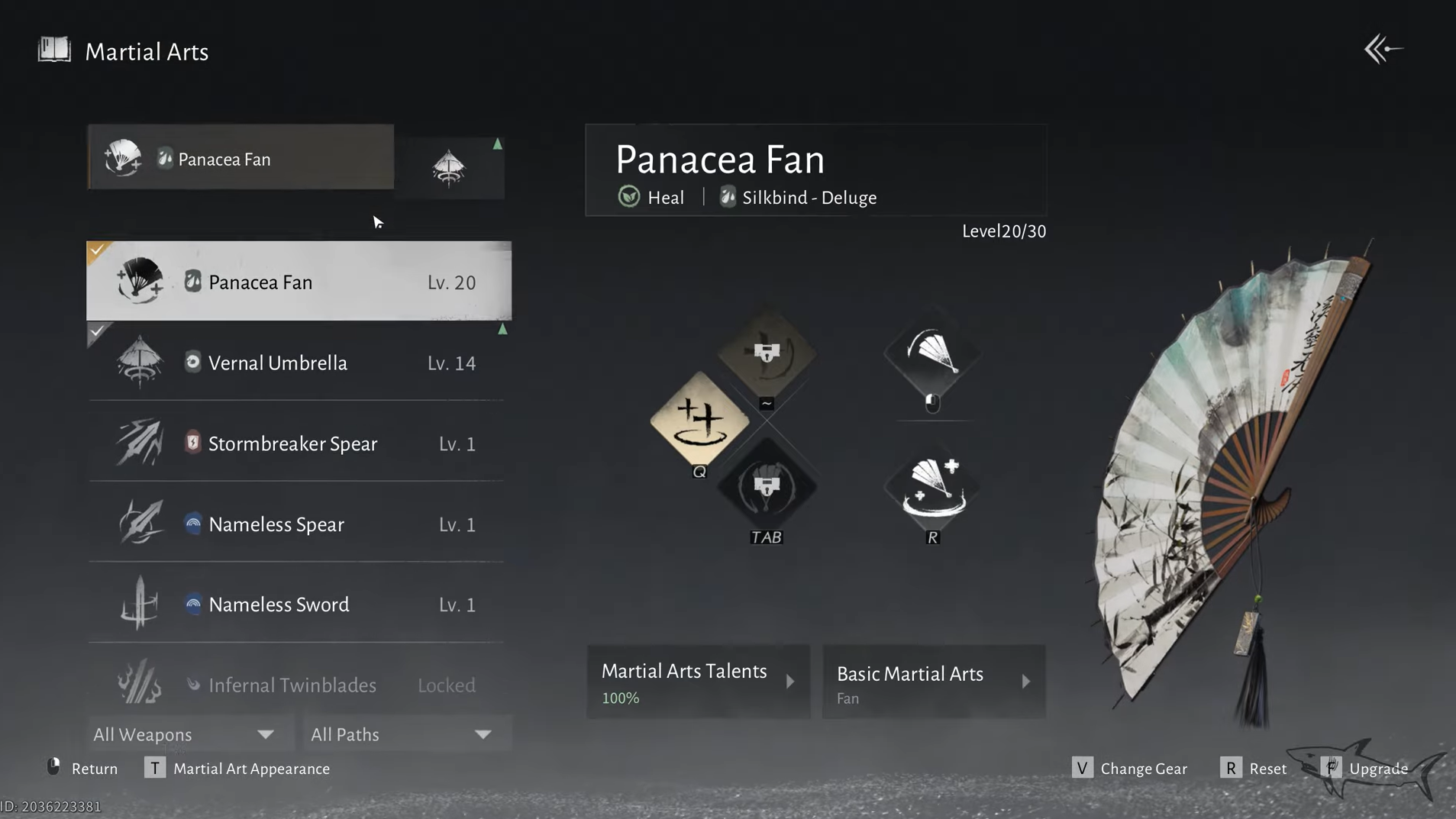
The core of the multiplayer revive system is a Perception Skill tied to the healer weapon Panacea Fan. The skill is often referred to in-game as Golden Dawn Revival or Resurrection, and it consumes the Dew resource that the fan generates while you fight.
When an ally is downed:
Step 1: Make sure you have Panacea Fan equipped and enough Dew stored from using its skills in combat.
Step 2: Target a fallen teammate either by standing close to their body in the world or by selecting them from the party list UI. On the controller, this usually means holding the left trigger to focus the party panel and moving the D-pad until the downed player is highlighted.
Step 3: Trigger the revival Perception Skill. On the controller, this is the “special ability” input while still holding the trigger used to select the party member (for example, holding L2, pressing Start to lock the highlight, then pressing Y/Triangle while still holding L2, as players report on Xbox and PS5).
Step 4: The skill consumes Dew Drops to bring the target back up. The more Dew you spend, the more HP they have after the revival. The revived player also receives a short “Abundant Dew” style buff that improves healing for a few seconds.
On keyboard and mouse, the same idea applies, but you use the key bound to “Special Skill” in the combat control settings. When you stand over a defeated player and have the correct weapon and Dew, that key changes function to “Revive”.
Basic direct revive interaction (pressing F)
There is also a contextual interaction style revive that looks more like a traditional MMO or action RPG.
Step 1: When a teammate is down, move your character next to their body so the interaction prompt appears.
Step 2: Press the interaction key (for example, F on keyboard) to start reviving them directly.
This method does not replace the Panacea Fan’s resurrection skill. It is available when the game presents the revive as a simple interaction, mostly in lighter co-op scenarios. In more demanding content, relying on the Panacea Fan’s Perception Skill gives you significantly more control and better post‑revive HP.
How to unlock the resurrection skill
The multiplayer revive is not available from the moment you pick up the Panacea Fan. It is tied to your martial progress.
Step 1: Progress your martial talents until you reach the eighth node in the “Blade Out” basic talent line. This unlocks the resurrection‑type Perception Skill on Panacea Fan.
Step 2: Equip Panacea Fan and confirm that Golden Dawn Revival (or the equivalent resurrection skill name) appears as a Perception Skill when your Dew is charged and an ally is down.
From this point on, you can function as a proper combat healer in co-op, reviving allies instead of relying on checkpoint respawns.
Making revives stronger with Esoteric Revival
Inner Ways act as persistent passive arts that change how certain weapons and skills behave. Esoteric Revival is the Inner Way dedicated to making Panacea Fan’s resurrection and healing more powerful.
How to get Esoteric Revival
Step 1: Travel to the area around the Path of Karma Boundary Stone. The Sleeping Daoist world boss roams this region.
Step 2: Defeat Sleeping Daoist. One of the possible rewards is the Esoteric Revival: Tome.
Step 3: Open the Inner Way menu and use the “Comprehend Inner Way” button in the corner of the screen. Select Esoteric Revival and spend the required resources to unlock it.
What Esoteric Revival does for revives
| Tier | Effect on Panacea Fan / Golden Dawn Revival |
|---|---|
| Base | Golden Dawn Revival restores more HP when reviving a target. |
| Tier 1 | Increases healing from Golden Dawn Revival by 75% on the revived target. |
| Tier 2 | Raises Critical Rate based on Solo Mode level. |
| Tier 3 | Reduces damage the revived target takes by 30% for 3 seconds. |
| Tier 4 | Adds a healing‑over‑time effect after revival, continuously restoring HP. |
| Tier 5 | Increases Critical Healing Bonus by 4%. |
| Tier 6 | Shares 30% of damage taken by the revived target with you for 8 seconds; if they die during this window, you recover 25% of your max HP. |
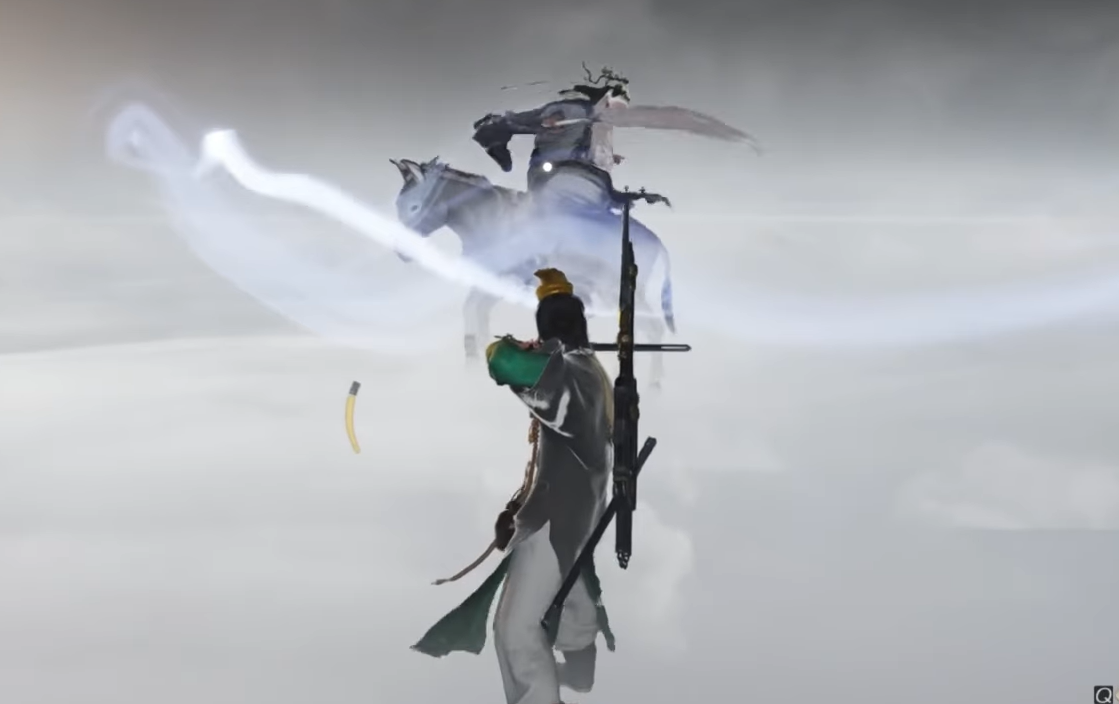
With several tiers unlocked, a revive from a Panacea Fan user is not just a way to stand someone back up. It becomes a strong burst heal, a short defensive buff, and a safety net that shifts some of their incoming damage to the healer while refunding HP if they fall again during the protection window.
For organised co-op groups, one dedicated support player running Panacea Fan and Esoteric Revival dramatically improves the margin for error in long boss fights.
Platform controls and UI quirks to expect
Reviving is functional but not always smooth to execute, especially on controllers under pressure.
- On PlayStation: Players report using L2 to focus the party list and Triangle to trigger the revive once the correct party member is highlighted.
- On Xbox: The pattern is similar: hold the left trigger, use the D-pad to pick the downed ally in the party panel, tap Start to confirm the highlight, then press Y while still holding the trigger to fire the resurrection skill.
- On PC (keyboard and mouse): The key bound as “Special Skill” in combat options becomes “Revive” when you stand over a defeated player with a revival-capable setup and enough Dew.
Tip: Bind “Special Skill” and interaction to keys you can reliably hit while moving and dodging. The default mappings work, but the revive flow involves holding a modifier and pressing several buttons in order, which is difficult during high-pressure phases.
Staying alive between revives
Revive counters and Dew costs mean you cannot brute-force every encounter by rezzing endlessly. The usual healing tools matter just as much in co-op:
- Medicine Chest: Assign a strong potion to your quick-use slot and refill at Boundary Stones once you run out of charges.
- Food: Carry recovery meals for out‑of‑combat healing and buff food for long fights.
- Healing weapons: In addition to Panacea Fan, Soulshade Umbrella has party healing skills that draw from Dew and can stabilise the group before someone goes down.
- Inner Ways like Vital Leech: Trigger self‑healing every time you execute an enemy whose Qi has been broken, reducing pressure on your healer.
Managing those systems well reduces how often you need to revive anyone at all, keeps you under the revive cap, and gives your Panacea Fan user room to save Dew for critical resurrections instead of constant top‑ups.
Once you have a handle on the division between solo respawns and co-op resurrection, and you unlock Esoteric Revival for your healer, death in Where Winds Meet becomes much more of a tempo loss than a hard stop. The friction then shifts from “How do I revive?” to “Can we survive long enough for the Dew and revive counter to catch up?”—which is exactly where a good action RPG wants the tension to be.