

Crosshair decal IDs in Roblox let you replace the default aiming reticle with custom designs. These range from simple dots and classic FPS-style crosses to themed options like hearts, kittens, and neon circles. Paste any of the IDs below into a game that supports image crosshairs to instantly change your aim style.
50 Best Roblox Crosshair Decal IDs
1827745864— Little crosshair4048495272— Classic crosshair1827745860— Small crosshair variant10891594364— Glow circle crosshair5998624788— Kitten crosshair311756276— Simple crosshair5689419560— Thin crosshair2207556774— Standard crosshair426730675— Gun cursor small2128690040— 43cross2827093428— Counter Blox crosshair9524023226— Minimal crosshair3750055370— Counter Blox alt2943445535— Dot crosshair11754490336— Heart crosshair2400846053— Compact crosshair5998624778— Kitten alt crosshair2159978195— Exclusive crosshair240080272— Red dot aim358650771— Cyan crosshair6398507494— Multi crosshairs240080506— Green dot aim749187669— Bold crosshair4941755400— Clean crosshair1469004289— Test crosshair358650766— Pink crosshair1389344386— Crosshair dot2169048245— Custom crosshair3521125035— Basic crosshair11351620355— Hello Kitty crosshair10891594349— Glow circle alt11721776729— Manny crosshair11722368344— Heart alt crosshair2596541801— Thin crosshair style4000131509— Rainbow dot crosshair10868459554— Modern crosshair11719595129— Pink star crosshair2128690043— 43cross variant1489774665— Crosshairs pack6079707648— Stylized crosshair569870649— Decorative crosshair7019318577— Clean modern crosshair86241006— Classic old crosshair129875025— ZombieCon cursor6480864794— Red crosshair2614612882— Crsshair9472683590— Thin precision crosshair9720078113— Zoom crosshair6480864782— Red crosshair alt11390723044— Stylized dark crosshair
How to Use Crosshair Decal IDs in Roblox
Step 1: Launch a Roblox shooter experience that supports custom crosshairs, such as Counter Blox or similar FPS-style games. Open the in-game settings menu.
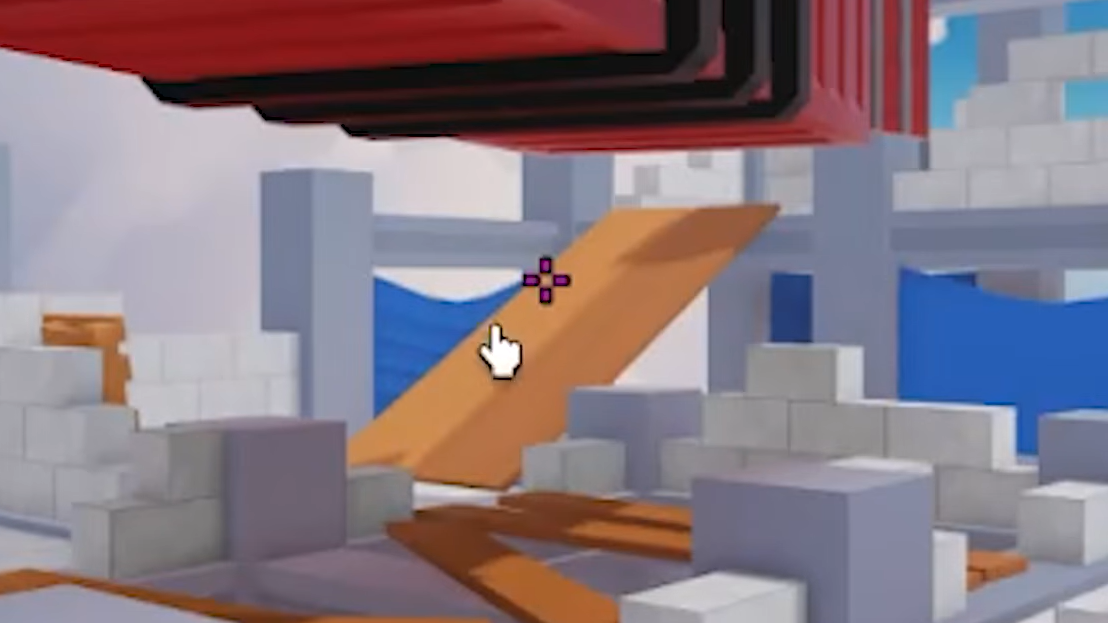
Step 2: Find the crosshair or UI customization section. Switch the crosshair type to an image-based option if required.
Step 3: Copy one of the decal IDs from the list above and paste it into the Decal ID or Image ID field.
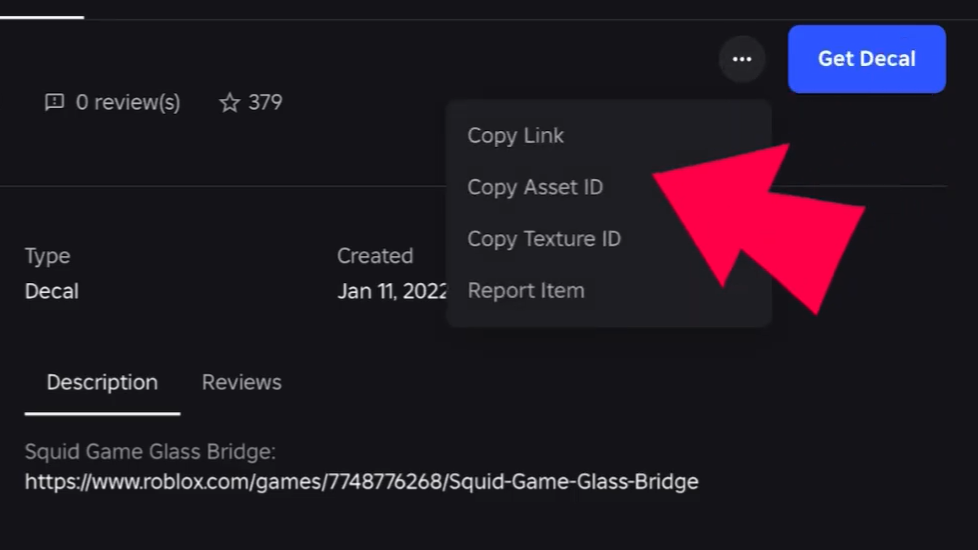
Step 4: Apply or confirm your settings. The crosshair should update instantly on your screen.
When the change works, you will see the new crosshair appear immediately in the center of your screen during gameplay.
Choosing the Right Crosshair Style
| Style | Best Use | Example IDs |
|---|---|---|
| Dot | Precise aiming, minimal distraction | 2943445535, 240080272 |
| Classic cross | Balanced visibility and control | 4048495272, 311756276 |
| Circle / glow | Tracking moving targets | 10891594364 |
| Themed (fun) | Style and personalization | 5998624788, 11754490336 |
Bright colors like red or neon green tend to stand out more during fast gameplay, while smaller crosshairs help with precision aiming.