

The Salvager’s Workbench in Hytale sits at the center of the game’s recycling loop. Once it is unlocked, it lets you break crafted items back down into raw resources, which is especially useful when inventory fills with outdated tools, extra weapons, or building pieces you no longer need.
What the Salvager’s Workbench does in Hytale
The Salvager’s Workbench is a late‑early or midgame crafting station that focuses on one job: converting existing items back into their component materials. You place a compatible item into its interface and receive some of the base resources used to make it, such as ingots, wood, or stone.
This makes the bench valuable in a few clear situations. It helps recover resources when you craft the wrong item, change builds, or simply outgrow low‑tier equipment. It also gives a way to clear storage without wasting materials, since many excess items can be dismantled rather than thrown away. Unlike a Furnace, it does not consume fuel or other power materials to operate.
Prerequisite: crafting the basic Workbench
Before you can even think about the Salvager’s Workbench, you need the standard Workbench. The basic Workbench is where most early crafting happens and where you later access the recipe for higher‑tier stations.
Step 1: Gather 4x Any Tree Trunk and 3x Any Stone. Chop trees using a Crude Hatchet to get tree trunks and mine rock with a Crude Pickaxe to collect stone.

Step 2: Press Tab to open your inventory. In this view, locate the Pocket Crafting menu, which lets you craft a small set of essential items without any placed station.
Step 3: In the Pocket Crafting menu, select the Workbench recipe in the central area, then press the Craft button. If you have the required tree trunks and stone, the Workbench will be created and added to your inventory.
Once crafted, the Workbench must be placed in the world. You will also need it later as the interface for creating the Salvager’s Workbench.
How to place and use the Workbench
Step 1: Open your inventory, select the newly crafted Workbench, and equip it to your hotbar.
Step 2: Choose a clear spot at your base or camp, select the Workbench in your hotbar, and place it on the ground.
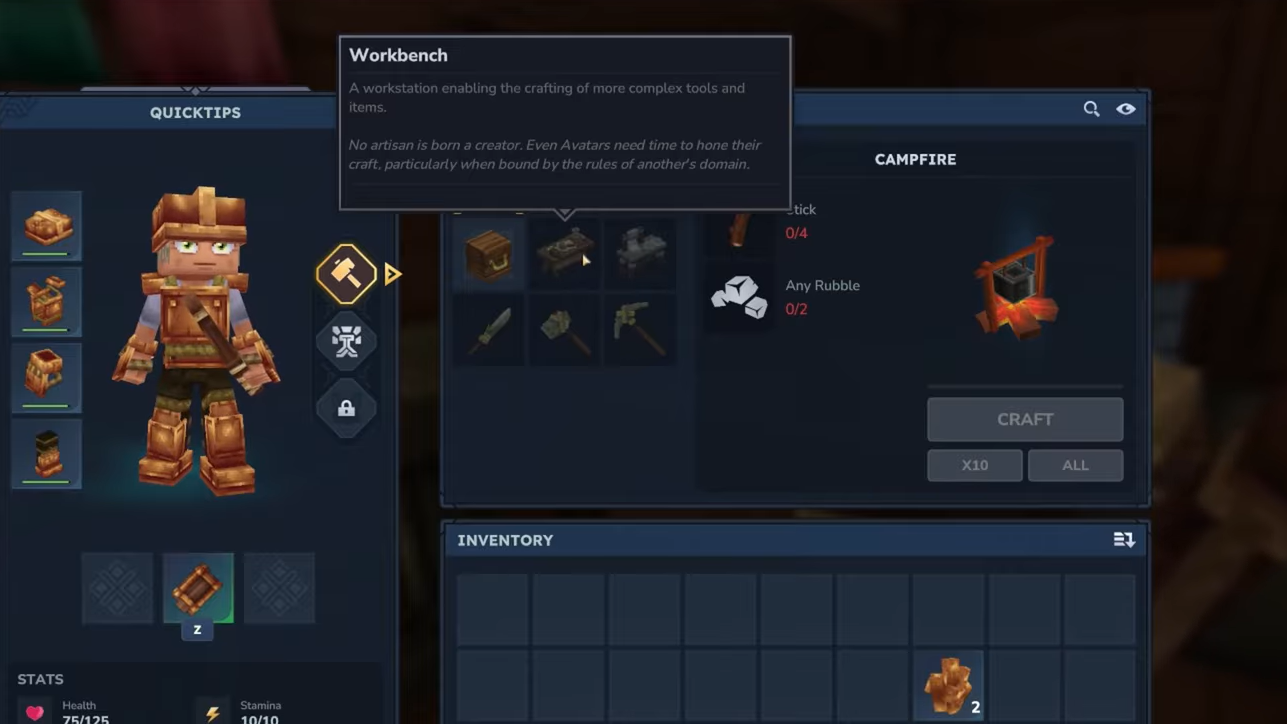
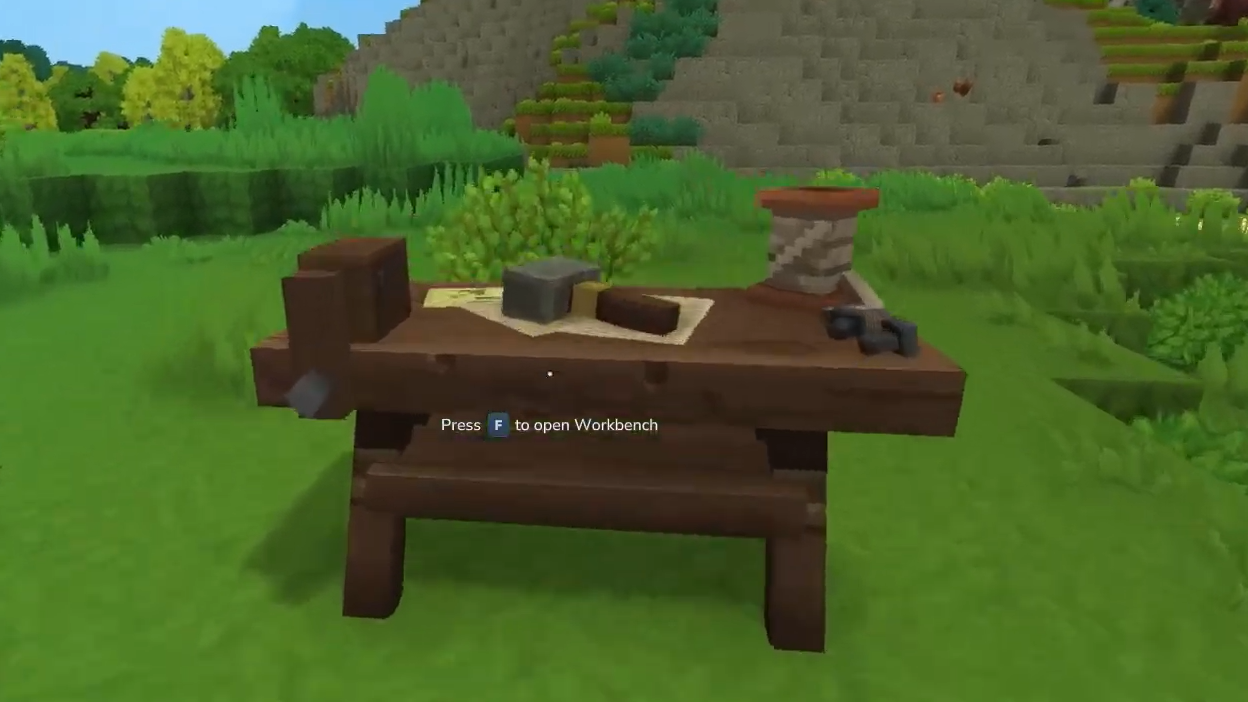
Step 3: Walk up to the placed Workbench and press F to interact. This opens a crafting interface with multiple pages of recipes, including other specialized workbenches.
The basic Workbench is also the station that you upgrade to Level 2, which is required before the Salvager’s Workbench becomes available as a recipe.
Requirements to unlock the Salvager’s Workbench
The Salvager’s Workbench is not available from the start. It is tied to progression on your main Workbench, so you must upgrade that station before the salvaging option appears.
- You need a Level 2 Workbench to access the Salvager’s Workbench recipe.
- The Salvager’s Workbench is categorized as a specialized bench used for destroying items for parts.
The exact upgrade costs for turning your Workbench into Level 2 are defined elsewhere in the game, but the important point here is that you will not see the Salvager’s Workbench until that upgrade is completed.
Salvager’s Workbench crafting recipe
Once your Workbench is Level 2, the Salvager’s Workbench becomes craftable through it. The recipe focuses on metal and basic structural materials.
| Bench | Requirement | Crafting materials |
|---|---|---|
| Salvager’s Workbench | Workbench Lv. 2 | 6x Iron Ingot, 5x Any Tree Trunk, 5x Any Stone |
To put that together, you need three resource types.
Iron Ingot: Refine Iron Ore in a Furnace. Mine iron ore, then smelt it to create iron ingots, which are the core component of the Salvager’s Workbench.
Tree Trunks: Cut down trees with an axe. Any tree trunk type counts toward the “Any Tree Trunk” requirement for this recipe.
Stone: Mine stone blocks with a Pickaxe. Any generic stone works for “Any Stone” requirements.
How to craft the Salvager’s Workbench
Once you have the upgrade and materials, everything flows through the Workbench interface.
Step 1: Confirm that your primary Workbench is Level 2 and that you have at least 6 Iron Ingot, 5 Tree Trunks, and 5 Stone in your inventory.
Step 2: Walk to your placed Workbench and press F to interact, then browse through the crafting pages. The Salvager’s Workbench appears on a later page of the workbench crafting list.
Step 3: Select the Salvager’s Workbench entry and press the Craft button. If all ingredients are present, the new bench is created and moved into your inventory.
From this point, the Salvager’s Workbench behaves like other stations: it must be placed before you can interact with it.
How to place and access the Salvager’s Workbench
Step 1: Open your inventory, equip the Salvager’s Workbench to your hotbar, and select it.
Step 2: Choose a location at your base or anywhere with enough space and place the Salvager’s Workbench on the ground.
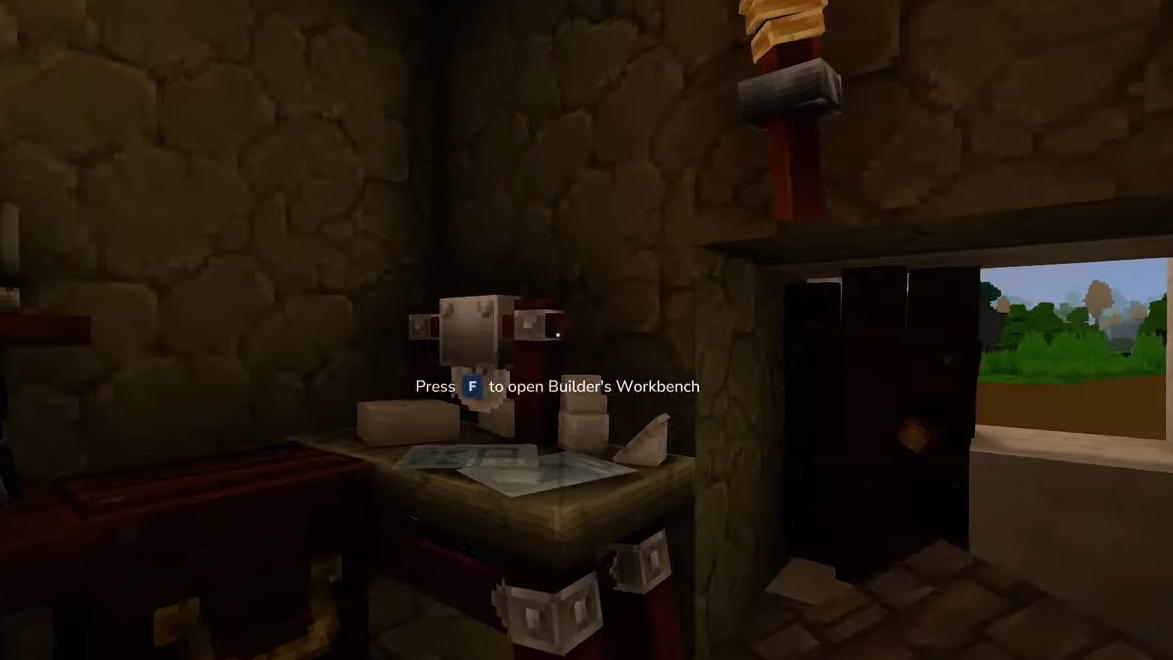
Step 3: Approach the placed Salvager’s Workbench and press F to open its dedicated salvaging interface.
It is usually practical to position the Salvager’s Workbench close to storage chests and other workbenches, since salvaging often happens alongside reorganizing inventory and crafting new gear from recovered materials.
How salvaging works on the bench
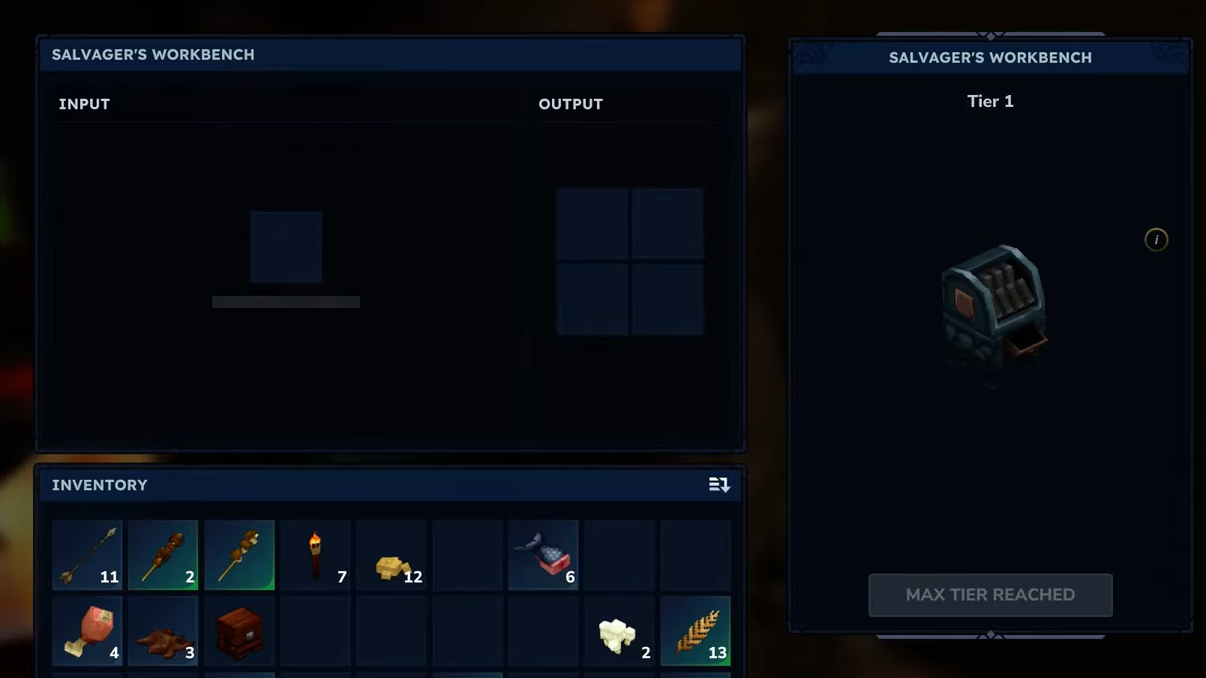
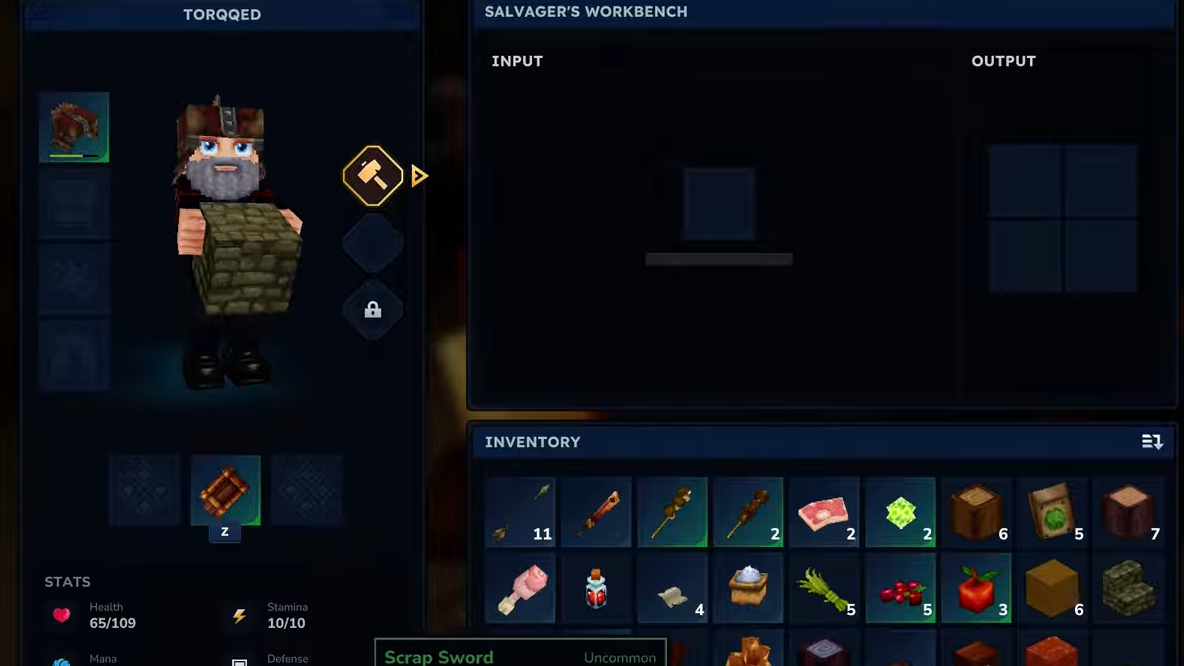
Interacting with the Salvager’s Workbench brings up a simple interface. In the middle, there is an input slot where you place items you want to break down. On the right, there is an output area showing the materials you will receive from the salvage.
Step 1: Open your inventory while standing at the Salvager’s Workbench interface. Items that can be salvaged are highlighted, making them easy to identify.
Step 2: Move one eligible item into the Input slot at the center of the salvager UI. The bench previews what you will get back in the adjacent Output area.
Step 3: Confirm the salvage action. The item is destroyed, and you receive the listed raw materials, which you can then move into your inventory.
The exact yield depends on the item, but the general pattern is to return some of the original ingredients rather than their full cost. Since the bench does not need fuel, you can repeat this process for as many items as you like, limited only by the number of salvageable items you have on hand.

Why the Salvager’s Workbench matters for progression
Once unlocked, the Salvager’s Workbench becomes part of Hytale’s resource management loop. It reduces the penalty for experimenting with builds or crafting multiple variants of tools and weapons, since unwanted results can be turned back into useful materials.
It also helps keep storage under control. Instead of hoarding outdated equipment or throwing it away, you can dismantle it, reclaiming iron, wood, stone, and other resources for future crafting. Combined with other specialized workbenches such as the Armorer’s Workbench or Alchemist’s Workbench, the salvager supports a more flexible and efficient approach to building, combat, and exploration in the game.