

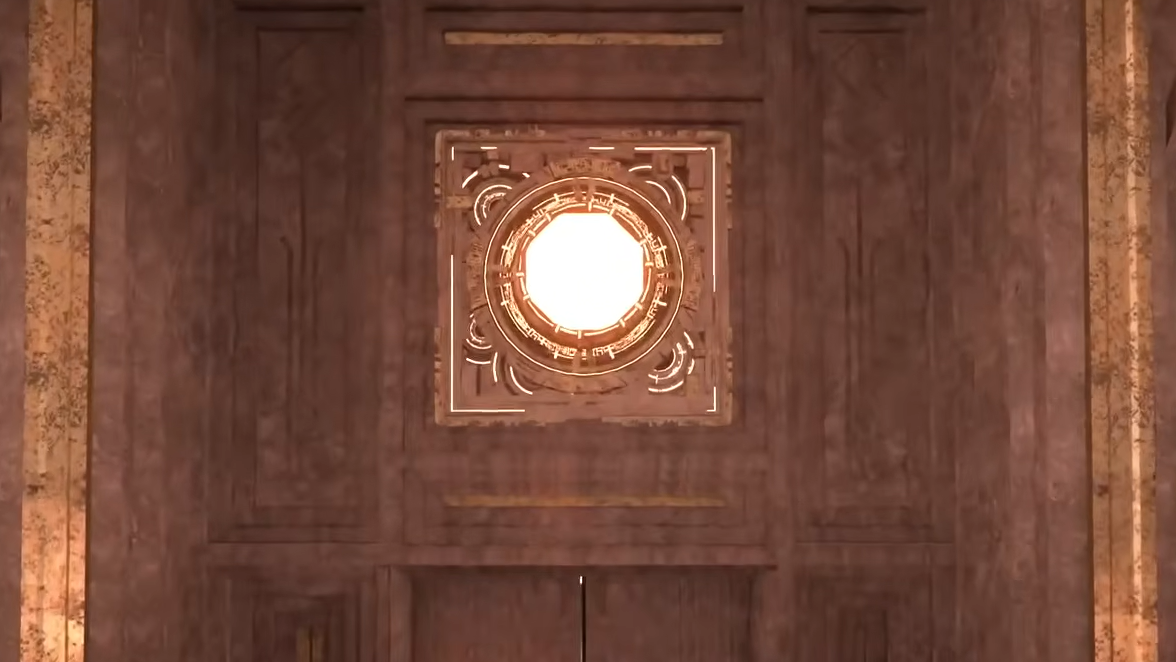
Light-reflection puzzles appear throughout Crimson Desert's open world, typically blocking doors or gating progression through ancient ruins. They all rely on the same mechanic: directing concentrated light at a glowing source until it cycles through a color change. The first one you'll likely encounter is inside the Corridor of the Void, where a sealed door won't budge until the puzzle above it is completed.
Quick answer: Stand in front of the light source, tap L1 + R1 (or LB + RB) once to enter the reflection stance, then release both buttons. Next, press and hold only L1 (or LB) to activate Blinding Flash and aim the reticle at the light source. Hold your aim for roughly three to five seconds until the light shifts from orange to purple and then back to orange — that completes the puzzle.
Light-reflection puzzle controls (controller)
| Action | PlayStation | Xbox |
|---|---|---|
| Enter reflection stance | Tap L1 + R1 (single press, then release) | Tap LB + RB (single press, then release) |
| Activate Blinding Flash / aim reticle | Press and hold L1 | Press and hold LB |
| Solve the puzzle | Keep aiming at the light source until color cycles orange → purple → orange | Same |
On keyboard and mouse, the equivalent stance is entered with CTRL. Press CTRL once to enter the Blinding Flash stance, release it, then press and hold CTRL again to begin focusing the beam on the target.
Walkthrough for the Corridor of the Void puzzle
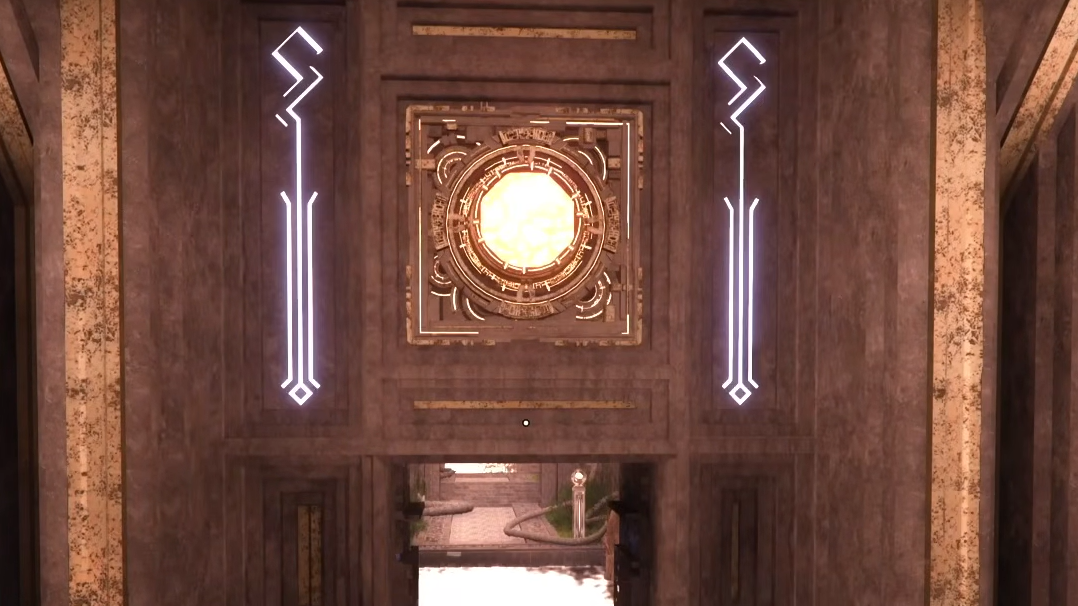
Step 1: Approach the sealed gate inside the Corridor of the Void. You'll notice a glowing orange light source mounted above the door. Position yourself directly in front of it.
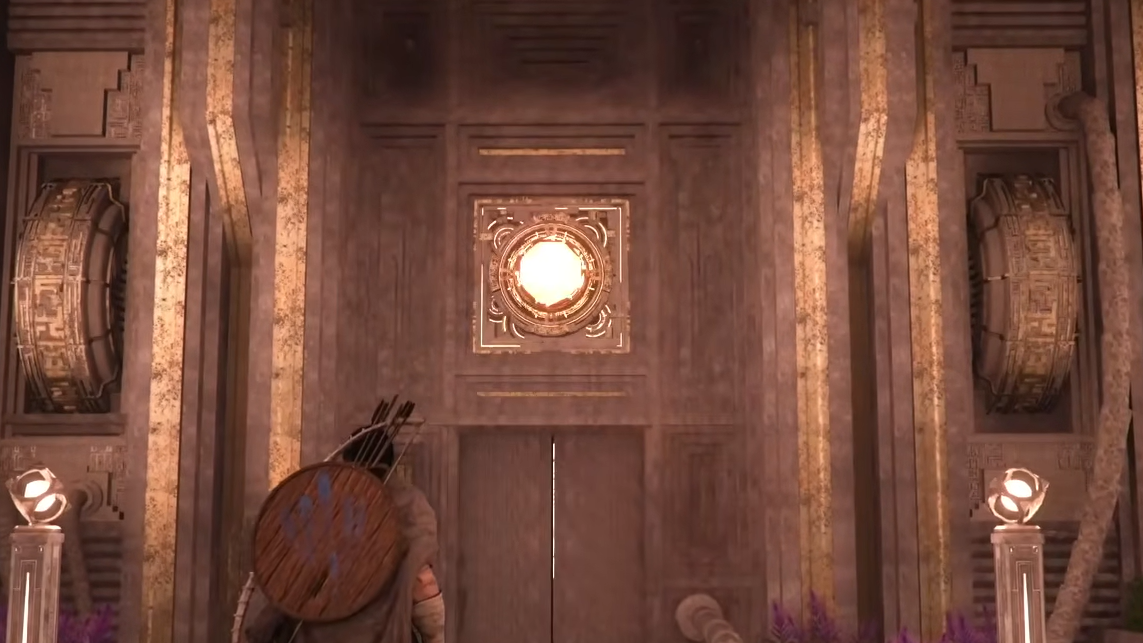
Step 2: Tap L1 and R1 simultaneously (or LB and RB on Xbox controllers) and immediately let go of both buttons. This initiates the reflection process and transitions the camera into an aiming view.
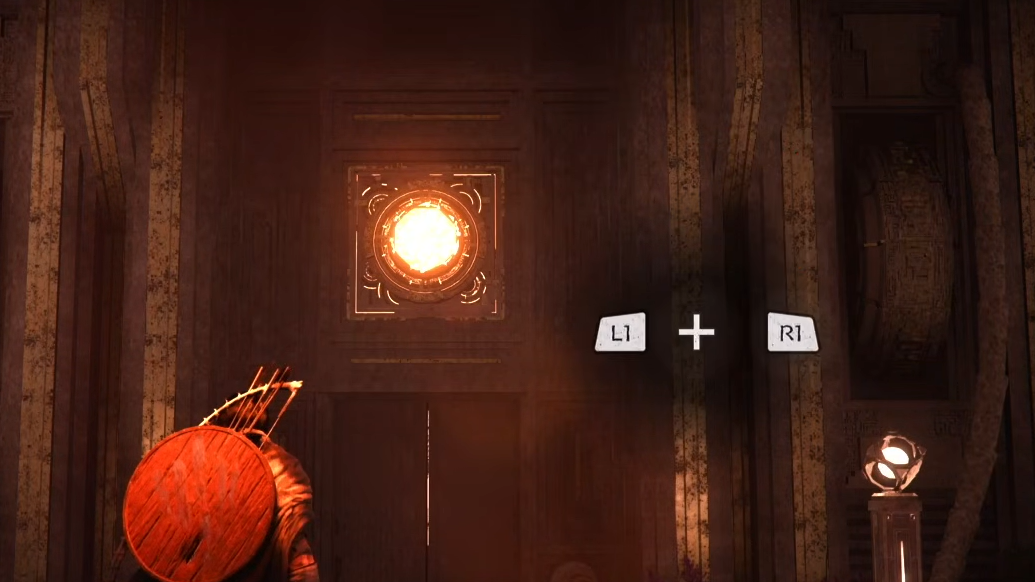
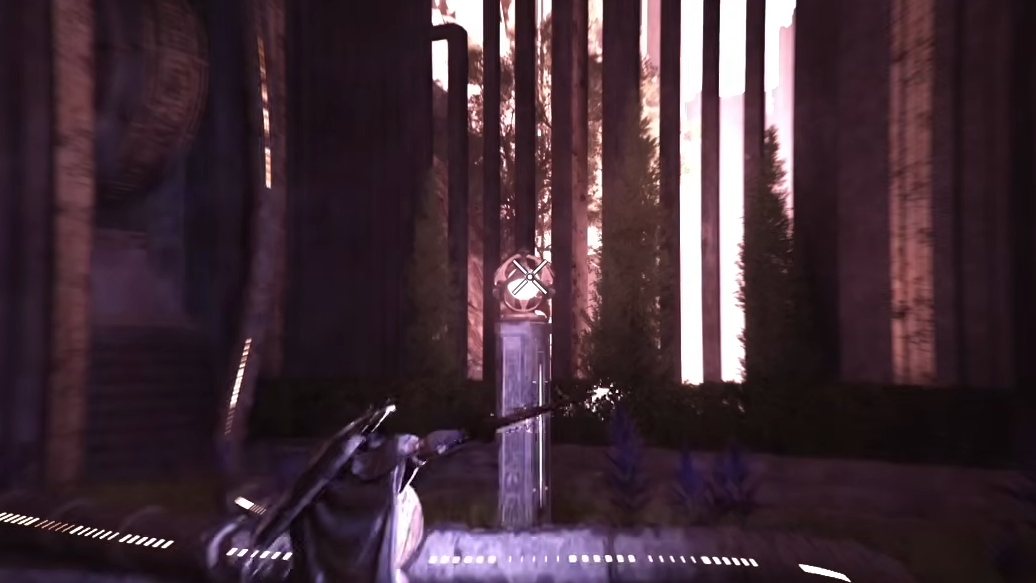
Step 3: Now press and hold only L1 (or LB). An aiming reticle will appear on screen. Point it squarely at the light source above the door.
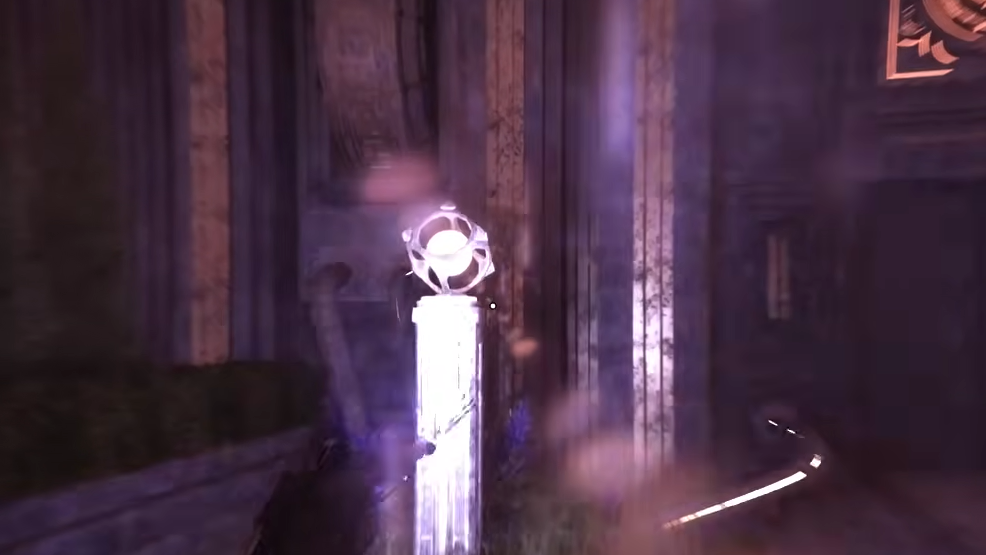
Step 4: Keep the reticle locked on the light for approximately three to five seconds. The light will shift from orange to purple. Continue holding your aim — once it cycles back to orange, the puzzle is solved, and the gate unlocks automatically.
Common mistakes and how to avoid them
The biggest pitfall is continuing to hold both shoulder buttons after the initial activation press. Only the first tap requires both L1 and R1 together. Once the stance is active, everything else runs through L1 alone. If the reticle never shows up, you're almost certainly still gripping R1.
The second issue is impatience. After you start aiming at the light source, Crimson Desert provides no immediate visual feedback for a few seconds. Many players assume they're doing something wrong and reposition or release the button. Stay steady — the color shift will begin after a brief delay, and the full orange-to-purple-to-orange cycle takes only a handful of seconds once it starts.
Make sure you're aiming directly at the light source itself, not at the door or the surrounding wall. The reticle needs to sit on the glowing element for the ability to register.
Later light-reflection variants
After the Corridor of the Void, light-reflection mechanics reappear as components of larger, more complex puzzles deeper in the game. The underlying method never changes — activate the stance, hold L1, aim at the light, wait for the color cycle. What does change is the context: you may need to solve multiple light sources in sequence or combine the reflection step with other puzzle mechanics in the same room.
Whenever you see a glowing orange light source blocking your path, the Blinding Flash approach is the answer.
Other uses for Blinding Flash
Blinding Flash isn't limited to puzzles. You can use it in the open world to ignite vines that block pathways or hide collectibles. Aim at the vine the same way you'd aim at a puzzle light source, and it will catch fire after a moment.
The ability can also be upgraded through the Abyss Artifact skill tree. Investing in the Blinding Light Finisher unlocks a combat application that temporarily blinds enemies, leaving them vulnerable to follow-up attacks for several seconds. The combat version is faster and less precision-dependent than the puzzle version, so it slots naturally into aggressive playstyles.
Light-reflection puzzles look intimidating the first time, but once you internalize the two-phase button sequence — tap both bumpers, then hold only L1 — they become one of the more straightforward obstacles in Crimson Desert. The real trick is patience: keep the reticle steady and trust that the color change is coming.