

In StarRupture, losing control of a Base Core feels catastrophic. One touch from a bug and the entire area flips into a hostile blue haze filled with enemies, disabled shields, and buildings you can’t dismantle.
The situation looks permanent at first, but an infected Base Core is recoverable if you understand how infection, cysts, and rupture phases interact.
What happens when a Base Core is infected
When an enemy reaches and “slimes” a Base Core, several things change at once across that Core’s coverage area.
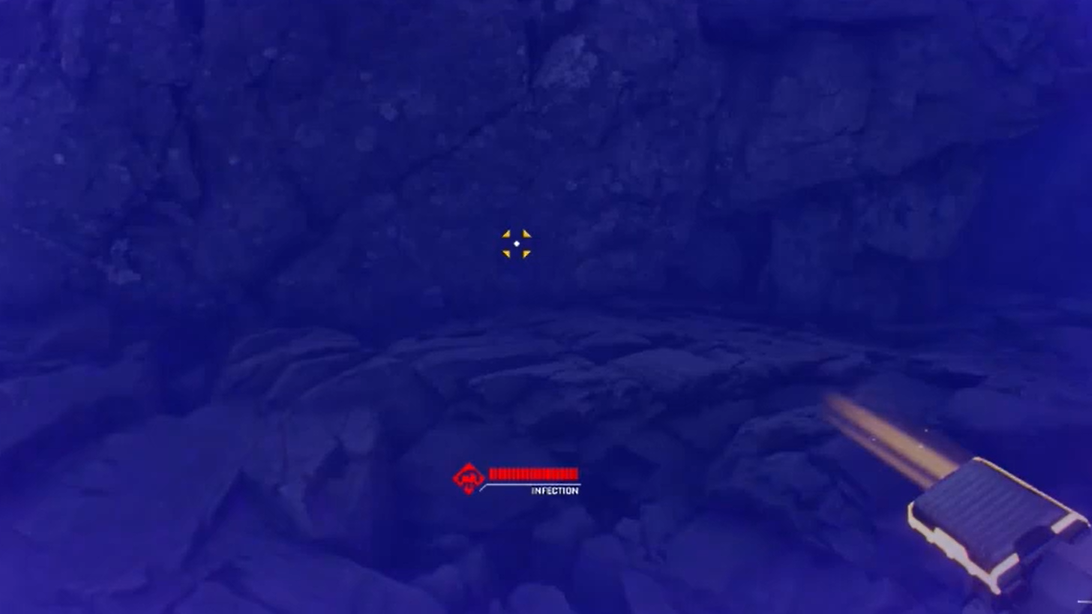
- A persistent infection cloud appears. The region around the tower is blanketed in a blue or purple fog. Walking into it strips your shield and blocks normal healing.
- The area becomes a bug hotspot. Enemies cluster around the infected tower and can continue spawning nearby, turning the entire region into a combat zone.
- Buildings are effectively locked. Any structures inside the infection zone are treated as contaminated. You can’t dismantle “slimed” buildings until the infection is cleared.
That combination makes an infected helium or resource base feel like a write‑off. In practice, the Core itself is the key: cleanse it, and the area becomes usable again.
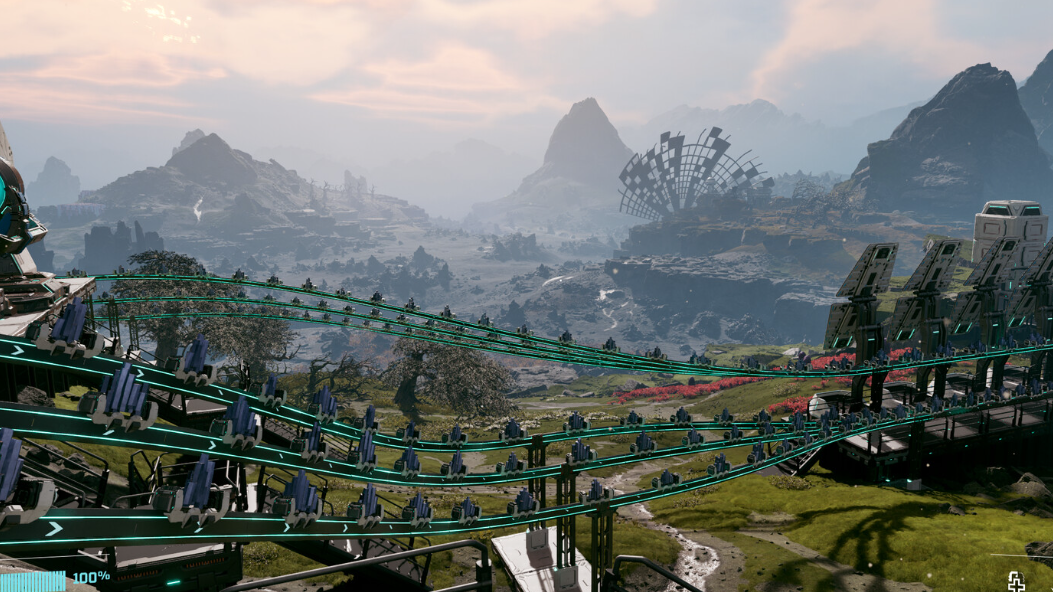
How infection affects you inside the cloud
The infection cloud is punishing but not instant death.
- Shield is disabled. Entering the cloud removes or suppresses your shield, which makes you far more vulnerable to any bugs still defending the tower.
- Healing is blocked. You lose access to normal health regeneration or shield recharge while you’re inside the infected zone, which makes extended fights risky.
- Movement is still allowed. You can physically walk through the cloud and reach the tower; the danger comes from being unable to tank hits or recover mid-fight.
That tradeoff is important. You are allowed to push into the cloud to fix the problem, but you have to plan for low effective health and a dense pack of enemies around the Core.
Where to find the infection cyst on a Base Core
Every infected Base Core has a visible growth attached to it, usually described as a cyst, tumor, nodule, or bug clinging to the tower.
- Placement is partway up the tower. The cyst is not always at ground level; it can sit half‑way up the shaft, which makes it easy to miss if you only check from one angle.
- It visibly pulses or glows. Players describe a “pulsating” or “growth” look that stands out against the metal tower, often blue or purple.
- Other infected structures behave similarly. Geo‑scanners and other objects that get slimed can also develop a single purple-blue lump. Shooting that lump clears the slime from those devices.
Once you locate the cyst on the Base Core, destroying it is the first real step toward reclaiming the area.
How rupture phases interact with infected cores
StarRupture’s planetary cycle can temporarily change how the infection behaves, and that timing matters for some reclaim strategies.
- During a rupture (“burn”). The world enters a charred, ashen phase after the planetary burn. Infection fields can temporarily disappear or weaken just after the rupture, allowing safer access to the tower for a short window.
- In the ashen / post‑rupture phase. Players report reaching previously lethal infected cores during the ashen phase because the field is gone or not yet rebuilt, even though the tower is still corrupted.
- Once the world returns to “stable phase.” The infection cloud can reappear, and in at least one case, the cyst became destructible only when the cloud was active again. At that moment, destroying it triggered a large spider spawn before the tower could be cleansed.
Timing your reclaim attempt around a rupture reduces exposure to the cloud and can change when the cyst becomes vulnerable, but it doesn’t remove the need to fight or clear the infection properly.
How to destroy the cyst on an infected Base Core
Once you know where the cyst is, you need to break it before you can interact with the tower.
Step 1: Secure the immediate area as much as possible. Lure bugs out of the infection cloud and kill them where your shield still functions, so there are fewer enemies between you and the Core when you move in.

Step 2: Approach until you can clearly see the cyst. This may mean stepping partway into the infection zone and looking up the tower. Watch your health closely because your shield and healing will be disabled.
Step 3: Shoot the cyst with any ranged weapon or the Harvester beam. Players have successfully used the ranged rifle and the Harvester mining tool to pop it. A healthy cyst breaks in a small number of hits once it’s actually vulnerable.
In some cases, the cyst can show a shield icon and make a “thunk” sound when shot, indicating it is currently invincible. That behavior is tied to phase timing:
- If the cyst is invulnerable during the ashen phase, leave and wait for the infection cloud to reappear in the next stable phase, then try again.
- If the cyst is already vulnerable right after you clear a wave, you can shoot it immediately without waiting for a rupture.
Once the cyst is destroyed, the infection cloud does not always vanish instantly, but it will dissipate shortly afterward and open the way to disinfect the tower.
How to disinfect and reclaim an infected Base Core
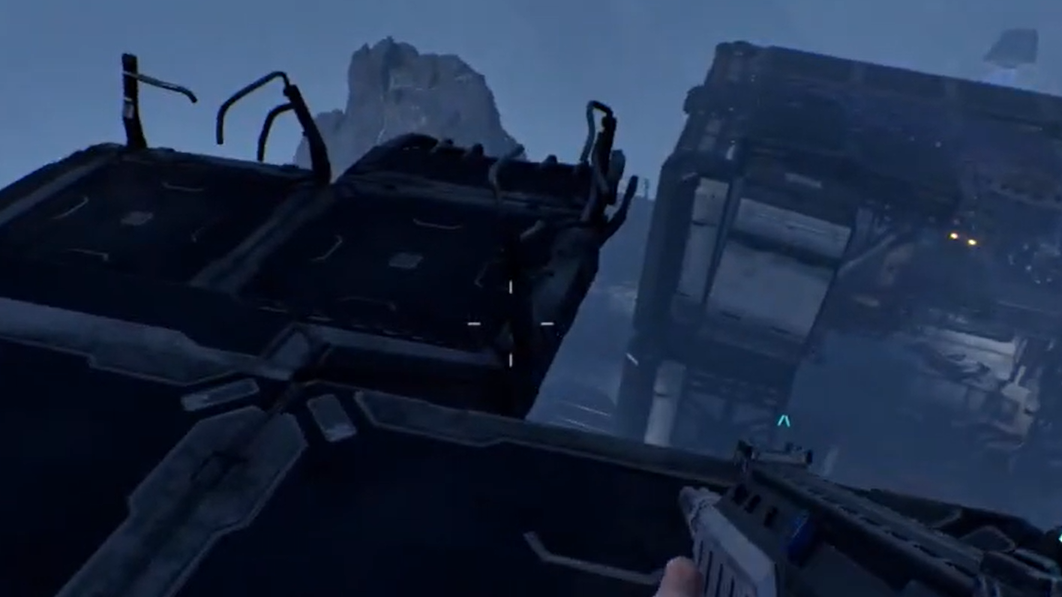
With the cyst gone and the tower exposed, the final step is an interaction at the Base Core itself.
Step 1: Move into the area once the cloud has fully or mostly cleared. You want to stand at the Base Core’s interaction point without the infection constantly stripping your shield.
Step 2: Look at the Core and hold the interaction key (default is E). The same long press that clears heat from structures after a rupture also removes infection from buildings and Base Cores.
Step 3: Wait for the disinfect animation or progress to finish. When the interaction completes, the tower is considered cleansed, the environment returns to normal, and buildings within that coverage area become usable and dismantle‑able again.
Players who reclaimed helium‑node bases describe this as a complete recovery: the blue poison cloud disappears, and the region functions like a normal base once more.
What to expect when reclaiming during stable phase
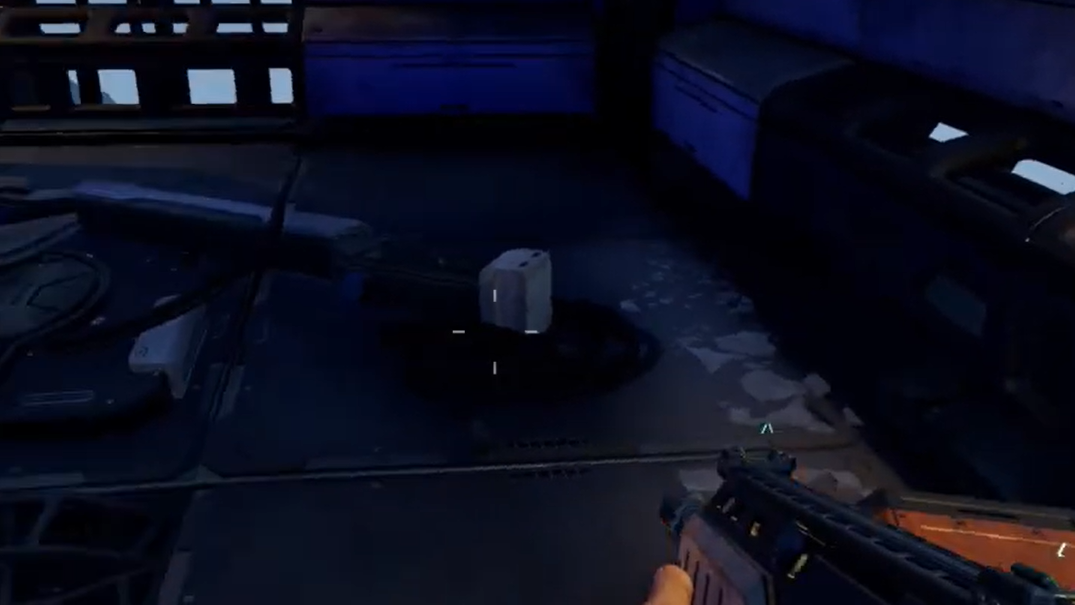
Reclaiming an infected Base Core while the infection cloud is active can be significantly more dangerous than sneaking in during a post‑rupture lull.
- Large enemy spawns are possible. Destroying the cyst during stable phase has triggered immediate waves of spiders, with reports of dozens spawning almost at once around the tower.
- Zone control matters. Having rail supports or other obstacles built around the tower can buy time. One player surrounded the Core with rail supports, then used that protection to kill the cyst and safely deconstruct the Core under pressure.
- Infection can be shot from outside the zone. In some cases, the cyst is visible and hittable from just beyond the edge of the infection cloud, letting you destroy it while keeping your shield active.
Whether you push during stable phase or after a rupture, it’s worth treating the reclaim as a planned operation rather than a casual cleanup.
When the cyst doesn’t spawn or seems bugged
There are edge cases where reclaiming a Base Core is blocked for reasons that don’t match the normal rules.
- Cyst never appears. Some players describe towers that were infected “right before a wave” where the required tumor never spawned at all, leaving the Core unreclaimable in that playthrough.
- Cyst permanently invulnerable. In other reports, the growth appears but never stops showing the shield icon, even across phase changes. That prevents any progress towards cleansing the tower.
These situations behave differently from the intended reclaim loop of “find cyst → destroy cyst → disinfect.” At present, there is no reliable in‑game workaround once a Core is in this broken state, beyond abandoning that base and building elsewhere.
How infection works on other buildings and scanners
Base Cores are not the only structures bugs can corrupt.
- Production buildings. Ore extractors, smelters, and other factory pieces near an overrun base can be coated in purple slime. Once the defending bugs are killed, lightly infected buildings sometimes clear themselves after a short delay.
- Geo‑scanners. World geo‑scanners can be slimed during activity. When that happens, they develop a single purple-blue lump on one side. Shooting that lump removes the slime and resets the scanner so you can use it again.
- Interaction to clear infection. For structures that remain contaminated, holding the interaction key on the building clears infection the same way it clears residual heat after a rupture.
Abandoned or lightly contaminated outposts that you no longer rely on do not actively harm you if you leave them alone. They can be ignored while you focus on more critical resource locations.
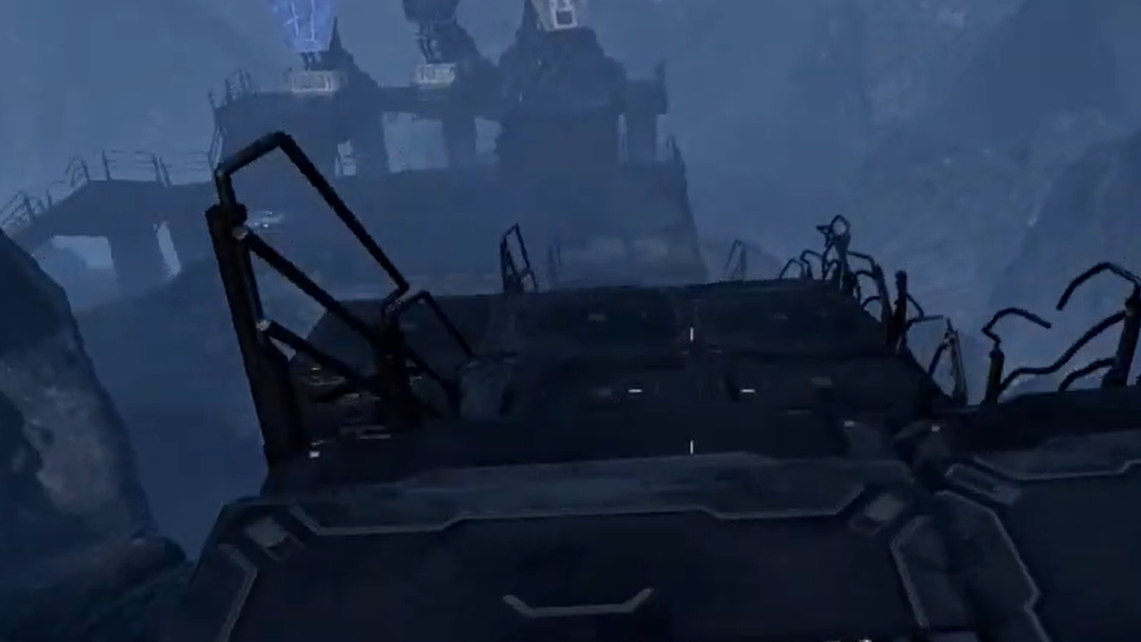
Preventing Base Core infection in the first place
Reclaiming a corrupted Core is possible but stressful. Preventing infection is far easier and cheaper than saving a tower that anchors your helium, titanium, or transport infrastructure.
- Protect the Core’s base. Place defenses and physical obstructions so that spiders and other bugs cannot easily path directly into the Core’s hitbox.
- Respond aggressively to waves. Infection usually follows from being overrun. If you are leaning more into base building than combat, invest early in better weapons and regeneration so you can clear waves before they reach the tower.
- Accept that some outposts are expendable. If a distant base falls early, especially one on non‑critical resources, it may be more efficient to abandon it and re‑build with better defenses elsewhere rather than risk repeated runs into an infection cloud.
Once a Core is infected and behaving properly, you can still save it. Find and break the cyst, wait for the cloud to recede, and hold the interaction key to disinfect the tower. Keeping that loop in mind turns what looks like permanent loss into a recoverable setback rather than true permadeath for your base network.