

Verso’s Drafts is a new playable environment added in Update 1.5.0 for Clair Obscur: Expedition 33. It’s designed as an explorable, storybook-like detour with new encounters, secrets, and unlockables, plus it anchors a broader batch of late-game additions like Endless Tower boss variants, Photo Mode, and Lumina loadouts.
Verso’s Drafts access requirements (Act III and Esquie’s Underwater ability)
Verso’s Drafts is gated behind story progression and movement capabilities. You must reach Act III, and you must have Esquie’s Underwater ability to reach the area.
Step 1: Progress your save until you are in Act III. The area is not intended to be accessible earlier on a standard playthrough.
Step 2: Make sure Esquie’s Underwater ability is unlocked before you try to travel there. Without it, you won’t be able to access the location on the World Map.
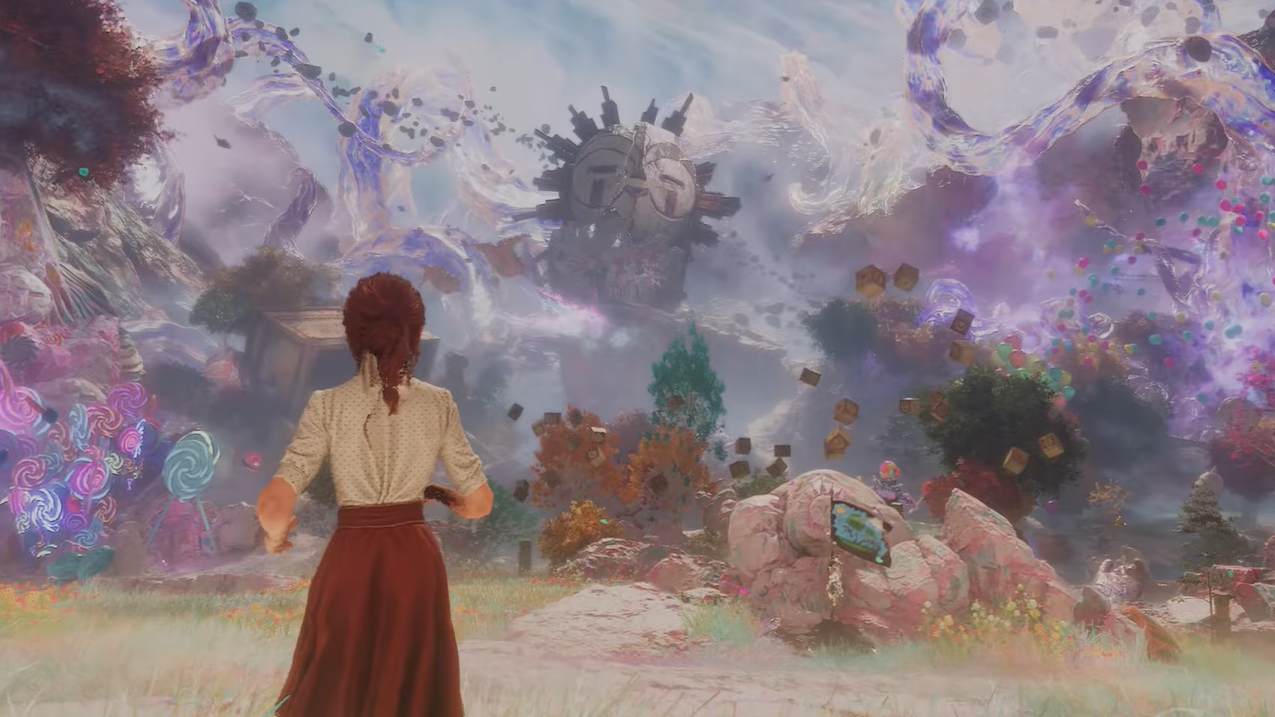
Verso’s Drafts location on the World Map (near Lumière)
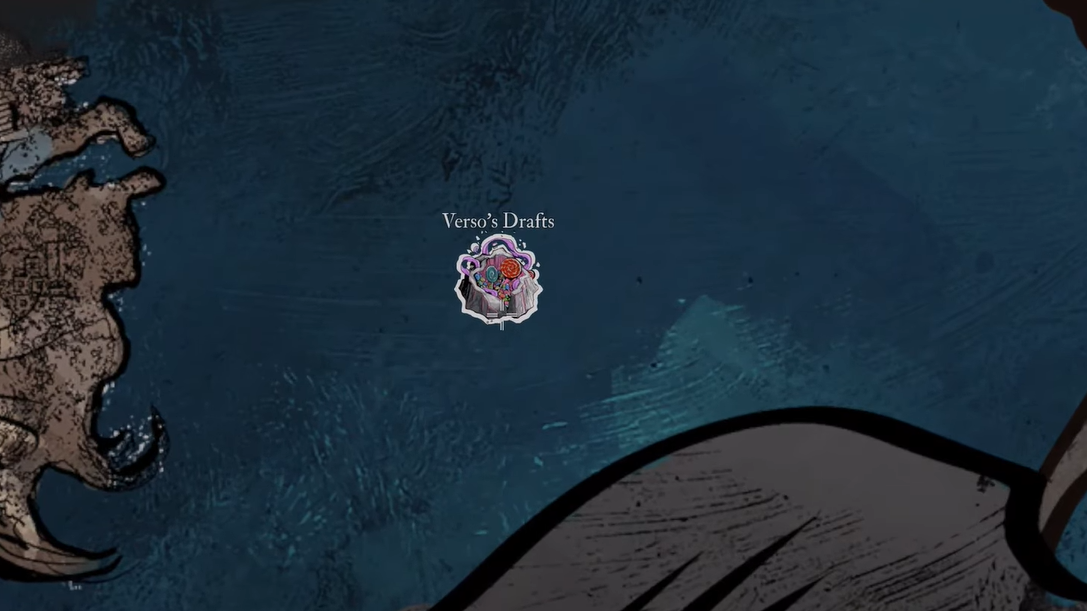
Once the requirements are met, Verso’s Drafts appears on the World Map next to Lumière. Travel on the Continent and look for the new entry near that landmark; it’s positioned as an adjacent world-map destination rather than a hidden interior trigger.
What changes in Update 1.5.0 beyond the new area
Verso’s Drafts arrives alongside several system and content additions that affect the rest of the game, especially in the postgame.
| Update 1.5.0 addition | What it does |
|---|---|
| Photo Mode | Available from the pause menu, with extensive camera and visual options, including filters and adjustable lighting. |
| Lumina Sets | Lets you save up to 50 Lumina loadouts for quick swapping between builds. |
| Endless Tower new boss battles | Adds late-game fights that remix iconic bosses into harder variants, with new rewards. |
| New costumes and customization | Adds new costumes (and related cosmetic options) for each party member. |
| New Luminas and Weapons | Adds additional combat customization through new equipment and Luminas. |
| Abandon Battle option | Adds a way to exit battles via the pause menu, including while in combat. |
| HUD Scale setting | Lets you resize HUD elements from 80% to 120%. |
| Controller input remapping | Adds controller remapping options. |
| Additional language support | Adds Czech, Ukrainian, Latin American Spanish, Turkish, Vietnamese, Thai, and Indonesian, bringing total supported languages to 19. |
| “Old Key” added to the final area | Places the Old Key quest item in the final area, offering another chance to collect all journals in one playthrough. |
Handheld PC and PC graphics changes in 1.5.0
Update 1.5.0 also targets PC performance and handheld play. The game is certified on Steam Deck and ROG Xbox Ally, with improvements to text legibility, fixes to fog and lighting in several areas, and lifted limitations like an FPS cap on Steam Deck. PC also gains FSR 4 support, including AMD temporal upscaling and Frame Generation on compatible hardware.
Bug fixes that may affect builds and combat behavior
A few balance and behavior fixes can change how certain setups perform after updating.
- Breaking Death no longer breaks all enemies when a character dies; it only breaks the enemy that delivered the killing blow, and it no longer triggers if a character kills themself.
- Boucharo now grants the intended +50% Critical chance instead of +150%.
- Some Luminas had unintended hidden +10% damage and were corrected, including Sweet Kill, Teamwork, Dead Energy II, and First Strike.
For players returning specifically for Verso’s Drafts, the practical checklist is simple: reach Act III, unlock Esquie’s Underwater ability, then head to the new World Map node next to Lumière and enter.