

Weapon swapping in Where Winds Meet sits on top of several different systems: basic controls, unlockable skills, and the martial arts tied to each weapon type. If any one of those pieces is missing, swapping can feel broken or inconsistent.
Basic weapon switching controls
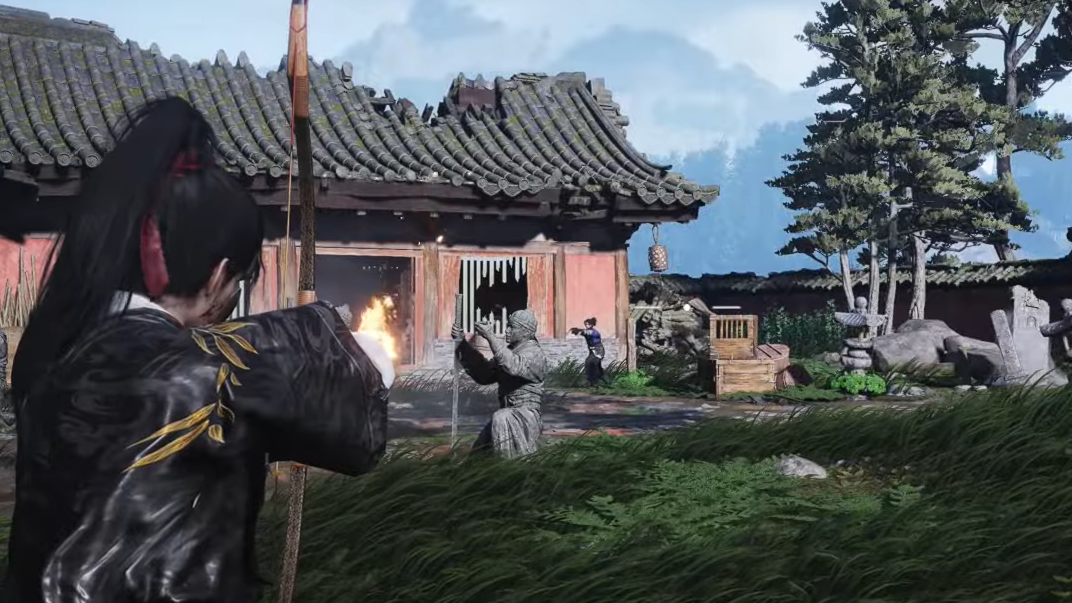
The game supports two main ways to change weapons mid-combat: a direct input on your controls, and a dedicated martial art that swaps while attacking.
Manual swap (default controls)
- Controller: press Down on the D-pad to switch to the next equipped weapon.
- Keyboard and mouse: there is a specific keybind for weapon switch. Open the control settings in the options menu and check the action labeled something like Switch Weapon, then use that key in combat.
The manual input simply cycles between the weapons you have equipped in your current loadout. It does not add attacks or skills by itself; it only changes which martial art weapon you are actively using.
Skill-based weapon swap (Dual-Weapon Skill)
Later, you unlock a core weapon skill that lets you swap while attacking instead of just toggling to another weapon between moves.
What Dual-Weapon Skill does
- Dual-Weapon Skill is the final core weapon skill in its line.
- When activated, it both switches your active weapon and performs an attack, allowing you to chain combos across two weapons.
- Used correctly, it can cancel the end of one weapon’s animation and carry momentum into the next weapon’s opener.
How to use Dual-Weapon Skill
Step 1: Progress until Dual-Weapon Skill is unlocked in the relevant martial art line. This sits at the end of the core weapon skills.
Step 2: Open your Martial Arts or Abilities menu and place Dual-Weapon Skill on an active skill slot in your hotbar.
Step 3: In combat, trigger Dual-Weapon Skill from the hotbar instead of using the manual swap input. Your character will switch weapons and strike in one motion.
Dual-Weapon Skill and manual swap are independent. You can use both: manual swap for simple toggling, and Dual-Weapon Skill when you want a more aggressive, combo-focused changeover.
Why new weapons sometimes feel “empty”
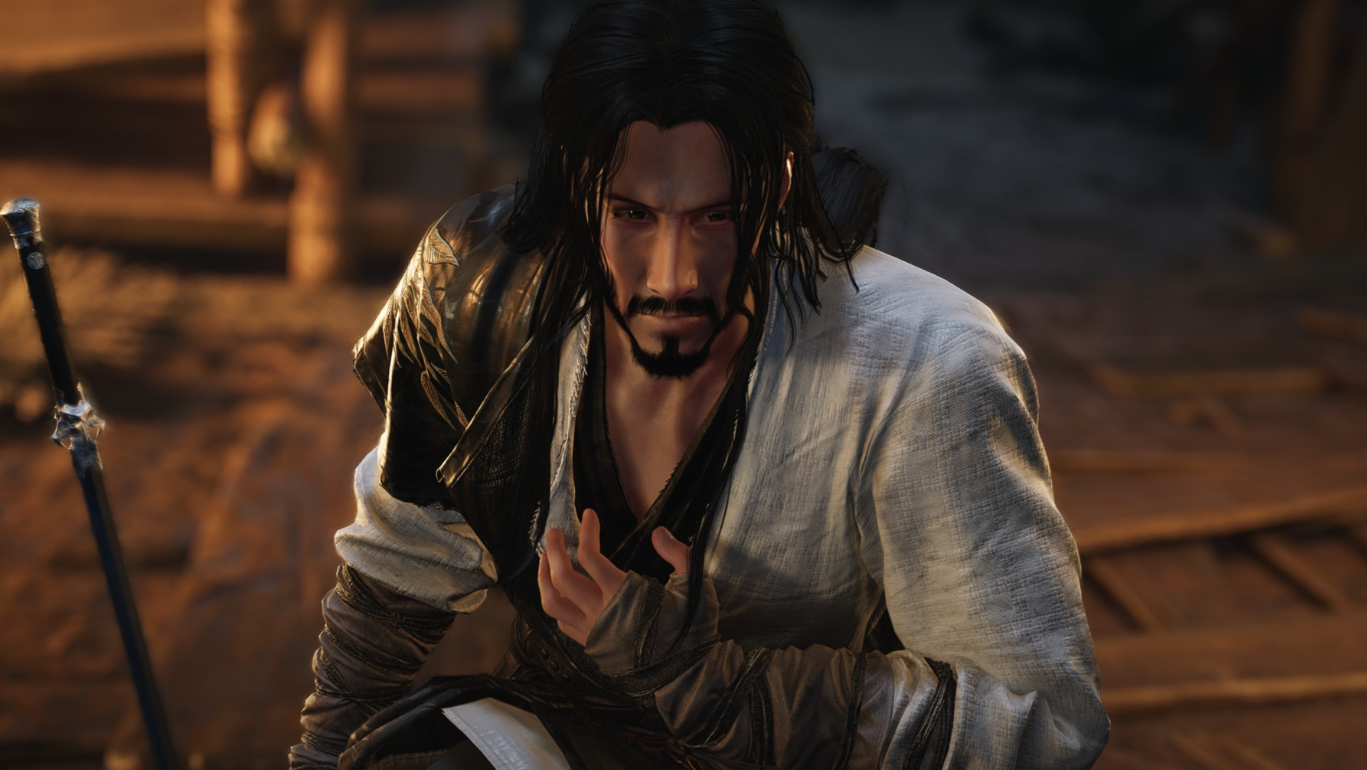
Equipping a new weapon type does not automatically give you a full move set. Heavy attacks, arts, and many abilities are bound to martial arts for that weapon, not just the gear itself.
When you equip a weapon without first unlocking a corresponding martial art, you can end up with basic attacks only and messages like “No more available [weapon] martial arts, obtain now?”. To fix that, you need to learn a martial art for that weapon type.
How to unlock new weapon martial arts
There are two main paths to gaining martial arts for new weapons: specific quests that let you choose a style, and the broader Skill Theft system that lets you acquire more later.
Unlocking your first extra weapon martial art (Oddity Melody Hunts)
One early quest provides a straightforward way to pick up a new weapon style.
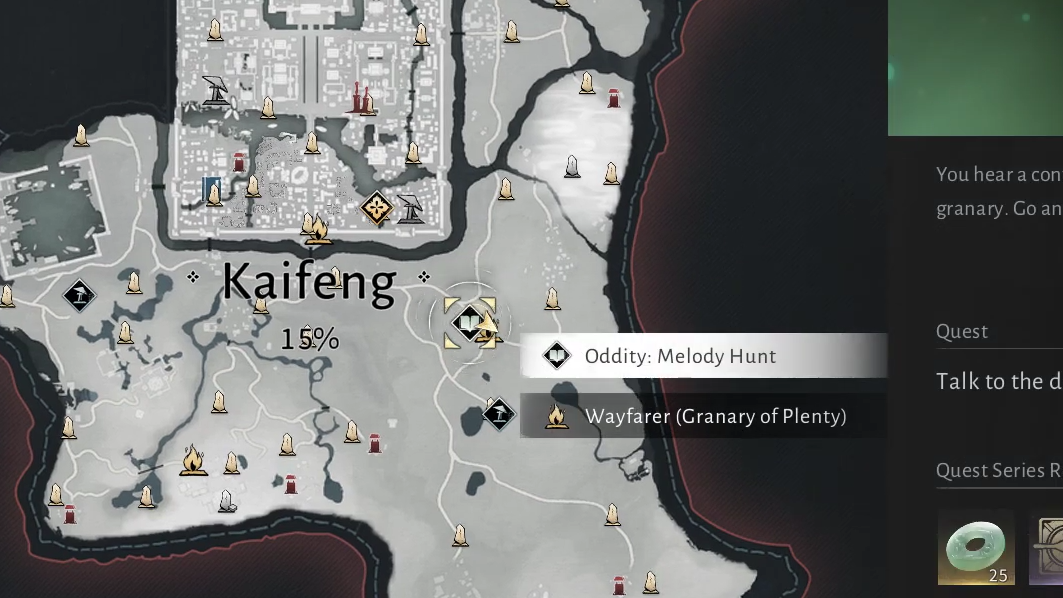
Step 1: Track down the quest called Oddity Melody Hunts on the eastern side of the map. The quest marker highlights the area once discovered.
Step 2: When you reach the objective, equip your bow and switch to fire arrows.
Step 3: Shoot the nearby beehive with a fire arrow and then loot it to obtain the beehive item needed for the quest.
Step 4: Follow the marker to the quest NPC and complete the dialogue.
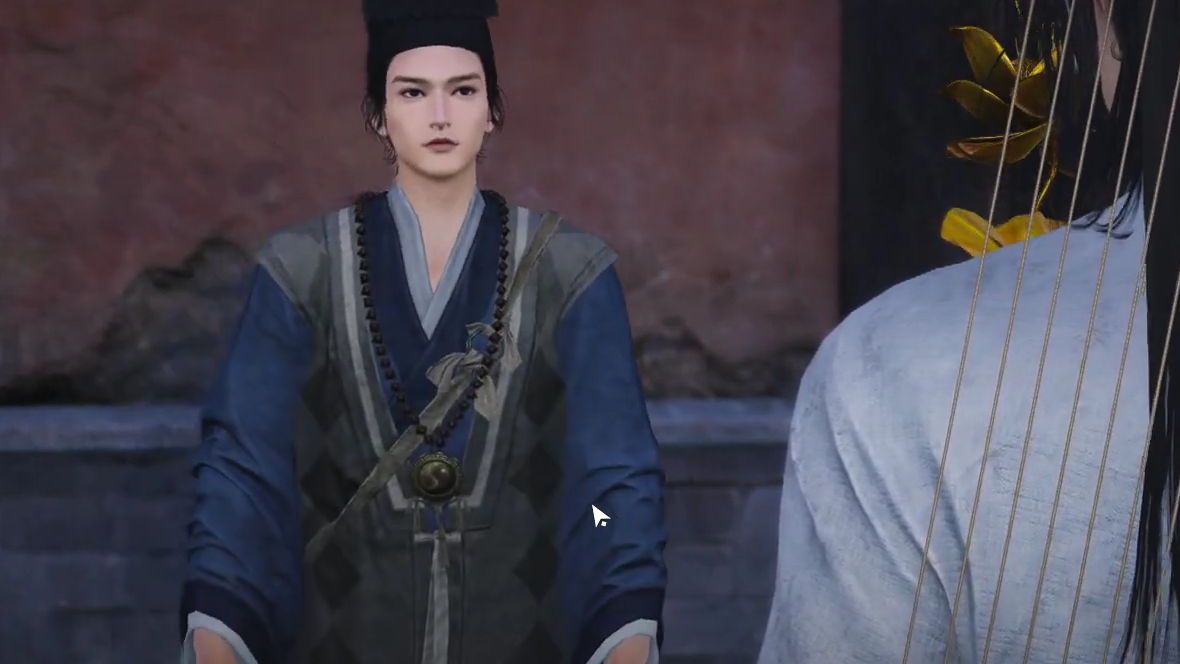
Step 5: At the reward step, choose one of several martial arts that also function as new weapon styles: fan, Mo Blade, dual blades, or umbrella. Once selected, that weapon type gains a complete martial art, including heavy attacks and skills.
After this quest, you cannot simply repeat the same interaction to grab more martial arts for other weapon types. To expand your arsenal, you move into the Skill Theft system.
Unlocking Skill Theft to gain more weapon styles
Skill Theft lets you observe and steal martial arts from enemies across the world, including weapon styles you did not pick during Oddity Melody Hunts.
Step 1: Find and start the Skill Theft exploration quest in the central part of the map. Track it from your exploration quests list and follow the marker.
Step 2: Speak with the NPC at the target location to begin a short tutorial sequence.
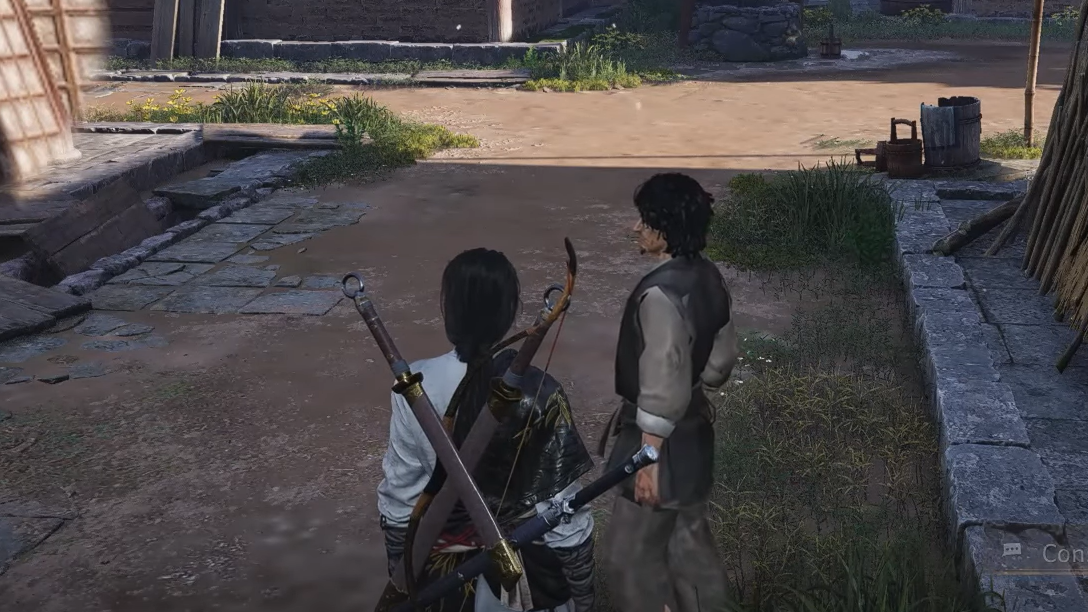
Step 3: When prompted, press V to enter the relevant mode, move your view to highlight a target, then press G to begin observing.
Step 4: Complete the mini-game: as a circle closes in on the target prompt, press your confirm key (for example, F) with the right timing. Success is counted after a couple of correct inputs.
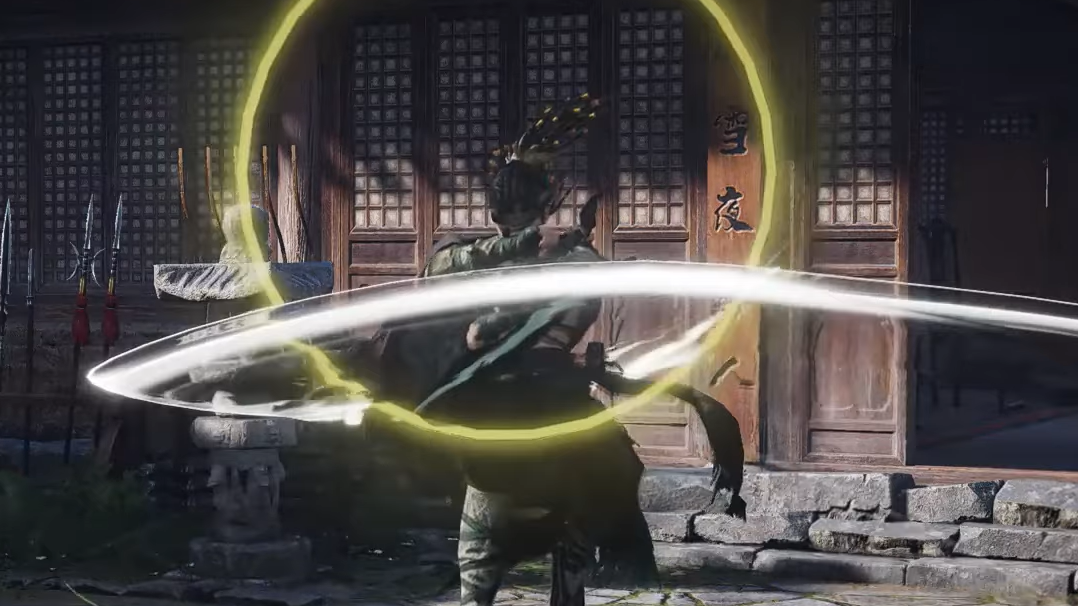
Step 5: Talk to the NPC again to finish the quest and unlock the Skill Theft mechanic permanently.
Once unlocked, Skill Theft becomes the backbone for picking up additional weapon martial arts, including those needed to make future weapon swaps meaningful.
Using Skill Theft to unlock a specific weapon martial art
With Skill Theft available, you can directly target a weapon style you want, then complete a dedicated encounter to earn it.
Step 1: Open the abilities menu with H and go to the tab for the weapon you’re interested in (for example, Mo Blade or another weapon type).
Step 2: Select the martial art you want to obtain. Locked entries usually show an Obtain option at the bottom right of the panel.
Step 3: Click Obtain and confirm. This creates a new Skill Theft mission, adds it to your tracked objectives, and places a marker on the world map.
Step 4: Check the marker’s location. If the target lies in a southern region that is not yet available, it cannot be completed until that area opens later.
Step 5: Before heading out, make sure you have at least one Dragon Key in your inventory. You receive Dragon Keys from:
- The Skill Theft quest itself.
- Completing the level 2 solo mode breakthrough.
- Clearing certain combat outposts on the map.
Step 6: Complete the supporting side quest Echoes of the Old Battle at its marked landmark. This quest unlocks a special assassination-style skill that instantly kills open-world enemies when used correctly.
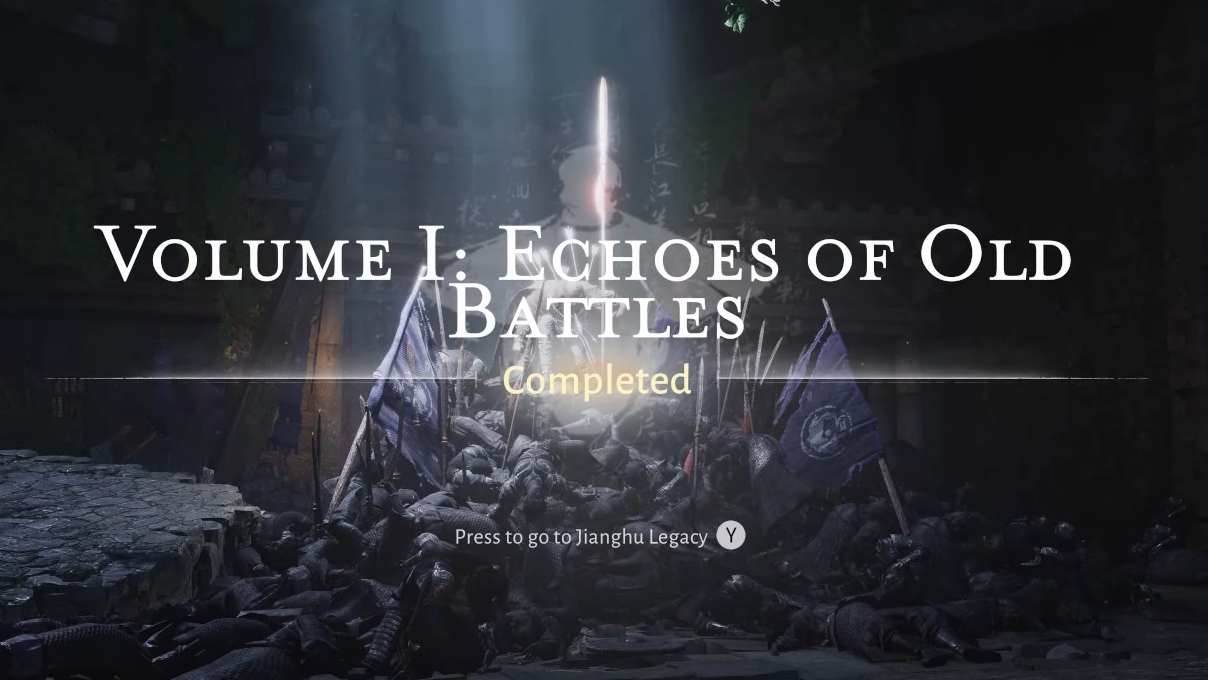
Step 7: Travel to the Skill Theft mission’s location. Interact with the pillow-like object there and choose to Investigate, spending one Dragon Key to enter the instance.
Step 8: Inside, you’ll automatically become invisible. Avoid simply jumping down large drops to prevent movement penalties.
Step 9: Move carefully through the area and watch for patrolling NPCs. Approach them from behind and press your assassination key (for example, F) to perform instant kills using the skill unlocked from Echoes of the Old Battle.
Step 10: Use stealth to keep from being detected. Getting spotted can fail the scenario.
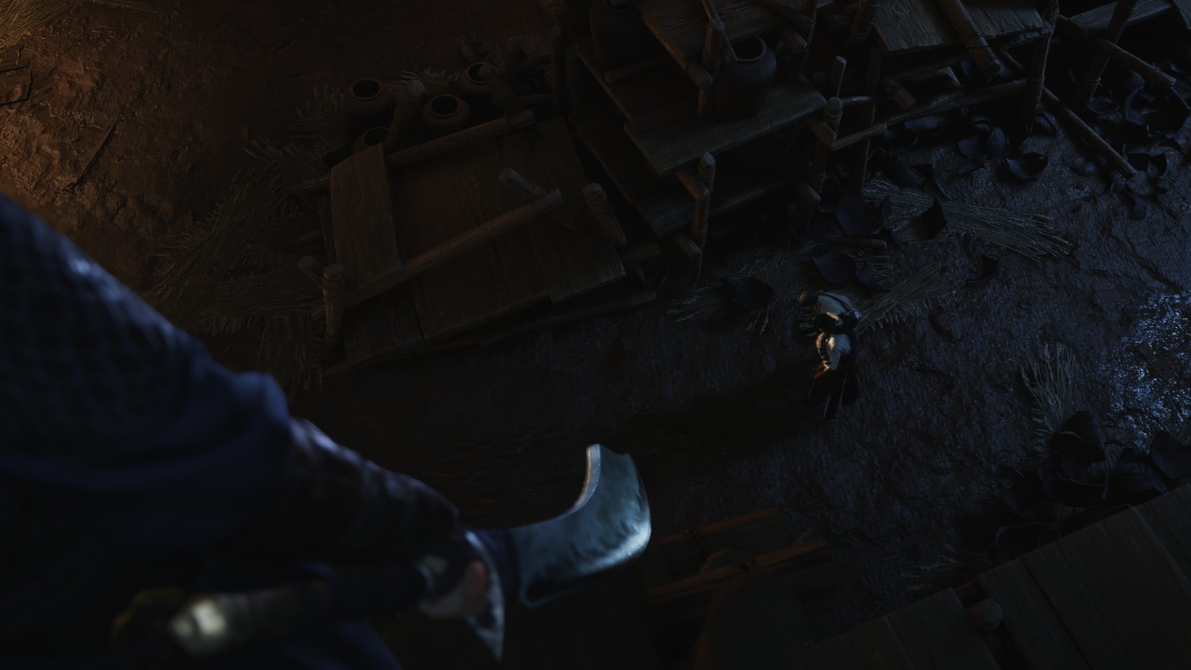
Step 11: Activate any available save point you encounter to avoid repeating long sections.
Step 12: Reach the quest markers that allow you to observe the target martial art. Interact with them (typically with G) to start the same timing mini-game as before. Hit the confirm key when the circle closes in; repeat until the progress bar completes.
Step 13: When the observation succeeds, the martial art unlocks for your chosen weapon—for example, an Inkwell fan style for ranged DPS.
Step 14: Open the map and teleport out of the instance using a fast travel point.
From that point on, when you equip the matching weapon type, you have a full skill set: heavy attacks, arts, and the ability to integrate it into combos and weapon swaps.
“No more available martial arts, obtain now?” explained
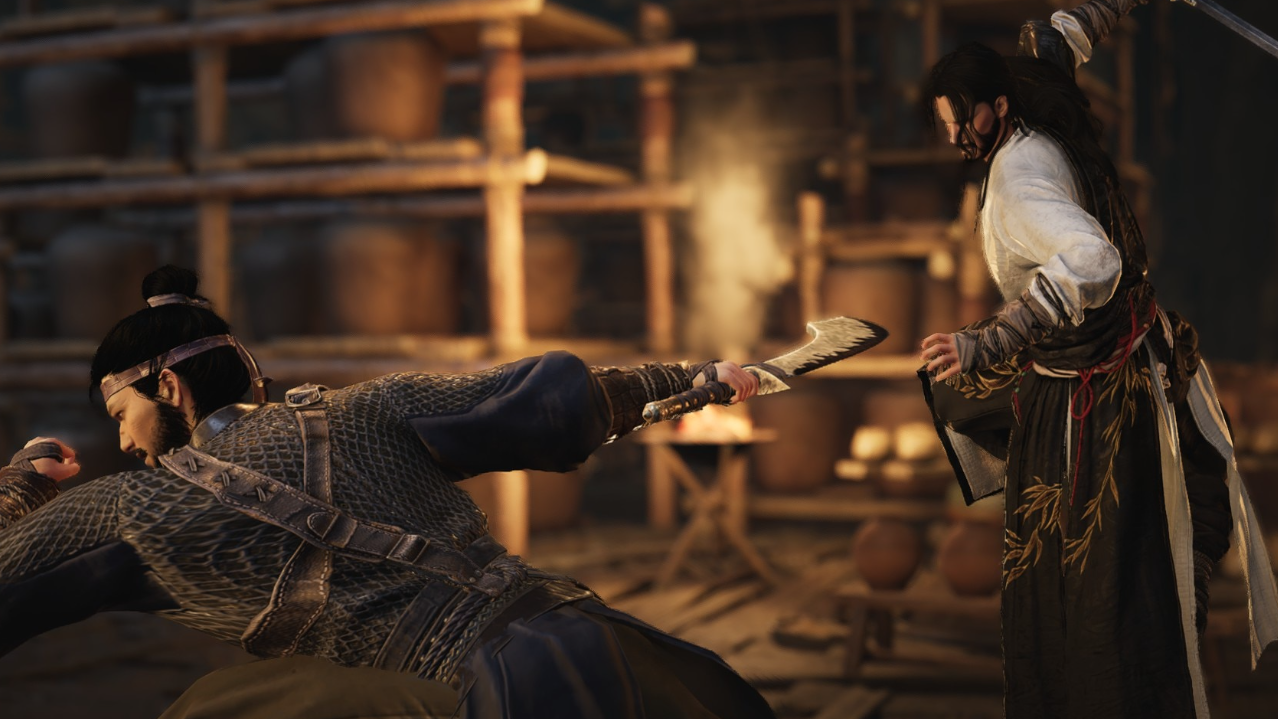
When you try to pair a weapon like Spear with Mo Blade or another style and see a message such as “No more available Mo Blade martial arts, obtain now?”, the game is telling you that:
- You have unlocked the gear or weapon type itself.
- You have not yet unlocked an additional martial art for that weapon to assign in the slot you’re trying to fill.
Choosing the option to obtain usually routes you into the same Skill Theft flow described above, or asks you to join a specific sect or complete a quest chain tied to that martial art.
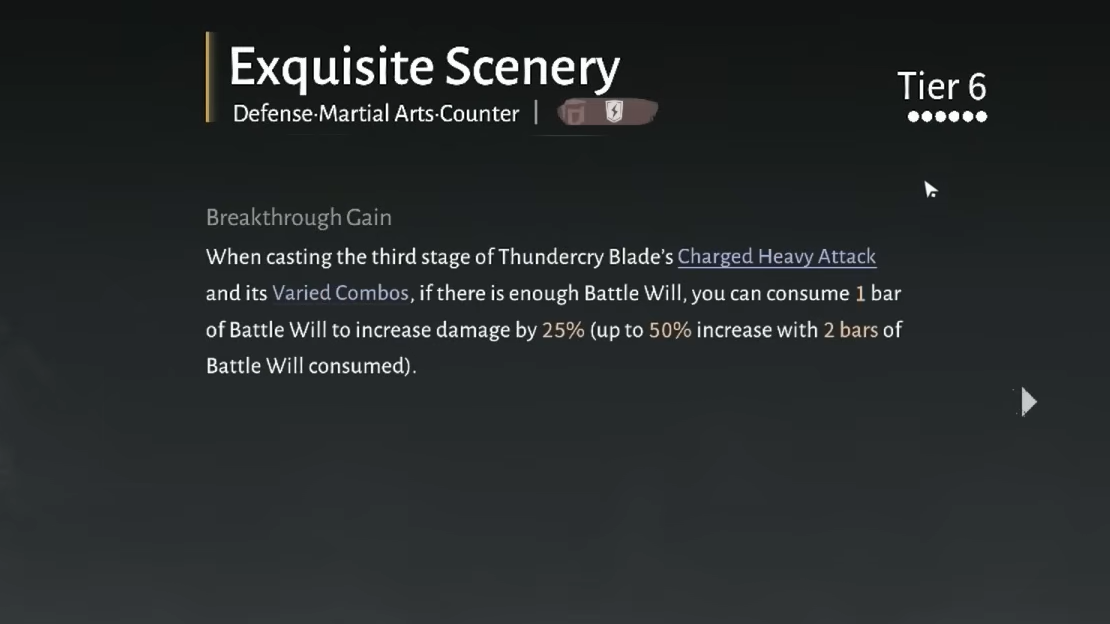
For example, pairing Mo Blade with certain tank setups can require unlocking the Thundercry Blade martial art. That style is tied to the Well of Heaven sect and can also come from a Skill Theft mission around east Qinghe. Finishing the sect line or that theft mission then makes the martial art available, so weapon swap and builds involving that style start functioning properly.
Weapon upgrades and respecs when changing weapons
Swapping weapons in combat is only part of the picture. Gear upgrades and martial art investments are per weapon, but the game provides ways to recycle or reallocate most of what you put in if you change your mind later.
How weapon upgrades work
- Weapons as gear have fixed level and quality values that you improve using materials.
- Weapons do not gain levels from character XP, quests, or general combat experience.
- Later, you can disenchant weapons and armor to get upgrade materials, then invest those into other pieces of gear at the same level range.
Weapon arts—the actual move sets for each weapon—also improve using materials rather than traditional XP.
Resetting weapon levels and reallocating materials
To support experimentation, the system includes resets that refund most of what you spent on a given weapon or inner strength path.
- Each skill set level grants reset opportunities.
- Every season provides at least one free reset.
- When you exhaust free resets, you can still refund almost all training materials for a skill set or inner strength by paying a relatively small amount of in-game currency, such as coins or ChangMingYu.
For weapon level resets specifically:
- Certain key materials, such as martial arts breakthrough books and blue-class breakthrough materials, are refunded at 100%.
- Other materials and gold spent on the weapon return at around 80%.
- The weapon itself goes back to level 0 after the reset.
That means you can comfortably level early weapons like healing fans or swords during the story and then pivot to something else for endgame or PvP, without permanently losing most of your investment.
Why weapon swapping sometimes feels bugged on console
Some PS5 players run into issues where weapon switching or using consumables does not respond correctly, even when they press the expected buttons. For example:
- Health items typically trigger on the Up arrow on the controller’s D-pad.
- Weapon swap should be bound to another direction (such as Down), but sometimes fails to work as expected.
Players report that this behavior can be inconsistent, suggesting a bug rather than a misunderstanding of the controls. In some cases, simply spending time in menus, adjusting presets, or waiting for patches has resolved the issue, suggesting that updates are addressing some of these problems.
If weapon swap stops functioning despite correct inputs:
- Re-open the control settings and confirm the D-pad assignments.
- Try creating or editing a new combat preset, then return to the world and test again.
- Watch for client updates and patch notes that mention fixes to inputs or controller behavior.
Once the controls, martial art unlocks, and upgrades are all in place, weapon swapping in Where Winds Meet becomes less of a mystery and more of a deliberate combat tool. Manual swap covers basic toggling, Dual-Weapon Skill lets you flow between styles mid-combo, and Skill Theft ensures every new weapon type you pick up actually has a move set worth switching to.