

Marathon Deluxe Edition owners may log in and find that the Premium Rewards Pass Voucher, pre-order cosmetics, Server Slam rewards, Twitch Drops, or included currency are not showing up in-game right away. That behavior matches a launch-day entitlement rollout problem rather than a manual claim step most players missed.
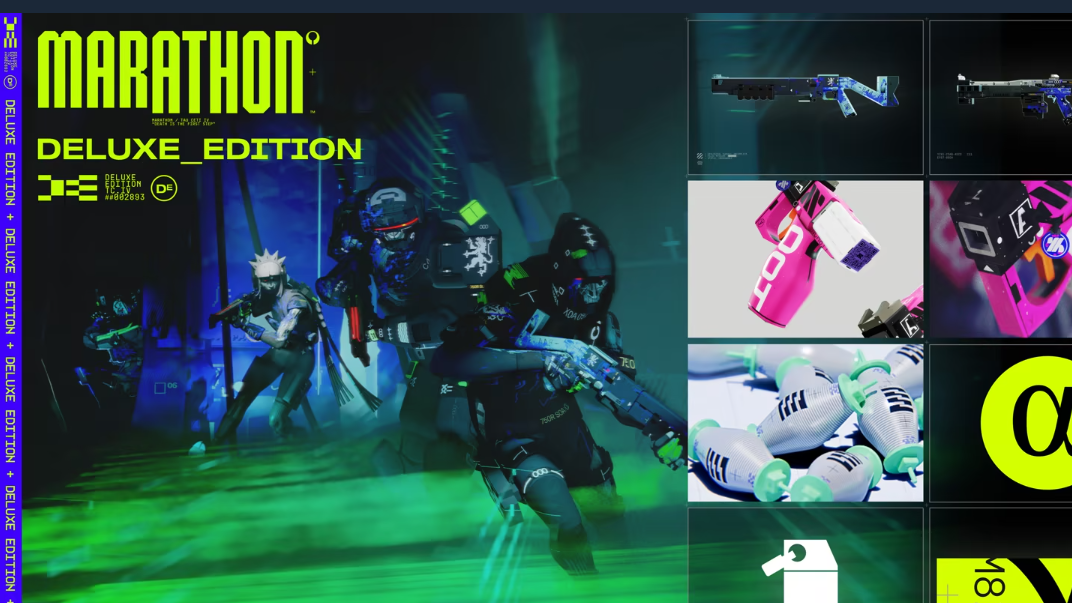
Marathon Deluxe Edition rewards missing right now
The main issue is delayed entitlement delivery. Players have reported that Deluxe Edition bonuses were absent after logging in, including the voucher for the first Premium Rewards Pass and other edition-specific cosmetics. The same delay has also affected some pre-order items and launch-related reward drops.
Bungie acknowledged that some players were not seeing Deluxe Edition items in-game and said it was investigating. A separate launch note also made clear that Server Slam cosmetic rewards and Arrival Caches would roll out during the first day and could take time to appear in player mailboxes.
The practical takeaway is simple. If the items are missing at login, that does not mean the purchase failed or that you need to unlock them manually a different way.
What to do if the Rewards Pass voucher is not there
Step 1: Open Marathon and check the Rewards Pass page once. If the Deluxe Edition voucher is missing, stop there and do not purchase the premium track separately just to force access.
Step 2: Keep playing or wait and check your in-game Mailbox periodically. Delayed rewards are delivered there, and the expected sign that it worked is a new in-game notification followed by the items appearing in your inventory or reward interfaces.
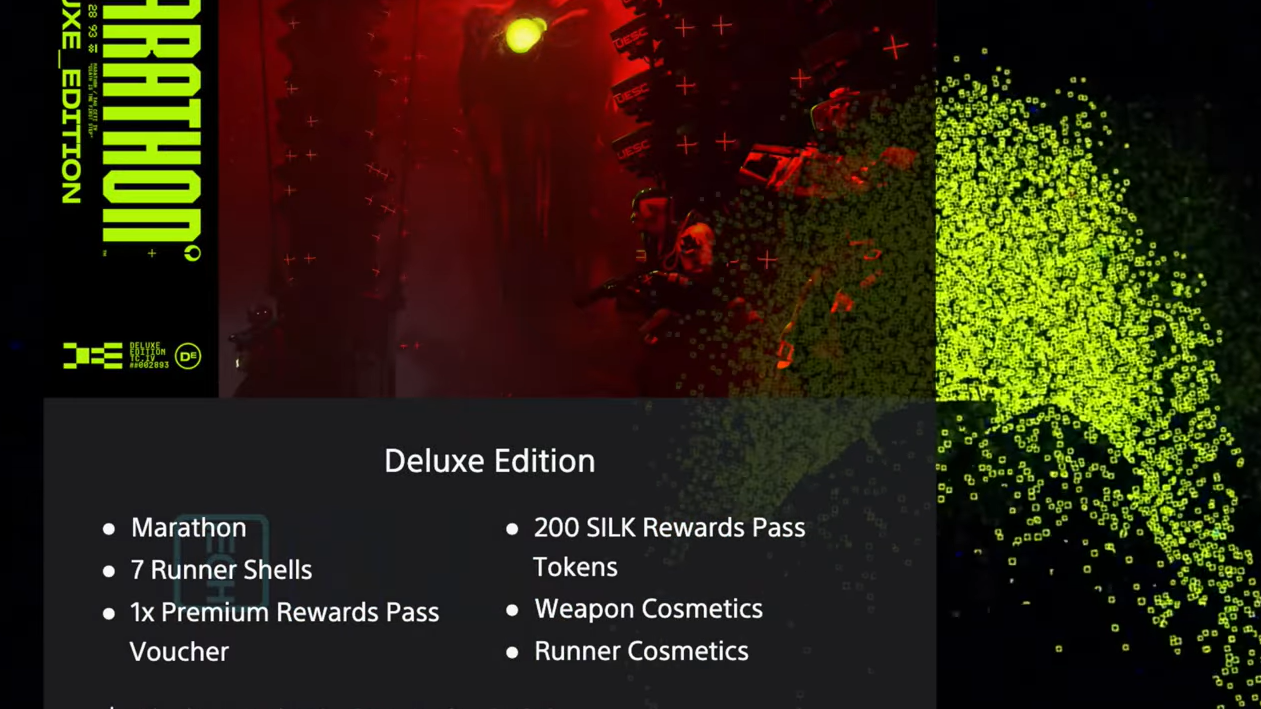
Step 3: If you already bought a Premium Rewards Pass while also owning the Deluxe Edition, keep the purchase on the account. Bungie’s stated remedy is that your Premium Rewards Pass Voucher can be used next season, and once the Deluxe Edition issue is resolved, 200 Silk is added for use in the Rewards Pass.
How you know the fix worked
The problem is resolved when the missing items actually land in your account, not when the store or edition listing looks correct. In practice, that means one or more of the following happens:
| Item type | What confirms delivery |
|---|---|
| Premium Rewards Pass Voucher | The voucher is available on the Rewards Pass page instead of prompting a separate purchase. |
| Runner Shell cosmetics | The cosmetics appear in your inventory or customization menus. |
| Server Slam rewards and Arrival Caches | A Mailbox notification appears and the items can be claimed there. |
| Twitch Drops | The rewards show up through the same delayed delivery flow and become claimable in-game. |
| Silk compensation for duplicate Premium Rewards Pass buyers | 200 Silk is added to the Rewards Pass system after the entitlement issue is corrected. |
Why buying the Rewards Pass again is the main mistake to avoid
The missing voucher can make it look like the Deluxe Edition never granted the pass entitlement. That is the most expensive wrong turn. If you buy the Rewards Pass again while the entitlement is delayed, you are not fixing the underlying issue.
Bungie’s published remedy for that case is specific. The unused Premium Rewards Pass Voucher moves to next season, and 200 Silk is granted after the Deluxe Edition problem is fixed. That softens the duplicate purchase, but it still turns a temporary delay into something you have to manage later.
How Silk fits into the problem
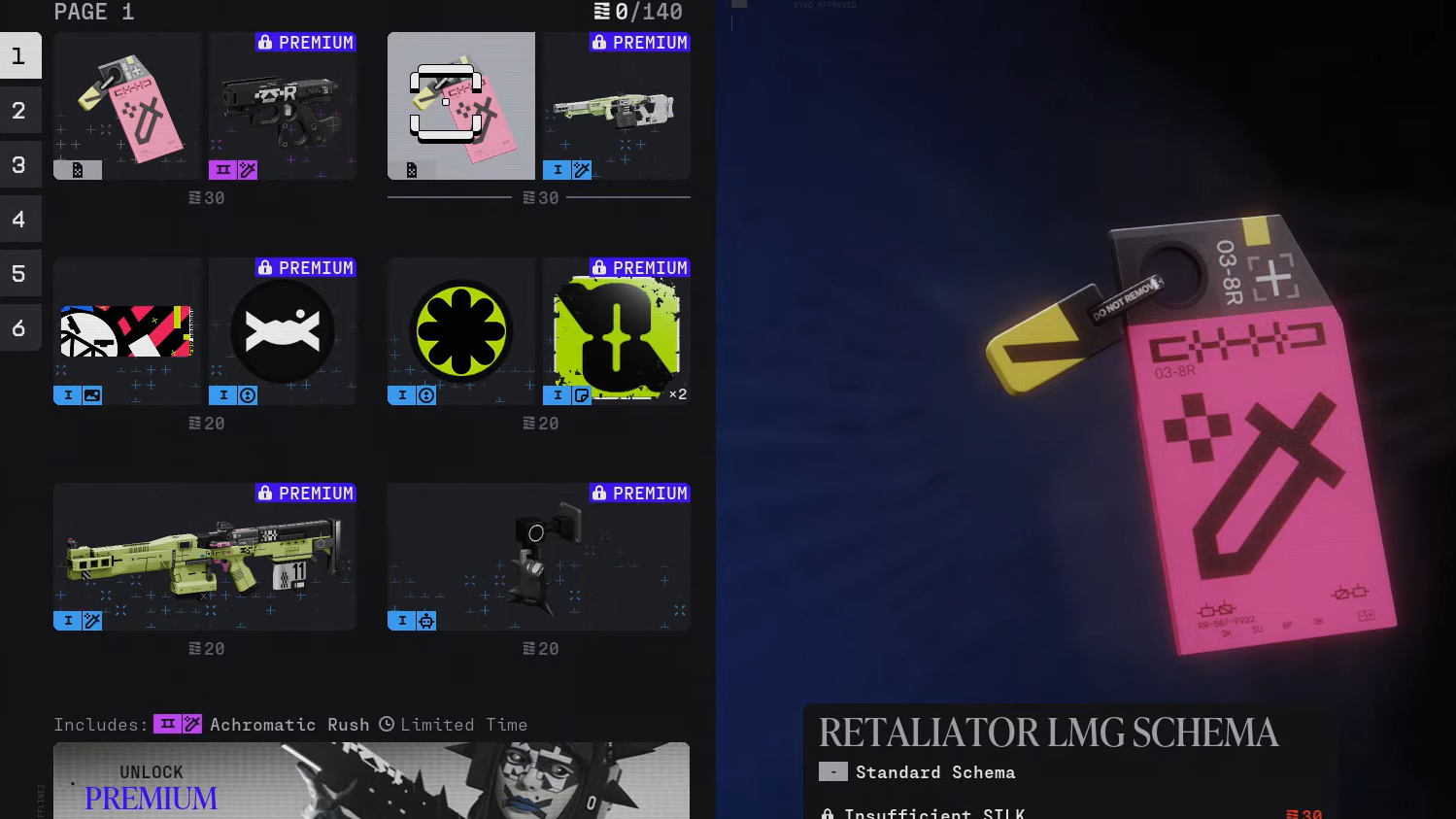
Silk is tied to the Rewards Pass, not the premium store purchase itself. It is used to unlock rewards on the pass. Lux is the premium currency used to buy the reward track and store cosmetics.
That matters because some Deluxe Edition owners expected the included Silk and the included Rewards Pass access to arrive together at login. During the rollout issue, either or both could be absent until the account entitlement finished processing.
There is also a cap behavior attached to the compensation. The one-time 200 Silk bonus can push an account above the usual 140 Silk limit, but additional Silk cannot be earned again until the total drops back under that cap.
What this issue does and does not mean
This issue points to delayed delivery, not a hidden claim ritual. It does not indicate that every affected player needs to rebuy content, swap platforms, or perform a special redemption sequence inside another game client. The key pattern here is that the missing items start appearing later through the normal account rollout and mailbox flow.
There is one platform rule worth keeping in mind for pre-order content tied to purchase redemption. Rewards need to be collected on the platform where the purchase was made. That applies to purchase entitlement handling, but it is separate from the broader launch-day rollout delay affecting Deluxe Edition and Rewards Pass items.
For most players, the right move is the least dramatic one: wait for the entitlement rollout to finish, watch for mailbox notifications, and avoid paying for the Rewards Pass a second time unless you deliberately want an extra purchase on the account. Once the delivery completes, the missing voucher, cosmetics, and related rewards should appear where they belong.