

Administrator protection is the main change in Windows 11 Insider Preview Build 26300.7965 for the Dev Channel. It is being re-enabled for Insider PCs and is designed to stop always-available administrator rights from sitting open on the system.
Quick answer: Build 26300.7965 adds Administrator protection, which requires user authorization for admin actions and uses just-in-time administrator privileges instead of leaving admin rights freely available.
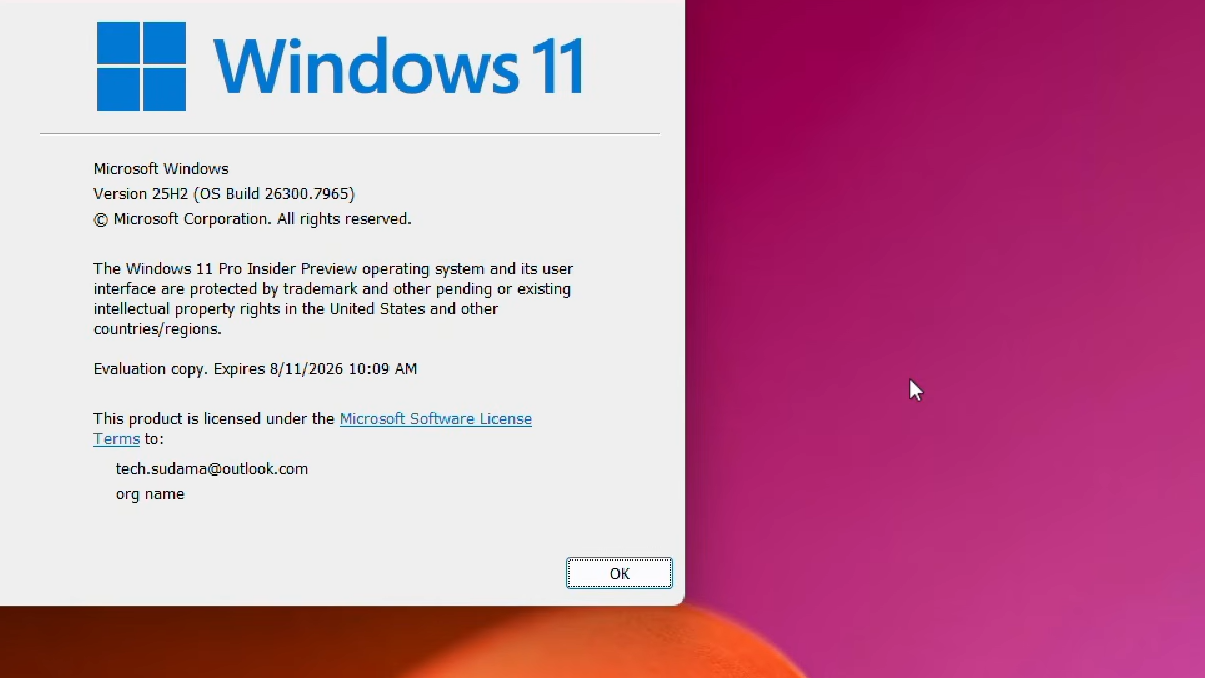
Administrator protection in build 26300.7965
Administrator protection is a Windows 11 security feature for accounts that have administrator access. When it is enabled, admin actions are no longer treated like something the signed-in user should be able to do at any moment without a stronger check.
Instead, Windows requires identity verification through Windows Hello before it allows actions that need administrator privileges. That includes jobs like installing software, changing system settings such as the time or registry, and accessing sensitive areas of the system.
The practical effect is simple. It reduces the chance of accidental system-level changes, and it makes it harder for malware to carry out silent privileged actions in the background.
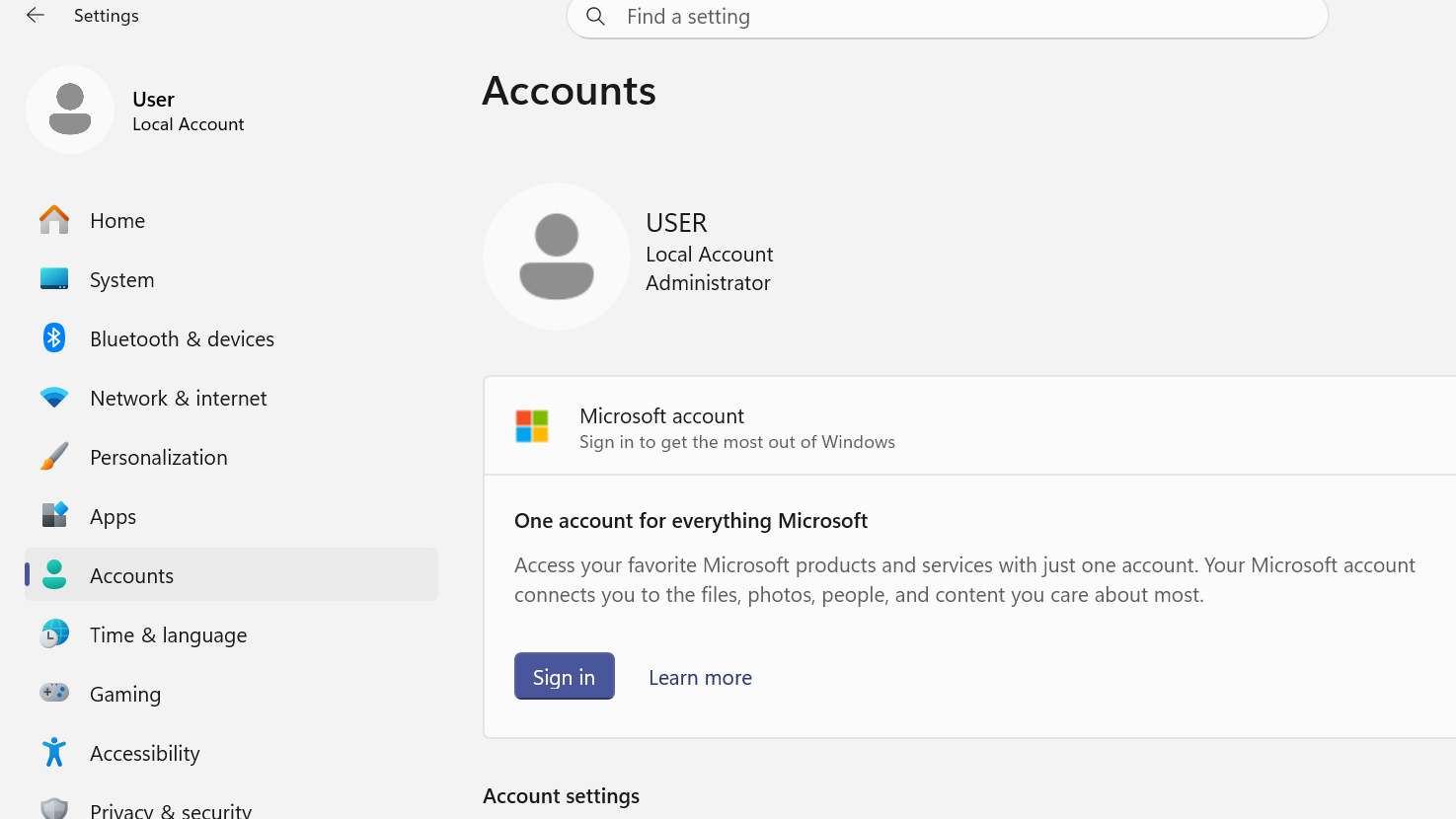
How Administrator protection works
The feature is built around just-in-time administrator privileges. That means elevated access is granted only when an action needs it, rather than existing continuously in the user session.
Microsoft also treats it as a separate security boundary, not just a cosmetic change to elevation prompts. It is distinct from User Account Control, which remains a defense-in-depth feature. Administrator protection is meant to put tighter controls around elevated sessions so unauthorized access to those sessions is harder.
In current Insider builds, the feature is available but not enabled automatically. Microsoft’s stated direction is to turn it on by default in Windows in the future.
What else changes in build 26300.7965
| Area | Change |
|---|---|
| Sharing | Drag tray now uses a smaller peek view to reduce accidental activation near the top of the screen. |
| File Explorer | Voice typing with Windows key + H now works when renaming files. |
| File Explorer | White flash behavior was removed when opening new windows or tabs if File Explorer opens to This PC. |
| File Explorer | White flash behavior when resizing File Explorer elements was also removed. |
| File Explorer | Reliability was improved when unblocking files downloaded from the internet for preview. |

Who gets these changes first
Not every Dev Channel PC will see every change at the same time. Build 26300.7965 uses the usual controlled rollout approach for new features and improvements.
Insiders who turn on the option to get the latest updates as soon as they are available in Windows Update are first in line for features that are being rolled out gradually. Systems with that toggle off can still receive the same changes later as the rollout expands.
Version and release status
Build 26300.7965 is delivered as KB5079385 in the Dev Channel. Microsoft lists the update as based on Windows 11, version 25H2, through an enablement package, even though this build line is also commonly associated with 26H2 testing.
That distinction matters mostly for labeling. The feature set is what matters here, and the headline addition in this release is clearly Administrator protection.
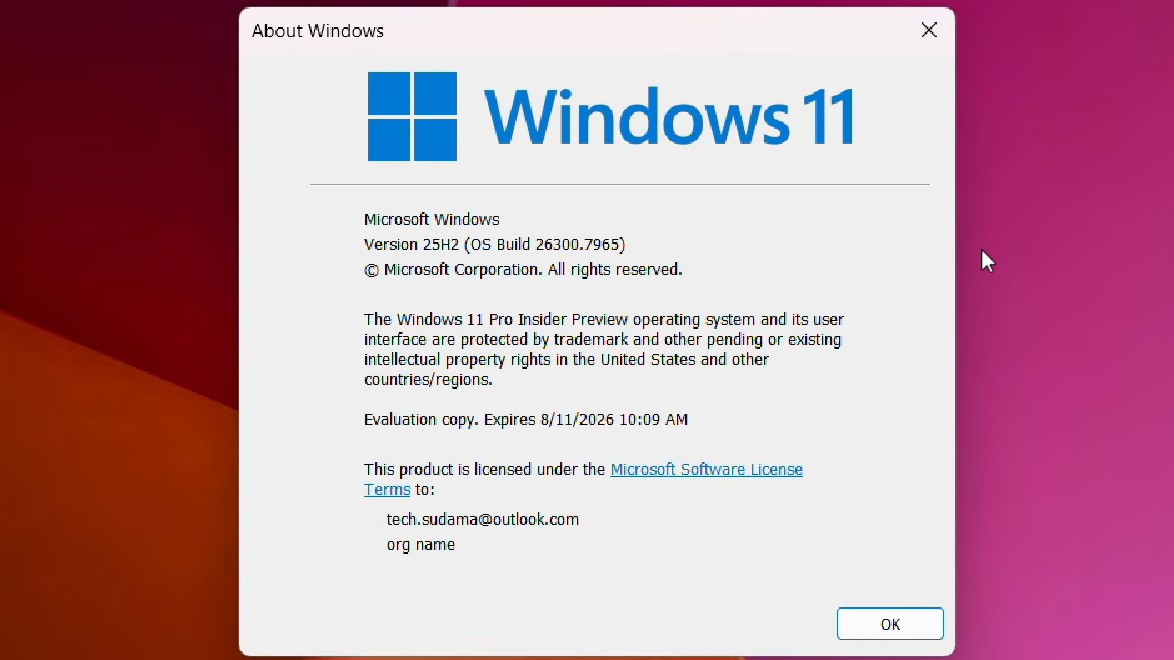
How to know whether Administrator protection is available on your PC
If your device is on the Dev Channel and updated to build 26300.7965, the feature can be present even if it is not turned on. The key point is that it ships disabled by default and needs to be enabled through management policy.
When it is active, admin-level actions should require explicit authorization with Windows Hello integrated authentication. That prompt is the clearest sign that the protection is doing its job.
This is a small Dev Channel release, but it touches one of the more important parts of Windows security. The visible changes in File Explorer and sharing are modest. Administrator protection is the part that matters longer term because it changes how elevated access is granted, not just how it looks.