Windrose, the early access PvE pirate survival game from Kraken Express, drew attention shortly after its April 14, 2026 launch for pushing unusually heavy read and write traffic to player SSDs. Reports showed sustained writes of roughly 15 to 30 MB/s during normal play, with measurements suggesting up to about 108 GB written per hour in some sessions. Kraken Express has since shipped fixes that reduce that load substantially.
Quick answer: Update Windrose to version 0.10.0.4 or later. The patch reduces in-game disk usage by roughly 60 to 75 percent, with writes now sitting around 10 to 16 MB/s in motion and dropping below 1 MB/s when your character is standing still.
What was happening on disk
The game wrote to storage almost continuously while playing. Disk activity ramped higher when running around a base and went higher again when piloting a ship. The only consistent quiet periods were when the character stood still on land or moved through specific map regions that did not trigger heavy save activity.
For comparison, short benchmark windows of 60 to 90 seconds produced very different I/O totals across similar survival titles.
| Game | Read (60–90s) | Write (60–90s) |
|---|---|---|
| Windrose (pre-patch) | ~32 GB | ~1.3 GB |
| Enshrouded | ~7 GB | ~695 MB |
| Valheim | ~1 GB | ~5 MB |
Extrapolated to a four-hour session, the pre-patch behavior could write roughly 432 GB to the drive hosting the save profile.

Why Windrose was writing so much data
The behavior traced back to how Windrose persists world and player state, not to malware or a routine bug. The game relies on a RocksDB-backed save system, with at least three RocksDB databases running simultaneously. The Worlds database used 22 column families sharing a single 1 MB max_total_wal_size budget.
That write-ahead log limit is very small for the volume of state changes a survival sandbox generates. When the WAL fills, RocksDB triggers memtable flushes and compactions. Small in-game events then turn into much larger physical writes on disk because the engine keeps reshuffling and rewriting data behind the scenes. Sessions tended to feel worse the longer they ran, since the save pipeline could fall behind and queue work instead of clearing cleanly.
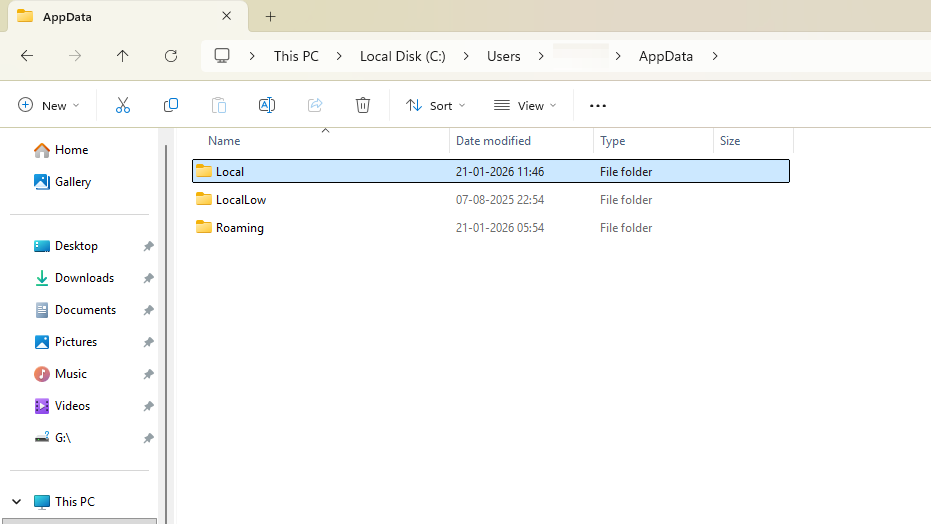
An aggressive autosave cadence amplified the effect. Players observed the game updating save state roughly every game tick while moving, a pattern introduced earlier to protect progression against server crashes. Save folders under C:\Users\<username>\AppData\Local\R5\Saved\SaveProfiles showed dozens of backup files clustered within a single minute.
What the patch changed
Kraken Express addressed the issue on the application side rather than retuning RocksDB itself. The relevant patch versions and their effects:
| Version | Change |
|---|---|
| 0.10.0.4.268-9d2ca277 | Disk usage during gameplay reduced; sustained writes dropped from ~30 MB/s to ~10–16 MB/s, and below 1 MB/s while idle. |
| 0.10.0.5.120-073042fb | Game now automatically backs up all data every 10 minutes of gameplay and upon exiting, replacing the near-continuous backup loop. |
The fix represents a 60 to 75 percent reduction in write rate compared with the previous version. The save structure was also reorganized to reduce syncing issues. Further refinements to the save system are continuing in subsequent point releases.

Risk to your SSD in plain terms
Modern TLC NVMe drives have endurance ratings measured in hundreds of terabytes written, so a single user is unlikely to exhaust a healthy drive purely from playing the pre-patch build for normal session lengths. The realistic risk profile was concentrated in a few situations:
- QLC SSDs, which carry lower TBW ratings than TLC drives.
- Older or already-worn drives near the end of their endurance budget.
- Long, sustained co-op or hosting sessions where the per-hour write totals compound quickly.
The visible 100 percent disk utilization some players reported is a Windows performance counter measuring active time or queue saturation. It does not by itself indicate high MB/s throughput, which is why two systems could both show “100% disk” while writing very different volumes.
What to do right now
%LOCALAPPDATA%\R5\Saved\SaveProfiles in File Explorer. After updating, the backup cadence should be one save every 10 minutes plus one on exit, not many writes within the same minute.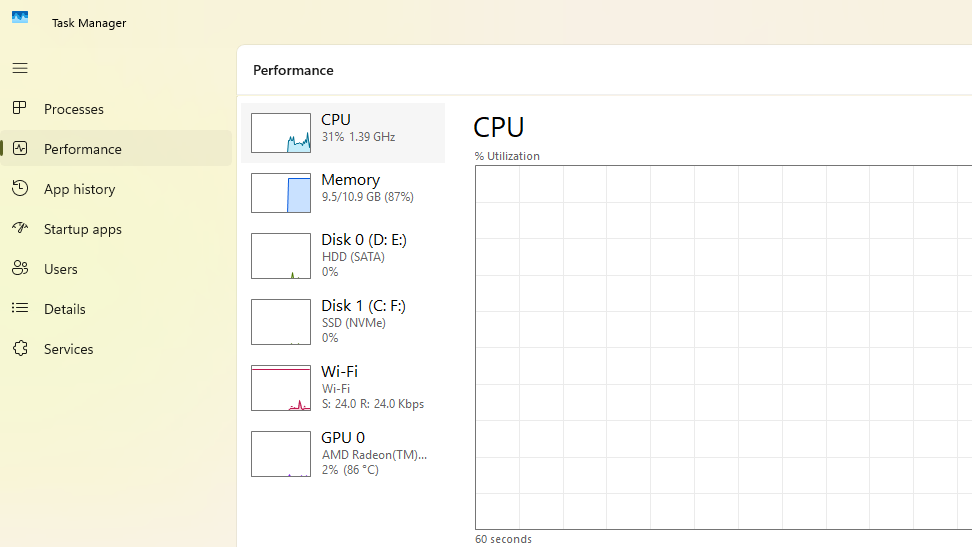
How to confirm the fix is working
Three signals indicate the patch is active and behaving as intended. The Task Manager write graph shows sustained values well under 20 MB/s during play and near zero when idle. The save profile folder gains new backups on a roughly 10-minute interval rather than continuously. SMART data on the drive, viewed through the manufacturer’s utility or a tool like CrystalDiskInfo, shows host writes accumulating at a far slower rate per hour of play than before.
If you still see continuous high write throughput after updating, the most likely cause is that Steam has not actually applied the patch. Force a verification of game files through Steam’s Properties menu, then relaunch and recheck the write rate. Past that, the underlying storage subsystem behavior is now within the range typical of other Unreal Engine 5 survival sandboxes, and additional save-system refinements are arriving in later point versions.