

One of the most common frustrations in WWE 2K26's backstage brawls is figuring out how to leave the backstage area and get back to the ring. The game doesn't spell it out clearly, and the on-screen prompt that triggers the transition is notoriously finicky. If you've been wandering around backstage smashing vending machines and wondering why nothing happens, you're not alone.
Quick answer: Grapple your opponent, put them into a carry or choke hold (LB on Xbox / L1 on PlayStation), then walk them toward the backstage exit near the vending machine. The transition prompt will appear once you're close enough while holding your opponent.
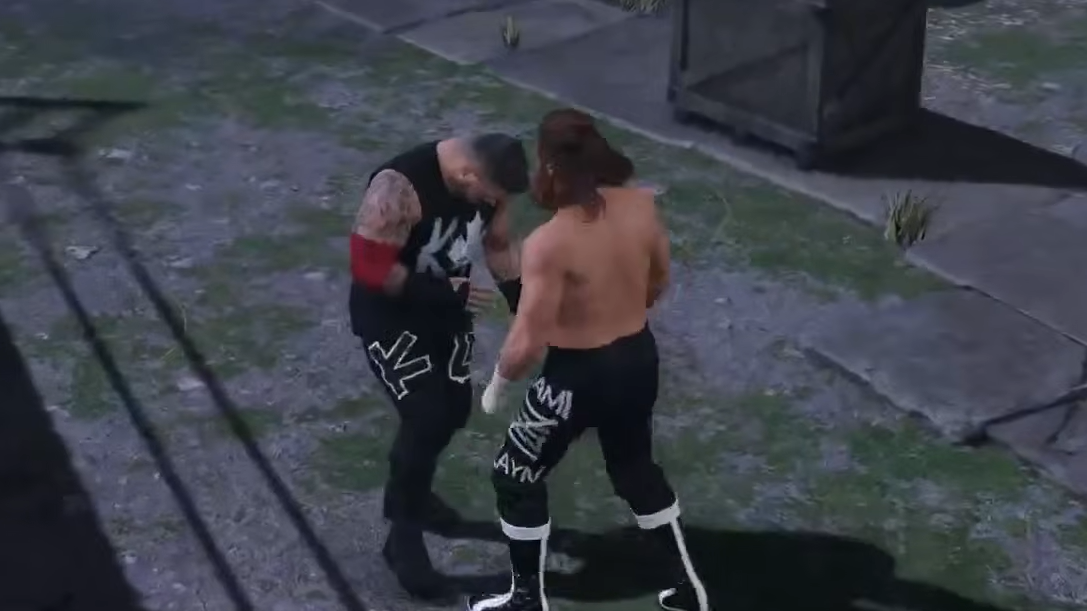
Why the Prompt Doesn't Show Up on Its Own
Unlike entering the backstage area — which typically happens by Irish-whipping or dragging an opponent through the crowd barrier or stage exit — returning to ringside requires a very specific condition. You must have your opponent in a grapple hold before the game will display the transition prompt. Simply standing near the exit door without holding anyone will not trigger it, no matter how long you wait or how many times you press the interaction button.
This behavior has persisted across recent WWE 2K titles and catches players off guard because the initial trip backstage doesn't require the same setup. The asymmetry is unintuitive, but once you know the trick, it's consistent.
Returning to the Ring From Backstage
Step 1: Strike or grapple your opponent until you have enough control to grab them. You don't need to weaken them to any specific threshold — just enough that the grapple connects cleanly.
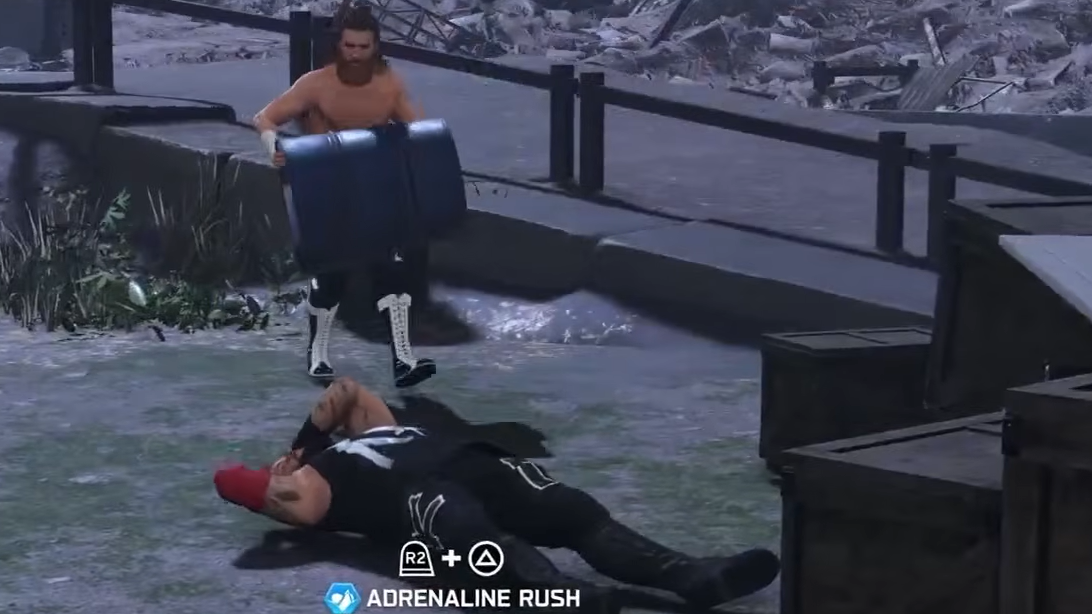
Step 2: While in a front grapple, press LB (Xbox) or L1 (PlayStation) to transition into a carry or choke hold. Your character will shift into a position where you can physically walk your opponent around the backstage environment.
Step 3: Walk your opponent toward the backstage exit. The exit is located near the vending machine area — the same doorway or corridor you came through when you first transitioned backstage. As you approach while holding your opponent, an on-screen prompt should appear.
Step 4: Press the prompted button (the same button you originally used to go backstage) to trigger the transition back to ringside. A brief cutscene or loading transition will play, and you'll be back at the ring area.
Platform-Specific Button Mapping
| Action | Xbox | PlayStation |
|---|---|---|
| Initiate grapple | A | X |
| Carry / choke hold | LB | L1 |
| Trigger exit prompt | Same as backstage entry button | Same as backstage entry button |
The exact button for the final transition prompt mirrors whatever input you used to go backstage in the first place. On most default control schemes, this is the same interaction button used for environmental transitions throughout the match.
Common Reasons the Transition Fails
Several players have reported the prompt simply never appearing. If you're stuck, check these conditions before assuming the feature is broken.
- Not in a carry hold: A standard grapple isn't enough. You need to press LB/L1 to enter the carry or choke animation specifically. Walking toward the exit in a regular grapple stance won't work.
- Wrong location: The exit point is near the vending machine. Other walls or doorways in the backstage area are decorative and won't trigger anything.
- Opponent broke free: If your opponent reverses or escapes the hold mid-walk, the prompt disappears. You'll need to re-grapple and try again.
- Match type restrictions: In certain match types or Showcase Mode objectives, the game may lock backstage transitions until specific conditions are met. If you're playing a Showcase match, check whether the current objective requires you to perform a specific action backstage before leaving.
Showcase Mode and Backstage Segments
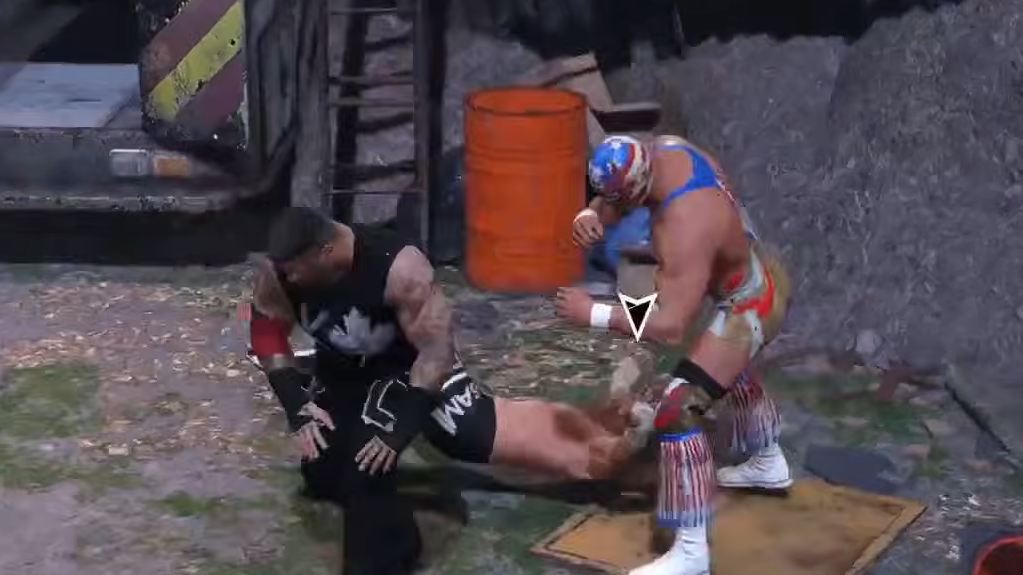
Backstage transitions come up frequently in Showcase Mode, particularly during matches that recreate Falls Count Anywhere or No DQ stipulations. The CM Punk vs. Cactus Jack showcase, for example, features a backstage segment where players need to complete certain objectives before the game allows a return to the ring. In these scripted scenarios, the exit prompt may not appear until you've fulfilled every required action — such as hitting a specific move or using a particular weapon.
If you're stuck in Showcase Mode specifically, pause the game and review the current objective list. The game sometimes buries the "return to ring" step behind an objective you haven't noticed yet.
The backstage-to-ring transition in WWE 2K26 is a mechanic that works reliably once you know the requirement, but the game does a poor job of communicating it. Grab your opponent, put them in a carry hold with LB or L1, walk to the vending machine exit, and hit the prompt. That's all there is to it.