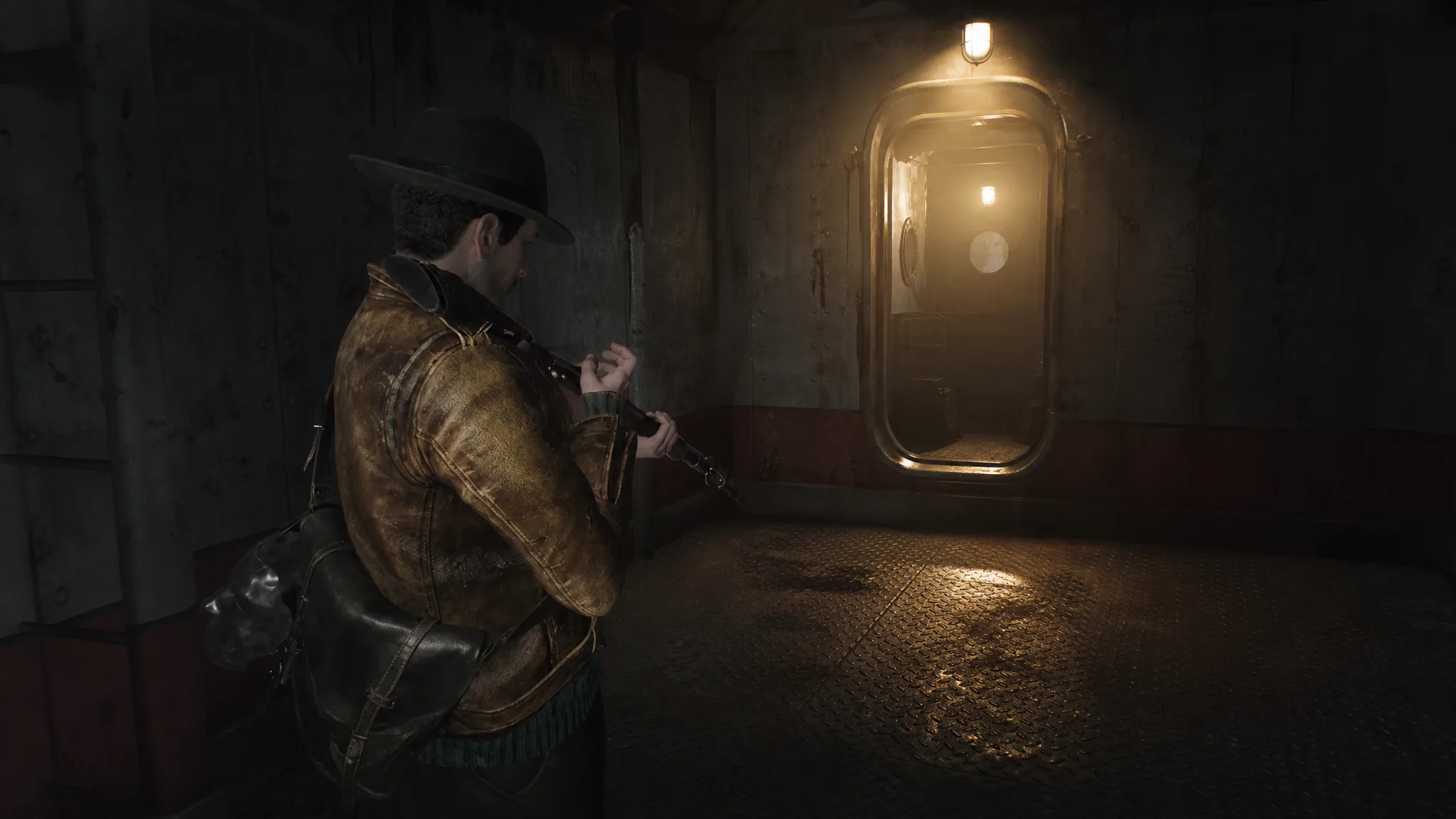
Profane Reload is one of the earliest talents Calvin can equip in The Sinking City 2, and its in-game description makes a simple promise: “Reload your weapon noticeably faster.” Reloading during a fight in Arkham leaves you exposed, so it’s fair to ask whether this perk earns one of your limited talent slots or just sounds good on paper.
Quick answer: Yes. With Profane Reload equipped, the reload animation is visibly shorter on every firearm in the game — the Handgun, SMG, Rifle, and Shotgun all finish reloading faster than they do with the talent unequipped.
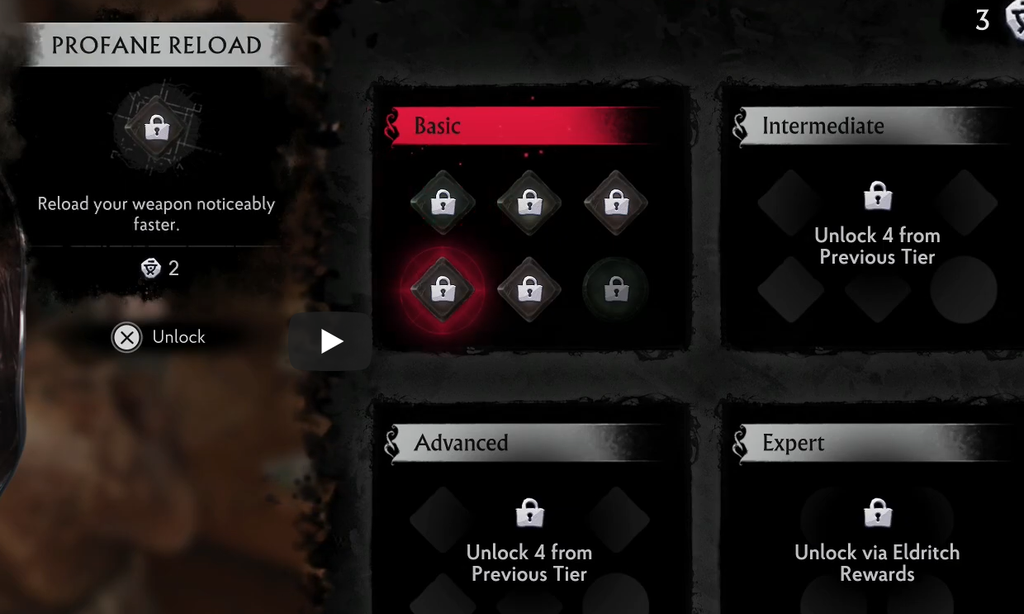
What Profane Reload does
Profane Reload is a passive talent. Once it’s equipped, it works automatically every time you reload, with no button prompt or resource cost during combat. It sits in the Basic tier of the talent menu, which makes it one of the first perks available rather than a late-game upgrade.
The effect is a straight reduction to the length of the reload animation. It does not add ammo, change magazine size, or alter damage. It only shortens the window where Calvin is topping up a weapon and can’t fire, which is the moment enemies in Arkham tend to close in.
Reload speed with and without the talent, by weapon
Side-by-side reloads of all four firearms confirm the perk is doing real work. Each weapon completes its reload sooner with Profane Reload active, and the difference is consistent across the whole arsenal rather than limited to one gun type.
| Weapon | Effect of Profane Reload |
|---|---|
| Handgun | Noticeably faster reload |
| SMG | Noticeably faster reload |
| Rifle | Noticeably faster reload |
| Shotgun | Noticeably faster reload |
The Shotgun benefit is worth calling out, since shell-by-shell reloads on that weapon usually feel the slowest. Trimming that animation is where a reload perk pays off most during a crowded encounter.
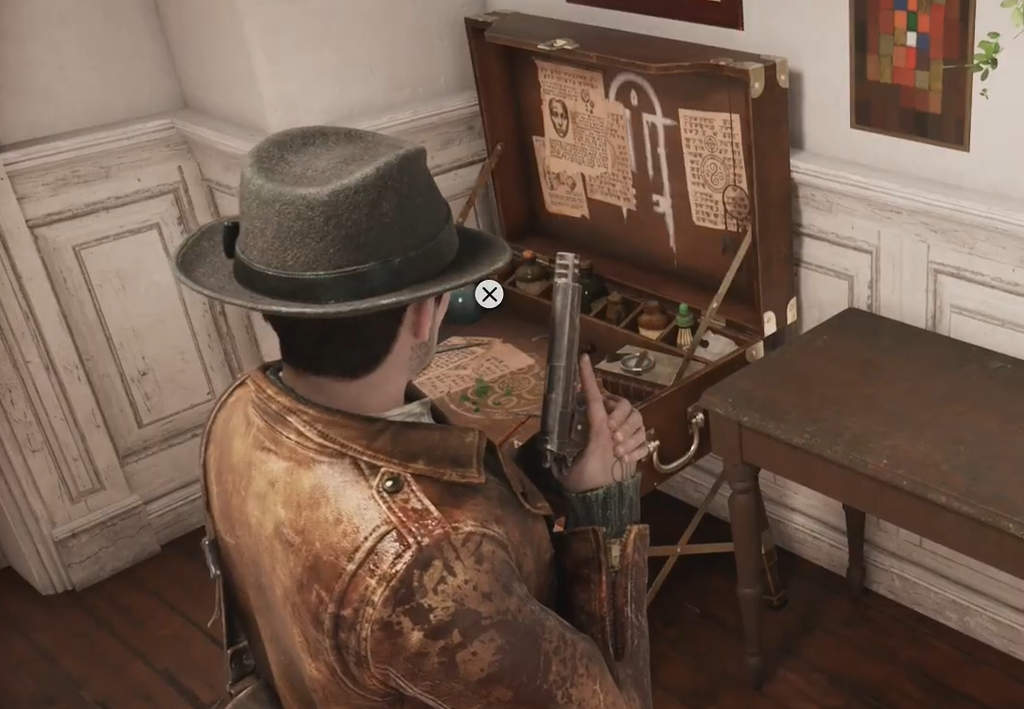
How to unlock and equip Profane Reload
Talents are managed at safe rooms, where you spend the resource earned from solving puzzles and connecting clues to unlock and slot perks. The talent screen itself is tied to the silver face mask Calvin carries, and it groups everything into four tiers: Basic, Intermediate, Advanced, and Expert.
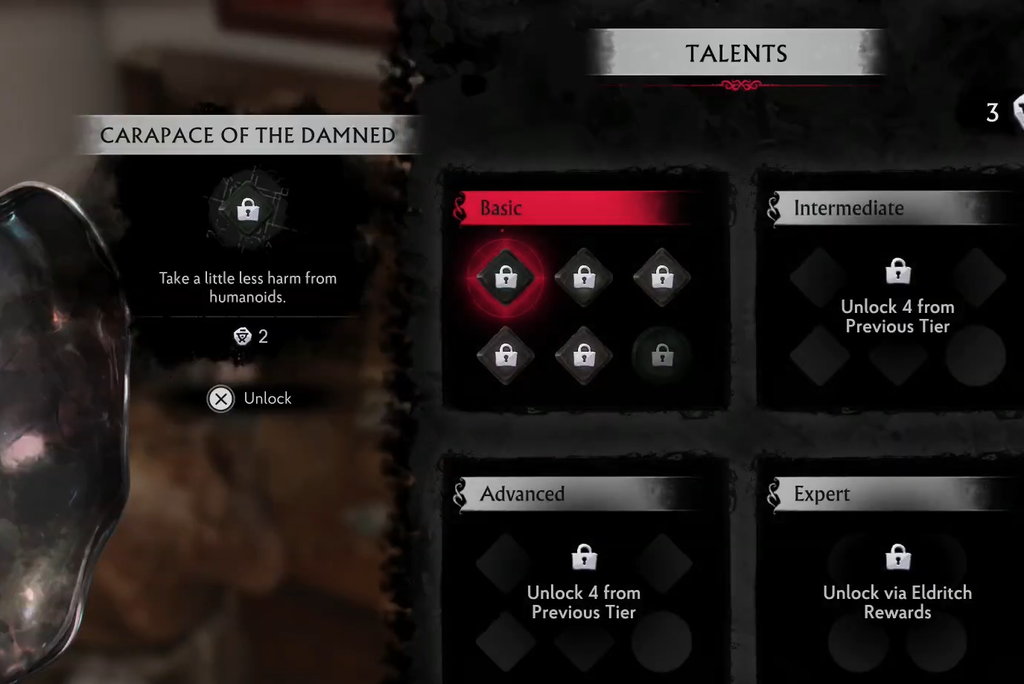
Progressing further into the tree requires unlocking perks from earlier tiers, with deeper options gated behind Eldritch Rewards. You can freely swap talents in and out at safe rooms, so nothing is locked to a permanent choice.
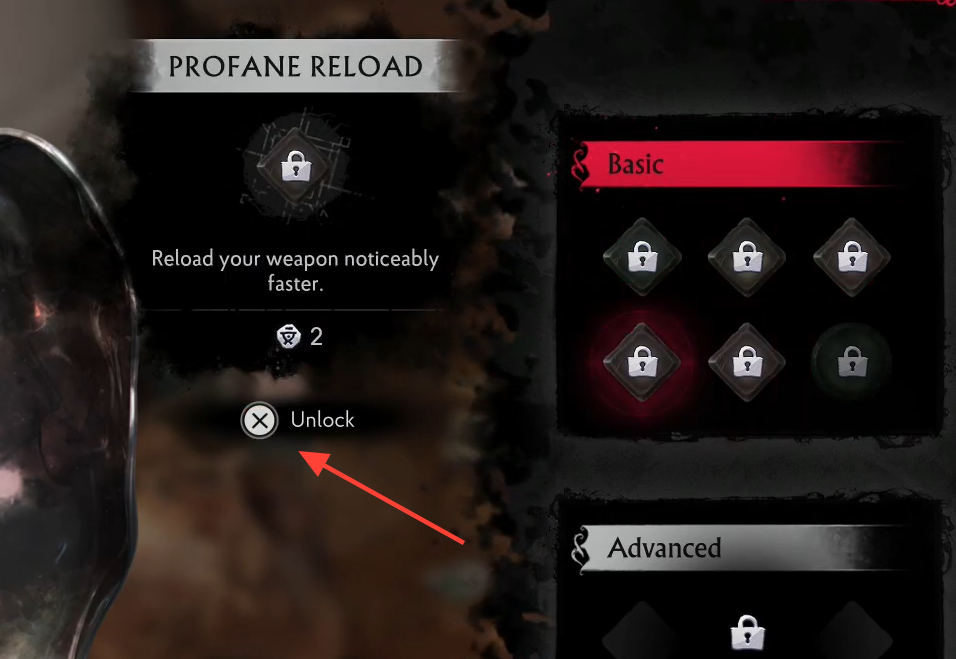
Is Profane Reload worth a slot?
Calvin can only run three regular talents plus one special talent at a time, so every slot competes against survival, crafting, and damage perks. That limit is the real question, not whether the effect works.
Profane Reload is a strong pick if reloading keeps leaving you open, especially if you lean on the Shotgun or find yourself topping up mid-fight. It pairs naturally with a weapon-swapping loadout that also wants faster gun changes and an immediate attack window after a swap. If you tend to fire, retreat, and reload from safety instead, the exposed reload window is already small, and a survival or precision talent may do more for you.
Because you can rearrange your loadout at any safe room, the sensible approach is to equip Profane Reload for stretches where reload downtime is costing you health, then swap it out when the next area rewards a different setup. You can grab the game and try it yourself on Steam.