The goatfungus NMSSaveEditor is a free Java desktop tool that opens your No Man’s Sky save file and lets you change values the game normally locks behind hours of grinding, from Units and Nanites to ship class, inventory slots, and mission state. It works on PC (Steam and GOG), Xbox Game Pass, and PS4 saves exported through Save Wizard, and it ships with automatic backups so a bad edit does not have to mean a dead save.
What the editor actually changes
The tool is a save-file editor, not a live trainer or a game mod. It reads the encrypted save on disk, decodes it into editable fields and JSON, and writes a new save back in the format the game expects. Hello Games does not endorse it, and using it can break quests or progression if you push values past what the game tolerates.
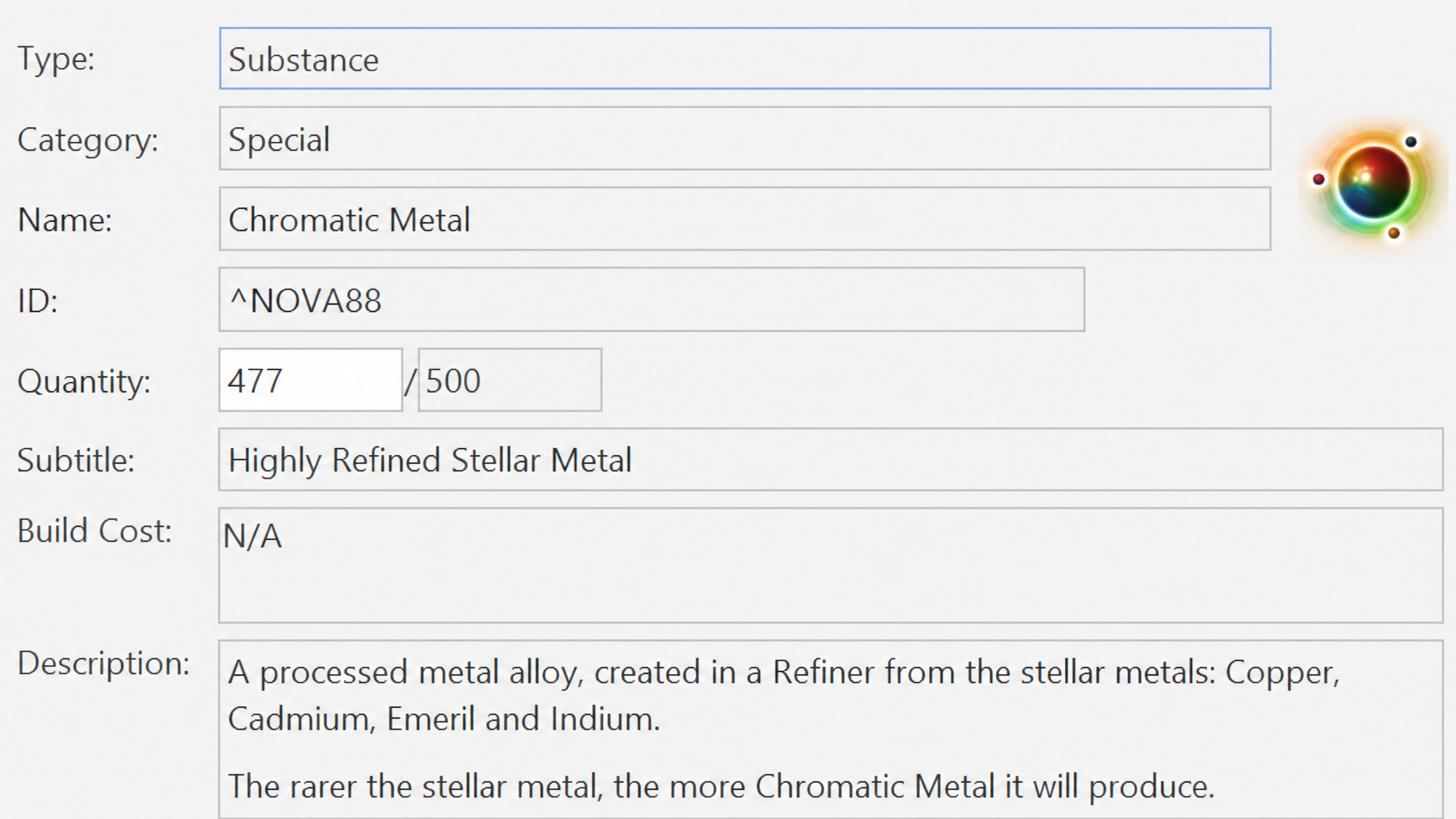
The headline edits cover currencies, gear, inventory, and progression flags. Everything below is exposed through the normal UI without touching raw JSON.
| Category | What you can edit |
|---|---|
| Currencies | Units, Nanites, Quicksilver |
| Exosuit, Multi-Tools, Ships, Freighter | Health, shield, type, class, seed |
| Squadron wingmen | NPC race, NPC seed, ship type, ship seed, pilot rank |
| Frigates | Stats and fleet info |
| Companions and pets | Name, seed, biome, type |
| Settlements | Population, happiness, production, upkeep, debt |
| Discovery | Known technologies, products, words, glyphs |
| Progression | Milestones, faction reputation, account unlocks |
| Inventories | Move, clone, add, repair, recharge, refill, resize slots |
| Structures | Backup and restore base or freighter builds across saves |
Vanilla inventory limits are 10×12 for cargo, 10×6 for technology, and 10×5 for base storage. You can resize beyond those, but the game can refuse to load the save or corrupt slots if you push too far.
Requirements before the first launch
The editor is a Java application packaged with a Windows wrapper. You need a working copy of No Man’s Sky, Java 8, and the right save folder for your platform. PS4 users also need Save Wizard, since the editor cannot reach console saves directly.
- No Man’s Sky on PC (Steam or GOG), Xbox Game Pass, or PS4 via Save Wizard.
- Java Runtime Environment 8 installed before launching the jar or bat.
- A clean rollback path. The editor auto-backs up saves, but a manual copy of the save folder is still the safest insurance.
Download the editor
The official download lives in the goatfungus GitHub repository. The repo ships a self-extracting EXE, a portable JAR, and a manual ZIP. Some antivirus tools flag the EXE as suspicious. That is a known false positive caused by how the Java wrapper is packaged. If your scanner blocks it, switch to the JAR or the manual ZIP.
NMSEditor folder on your desktop.Find your save folder
The most common first-run failure is pointing the editor at the wrong directory. Save locations differ by store, and Game Pass in particular hides saves inside a packaged container folder.
| Platform | Save path |
|---|---|
| Windows (Steam or GOG) | %AppData%\HelloGames\NMS |
| Windows (Game Pass) | %LocalAppData%\Packages\HelloGames.NoMansSky_bs190hzg1sesy\SystemAppData\wgs |
| Mac | ~/Library/Application Support/HelloGames/NMS |
| Steam Deck or Linux (Proton) | ~/.steam/steam/steamapps/compatdata/275850/pfx/drive_c/users/steamuser/AppData/Roaming/HelloGames/NMS |
On Steam or GOG, the editor will usually auto-detect a profile folder named like st_786324828012309. Pick that, then choose the most recent save slot. Game Pass installs sometimes use an xgs folder instead of wgs after major Windows updates, so check both if detection fails.
Make your first edit
Once a save is open, the safest workflow is one change at a time, with an in-game check before you stack anything else on top. The editor writes a backup of the original save automatically, but verifying that the game still loads the modified save is what tells you the edit actually worked.
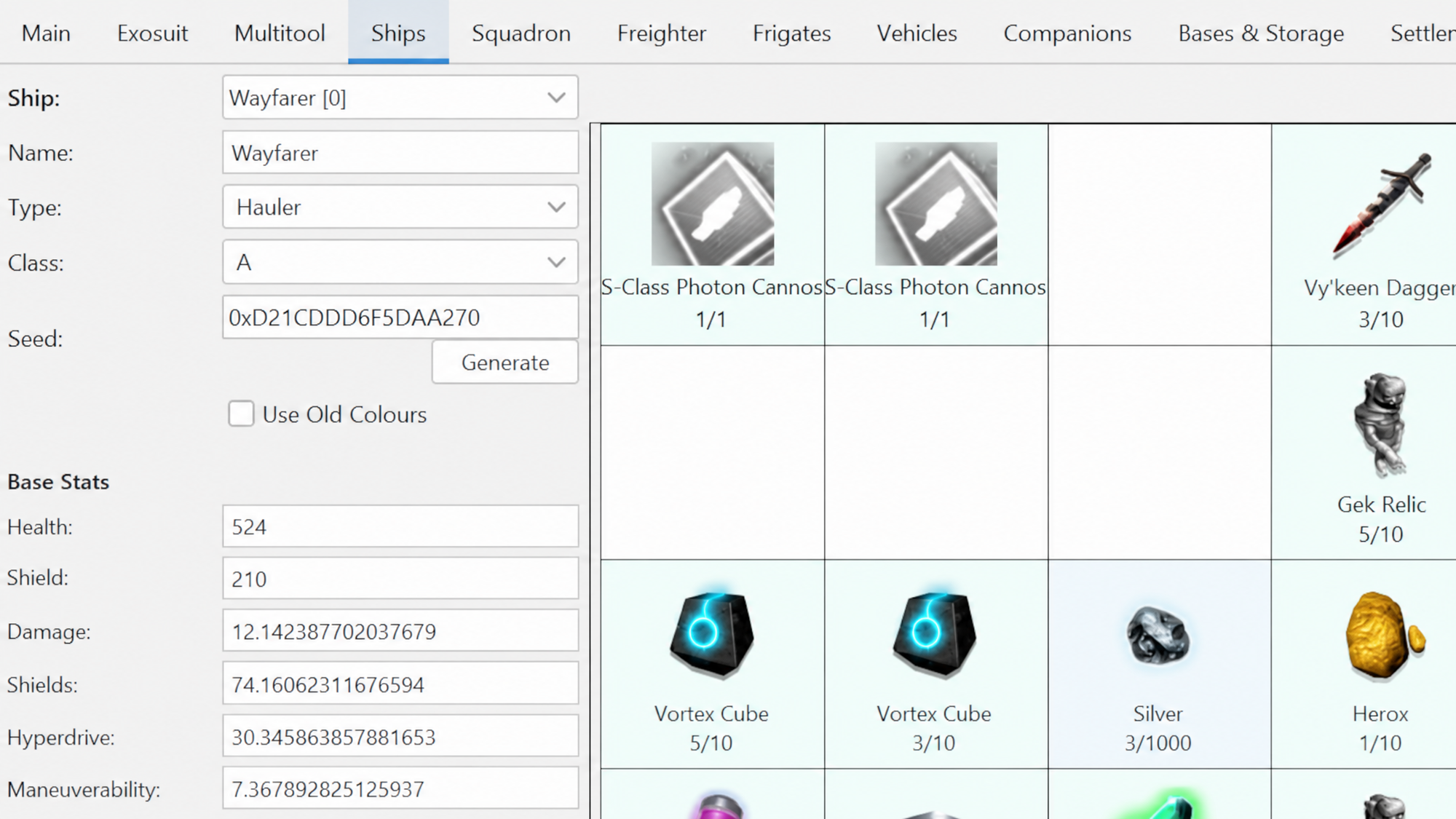
Moving a save between Xbox and Steam
The editor pairs well with NomNom, a separate save tool, for transferring a Game Pass save to a Steam copy. The flow uses NomNom to export the Microsoft save to JSON, then uses NMSSaveEditor to import that JSON into a fresh Steam save.
Raw JSON editing
The editor includes a raw JSON view for fields the normal UI does not expose, including galaxy index, exact mission stage, and obscure account flags. Treat it as repair-grade, not a casual feature.
- Edit one block at a time and save between changes.
- Validate the result in game before touching anything else.
- If the structure of a block is unclear, stop. A recent patch may have changed the schema, and a blind edit can break quest state permanently.
For galaxy hopping specifically, the editor has a coordinate viewer under the Edit menu that lets you pick any of the 255 reachable galaxies by name without hand-editing JSON. The 256th galaxy, Odyaljutai, remains invite-only and cannot be reached through editing alone.
When edits do not show up in game
Two things cause most missing edits. Either the wrong save slot was modified, or a game patch shifted the underlying save schema and the editor has not been updated yet to match. Check the version stamp in VERSION.txt inside the editor folder against the current No Man’s Sky patch. If the game updated more recently, wait for a new editor release before deep-editing anything mission-related.
The other common failure is antivirus quarantine silently removing the EXE mid-launch. If the editor window never appears, check Windows Defender’s protection history, restore the file, and add the folder to the exclusion list before retrying. If you do not want to whitelist a compiled binary, build from source via the GitHub repo instead.
Used carefully, the save editor is the cleanest way to recover from a stuck quest, rebuild after a freighter accident, or skip past grind that no longer feels rewarding. Used carelessly, it is also the fastest way to corrupt a several-hundred-hour save, so keep that auto-backup folder somewhere you can find it.