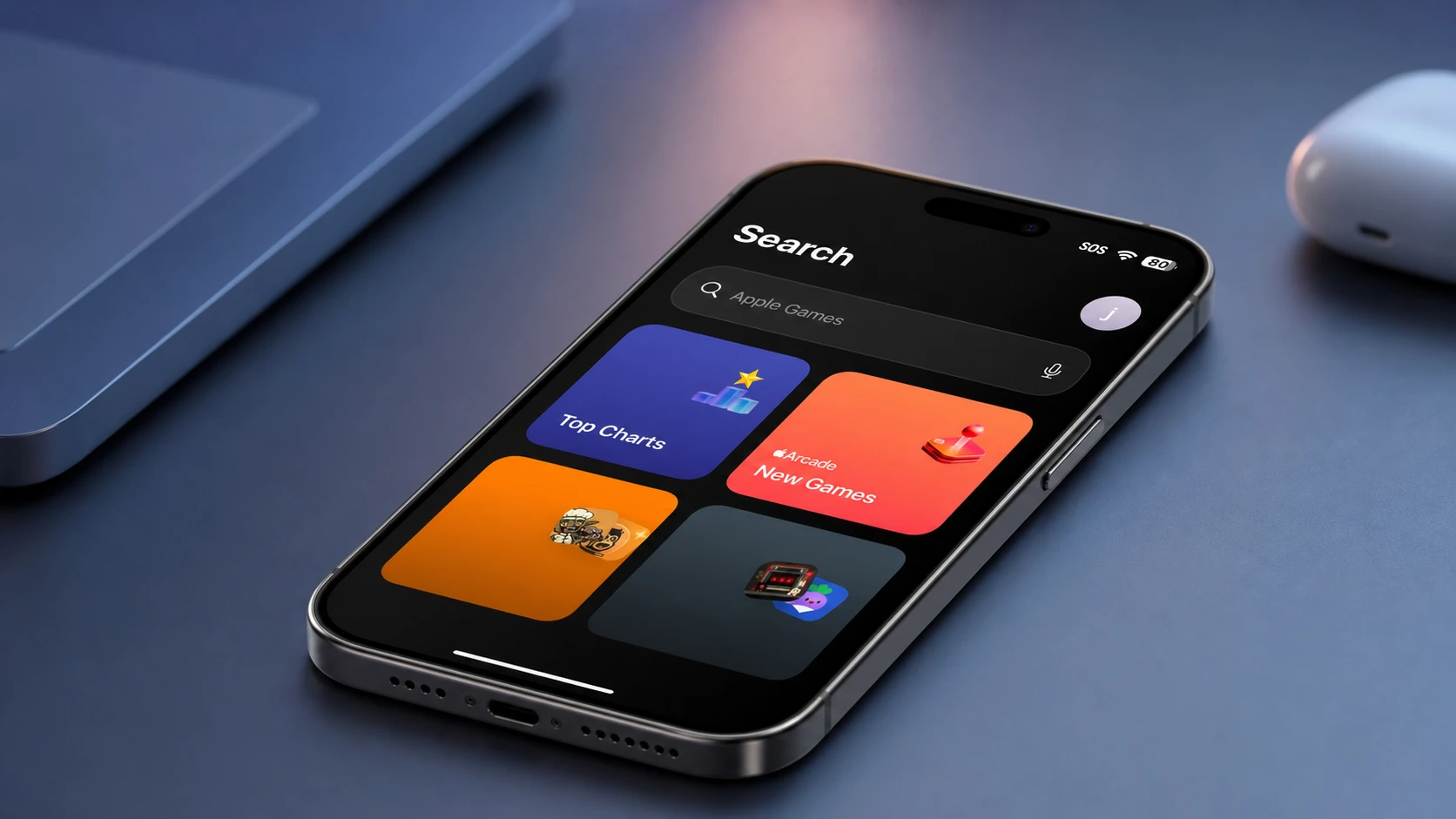
Apple has rebuilt the search engine that sits underneath Spotlight, Photos, and Mail, and it is rolling the change into its next round of software for iPhone, iPad, and Mac. The pitch is straightforward. Searching your own files should be faster, return more complete results, and stop missing things it should have found.
Quick answer: After you install the update, the new search infrastructure starts indexing your device on its own. Once indexing finishes, Spotlight, Photos, and Mail will surface your files, and anything new you add becomes searchable almost immediately.
What Apple changed in search
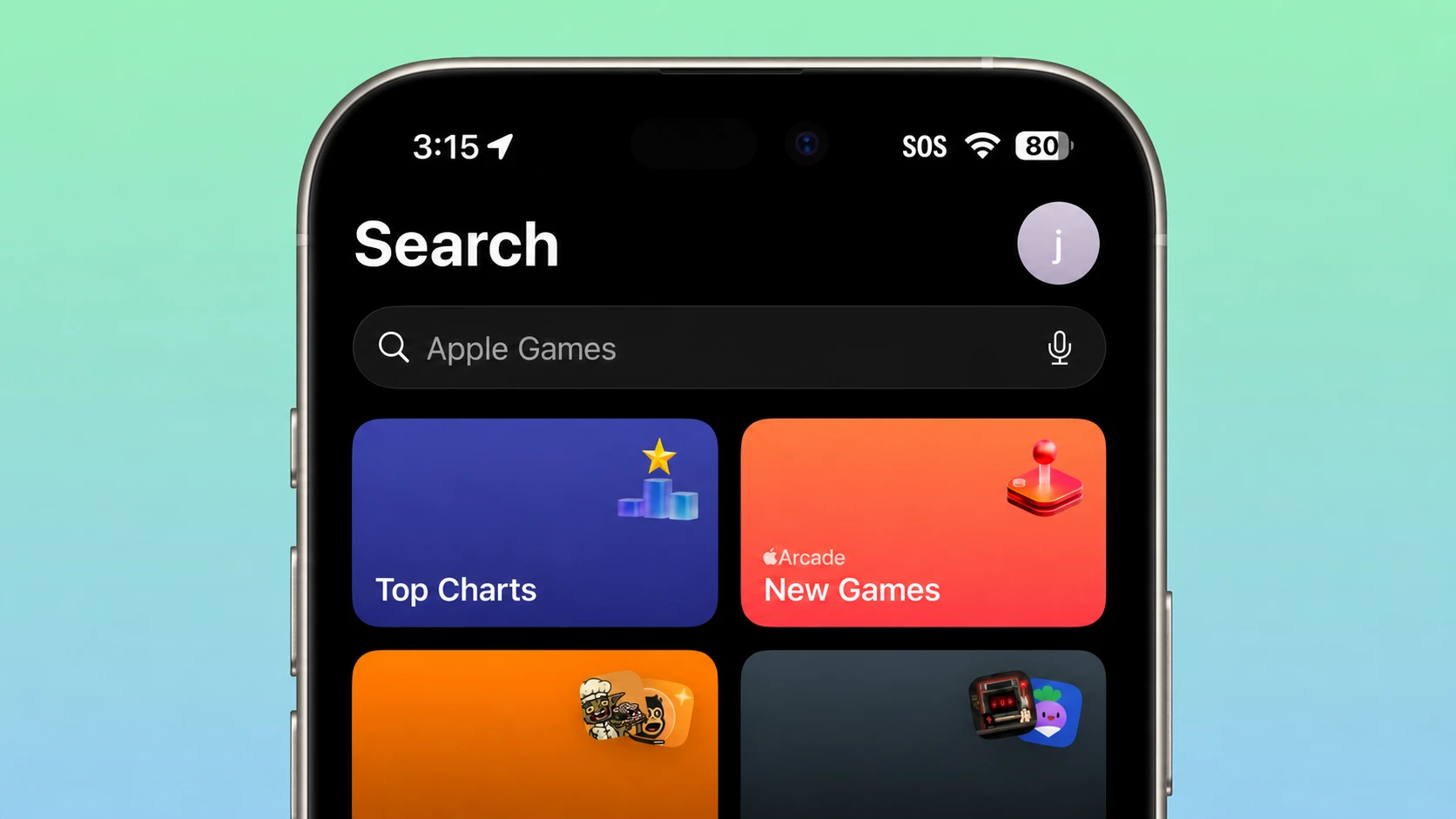
The search index has been rearchitected. Apple describes the new version as more stable, more efficient, and more comprehensive, meaning it covers both content you already have and content you add later. That index is the shared layer that powers results in Spotlight, in the Photos app, and in Mail, so the rebuild touches all three at once rather than fixing them one at a time.
The work was shown during the WWDC 2026 keynote at Apple Park, alongside a wider performance push for the company’s operating systems. Craig Federighi framed it as part of a focus on refining the fundamentals rather than only adding new features.
What happens after you update
You do not need to trigger anything by hand. The reindexing runs automatically once the update is installed.
Note: If you previously rebuilt the Spotlight index on a Mac by toggling locations in Spotlight settings, that manual workaround is aimed at fixing a broken index. The new infrastructure handles the rebuild itself after an update.
Where the search rebuild fits in the wider speedup
The search rework arrived next to a series of measured performance gains across the platforms. These figures came from the keynote and give a sense of how the system feels day to day.
| Area | Improvement |
|---|---|
| App launches (Apple and third-party) | Up to 30% faster |
| New photos appearing in the Photo Library | Up to 70% faster |
| AirDrop photo transfers | Up to 80% faster |
| Browsing and copying from iPad Files to an external drive | Starts 5x faster |
Apple also reworked the CPU scheduler that decides which tasks run when, and it extended that optimization back to older hardware. iOS 27 supports the iPhone 11 and newer, the same model list as iOS 26, which keeps the rebuilt search available to a broad range of devices rather than only the latest ones.
How to tell it is working
You know the new index is in place when a search you run in Spotlight, Photos, or Mail returns the file you expected instead of coming back empty or partial. On a Mac, an indexing progress indicator can appear at the top of the Spotlight window while the system is still working, so wait for that to finish before judging the results.
The most visible day-to-day sign is timing. A document, photo, or email you just added shows up in search almost right away rather than after a long delay. That near-immediate indexing of fresh content is the clearest practical change from the rebuilt infrastructure, and it carries across iPhone, iPad, and Mac together.