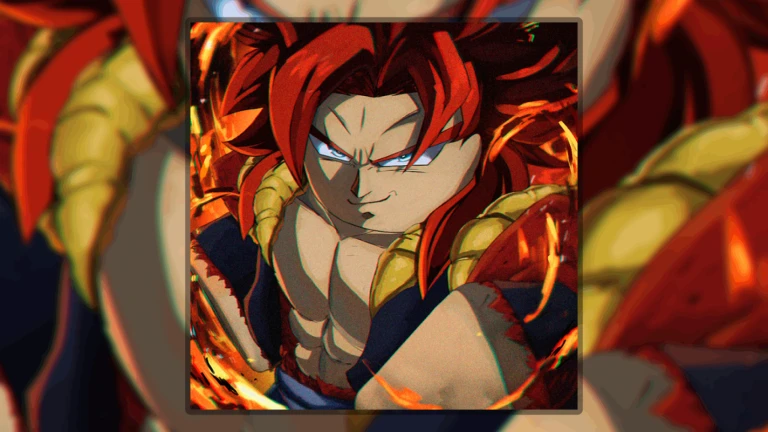
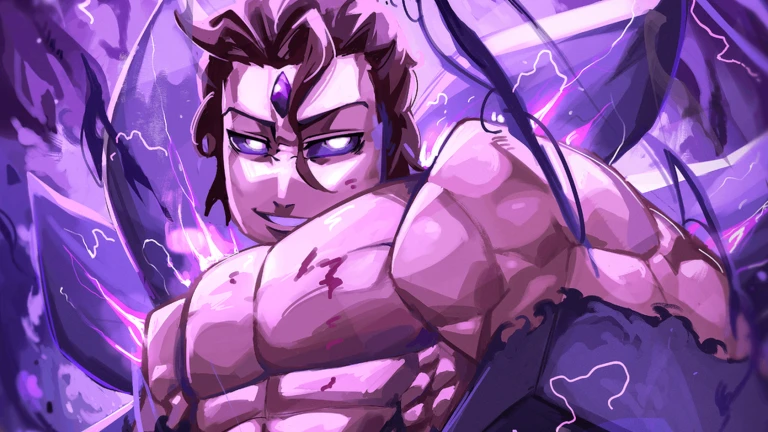
Anime Squadron is a Roblox anime lane battler from Komplex Studio, and like most early-access Roblox games it moves fast. Codes, units, and modes change between sessions, so players keep hunting for a Discord server, a Trello board, and a wiki to follow it all. The problem is that copied pages and fake invites spread just as quickly, so it helps to know exactly which links are confirmed and which are still unverified.
Quick answer: Use the official Anime Squadron Roblox game page as your anchor link and the Komplex Studio Roblox group to confirm the developer. As of June 2026 there is no verified official Trello board or official wiki, so treat any Trello or wiki claim as unofficial until it is linked directly from Roblox or a developer-controlled channel.
Anime Squadron official links and verification status
The safest approach is to start from Roblox and the developer group, then judge everything else against those two anchors. The table below shows the current status of each link type.
| Link | Status | Use it for |
|---|---|---|
| Roblox game page (Komplex Studio) | Verified | Playing, favoriting, following, checking the live game state |
| Komplex Studio Roblox group | Verified | Confirming the developer behind the game |
| Discord server | Community (invites can drift) | Fast code drops, announcements, maintenance notices, bug reports |
| Trello board | Not verified | No official board confirmed yet |
| Wiki | Not verified | No official wiki; community wikis exist as references only |
Use the Roblox game page as your anchor link
The Roblox experience page is the source of record. It shows the real game title, the creator, and the live availability, and it is the only place where you can play, favorite, follow, and read the current game description. The matching Komplex Studio group on Roblox ties the experience back to the developers, which is the clearest signal that a page is genuine.
If a site claims to be official but does not link back to that Roblox page or the developer group, treat it as unverified. Early-access games attract copied storefronts and lookalike pages, so the connection to Roblox is the test that matters most.
What the Anime Squadron Discord is good for
The community gathers on the Anime Squadron Discord, and it is the fastest place for breaking information. Code drops, update timing, maintenance notices, balance chatter, and bug reports tend to surface there before anywhere else. It is also where players compare squad setups and look for teammates to clear harder modes.
Inside the server you can usually expect players discussing new codes, unit rankings, raid strategies, secret units, traits, and stat rolls. That kind of live discussion is useful in a game where you are constantly deciding which units to summon, level, evolve, or reroll.
The catch is that invite links can change or get copied by unrelated communities. Prefer an invite that is surfaced from the Roblox page or a developer-controlled channel rather than one pasted in random chat. Chat also moves quickly, so older advice gets buried fast. Use Discord as a signal, then return to stable pages before you spend rare materials.
Does Anime Squadron have an official Trello board?
As of June 2026, there is no verified official Trello board for Anime Squadron. You may run into community posts that collect Trello-style information, but none of them should be treated as official unless they are linked directly from the game’s Discord, the developer group, or another developer-controlled channel.
A Trello board would fit this game well, given the number of units, traits, stat grades, rerolls, modes, bosses, perks, gear, and evolutions players need to compare. If the developers publish one later, it should be reachable from those official channels first.
Is there an official Anime Squadron wiki?
There is no verified official Anime Squadron wiki right now. Community wiki resources exist and can help with the basics, including the premise, features, controls, codes, units, traits, stats, and modes. They are easier to browse than Discord when you want organized reference material instead of scrolling through channels.
Just remember these are community resources, not developer sources. They are helpful for orientation, but double-check anything important, especially codes, balance changes, and rare-unit details, since unofficial pages can lag behind in-game changes.
For codes, keep the pattern simple. Find the code from a trusted place, redeem it inside the Roblox game, and never paste your credentials into a third-party page. If several players mention a new code, test it in game and wait for the result to be confirmed before planning a summon or reroll session around it.
Update your bookmarks only when Roblox, the developer group, or multiple trusted trackers point to the same official community link. A stable set is the Roblox game page, the developer group, a verified Discord invite, and a reliable codes reference. Avoid APK mirrors, scripts, executors, and any page that asks for account details, and the rest of your link-hunting becomes much safer.