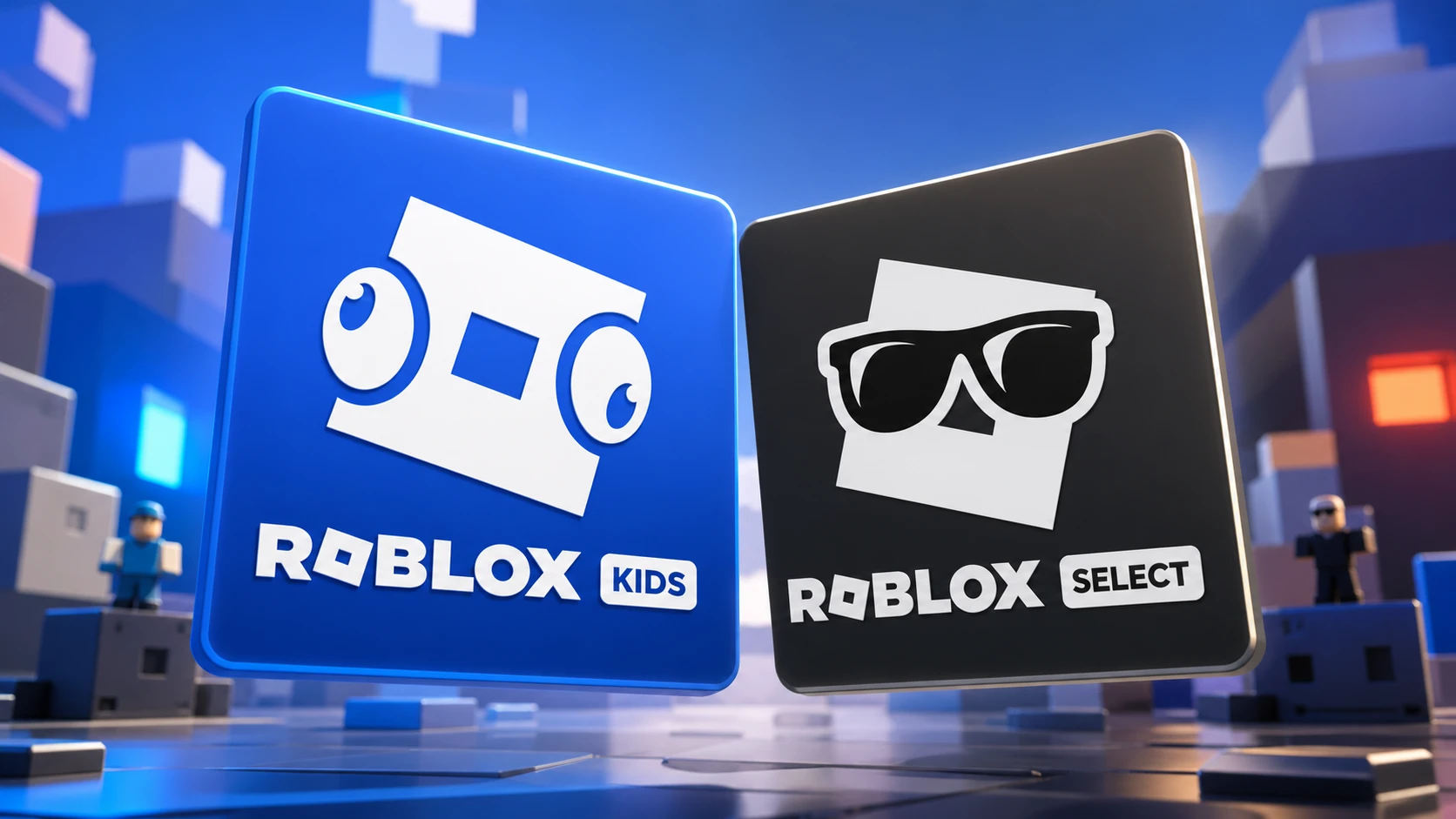
Roblox Select is the account type built for players ages 9 to 15. It sits between Roblox Kids, which covers ages 5 to 8, and the standard Roblox account for users 16 and older. The system places each younger user into the right tier so that the games they can open, the people they can talk to, and the controls a parent can apply line up with their age.
Quick answer: If you are between 9 and 15 and have completed Roblox’s age check, you are automatically placed in a Roblox Select account, which opens games rated up to and including Moderate and keeps the default chat settings for that age group.
What a Roblox Select account is
Roblox Select is one of three age-based account types that Roblox Corporation built to separate younger players from older ones. The accounts became globally available in June 2026 after first rolling out to a handful of countries in May. A Select account connects to a catalog of games that Roblox keeps updating, and that catalog is filtered to match what is appropriate for ages 9 to 15.
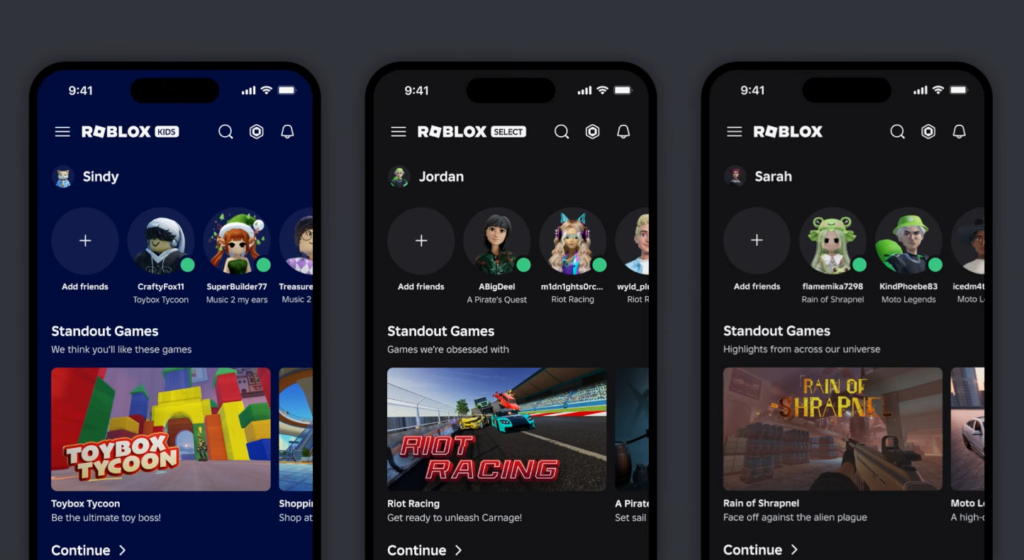
Your account type is decided in one of two ways. Either Roblox’s age-check technology estimates your age, or a verified parent confirms it. Once that happens, you land in the matching tier automatically. Select accounts also carry a distinct visual treatment in the app so the account type is easy to recognize.
What Select accounts can access
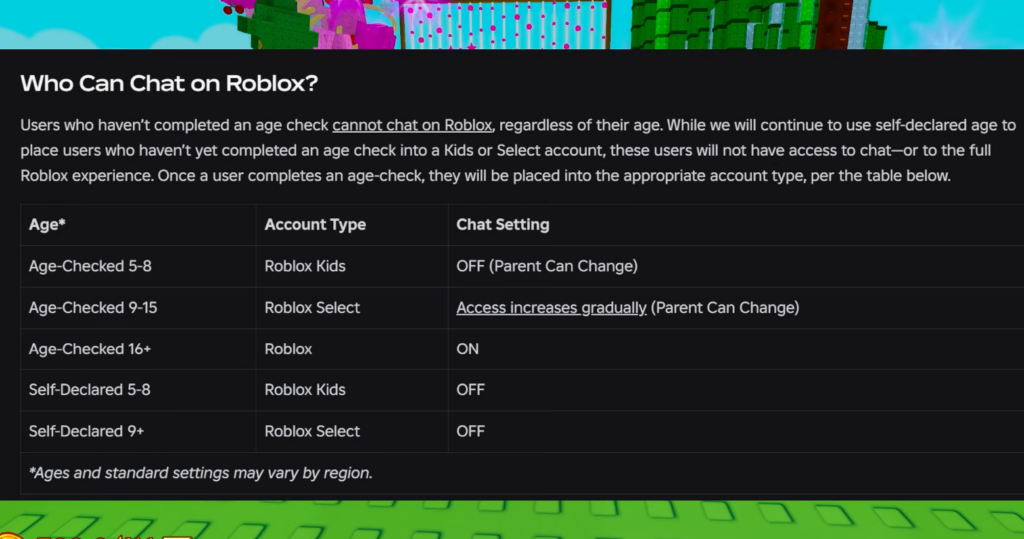
Players in a Select account can open games carrying content maturity labels up to and including Moderate, as long as those games have cleared Roblox’s selection process. Communication defaults stay the same as they were for ages 9 to 15, which means Select users can chat with others in a similar age range rather than having chat switched off entirely.
Content rated as Restricted, which can include strong violence, strong language, and romantic themes, stays locked to users 18 and older. So a Select account does not reach that material, and neither do younger Kids accounts.
| Account type | Ages | Game access | Chat default |
|---|---|---|---|
| Roblox Kids | 5–8 | Minimal or Mild | Off by default |
| Roblox Select | 9–15 | Up to and including Moderate | Unchanged for ages 9–15 |
| Standard Roblox | 16+ | No change to the experience | Standard settings |
How accounts progress as you age
The system moves users up on its own. When a Kids account holder turns 9, they shift into Select. When a Select account holder turns 16, they move into a standard Roblox account. Ages are based on the age check, and a parent can correct a child’s age if it was set incorrectly.
Anyone who has not finished an age check sits in a limited state. Until that check is done, you can only play games rated Minimal or Mild, and chat is unavailable. After you complete the check, you are placed in the account that matches your age.
The three-step game selection process
A game does not appear in Select or Kids catalogs just because it exists. Every upload still passes through Roblox’s standard moderation, including AI asset scanning, ongoing report review, and real-time scene moderation. On top of that, games for users under 16 go through an extra, continuous check built on three steps.
Later in 2026, Roblox plans to begin moving its ratings to the International Age Rating Coalition (IARC) framework, which uses region-specific systems such as ESRB in the U.S. and PEGI across much of Europe and the U.K.
Parental controls tied to Select accounts
Parents keep meaningful control over a Select account until the child turns 16. The existing tools let a parent manage content ratings, communication settings, screen-time limits, and spending limits, and they show which games a child plays and who their friends are. The update adds one new control and extends two existing ones.
- Granular game blocking: A parent can block specific games through age 15.
- Chat management: A parent can manage direct chat settings through age 15.
- Granular game approval: A parent can approve a specific game that the child’s default account type would otherwise block.
That last control matters for households with mixed ages. If a younger sibling wants to join an older sibling in a game that their account would normally hide, a parent can grant access to that single game without changing the rest of the account’s limits.
How to confirm your account type
If you are 9 to 15 and have passed the age check, you should already be in a Select account. The clearest signal is the catalog and the app’s visual treatment, since Select accounts surface games rated up to Moderate and carry their own look. If you are still limited to Minimal or Mild games with chat unavailable, your age check is most likely not complete yet, and finishing it will move you into the matching account. A parent can adjust a child’s age through Roblox’s account settings if the assigned tier looks wrong.