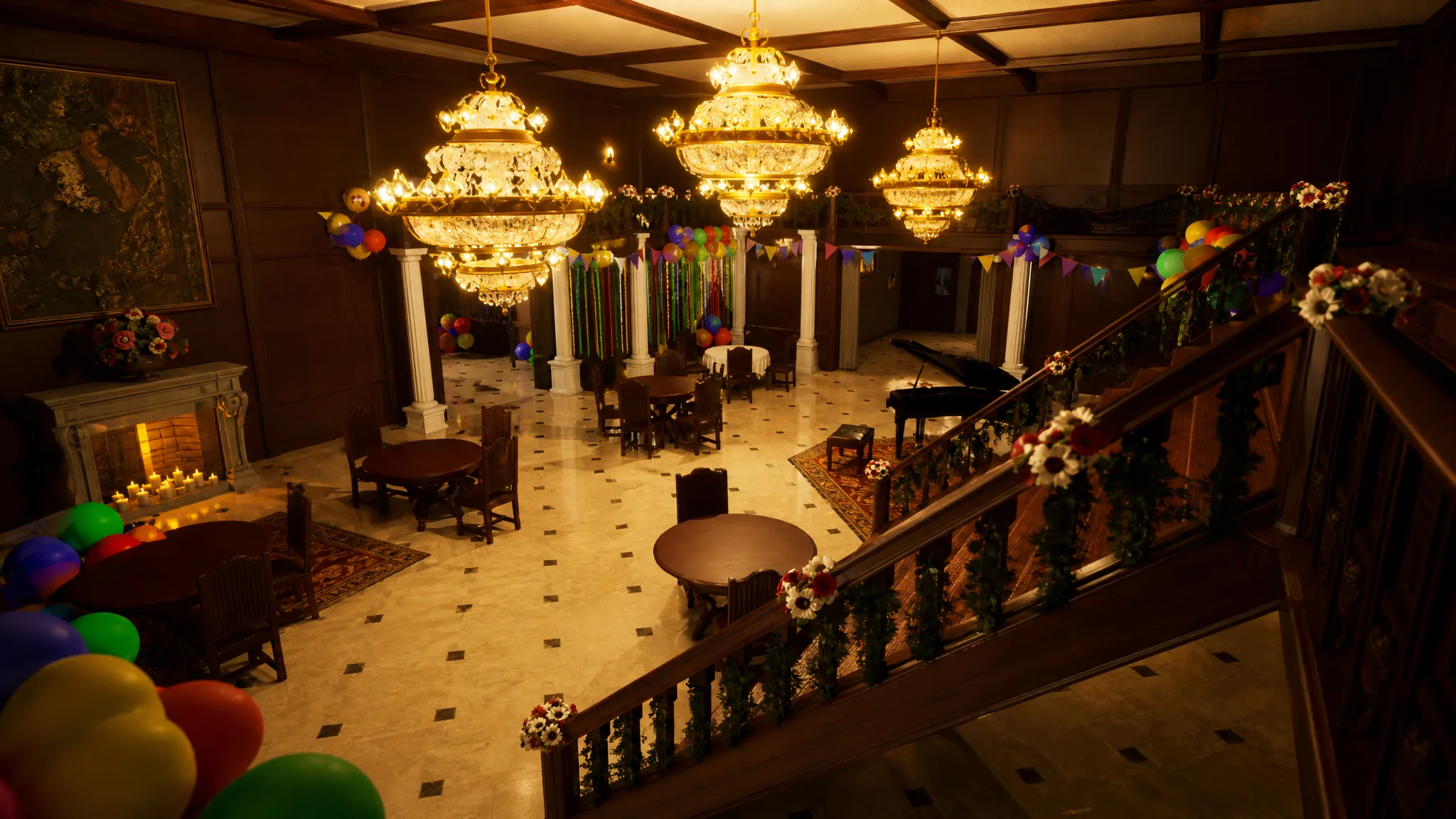
Mods for Meccha Chameleon fall into two buckets. Most of what players call a mod is really a custom Steam Workshop map that adds new rooms, surfaces, and hiding angles without touching the rules. A smaller group of true file mods change how your character behaves or how the controls are mapped. Both are worth using if everyone in your lobby runs the same setup.
Quick answer: The two installable file mods are Thinner Chameleon and AZERTY, dropped into the game’s PAK folder. For everything else, subscribe to custom maps through the Steam Workshop so downloads and updates are handled automatically. Every player in the room must run the same mods or maps, or the lobby can fail to load.
The two installable mods worth trying
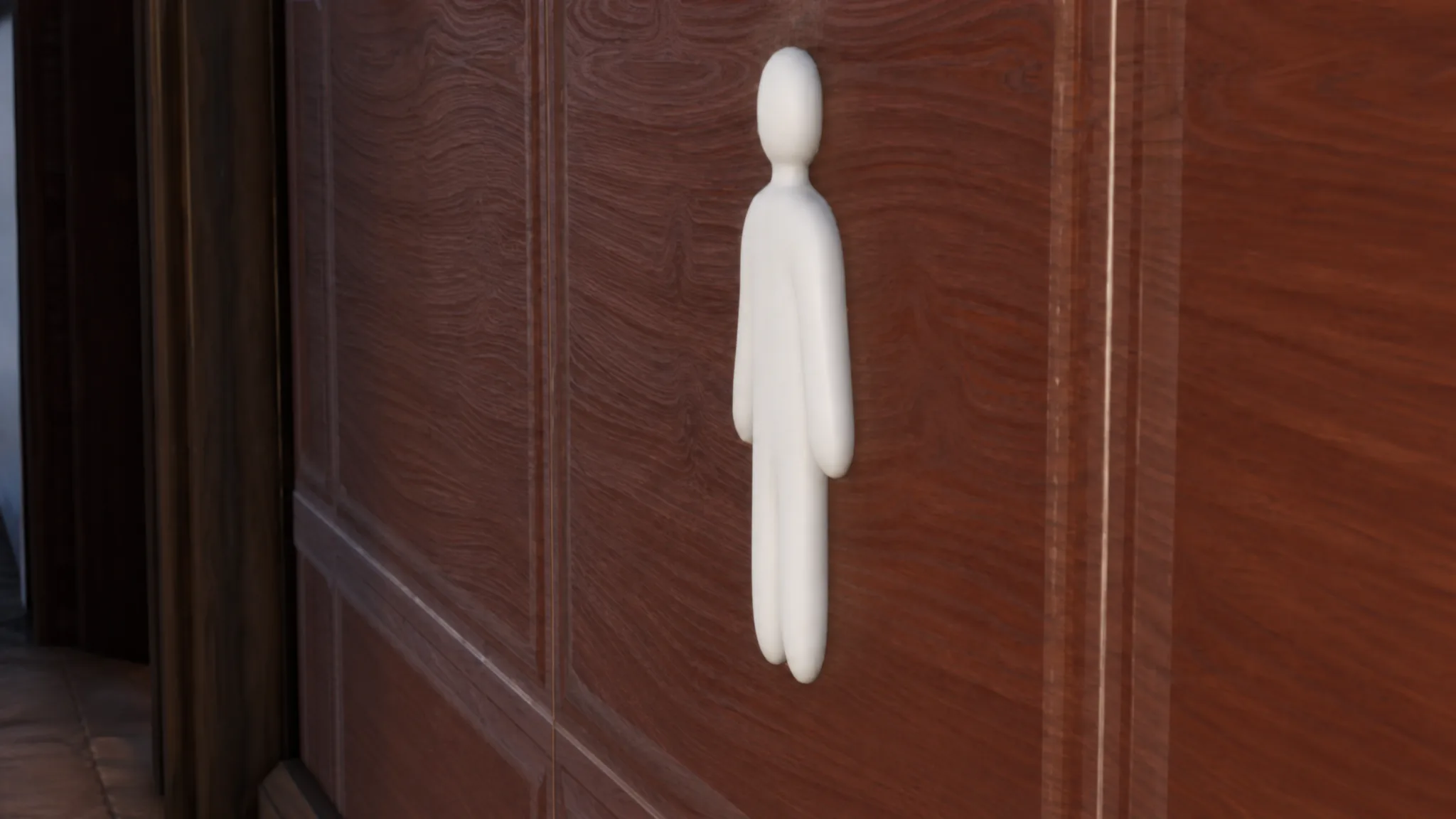
Getting caught in Meccha Chameleon usually comes down to two things: sloppy paint, or a character silhouette that’s simply too big to blend in. The Thinner Chameleon mod attacks the second problem by letting you shrink your avatar so it melts into flat walls and tight props more easily. It can also scale the character up, which is mostly good for troll moments with friends rather than serious hiding.
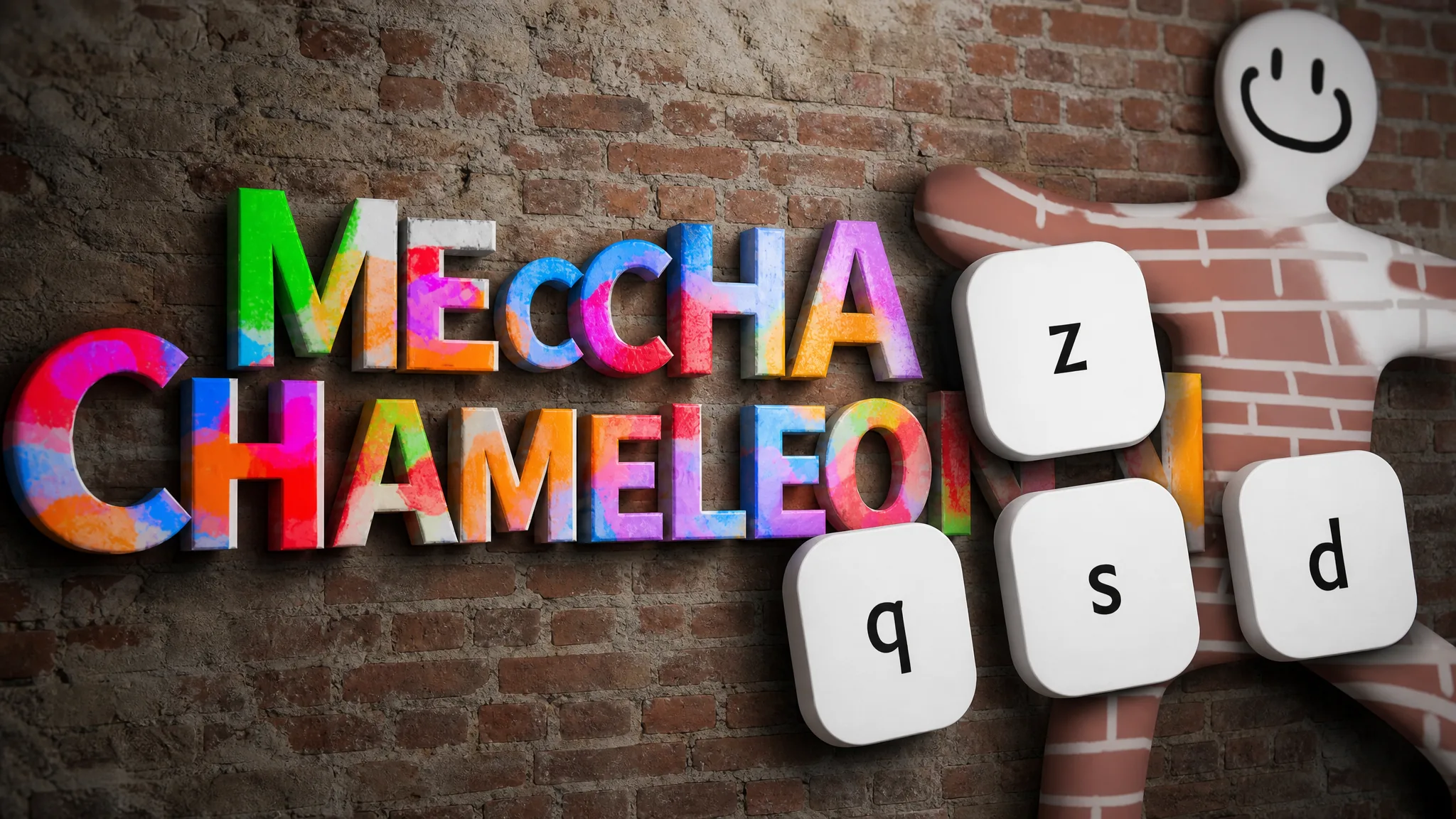
The AZERTY mod solves a control headache. By default the game locks movement to WASD on a QWERTY layout, with no way to remap the keys in Settings. AZERTY keyboard users end up fighting the controls. This mod rebinds movement to ZQSD, which is the standard directional setup for AZERTY, so those players get normal, comfortable movement.
| Mod | What it changes | Best for |
|---|---|---|
| Thinner Chameleon | Resizes your avatar smaller (or larger) | Blending into flat walls and tight spaces, or joke rounds |
| AZERTY | Rebinds movement from WASD to ZQSD | Players on AZERTY keyboards |
Install file-based mods into the PAK folder
...steamappscommonMECCHA CHAMELEON.steamappscommonMECCHA CHAMELEONChameleonContentPAK.Note: File mods carry more risk than Workshop content because they change local game files directly. Keep a clean, unmodded copy in mind so you can roll back if a room starts misbehaving.
Best Steam Workshop custom maps
Custom maps are the main way to keep the game fresh once you’ve memorized the default stages. The strongest picks give Hiders readable surfaces to paint against and give Seekers fair routes to search. Player-count ranges below reflect what each map is built for.
| Map | Players | Why it works |
|---|---|---|
| Minecraft | 4-10 | Blocky, flat dirt and stone faces make painting readable and forgiving; a good first Workshop test |
| Meeting Room | 5-10 | Large office layout with lots of props for creative hides and repeatable Seeker routes |
| CS2 Mirage | 5-10 | Familiar Counter-Strike lanes and crates help you pick routes fast |
| FNAF Security Breach – Parts & Service | 4-10 | Machine-heavy, darker rooms for storage-wall blends |
| Skeld | 5-10 | Among Us rooms are quick to learn, though open sections need careful paint work |
| De_dust2 | 4-10 | Well-known route structure suits high-pressure rounds |
| Dusty Divot | 5-10 | Open Fortnite crater with scattered gear creates varied sightlines |
| Simpsons Family House | 4-8 | Recognizable home rooms give casual players natural furniture hides |
Themed maps built around a house, office, or game location are the easiest for casual groups to read, since everyone already knows what the space should look like. Ported recreations can be more uneven and aren’t always balanced for hiding, so test them in a private room before taking them public.
Subscribe to Workshop maps through Steam
Check version compatibility before hosting
Both mod types can break a lobby if the room isn’t set up carefully. A map with thousands of subscribers can still fail if it hasn’t been updated after a patch, so check the item’s update date, comments, and any note about the current build before you commit a full room to it.
You’ll know a mod is working when the custom map shows up in your map list or room settings and loads cleanly for everyone. The most common reasons it fails are simple: players are on mismatched versions or subscriptions, the download hasn’t finished, or a Workshop item stopped working after an update until its creator patches it. If a problem appears right after you add something, remove the most recent item first before blaming the host or a game update.
Keep it simple. Start from a clean, unmodded setup, add one thing at a time, and make sure every player has the same maps and mods installed before a serious round. That’s the difference between a fresh new stage and a lobby that won’t load.