

Expeditions in Arc Raiders sit somewhere between a prestige system and a soft wipe. You retire a fully geared Raider, lose almost everything, and start over with a new character that has a few permanent bonuses tied to what you extracted and hoarded before leaving the Rust Belt.
What an expedition is in Arc Raiders
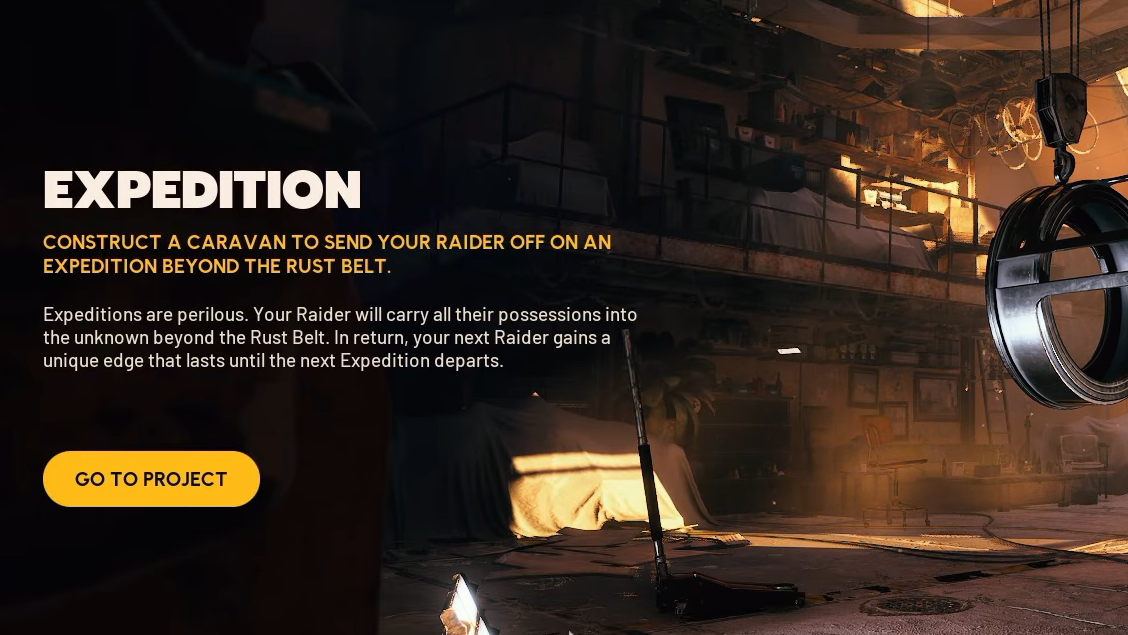
Expeditions are long‑term “Projects” you unlock at level 20 under the Projects tab on the Raider screen. The fiction is simple: you build a caravan, load it with supplies, and send your Raider off beyond the Rust Belt for good.
Mechanically, that departure acts like an optional, character‑level wipe on a roughly eight‑week cycle. Each cycle has two distinct phases:
- A build phase (about 60 days) where you gather materials and complete the six Expedition steps.
- A short departure window (six to seven days) where eligible Raiders can commit to leaving.
If you don’t opt in during the window, nothing happens to your character, and your Expedition progress carries over to the next cycle.
What resets and what carries over
When your Raider departs, the game treats it as a fresh start for character progression while preserving account‑level unlocks.
| Reset on expedition | Kept for the next Raider |
|---|---|
| Inventory items and stash contents | Unlocked maps |
| Coins | Unlocked workshop stations (reset to level 1) |
| Player level | Codex entries |
| Skill points and skill tree choices | Raider Tokens and Cred |
| Blueprints | Raider Decks progress |
| Stash upgrade progress | Trials, cosmetics, and personal event progress |
| Workshop upgrades | Bonus skill points from previous expeditions |
| Quests and Raider Den state | Bonus stash slots from previous expeditions |
Onboarding is also streamlined. After a reset, all maps and all potential workshop stations are available from the start; you still have to re‑upgrade the stations, but you skip the early unlock grind.
How the Expedition Project is built
Before you can even think about bonuses, you have to finish the Expedition Project itself. That means constructing and outfitting the caravan in five resource‑heavy stages, then waiting for the sixth “Departure” stage to open during the window.
| Stage | What you’re doing | Key requirements |
|---|---|---|
| Foundation (1/6) | Base structure and frame | 150 Metal Parts, 200 Rubber Parts, 80 ARC Alloy, 15 Steel Spring |
| Core Systems (2/6) | Power, wiring, ventilation | 35 Durable Cloth, 30 Wires, 30 Electrical Components, 5 Cooling Fan |
| Framework (3/6) | Walls, roof, core layout | 5 Light Bulb, 30 Battery, 20 Sensors, 1 Exodus Modules |
| Outfitting (4/6) | Storage, utilities, interior | 5 Humidifier, 5 Advanced Electrical Components, 3 Magnetic Accelerator, 3 Leaper Pulse Unit |
| Load Stage (5/6) | Fill with supplies by value | 250,000 credits of combat items, 100,000 survival, 180,000 provisions, 300,000 materials |
| Departure (6/6) | Commit to leaving in the window | No extra materials; you choose to depart |
None of these contributions is refunded. Items and materials you sink into the Expedition are gone, regardless of whether you ultimately decide to depart that season.
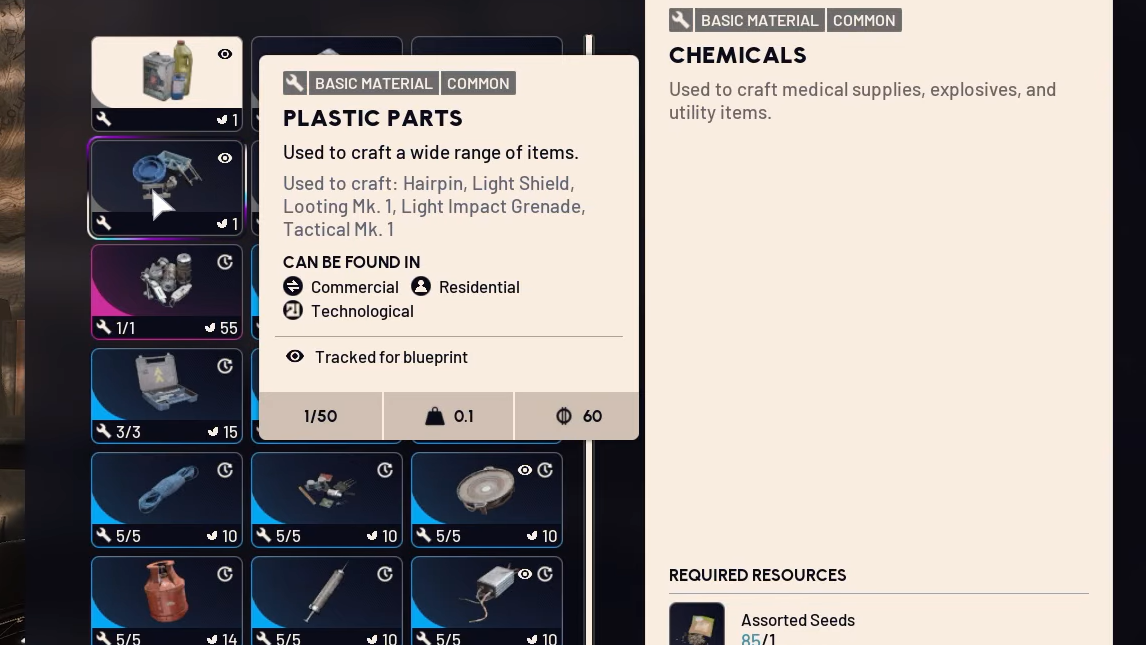
All expedition bonuses and how they work
Once you do depart, your new Raider spawns with a mix of cosmetic unlocks, permanent account upgrades, and temporary seasonal buffs.
Permanent expedition rewards
These stay on your account once earned and are not removed in later seasons:
- Patchwork Raider outfit – a unique character skin unlocked for finishing an Expedition.
- Scrappy Janitor Cap – a cosmetic hat for Scrappy.
- Expeditions Indicator icon – a profile marker showing that you’ve departed at least once.
- Bonus stash slots – +12 maximum stash space per completed Expedition.
- Bonus skill points – up to +5 extra points at the start of a new Raider, tied directly to stash value.
Stash space and bonus skill points are explicitly permanent unlocks. If you stop prestiging for a few cycles, you still keep whatever stash and skill bonuses you previously earned.
Temporary expedition buffs (seasonal)
Alongside the permanent upgrades, your account gains three timed buffs that last until the next Expedition departure:
- 10% repair buff – reduces weapon repair costs.
- 5% XP boost – slightly faster leveling on your new Raider.
- 6% more materials from Scrappy – boosts materials gained from turning in loot at Scrappy.
These buffs stack in strength for up to three consecutive expeditions if you keep retiring a Raider every window. Skipping a window drops them entirely, but it does not touch your permanent stash or skill bonuses.
Stash value and the 1 million coin per skill point rule
The contentious part of expeditions is how bonus skill points are calculated. When the departure window closes, the game totals the value of two things:
- All items in your stash, converted to coins.
- Your current coin balance.
For every 1,000,000 coins of combined value, your next Raider receives one extra skill point, up to a maximum of five. In other words:
| Combined stash + coins value | Bonus skill points on next Raider |
|---|---|
| Under 1,000,000 | 0 |
| 1,000,000–1,999,999 | 1 |
| 2,000,000–2,999,999 | 2 |
| 3,000,000–3,999,999 | 3 |
| 4,000,000–4,999,999 | 4 |
| 5,000,000 or more | 5 (current cap) |
This value check happens once, when everyone departs together at the end of the window. Running expensive kits and losing them just before departure reduces your effective stash value; hoarding instead of spending pushes it up.
How to check stash value for an expedition
The game doesn’t surface a clean “stash value” readout in the normal interface, but there is a workaround on the stash screen.
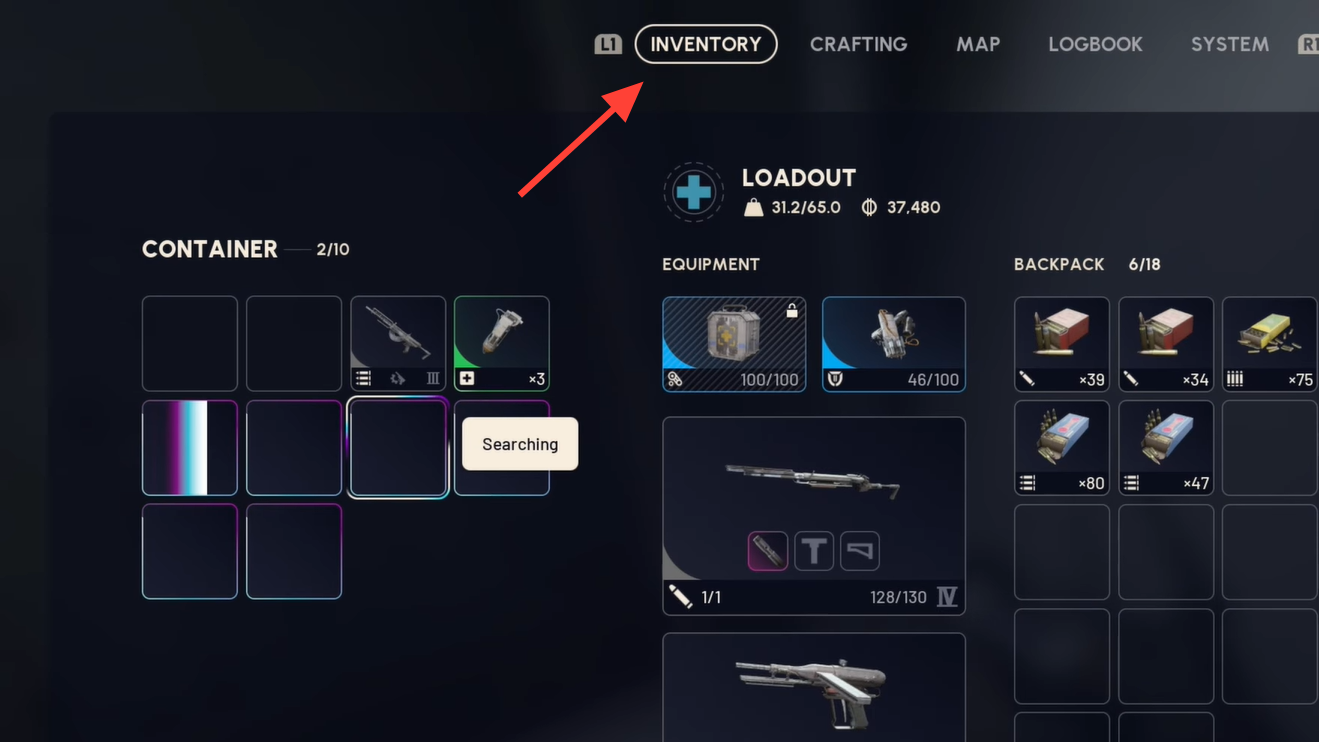
Step 1: Open your Inventory in Speranza and move to the “Stash” tab.
Step 2: On PC, hold Ctrl and click items to multi‑select; on console, hold the left trigger and tap the select button. Select every item in your stash. This can be tedious if you’re near the 280‑slot cap.
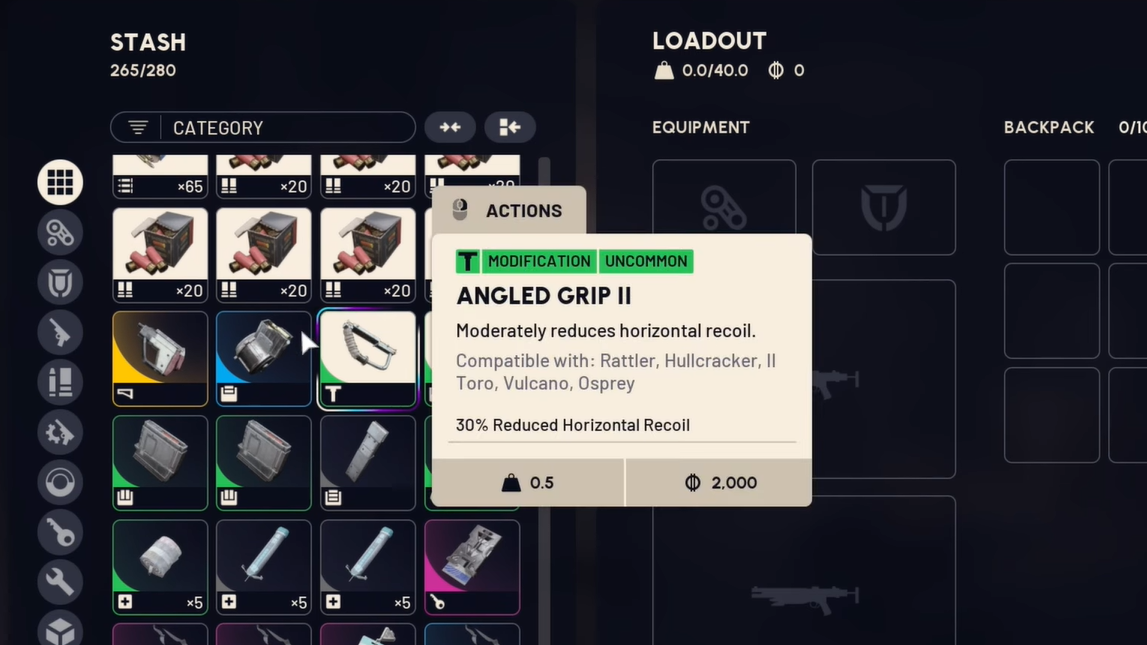
Step 3: Once everything is highlighted, open the sell prompt and hover over the “Sell” option without confirming it. The UI shows the total sale value of the selected items in coins.
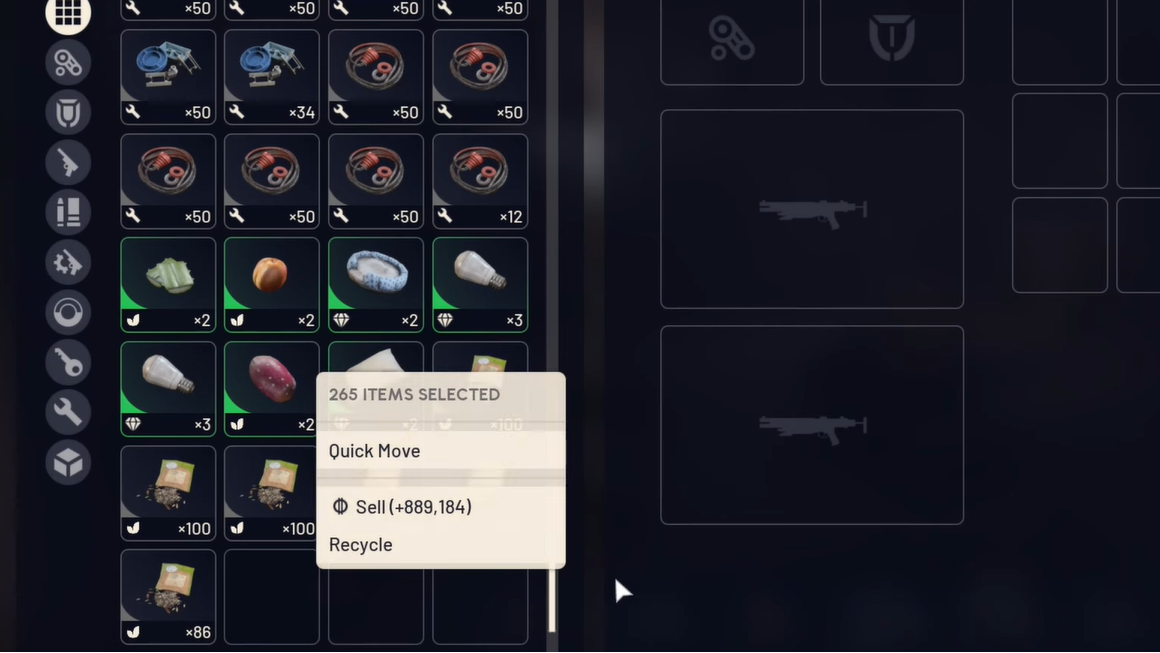
Step 4: Add that number to your current coin balance; the sum is the stash value used for the 1 million‑per‑point calculation.
Do not confirm the sale unless you genuinely want to liquidate your stash to coins; the sell value still counts toward the Expedition formula either way.
Why bonuses are permanent and how they stack
Two different mechanics interact here:
- Permanent progression: Extra stash slots and bonus skill points from completed expeditions are kept across seasons. They appear in the “This will be kept” list for expeditions and are not removed if you skip a later reset.
- Seasonal buffs: The XP, repair, and Scrappy boosts are tied to expedition cycles. They stack in magnitude for up to three consecutive departures, then disappear entirely if you sit out a window.
That structure is designed so prestige‑minded players can slowly accumulate quality‑of‑life gains without creating an unsalvageable gap for new or lapsed players. You never gain raw combat stats that others can’t reach; you simply get a bit more stash headroom and a handful of extra points to smooth your builds.
When the expedition window opens and who can join
Expeditions run on a fixed calendar. Each cycle looks like this:
- Launch day of the cycle: project becomes available to level‑20 Raiders.
- Day ~1–60: you farm materials and fill the five build/load stages.
- Day ~61–67: “Departure” stage unlocks; any Raider with a finished project can opt in.
- End of the window: all queued Raiders depart simultaneously and receive their bonuses.
Eligibility comes down to two requirements:
- Reach at least level 20 on that Raider.
- Fully complete the Expedition Project before or during the departure window.
If you miss the window, your caravan progress is preserved. You continue the same project and can depart in the next cycle once the window reopens.
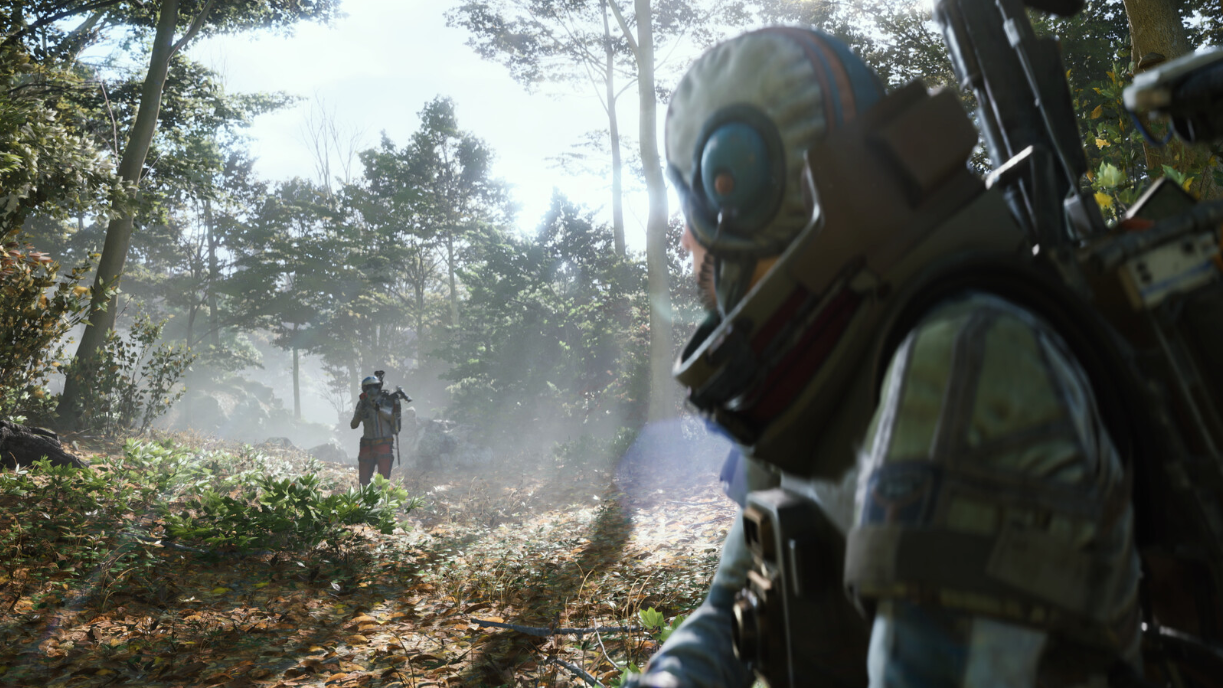
How expeditions change how people play
Because stash value directly determines bonus skill points, expeditions influence behavior in the last days of a cycle:
- Players focused on maximizing points often switch to low‑tier “free” kits to protect expensive gear in their stash.
- High‑value items and fully upgraded weapons are more likely to be hoarded instead of used in raids.
- Some players treat the period before they ever touch expeditions as the time to experiment freely with blueprints and builds, then pivot to optimization once they’re ready to retire a Raider.
The design deliberately keeps the bonuses modest. A non‑prestige Raider starts a new season with all of their skills, benches, and blueprints intact; a prestige Raider restarts with light advantages and a fresh progression ladder. The trade‑off is meant to favor players who enjoy re‑leveling and rebuilding more than raw efficiency.
If you plan to opt in, the key levers are clear: finish the caravan early, push your combined stash and coin value as close to five million as your time allows, and remember that the stash slots and extra skill points you earn now will stay with you even if you skip future expeditions.