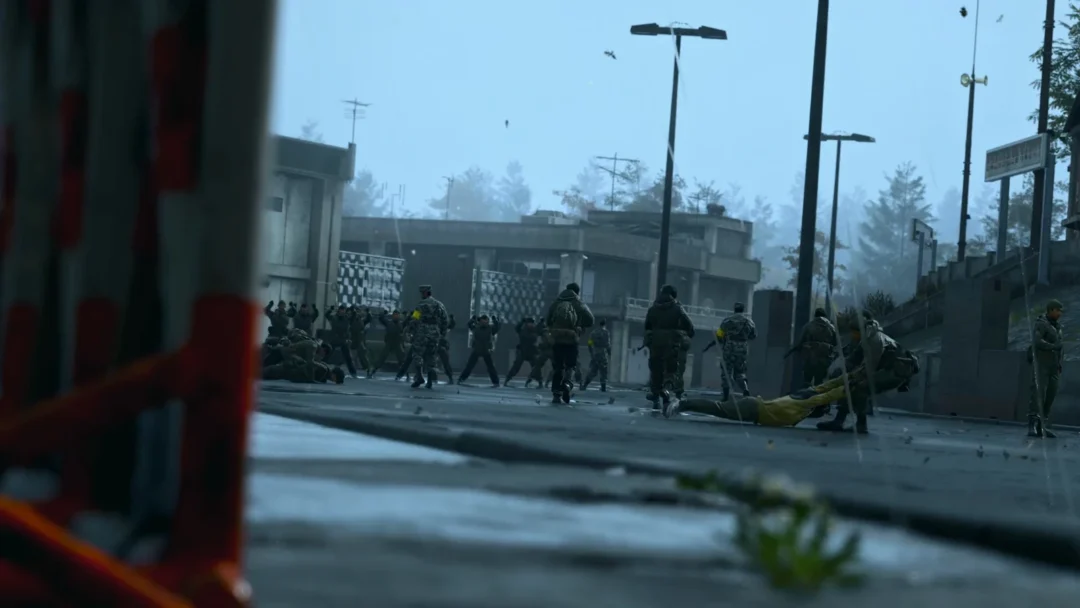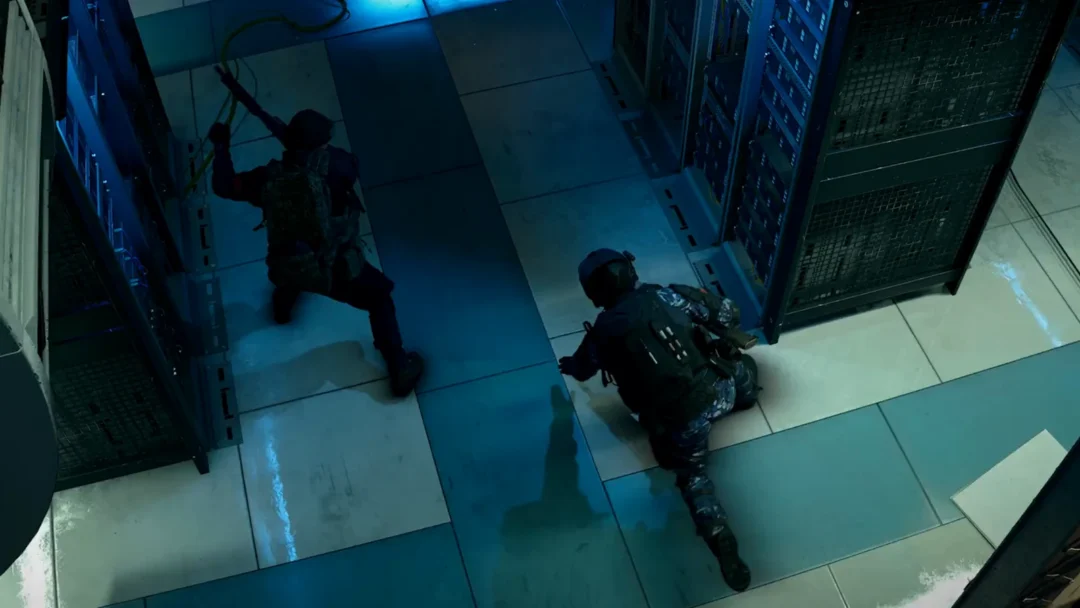
Community servers are where Arma Reforger opens up. Modded servers run on every platform now, so console and PC players can drop into the same custom scenarios, from condensed Cold War firefights to full modern milsim operations. The hard part is knowing where to start, because the in-game browser lists thousands of options with no clear ranking of what plays well.
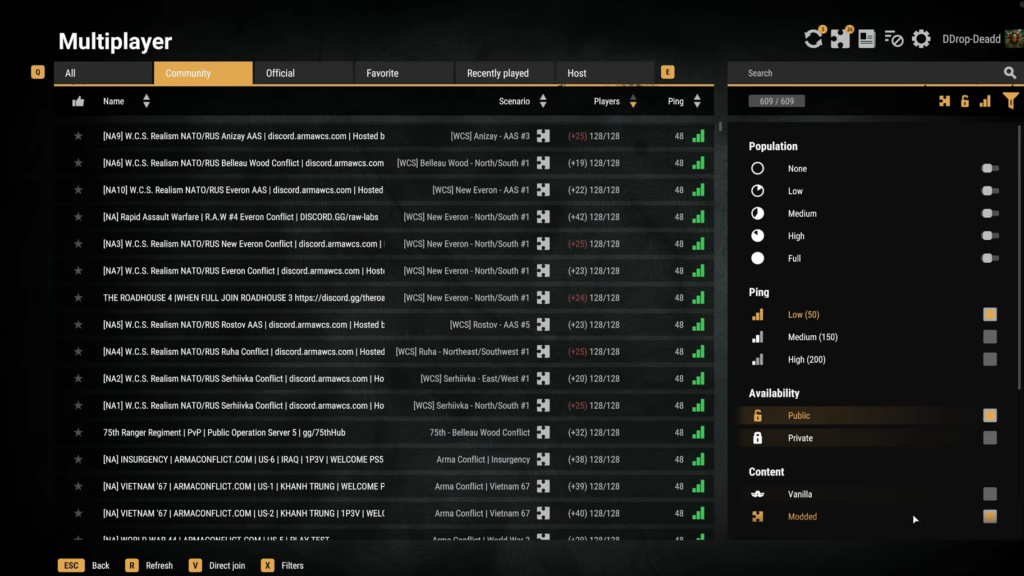
Quick answer: Open the in-game Server Browser and search the exact server name (for example [TAW] Sieze & Secure, W.C.S., 75th Ranger Regiment, Wasteland, or King of the Hill), then join to auto-download the required mods.
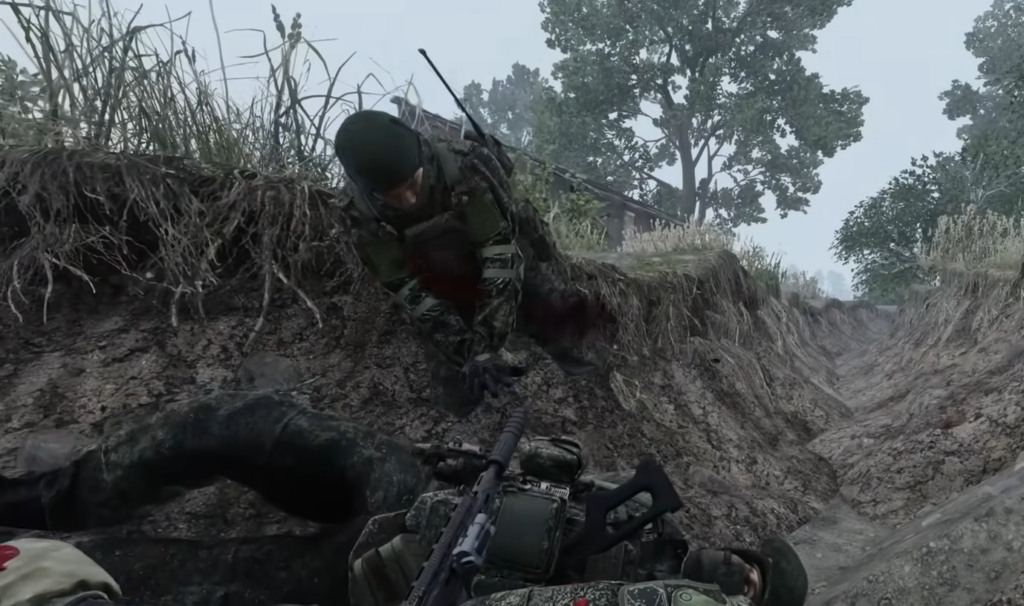
Five modded Arma Reforger servers worth trying
Each server below runs a distinct game mode and mod list. The mod storage figure matters most, since it tells you how much space the download will take on your drive before you can play.
| Server | Mode | Setting | Mod storage | Region |
|---|---|---|---|---|
| Sieze & Secure | Conflict + Capture & Hold mix | Cold War | Under 200 MB | US |
| W.C.S. (Worst Case Scenario) | Modified Conflict / AAS | Modern | 10–14 GB | EU & US |
| 75th Ranger Regiment | Cooperative Game Master | Modern | ~20 GB | US |
| Wasteland | Survival | Modern | ~15 GB | Multiple |
| King of the Hill (KOTH) | Capture & Hold | Modern | 3–6 GB | EU & US |
Sieze & Secure: low-download Cold War combat
Sieze & Secure fuses Conflict and Capture & Hold and layers in reworked mechanics like suppression, squad cohesion, fixed roles, a ticket system for spawns, penalties for reckless play, and a personal wallet. Because it stays inside the vanilla time period, its mod list sits under 200 MB, so the download is quick.
Maps are kept small to push a tighter, more linear frontline that keeps both assault troops and rear logistics busy. The community gathers on Sundays, and onboarding for the custom systems runs through their Discord. Search for [TAW] Sieze & Secure in the browser to find it.
W.C.S. (Worst Case Scenario): large-scale modern warfare
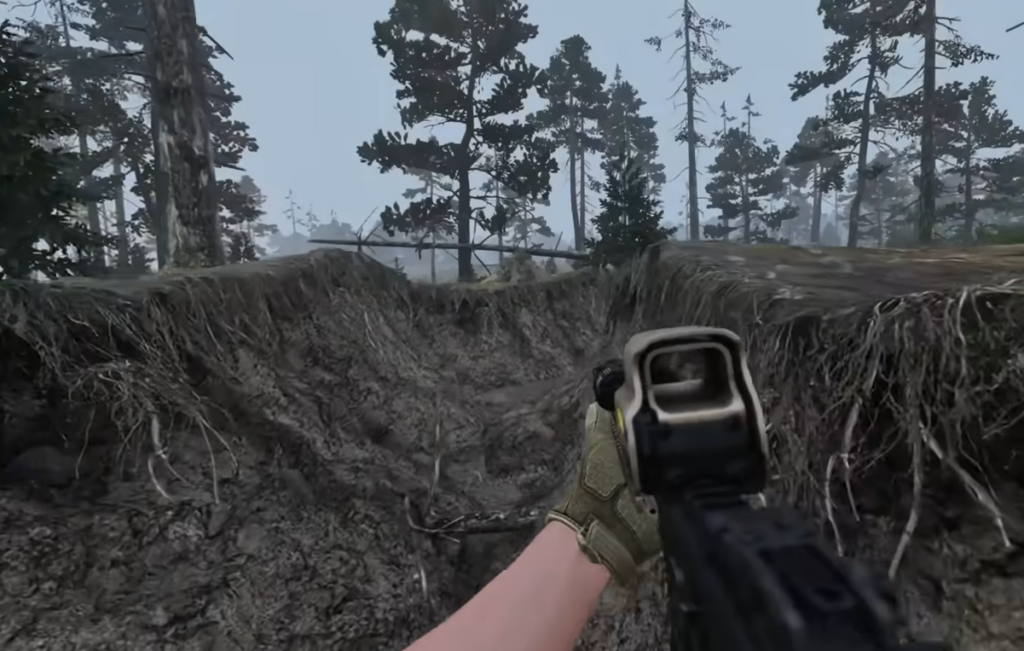
W.C.S. is the heavyweight option for modern combat. It carries hundreds of weapons, vehicles, ammo types, and gear across a network of servers spanning multiple regions, supporting large player counts. Battles play out on community terrains such as Everon, Anizay, Gogland, Rostov, Serhiivka, Denali, and Zarichne.
You can play a custom Conflict or Advance & Secure (AAS), which narrows the fight to two contested bases at a time so the action stays concentrated. Ranks climb from Private to General, unlocking main battle tanks and gunships like the Mi-24 Hind, KA-52, and AH-64D Apache, plus GPS-guided airstrikes. Every heavy asset has a counter, including MANPADS, AA emplacements, and tandem warheads. Expect a 10–14 GB download.
75th Ranger Regiment: cooperative milsim
For an immersive but non-competitive experience, the 75th Ranger Regiment runs a public cooperative server built around Game Master operations. Objectives, transport, and mission flow are all directed by the hosts, with modern outfits, weapons, and vehicles set mostly on desert terrains like Mogadishu, Fallujah, and Kunar Province.
Realism runs deep here. ACE Medical lets you check a casualty’s vitals, perform CPR, and even overdose a patient on morphine, so keeping medics close (or becoming one) matters. The group accepts recruits but the server is open to anyone. The mod list is the largest on this list at roughly 20 GB.
Wasteland: survival looting and base building
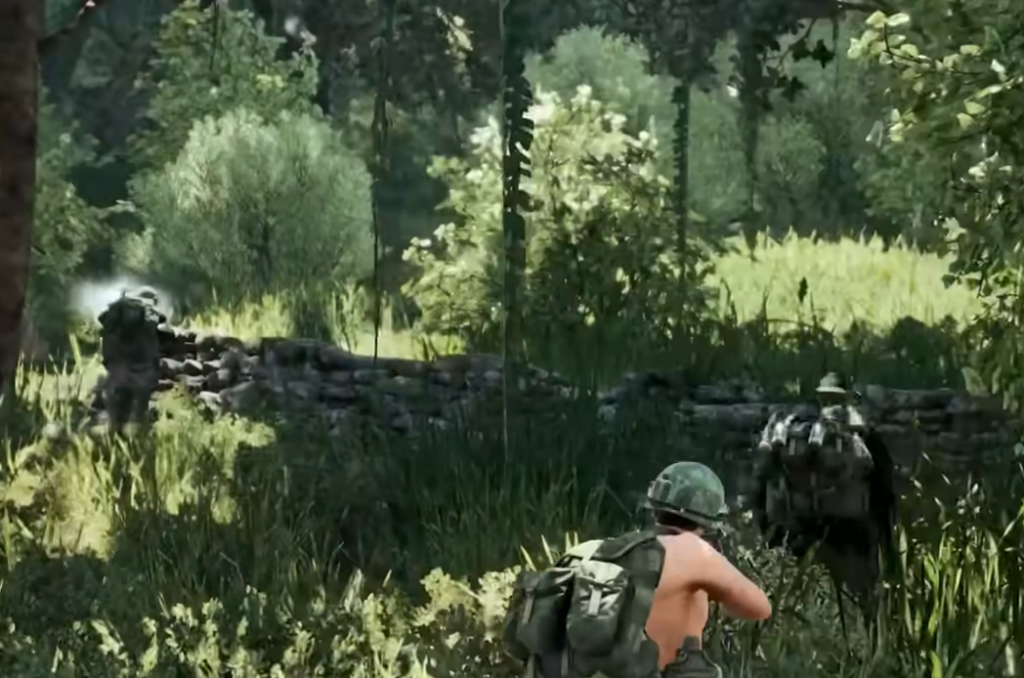
Wasteland is the original survival looter that predates the Arma 2 DayZ mod, and it blends competitive and cooperative play. You spawn as a nobody in one of three factions and grind toward better gear, weapons, and vehicles by completing missions, looting, trading, and building a faction base.
The catch is permanence. Death sends you back to a fresh spawn and you lose everything you carried, so caution pays off. Several Wasteland servers run across different regions, so search the name in the browser and pick one near you. Expect about a 15 GB download.
King of the Hill (KOTH): fast-paced three-faction fights
King of the Hill is the pick if you want to jump straight into combat. The mode that won the original Make Arma Not War competition sends three balanced factions into a small area to fight over key positions, and the faction that holds the shifting zones longest wins.
You start with a basic rifle and earn an in-game currency through combat, which feeds a persistent rank, profile, and long-term progression toward better gear and vehicles. The mod list runs 3–6 GB, with servers in both EU and US.
How to join a modded server
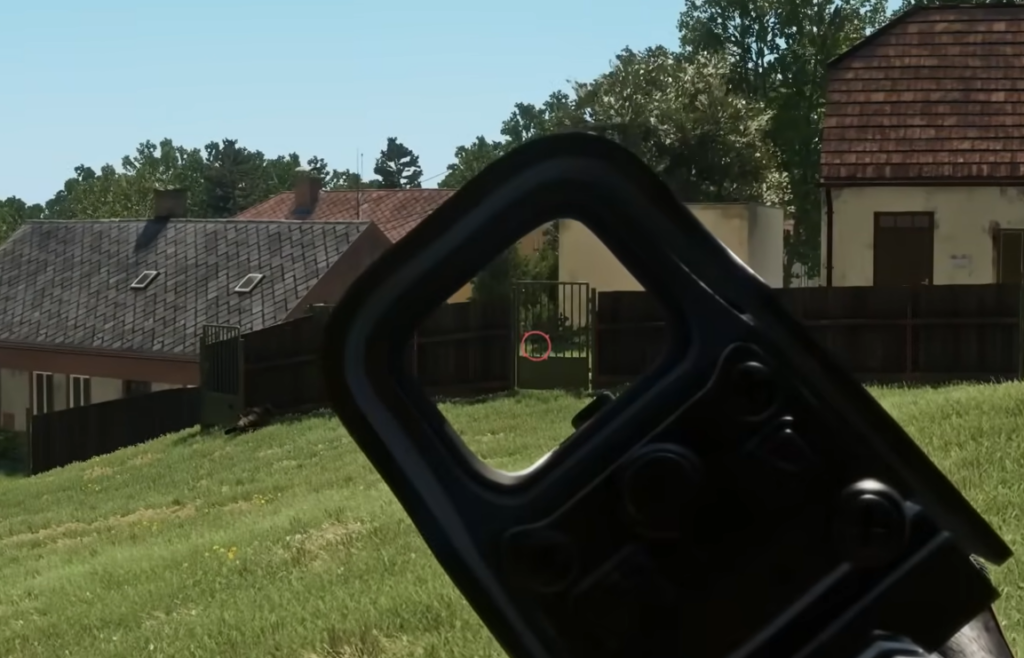
You will know it worked when the mods finish downloading and the game loads you into the server’s scenario. If you want a deeper walkthrough of how mods are installed and managed, the official guide on using mods in Arma Reforger covers the process.
Some communities run their servers permanently, others only on set days or occasionally, so a server that is empty mid-week may fill up on event nights. Checking each group’s Discord is the fastest way to confirm session times and get onboarding help for the custom systems.
These five are only a fraction of what the Server Browser holds. Once you are comfortable with the basics of joining and downloading mods, the same steps apply to every other community server, so it is worth experimenting until you find the mode and region that fit how you like to play.