

Crimson Desert's combat draws heavily from classic character-action games like Devil May Cry and Ninja Gaiden, layering multi-button combo sequences, simultaneous stick presses, and rapid input chains on top of an open-world RPG. That fighting-game DNA makes the choice between a controller and keyboard-and-mouse far more consequential here than in a typical third-person adventure. The short version: a controller is the intended and generally smoother experience, but keyboard and mouse can work — with caveats.
Quick answer: Use a controller. Crimson Desert carries a "Controller recommended" tag on its Steam store page, and Pearl Abyss has stated that a gamepad is the preferred way to play. Keyboard and mouse is fully supported, and every key is remappable, but the combo-heavy combat translates more naturally to analog sticks and face buttons.
Why the developers recommend a controller
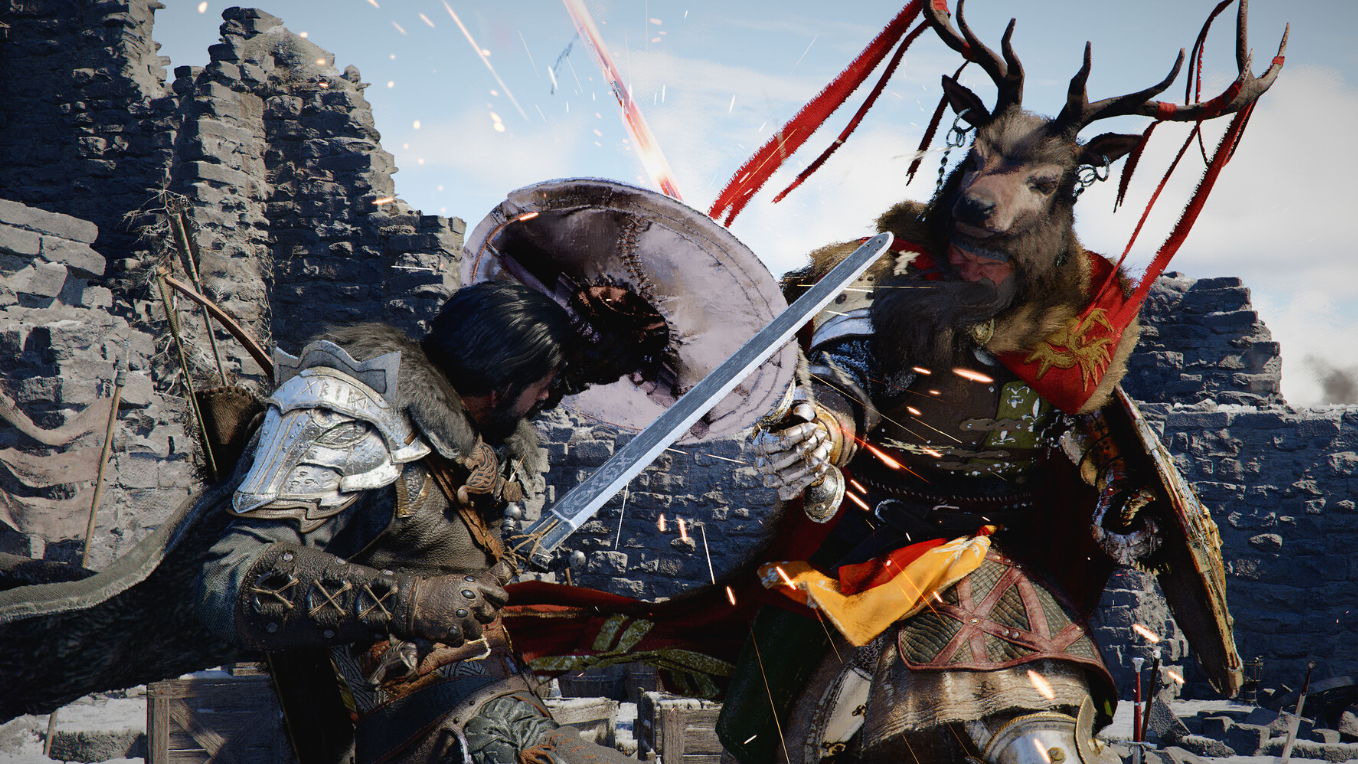
Crimson Desert's combat system revolves around chaining light attacks, heavy attacks, parries, grapple moves, and special abilities through directional stick inputs combined with face-button sequences. Think "stick-down plus X, then circle plus triangle, then R2" to finish a staggered boss. That kind of input is ergonomically designed for a two-stick gamepad, where your thumbs can flick between the analog stick and the face buttons without lifting off the controller. Haptic feedback on DualSense and similar controllers also adds a tactile layer to parries and shield breaks that keyboard and mouse simply cannot replicate.
The game's movement system benefits from analog input as well. A thumbstick gives you 360-degree directional control with variable speed, which matters when you're repositioning mid-combo or dodging through groups of enemies. WASD locks you into eight fixed directions and binary on/off movement, which can feel stiff during Crimson Desert's fluid, animation-driven fights.
Where keyboard and mouse still makes sense
Ranged combat is the one area where a mouse pulls ahead. Aiming a bow or lining up precision shots with incendiary arrows is significantly easier with mouse-driven camera control than with a right analog stick. If you played Ghost of Tsushima on PC, you likely noticed the same split — melee felt great on a pad, but bow aiming was far more comfortable with a mouse.
Menu navigation, crafting, and inventory management can also feel snappier with a mouse cursor. Crimson Desert's blacksmith interface, for instance, uses a drag-and-drop material selection system that maps more intuitively to point-and-click than to a d-pad.
Crimson Desert default control layout (controller)
| Action | Default Button (PlayStation layout) |
|---|---|
| Light attack | R1 |
| Heavy attack | R2 |
| Jump | Square |
| Block / Lock-on | L1 |
| Sprint | Double-tap X |
| Special moves | R1 + face buttons / stick + face-button sequences |
A few of these bindings have drawn criticism. Block and lock-on sharing L1 means that tapping the button to time a parry can accidentally toggle your target lock off during hectic fights. Jump being mapped to Square instead of the more conventional X (or Cross) has also tripped up players accustomed to other action games. Double-tapping X to sprint feels unintuitive when you're already under pressure. Controller remapping is expected, but the default layout demands some adjustment time regardless.
Crimson Desert default control layout (keyboard and mouse)
| Action | Default Binding |
|---|---|
| Movement | WASD |
| Camera | Mouse |
| Light attack | Left click |
| Heavy attack | Right click |
| Dodge | Space |
| Block | Ctrl |
| Target lock | Tab |
| Special combos | Number keys (1–9) |
| Cycle abilities | Mouse wheel scroll |
The fundamental problem with keyboard and mouse in Crimson Desert is that combo execution often requires hitting number-row keys mid-fight. Reaching from WASD up to 5, 6, or 7 while simultaneously dodging and managing the camera is physically awkward. Mapping combos to closer keys like Q, E, and F helps, but even experienced playtesters have reported fumbling inputs during boss encounters. Target locking with Tab works reliably even in crowded scenes, and mouse-wheel ability cycling is smooth — the friction is concentrated in the combo inputs themselves.
Every key can be rebound, which gives you room to experiment. If you have a mouse with extra side buttons, binding your most-used combo triggers there can reduce the hand gymnastics significantly.
The hybrid approach
Some players are opting for a hybrid setup: a one-handed keypad with an analog stick (like the Azeron Cyborg II) paired with a mouse. This gives you the 360-degree analog movement that WASD lacks while keeping the mouse's precision for camera control and ranged aiming. Crimson Desert supports simultaneous gamepad and keyboard/mouse input, so switching between the two mid-session is seamless.
The learning curve is real either way
Regardless of your input method, Crimson Desert's controls are more complex than what most modern open-world RPGs ask of you. The game's combat has more in common with a traditional fighting game than with the relatively simple light-attack/heavy-attack/dodge loop of a Souls-like. Players who grew up on Devil May Cry or Ninja Gaiden will feel right at home; those whose muscle memory is built around Elden Ring's comparatively streamlined inputs may experience some initial friction.
That complexity extends beyond combat. Stealth kills use a hold-then-tap prompt sequence (hold Shift, then tap F on keyboard; equivalent multi-step input on controller). Environmental puzzles involve lever sequences and light-reflection mechanics. Even basic traversal actions like mantling and grappling require timed multi-button presses. None of this is insurmountable, but expect to spend your first few hours actively learning the controls rather than breezing through them.
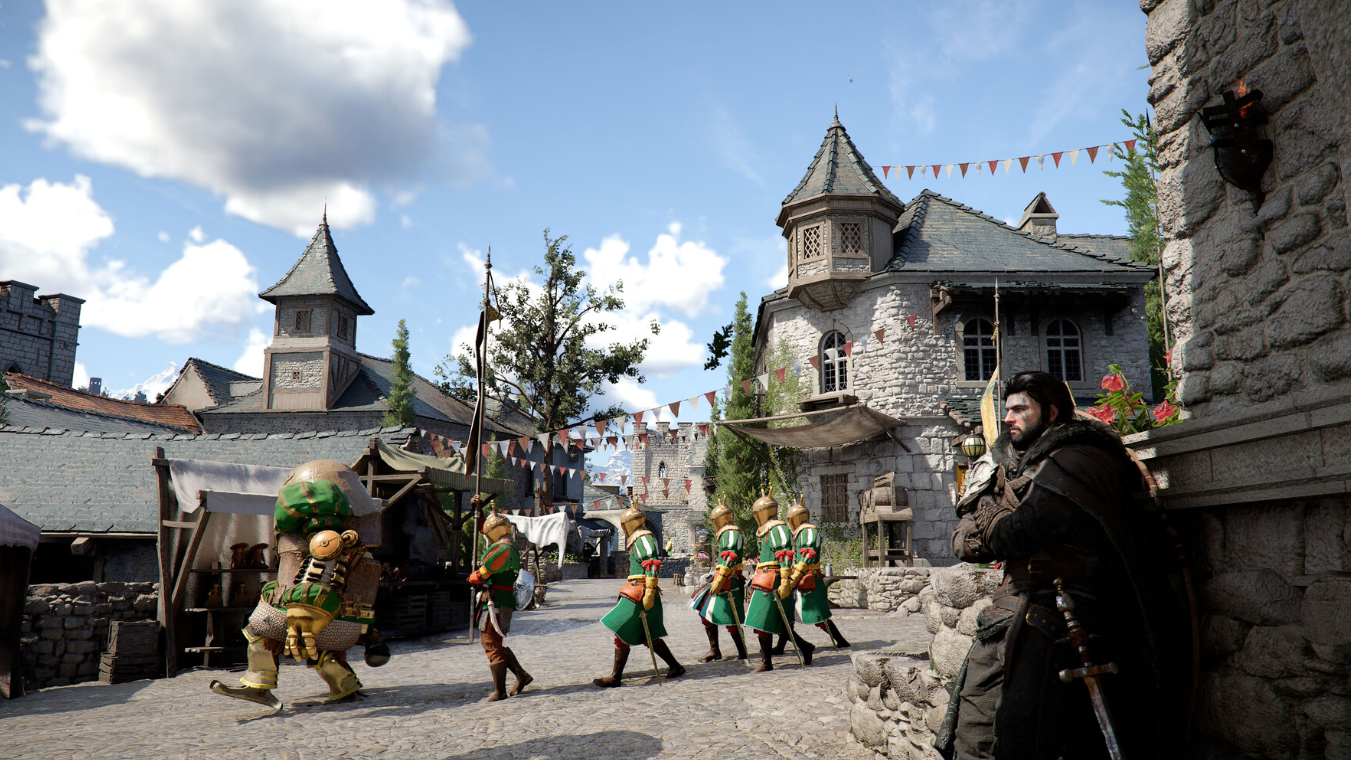
For most players, a standard Xbox or PlayStation controller is the path of least resistance. The game was designed around it, the combo inputs map more naturally to a gamepad, and analog movement gives you finer control during combat. If you're a dedicated keyboard-and-mouse player who values precision aiming and can tolerate some rebinding work, you can absolutely make it work — just go in knowing the combo system will fight your hand placement at first. And if budget and curiosity allow, a hybrid analog-keypad-plus-mouse setup may end up being the best of both worlds.