Update: Checked for new Star Wars Tycoon codes on June 01, 2026.
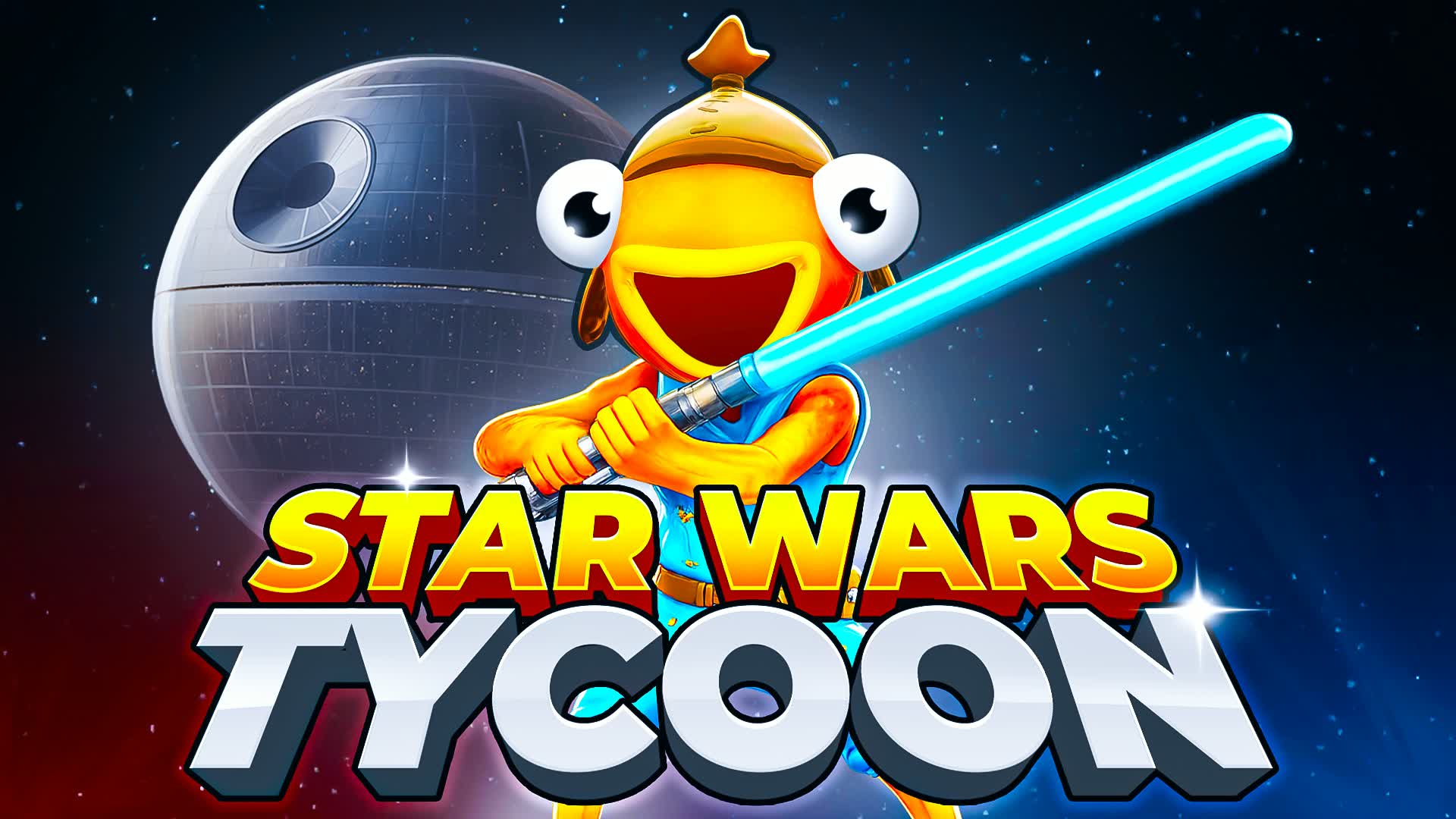
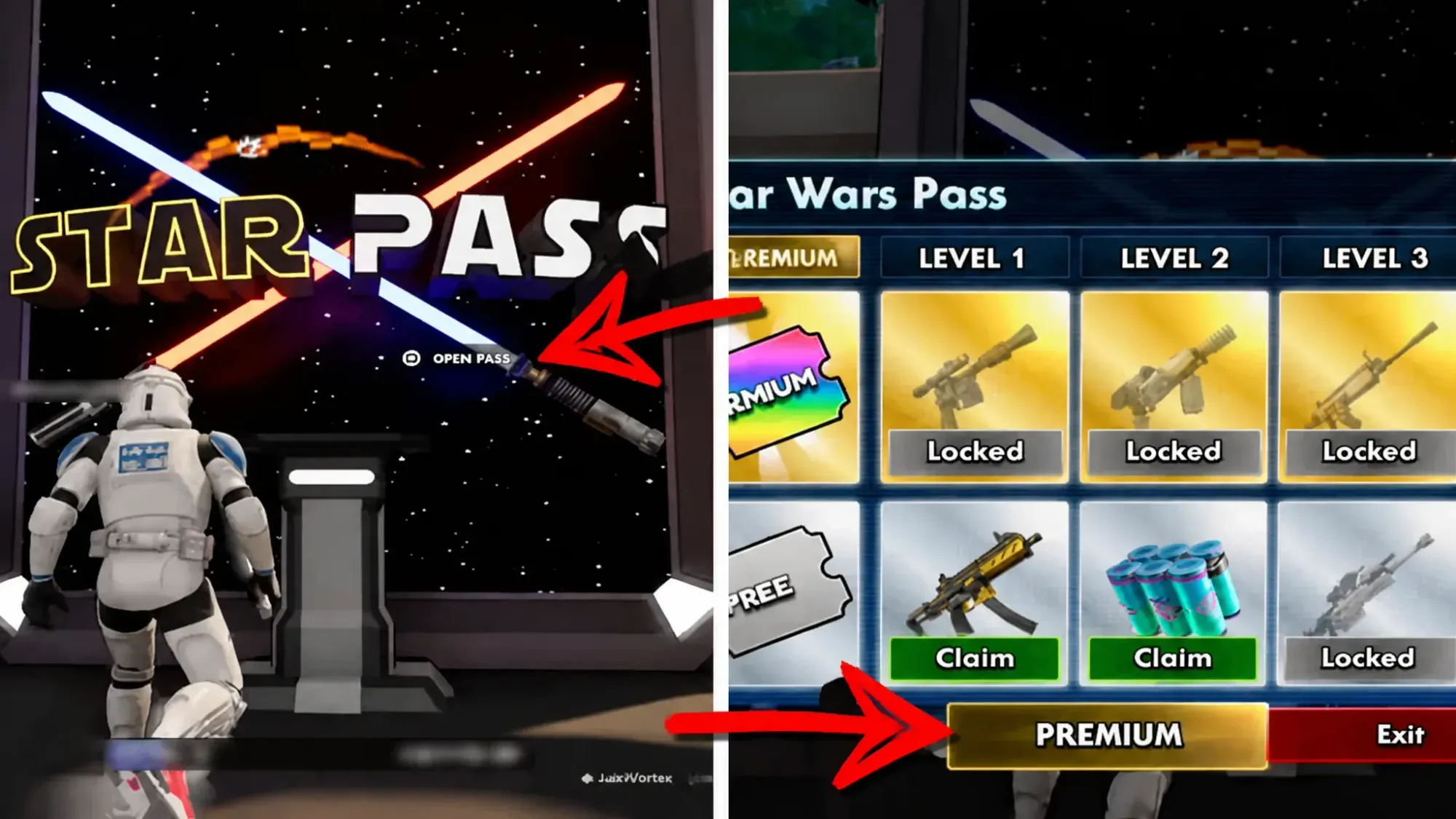
Star Wars Tycoon is a 6-player Fortnite creative experience built by Frostmouse. Players travel across iconic Star Wars planets, construct and expand a city from scratch, and progress through a skill tree that keeps unlocking new abilities over time. A rebirth system lets you restart stronger, and savings mode ensures no progress is lost between sessions. Codes in Star Wars Tycoon reward a Premium Pass, which ties directly into the Star Pass progression system and opens up exclusive unlocks as you advance.
All Star Wars Tycoon codes (June 2026)
Working codes
0066— Premium Pass
Expired codes
There are no expired Star Wars Tycoon codes at this time.
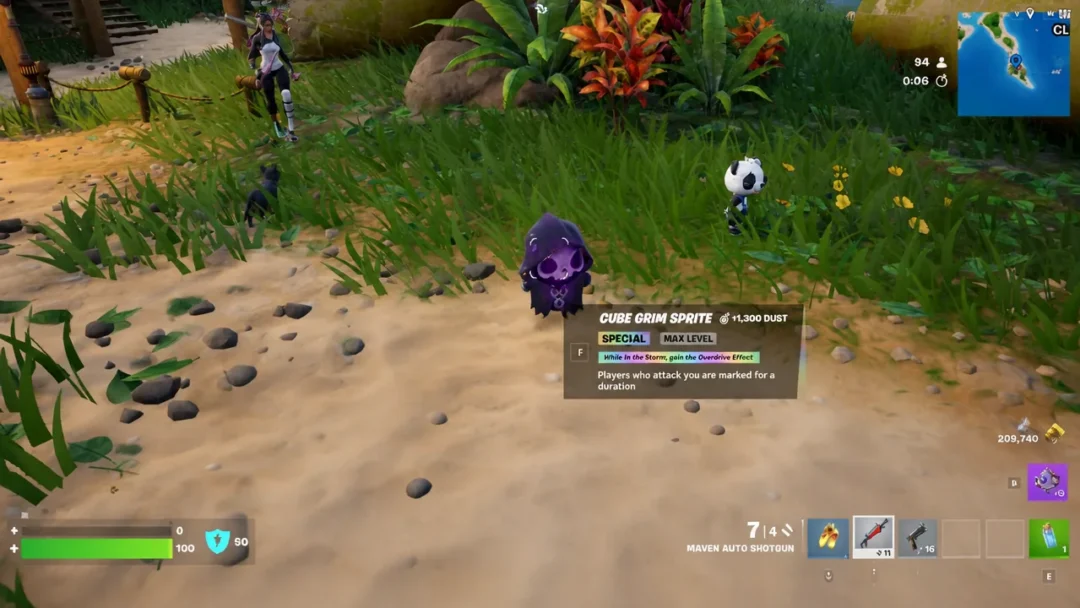
How to redeem Star Wars Tycoon codes
Where to find more Star Wars Tycoon codes
New codes tend to appear around map updates and notable Star Wars events, so there’s no fixed release schedule. Frostmouse announces codes through their official X account (@FrostmouseDev) and the Frostmouse Studio Discord, both of which are the fastest places to catch a new drop. Bookmark this page and check back regularly — the list above is updated whenever a new code is confirmed.