Forza Horizon 6 does not run natively on the Xbox One S. Playground Games built the Japan-set racer exclusively for ninth-generation hardware, which means the Xbox One family is no longer a supported platform the way it was for Forza Horizon 5.
Why Forza Horizon 6 skips the Xbox One S
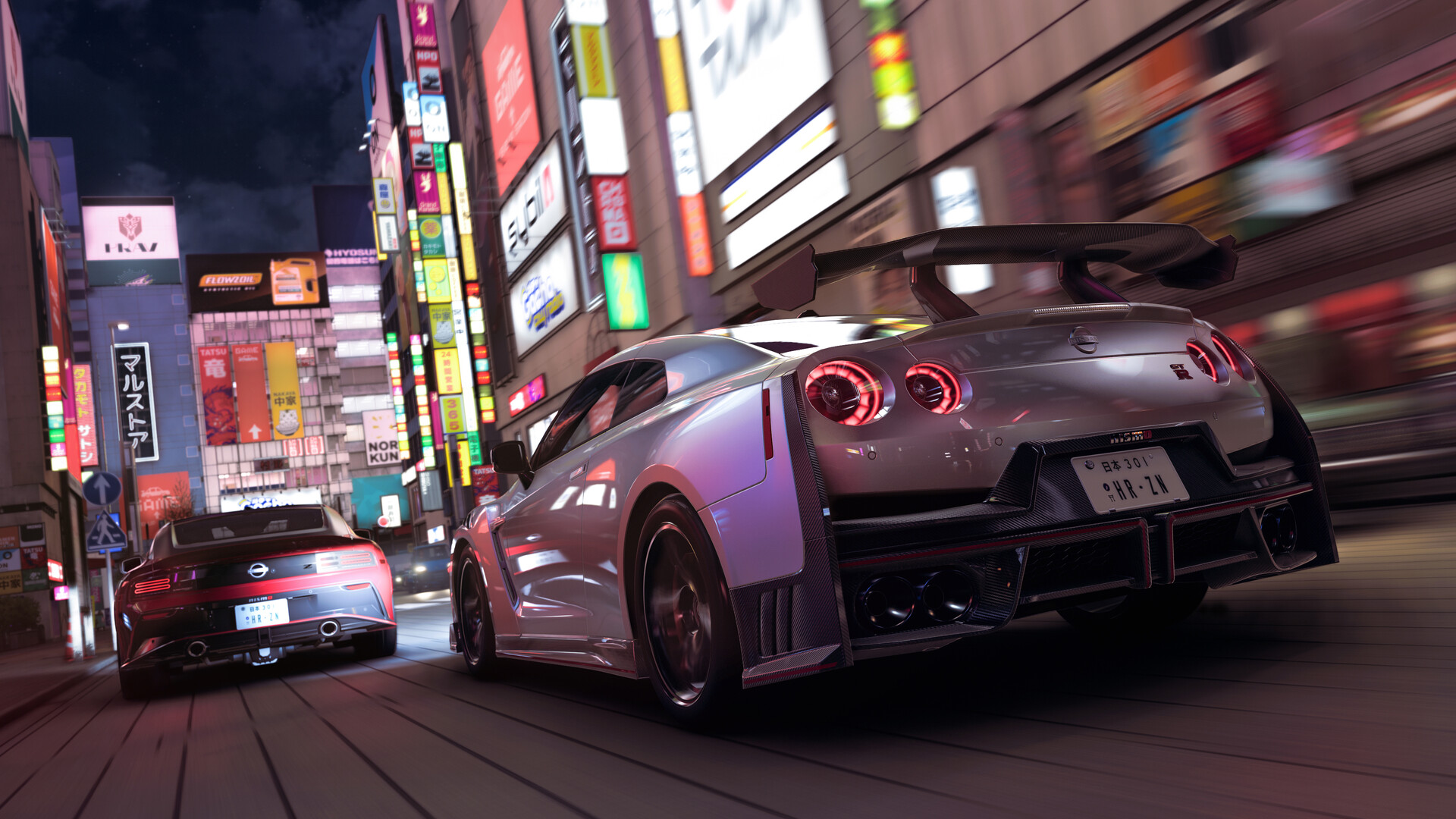
Playground Games confirmed the game targets Xbox Series X, Xbox Series S, and Windows PCs, with a PlayStation 5 version arriving later in 2026. The studio said dropping the eighth-generation Xbox One opened up more headroom for the game’s systems, including a new ray-traced global illumination model, ray-traced reflections on cars, and a denser Tokyo than any previous Horizon city.
That technical baseline is the reason last-gen consoles aren’t getting a pared-down port. The Xbox One S simply lacks the CPU and GPU budget to run the game’s lighting, physics, and Tokyo’s traffic and pedestrian density at a playable level.
The cloud streaming workaround
The Xbox One S can still load the game through Xbox Cloud Gaming. The console runs the streaming client, while the actual game executes on Microsoft’s server hardware and sends video back to your TV. You’ll need a stable broadband connection and a Game Pass plan that includes cloud streaming.
The Standard Edition of Forza Horizon 6 is included with Game Pass Ultimate and PC Game Pass on day one. For an Xbox One S owner, Ultimate is the relevant tier because it’s the plan that bundles cloud gaming on console.
What you need to stream it on Xbox One S
| Requirement | Detail |
|---|---|
| Console | Xbox One S (any storage size, including 1TB) |
| Subscription | Xbox Game Pass Ultimate |
| Internet | Stable broadband; wired connection recommended |
| Controller | Standard Xbox Wireless Controller |
| Install size | None on console (streaming only) |
Because the game streams, you don’t need to worry about the roughly 155GB install footprint that PC and Series X|S users deal with. Local storage on the One S is irrelevant for cloud play.
How streaming compares to native play
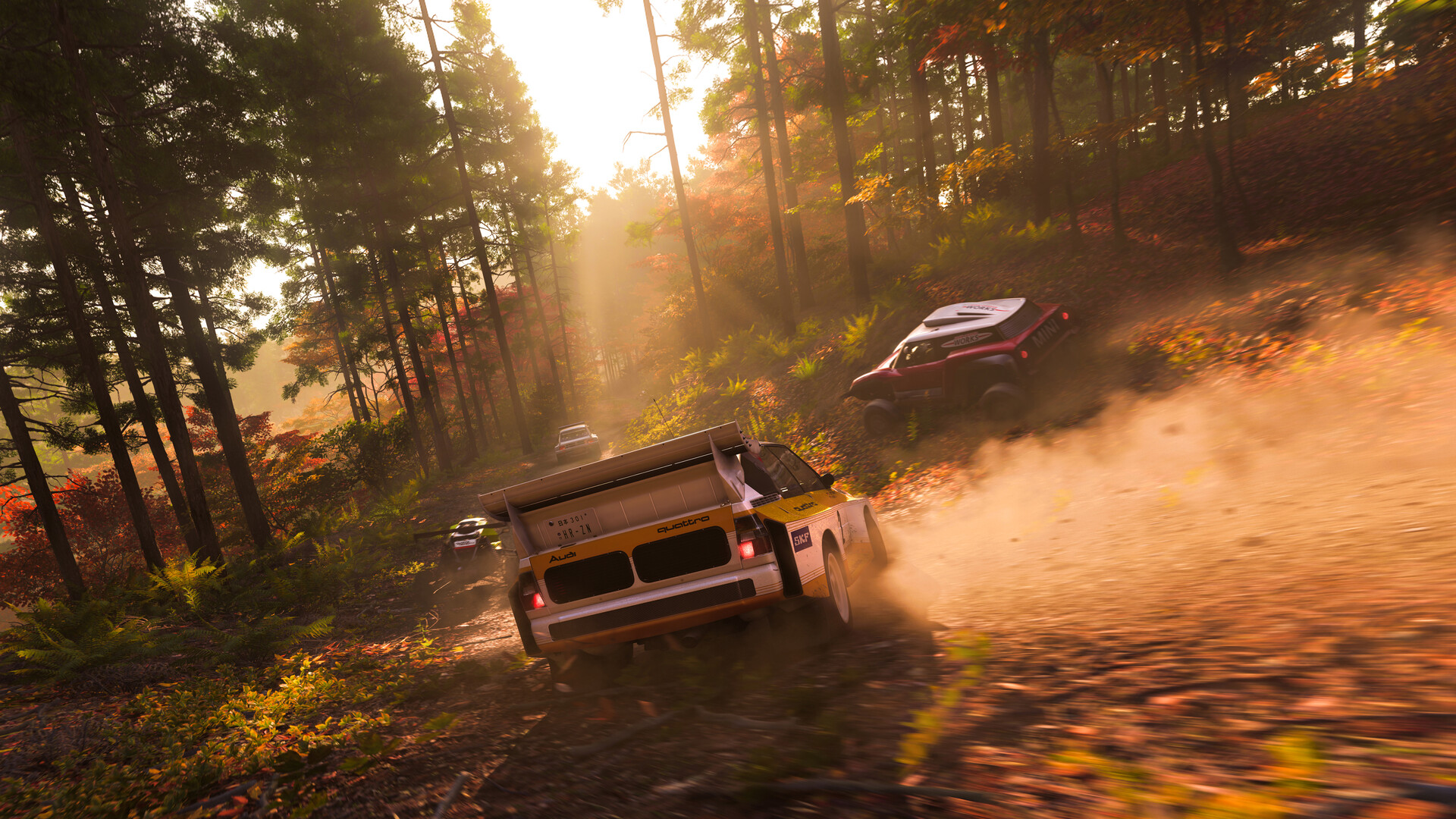
Streaming works, but it isn’t the same experience as running the game on a Series S or Series X. Input latency is higher, image quality depends on your connection, and the stream is capped at 1080p output. For a racing game with quick steering corrections, that latency is the trade-off most One S players will feel first.
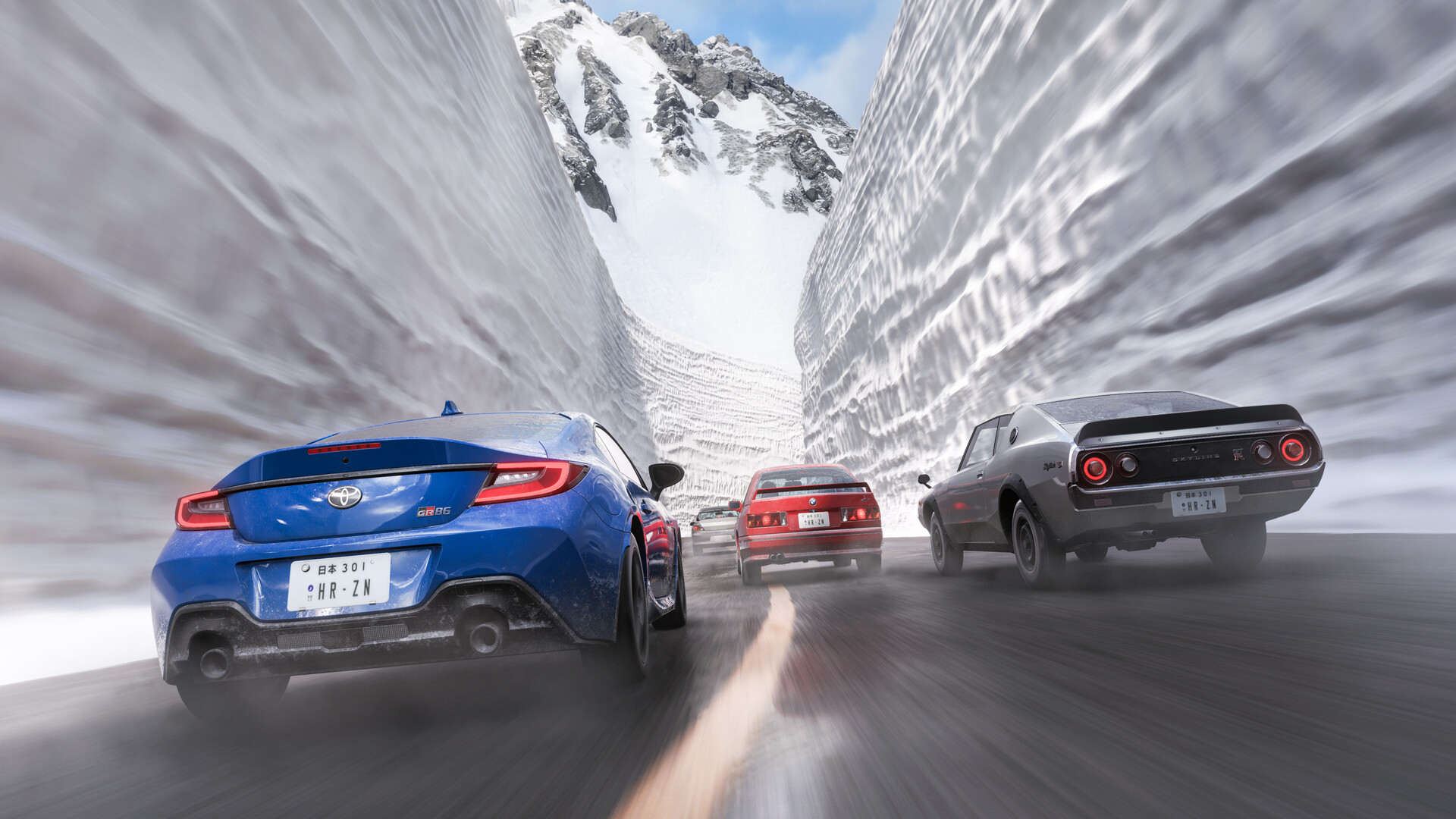
Players who upgraded to a Series X describe the visual jump as significant compared to the Series S version, which itself offers a 1440p/30fps Quality mode with ray tracing and a 1080p/60fps Performance mode. Cloud streaming on an Xbox One S won’t match either of those modes for responsiveness, but it does make the game playable on hardware Microsoft otherwise considers retired for new releases.
Buying the game versus subscribing
Owning a copy of Forza Horizon 6 on the Microsoft Store doesn’t unlock a native Xbox One S build, because no such build exists. The Xbox Store listing covers Xbox Series X|S and Windows 10/11 only. If you purchase the game outright and try to install it on an Xbox One S, the console will not be able to run it.
For Xbox One S owners, the practical paths are:
| Option | What it gets you |
|---|---|
| Game Pass Ultimate | Stream Forza Horizon 6 to the Xbox One S via the cloud |
| Upgrade to Xbox Series S or Series X | Native install and play at 60fps (Performance) or with ray tracing (Quality) |
| Play on PC | Native play if your PC meets the system requirements; included with PC Game Pass |
| Wait for PS5 version | Native play on PlayStation 5 later in 2026 |
How to start streaming on Xbox One S
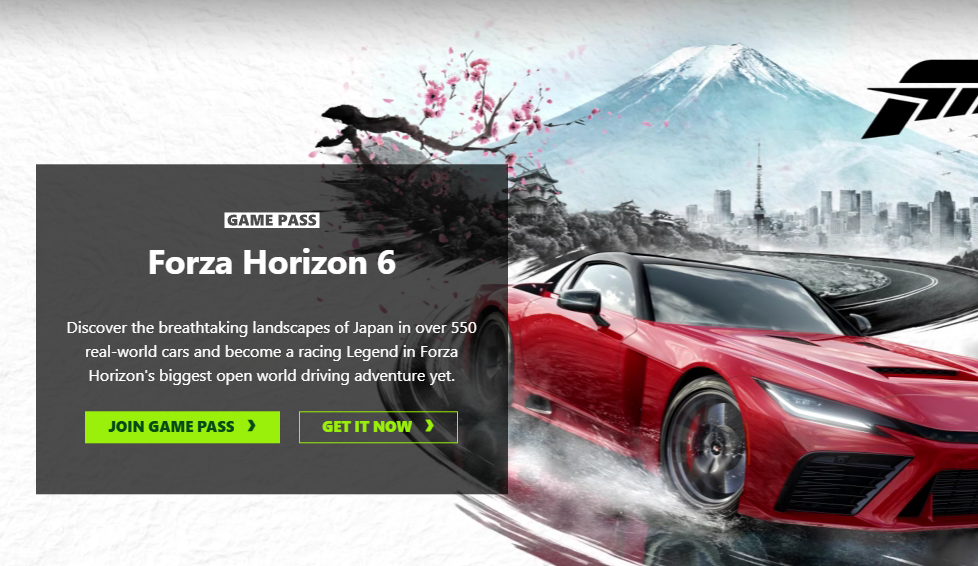
For anyone holding onto a decade-old Xbox One S, cloud streaming is the bridge to Japan. It’s not the ideal way to experience a Horizon game given the latency tradeoffs, but it keeps the door open without a $500-plus console upgrade. If you race competitively or care about visual fidelity, a Series S, Series X, or capable PC remains the better long-term home for the series.