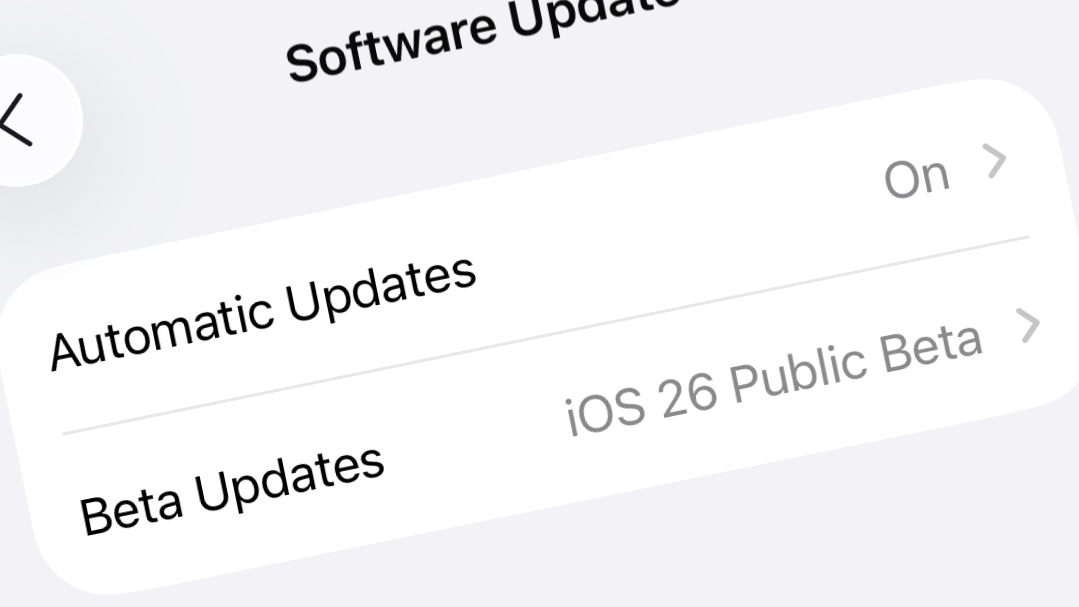
Battery drain and system lag often intensify after installing major iOS public betas, especially those introducing sweeping interface changes like iOS 26’s “Liquid Glass” design. While the temptation to try new features early is strong, the practical impact on daily usability and device reliability should be weighed carefully before updating your main iPhone.
Stability of iOS 26 Public Beta: What to Expect
iOS 26 public beta marks a significant shift in the iPhone experience, introducing a refreshed user interface and a host of new features. However, as with any prerelease software, stability is not guaranteed. The public beta is generally more reliable than developer betas, but “more stable” does not mean “bug-free” or suitable for mission-critical devices.
Users and experts consistently report a range of issues, the most common being:
- Noticeable battery drain, often up to twice as fast as on iOS 18.6 or earlier.
- Lag and stuttering during animations, especially on devices like the iPhone 15 Pro/Pro Max and iPad Pro.
- Overheating during normal use, particularly in the first hours or days after installation.
- Random app crashes, with some third-party apps (notably banking apps) failing to launch or function reliably.
- Occasional connectivity problems with Bluetooth, Wi-Fi, or accessories like AirPods.
- Visual glitches, such as blurry icons or choppy transitions.
The initial days after updating are typically the roughest. The system runs intensive background tasks—reindexing photos, scanning for duplicates, and updating system databases—that temporarily reduce performance and battery life. Some users notice improvements after a few days, but persistent bugs can last until later beta releases or the final public launch.
Most Reliable Approach – Install on a Spare or Secondary Device
Alternative – Installing on a Primary Device (Not Recommended)
Some users choose to install the public beta on their main phone, drawn by the appeal of new features. While this is possible, it carries significant risks:
- Potential for total data loss if you need to revert and lack a pre-beta backup.
- Frequent bugs, app crashes, and degraded battery life that disrupt daily routines.
- Third-party apps, especially banking and payments, may not function or may crash unpredictably.
- Apple and carrier support teams will not assist with issues on beta software beyond restoring the device to factory settings.
If you proceed anyway, back up your device thoroughly and prepare for unexpected problems. Keep a portable charger handy, as battery drain is consistently reported across all supported models. Expect to restart your phone multiple times a day if it freezes or becomes unresponsive. Be prepared for possible overheating, especially during heavy use or while charging.
Expert and Community Advice on iOS 26 Beta Stability
Technical writers and experienced beta testers urge caution. The public beta’s purpose is to uncover bugs and compatibility issues before the final release. Even if the beta appears stable for some, unpredictable problems can surface due to differences in device models, app versions, and usage patterns.
Key recommendations include:
- Wait for at least the third public beta (PB3) if you want a smoother experience with fewer bugs. Early betas are typically the most unstable, especially in years with major UI overhauls.
- Only install beta software if you are comfortable troubleshooting problems and restoring from backups if necessary.
- Do not expect the same level of reliability, battery life, or app compatibility as with official releases.
- If you rely on your device for work, travel, or emergencies, avoid the beta entirely until the official release in September or October.
Some users report satisfactory performance on older devices like the iPhone 12 Mini or iPad 8th generation, but others experience severe lag, overheating, or even device “bricking” (requiring full restore). The variability underscores the experimental nature of public betas.
Practical Tips Before Updating to iOS 26 Public Beta
iOS 26 public beta introduces exciting visual changes and features, but its current stability is inconsistent and battery issues are common. For a dependable experience, wait for later beta releases or the official launch before updating your main device.