

Medal lets you capture and share gameplay clips, and connecting your Roblox account unlocks a faster login option plus the ability to spot which of your Roblox friends are also on the platform. The whole process takes about a minute and happens entirely inside Medal's settings.
Quick answer: Open Medal, go to Settings → Connected Accounts, click the Roblox icon, sign in to Roblox, select your profile, and hit Confirm and give access.
Before you start
You need an existing Medal account. If you don't have one yet, grab the app from Medal's download page and create an account with your email or Discord login. You also need a Roblox account that is registered as age 13 or older. Roblox blocks OAuth connections for under-13 accounts, so if your birthday is set below that threshold, the Roblox option will not work.
Connect Roblox to Medal on desktop
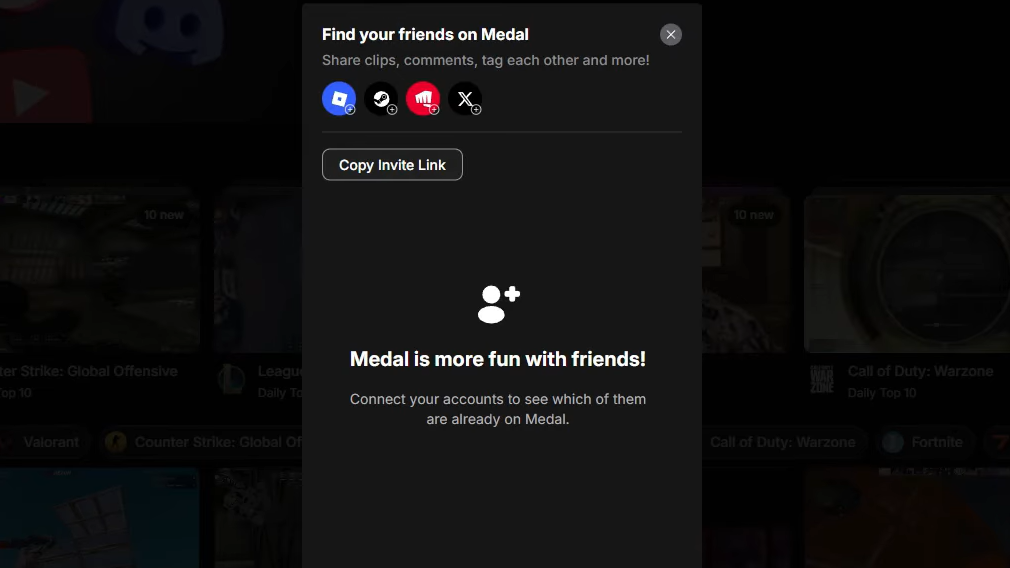
Step 1: Open the Medal app and click the gear icon to enter Settings. In the left-hand menu, select the Connected Accounts tab. You'll see icons for every platform Medal supports — Discord, Steam, Twitch, Roblox, and others.
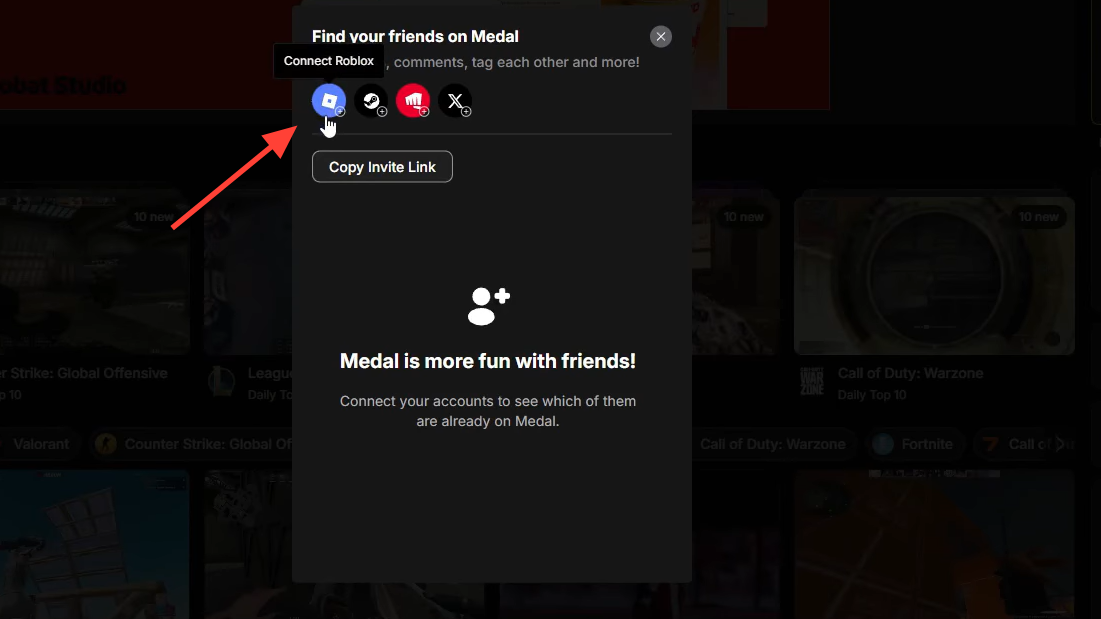
Step 2: Click the Roblox icon. A Roblox sign-in window will appear. Enter your Roblox username and password (or use a saved session if your browser already has one).
Step 3: After signing in, Roblox will show you the profiles tied to your credentials. Select the profile you want to link, then scroll down and press Continue.
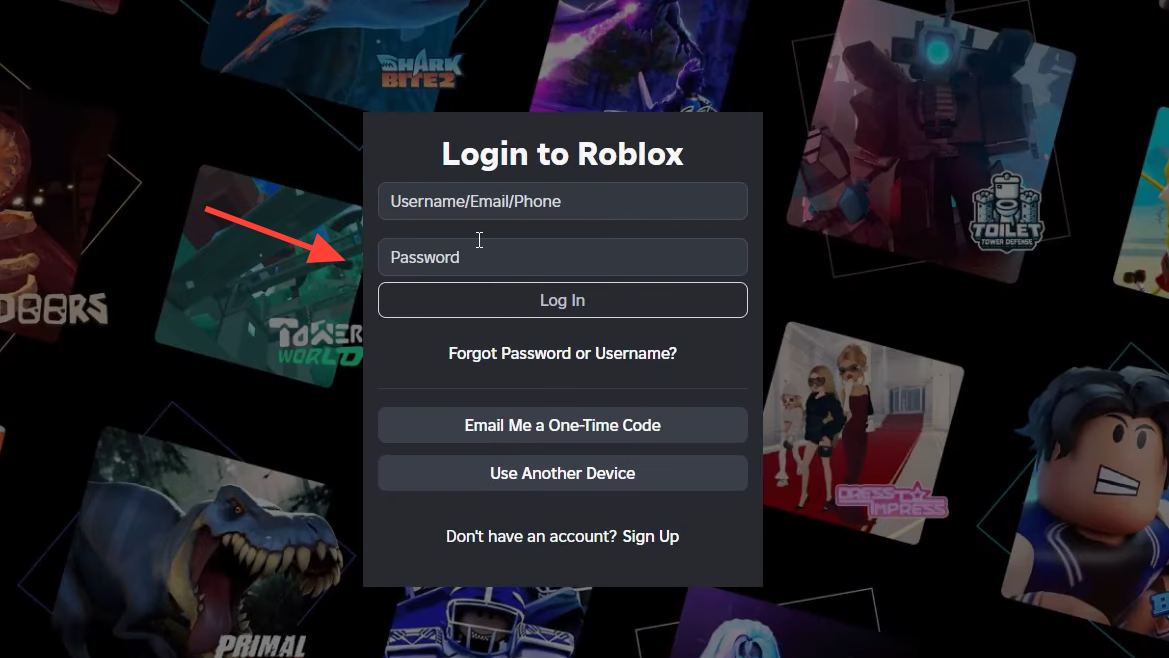
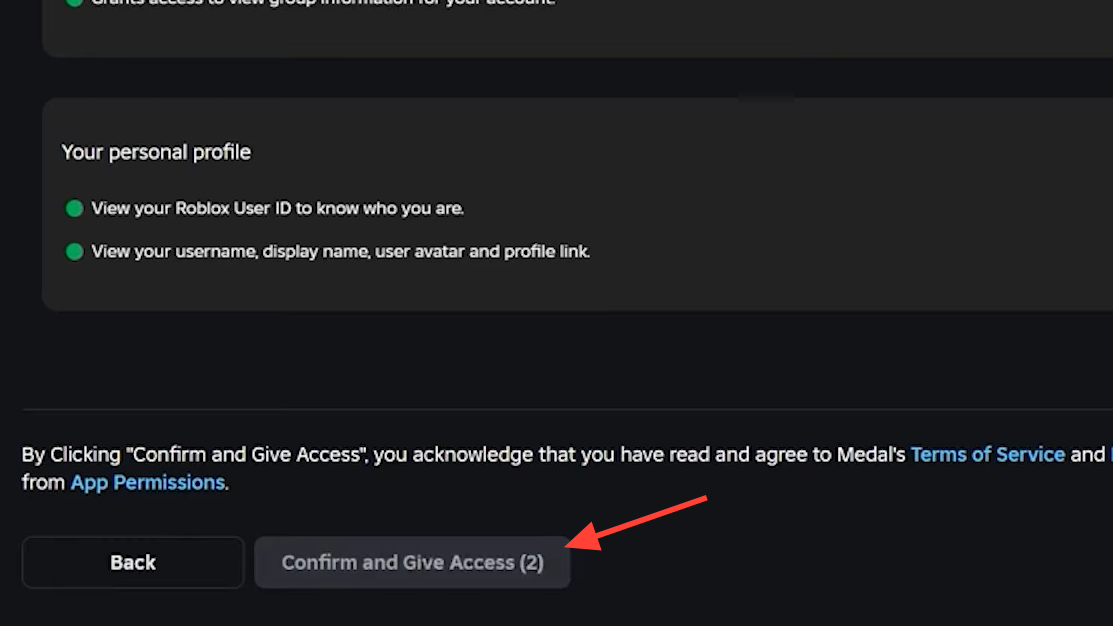
Step 4: On the permissions screen, click Confirm and give access. This authorizes Medal to read basic profile data from your Roblox account.
Step 5: A new tab or overlay will display a "You're all set!" confirmation. Back in Medal's Connected Accounts panel, the Roblox icon should now show your linked username. The connection is complete.
How to verify the link worked
Return to Settings → Connected Accounts and look for your Roblox display name beneath the Roblox icon. If it appears, the accounts are properly linked. You should also start seeing Roblox friends who use Medal surfaced in your social feeds and friend suggestions.
Disconnecting your Roblox account
If you ever need to unlink, go back to Connected Accounts and click the small white X on the Roblox tile. Keep in mind that disconnecting while you have pending Robux referral rewards can forfeit those rewards before they are delivered, so only disconnect after any outstanding payouts have landed in your Roblox account.
Why the connection might fail
Under-13 account restriction is the most common blocker. Roblox enforces age-based limits on third-party OAuth, so accounts with a birthday set below 13 simply cannot authorize Medal. There is no workaround on Medal's side — the restriction comes from Roblox itself.
Browser or session conflicts can also cause the sign-in window to hang or error out. Try clearing your browser cookies for roblox.com, or use a different browser. If Medal's built-in browser is the problem, restarting the Medal app usually resolves it.
Medal not detecting Roblox at all is a separate issue from account linking — it typically means the recorder isn't hooking into the Roblox process. Reinstalling Medal or submitting a support ticket at Medal's support portal can help if basic troubleshooting doesn't fix it.
Robux referral rewards and why linking matters
Medal periodically runs referral promotions where both you and a friend earn Robux when the friend signs up with your username as a referral code. To be eligible, your Roblox account must be connected to Medal and you need to have joined the Medal TV group on Roblox. Robux payouts can take anywhere from one to 21 days after you claim them, and leaving the Medal Roblox group or disconnecting your Roblox account before the payout arrives will forfeit the reward.
Once your Roblox account is connected, Medal can tag you in friends' clips, give you a streamlined login, and make you eligible for any Roblox-specific quests or referral bonuses the platform offers. The whole setup is a one-time step — after that initial authorization, the link persists until you manually remove it.