

Rotom is locked deep in the post-game of Pokémon Legends: Z-A and only shows up once you are fully into the Mega Dimension DLC loop. You will not see it in normal Wild Zones during the story, which is why so many players finish the DLC wondering if it exists at all.
Rotom and all of its appliance forms are tied to high-rank Hyperspace content and the Rust Syndicate’s Special Scan system. On top of that, the Rotom Catalog – the item that lets you swap forms freely – is tucked behind a side mission.
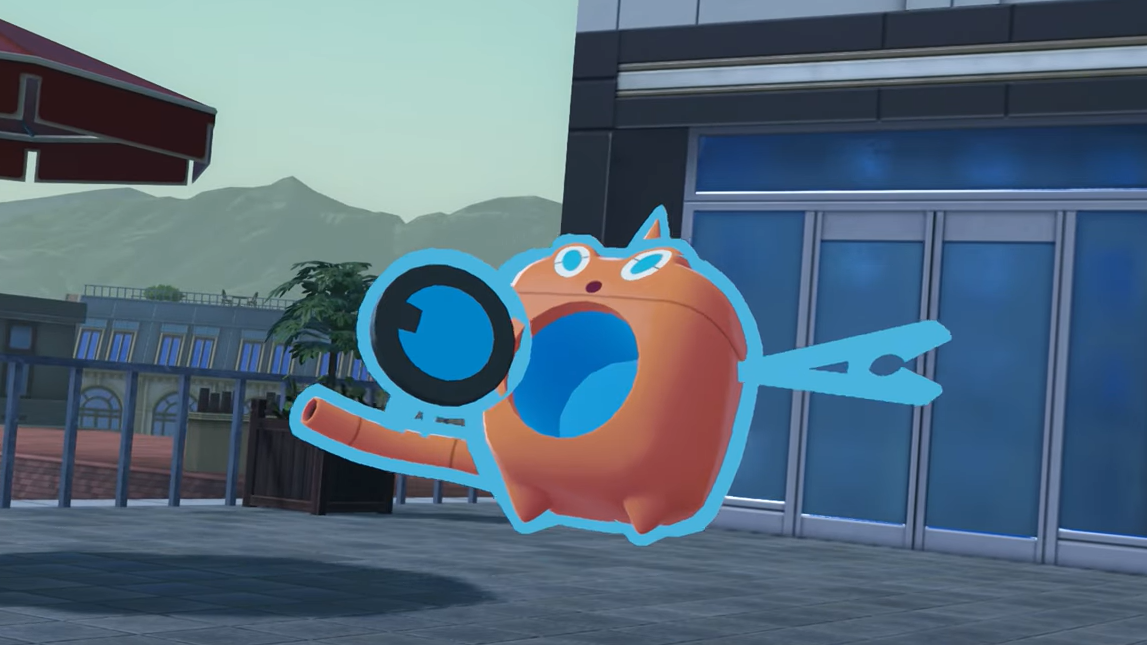
Rotom requirements in Pokémon Legends: Z-A Mega Dimension
Rotom only becomes available after a specific set of late-game milestones in the Mega Dimension DLC:
- Finish the Hyperspace Lumiose Survey main mission in the Mega Dimension DLC.
- Clear post-game Missions 12, 13, and 14, which involve catching Rayquaza, Groudon, and Kyogre.
- Unlock Rank 5 Hyperspace content with the Rust Syndicate.
These missions are framed around fulfilling Ansha’s wish to meet Rayquaza. Once you have captured the Hoenn trio and seen that story through, you can start interacting with the Rust Syndicate’s Special Scans in a new way, which is where Rotom comes in.
How Rotom spawns: Special Scan and Rank 5 Hyperspace Dimensions
Rotom does not have a fixed overworld spot in Lumiose or a guaranteed Wild Zone cluster. Instead, it shows up inside high-end Hyperspace content triggered from the Rust Syndicate.
There are two connected ideas here:
- 5-Star Hyperspace Wild Zones in Mega Dimension
- Special Scans / Rank 5 Hyperspace Dimensions after the Hoenn legendary missions
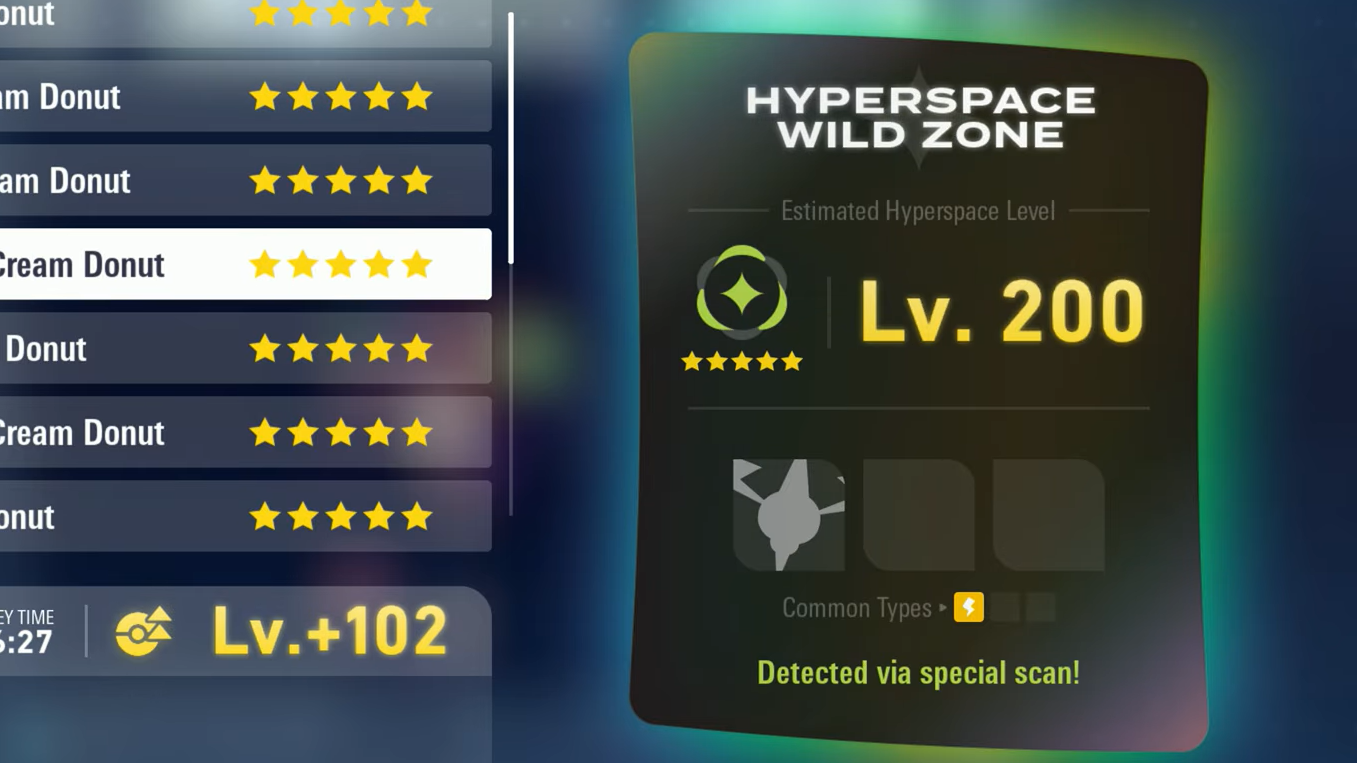
Rotom is flagged as a Pokémon that can appear in 5-Star Hyperspace Wild Zones and can spawn in portals whose typing matches its current form. In practice, the most reliable way to encounter it is via the Special Scan the Rust Syndicate offers once you have cleared Post-Game Mission 12 and the rest of the Hoenn sequence.
How to unlock the Rotom Special Scan
Step 1: Complete the Mega Dimension DLC’s Hyperspace Lumiose Survey and finish Post-Game Missions 12, 13, and 14, which have you catch Kyogre, Groudon, and Rayquaza. These missions are what open up the final tier of Hyperspace content.
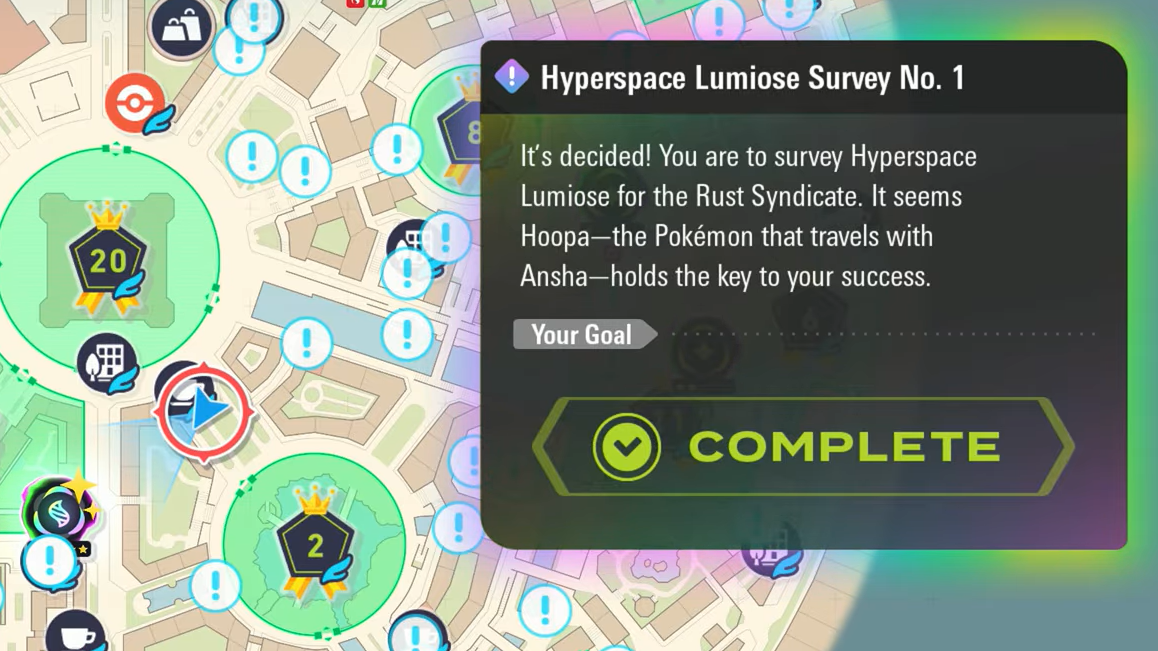
Step 2: After catching Rayquaza and resolving Ansha’s wish, speak to Corbeau again at the Rust Syndicate. He will introduce the idea of Special Scans and tell you that you can fund another Hyperspace Lumiose Survey by collecting more survey points.
Step 3: Run Hyperspace Distortions and Wild Zones to build up Hyperspace survey points. You are aiming for enough points to trigger a Special Scan that opens a Rank 5 rift. Players commonly reference a 25,000-point threshold for one of these late-game scans.
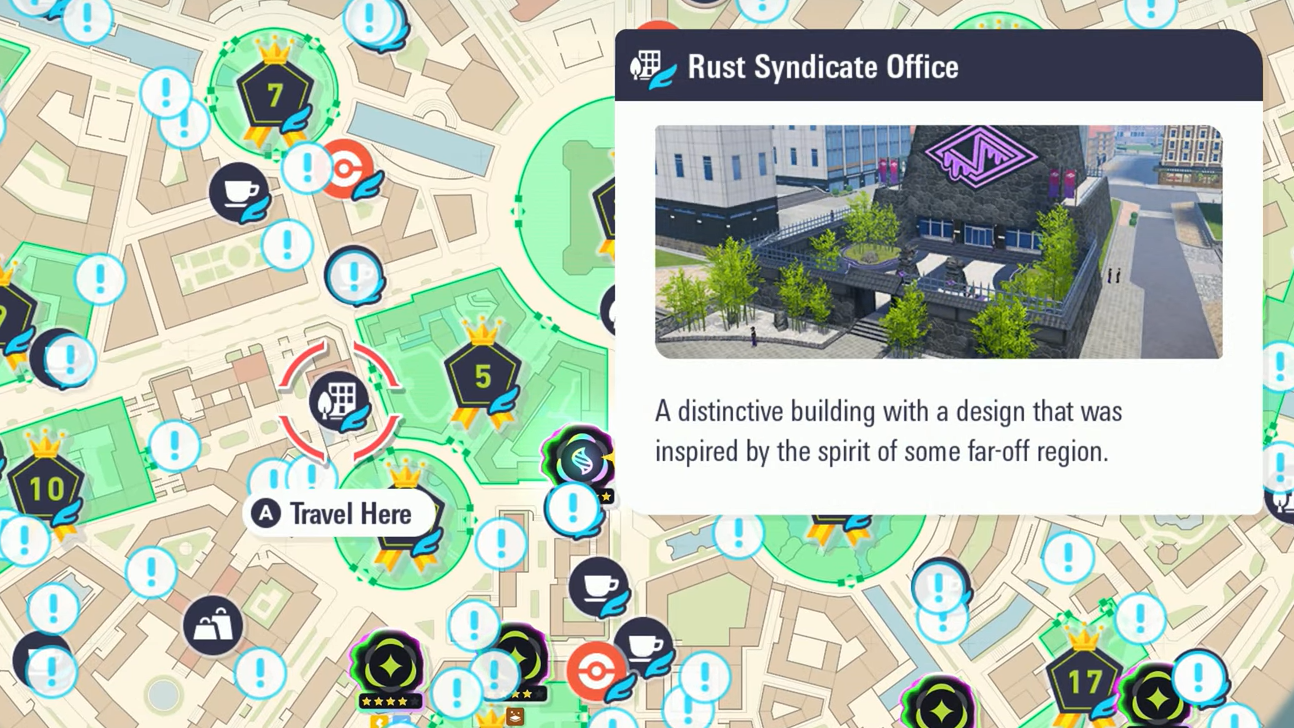
Step 4: Once you have enough points, return to the Rust Syndicate and choose the Special Scan with Philippe. This generates a Rank 5 Hyperspace Dimension. Rotom and its forms are in the pool of encounters that this scan can produce, but which Pokémon you get is random each time.
In short, Rotom is a rare, late-game encounter tied to repeating the Hyperspace survey loop at its highest rank. You may need several Special Scans before you roll the Rotom rift.
What happens in the Rotom Hyperspace rift
When you do hit the correct Special Scan, the resulting Rank 5 rift will show a distinctive silhouette that looks like a jagged bolt of lightning. That rift is the Rotom one.
Step 1: Travel to the Hyperspace Wild Zone indicated by the scan (this has been observed in Wild Zone 10) and enter the new Rank 5 rift.
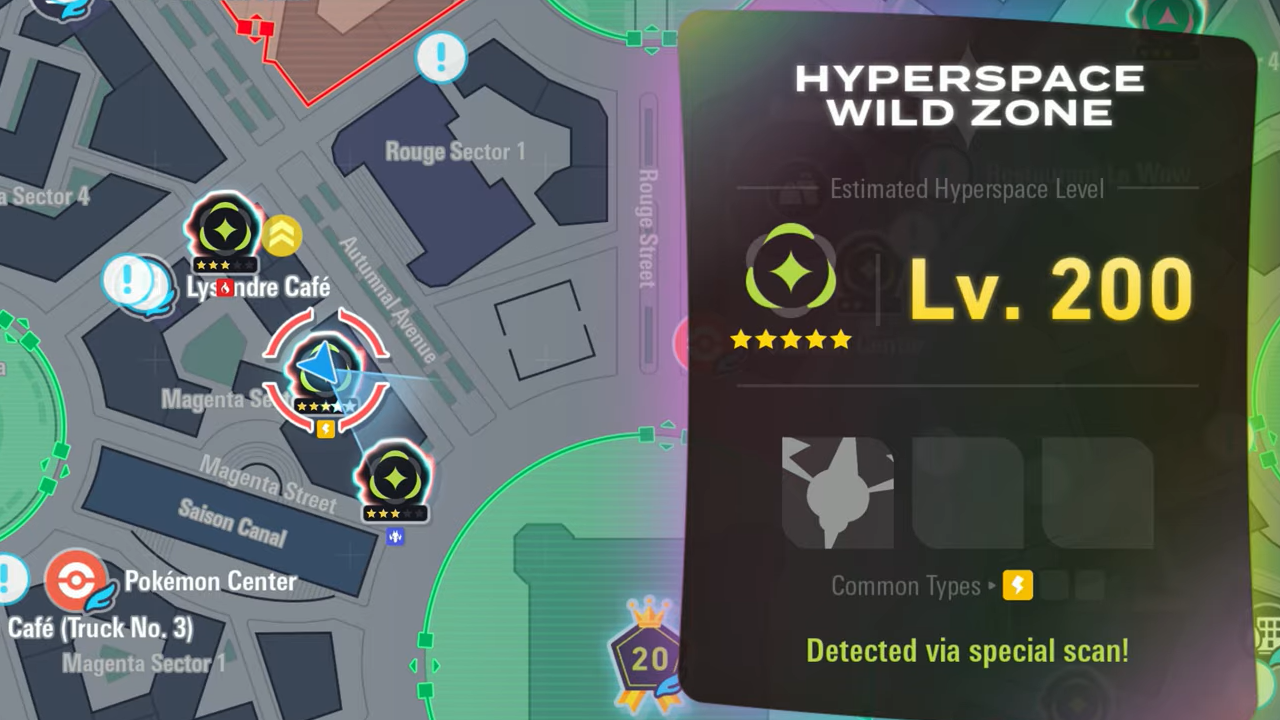
Step 2: Inside, every Rotom form appears at once. You will see clusters of Rotom appliances – Heat, Wash, Frost, Fan, and Mow – grouped in small packs, along with base-form Rotom.
Step 3: Move quickly and catch as many variants as you can before the rift timer expires. This is the cleanest way to walk out with a full Rotom collection in one run.
Alternative encounters: 5-Star Hyperspace Wild Zones
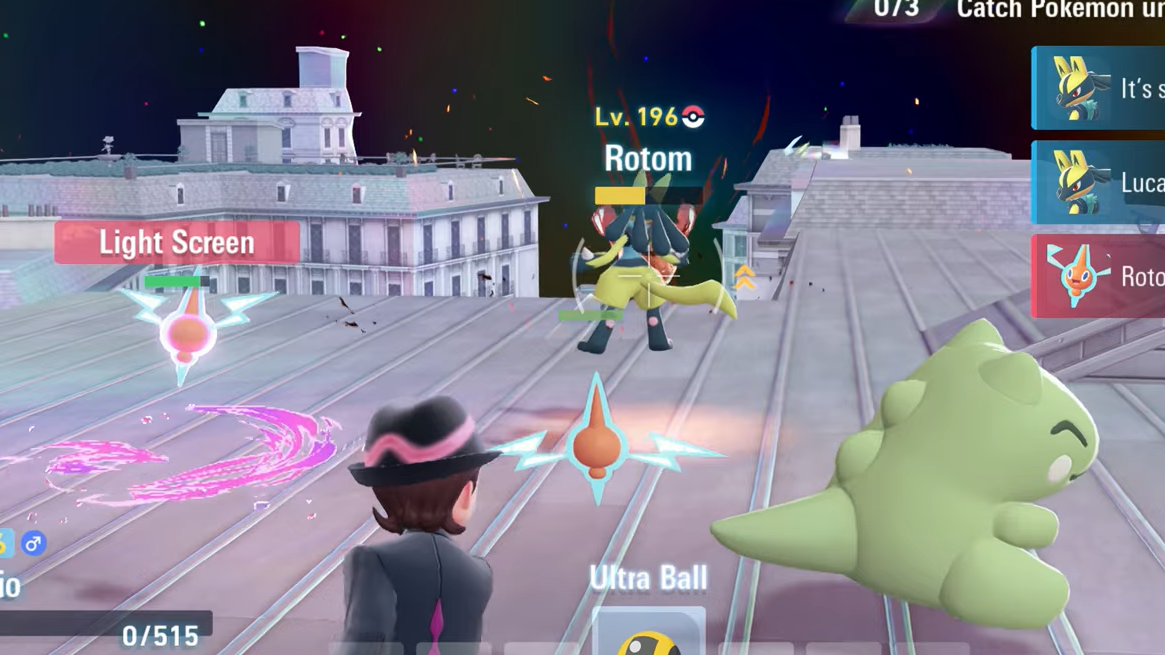
Outside of that dedicated Special Scan rift, Rotom is also listed as a Pokémon that can appear in 5-Star Hyperspace Wild Zones in Mega Dimension. In these Wild Zones, Rotom can emerge from elemental portals that match its typing:
- Electric/Ghost portals for base Rotom
- Electric/Fire for Heat Rotom
- Electric/Water for Wash Rotom
- Electric/Ice for Frost Rotom
- Electric/Flying for Fan Rotom
- Electric/Grass for Mow Rotom
This method is more random and slower than the Special Scan rift, but it means Rotom is not exclusive to a single one-time event. Once you are operating at 5-Star difficulty, each Hyperspace run has a small chance to include it.
How to get the Rotom Catalog (form-change item)
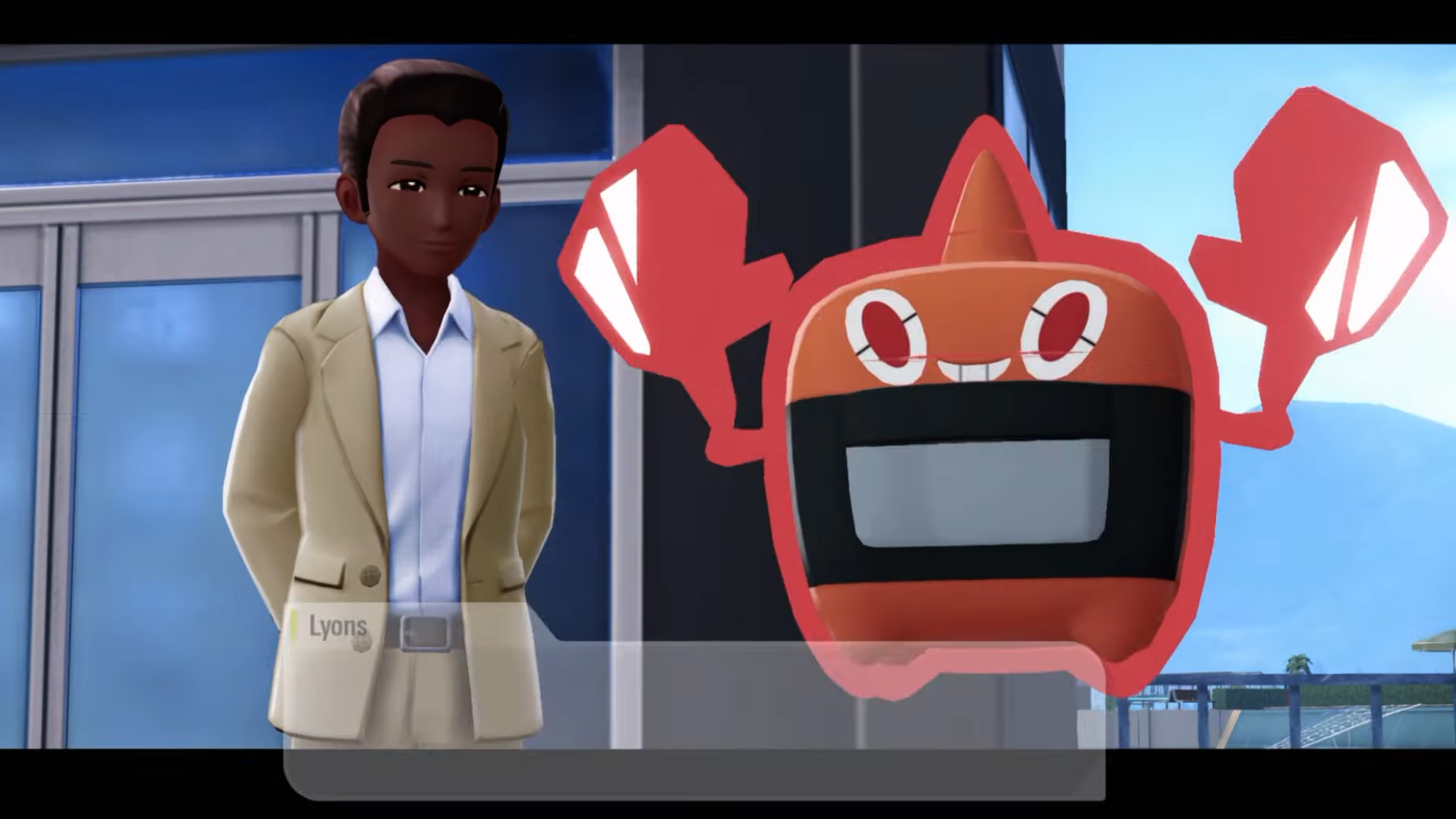
Rotom does not evolve, but its role in teams depends heavily on its forms. Instead of catching each variant repeatedly, you can use an item called the Rotom Catalog to swap between them at will.
The Rotom Catalog is obtained from a DLC side mission:
- Side Mission 170 – “Rotom Showcase!”
Step 1: Progress through the Mega Dimension DLC story until Side Mission 170 becomes available. The mission appears later in the DLC, around the time you are dealing with the fourth Rogue Mega battle and other high-rank tasks.
Step 2: Accept and clear Side Mission 170. The objectives revolve around showcasing Rotom and its forms, but the mission is completable even before you have caught your own Rotom through Hyperspace content.

Step 3: Claim the reward from the quest giver to receive the Rotom Catalog.
Once you have the Catalog, you can use it from your bag while targeting a Rotom in your party. A menu will let you pick between base Rotom and its appliance forms: Heat, Wash, Frost, Fan, and Mow.
Rotom forms and basic stats
Rotom’s main appeal is its flexibility. The base form is Electric/Ghost, while each appliance adds a second typing tied to a different role.
| Form | Type | Category | Key Stat Pattern |
|---|---|---|---|
| Rotom (base) | Electric / Ghost | Plasma Pokémon | Fast special attacker with 95 Sp. Atk and 91 Speed |
| Heat Rotom | Electric / Fire | Plasma Pokémon | Higher bulk and Sp. Atk (Def/Sp. Def 107, Sp. Atk 105) |
| Wash Rotom | Electric / Water | Plasma Pokémon | Same boosted defensive and special stats as other appliances |
| Frost Rotom | Electric / Ice | Plasma Pokémon | Tankier than base, slightly slower Speed (86) |
| Fan Rotom | Electric / Flying | Plasma Pokémon | Shared appliance stat spread, trades Speed for defense |
| Mow Rotom | Electric / Grass | Plasma Pokémon | Same appliance spread, suited to bulky offense |
All Rotom forms share 50 HP, but the appliance variants gain noticeable boosts in Defense, Special Defense, and Special Attack, with a small Speed drop compared to base Rotom. This makes them better suited to Mega Dimension’s higher-level battles where survivability matters.
Rotom level-up moves and notable TMs
Rotom arrives with a strong special movepool that supports both offensive and utility roles. Its level-up kit in Legends: Z-A includes:
- Early-game Electric tools like Thunder Shock, Charge, and Parabolic Charge
- Status and disruption such as Thunder Wave, Confuse Ray, Eerie Impulse, and Taunt
- Staple Ghost coverage with Shadow Ball
- Strong utility in Double Team, Substitute, and Light Screen
- A reliable late Electric nuke with Discharge
On top of that, Rotom supports a wide TM list in the DLC, including:
- Volt Switch and Thunderbolt as premium Electric STAB
- Dark Pulse and Ominous Wind for extra coverage
- Nasty Plot for set-up sweeper builds
- Defensive staples like Protect, Reflect, Light Screen, and Endure
With these tools and its form flexibility, a single well-built Rotom can fill several different roles across your Mega Dimension teams, from bulky pivot in Wash form to offensive Fire coverage in Heat form.
Once the Hoenn missions and Hyperspace surveys are behind you, Rotom is less a myth and more a reward for pushing the DLC’s systems to their limit. Grind out the survey points, roll that Rank 5 Special Scan until the lightning-shaped rift appears, and walk out with a full set of Rotom forms and the Catalog to swap between them whenever your team needs a different circuit.