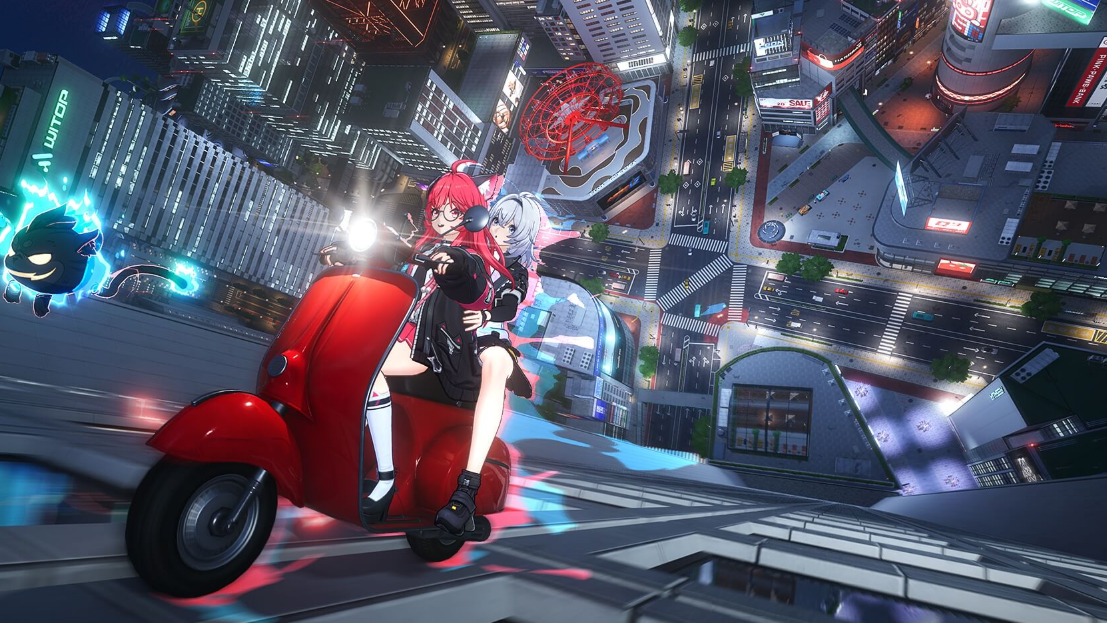
Neverness to Everness defaults to a third-person camera, but Hotta Studio’s supernatural open-world RPG includes a first-person mode you can toggle on foot, inside vehicles, and during certain companion interactions. The switch is a single keypress once the option is enabled in settings.
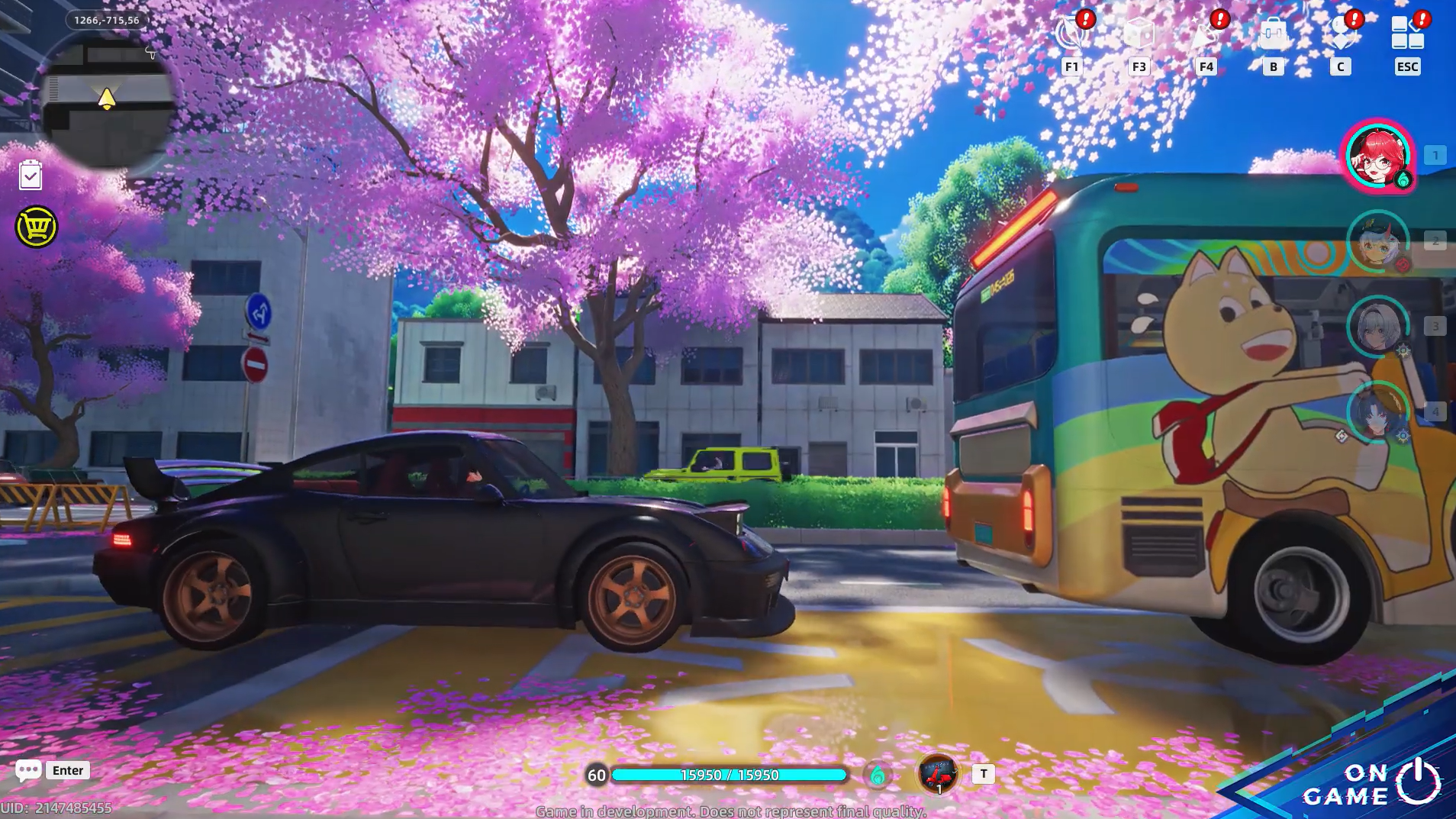
Toggle the camera with the Z key
The default keybind for swapping perspectives on PC is Z. Pressing it from the standard third-person view drops the camera to eye level and shows an on-screen confirmation reading “Entered First-Person Mode. Press Z to exit.” Pressing Z again returns you to the follow camera with the message “Exited First-Person Mode. Press Z to enter.”
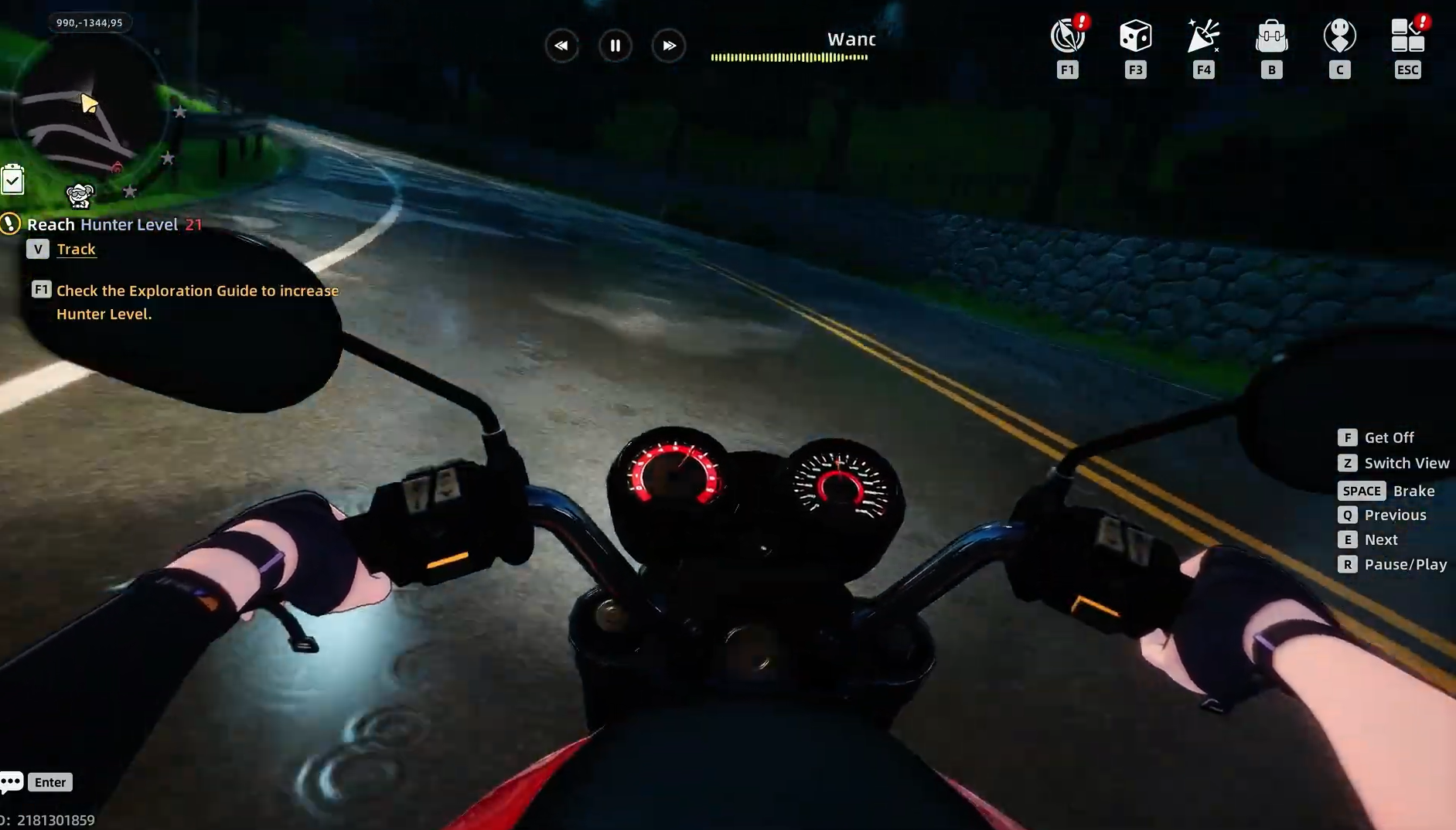
The toggle works while walking through Hethereau and while driving. Sit in a car, press Z, and the view shifts to a dashboard-level cockpit perspective with the windshield framing the road. Exit the vehicle with the camera still in first person, and the mode persists on foot until you press Z again.
How you know it worked: the on-screen prompt at the top of the screen confirms the new state, and your character model disappears from view (you’ll see hands and body parts when looking down rather than the full third-person silhouette).
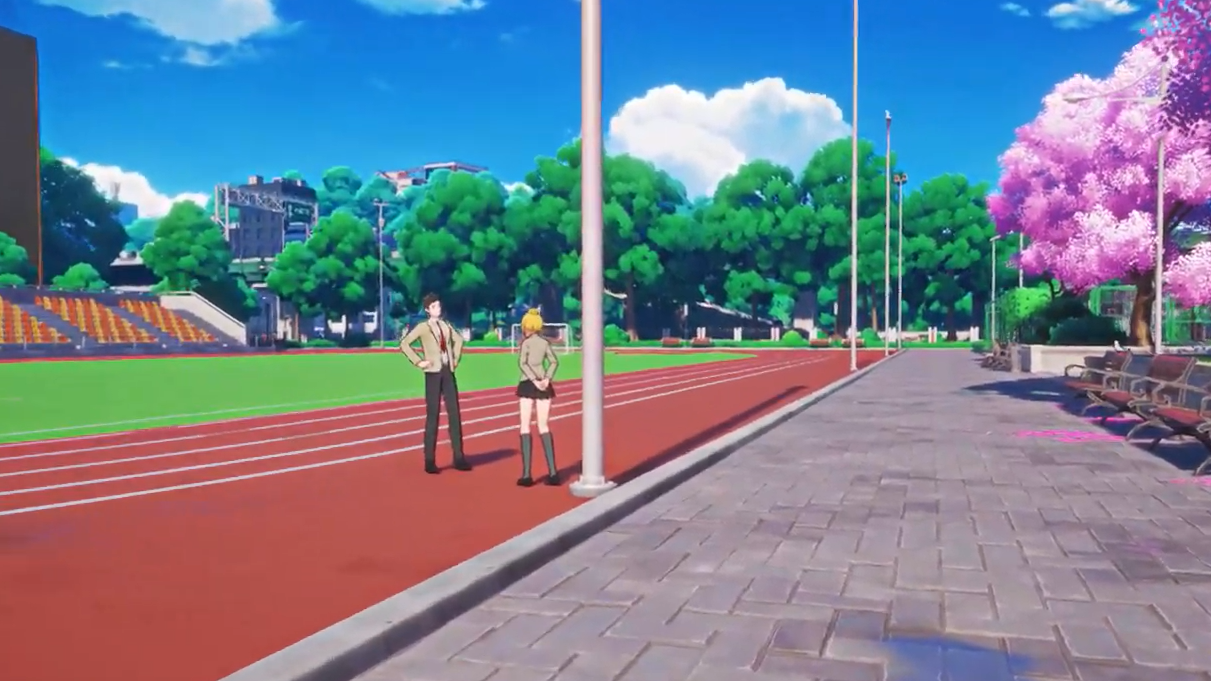
Enable first-person mode in settings
If pressing Z does nothing, the perspective option is likely disabled. The toggle lives inside the Control tab of the main settings menu.
Escape. The phone interface displays icons for Mail, Event, City Tycoon, Character, Bond, Formation, and other systems.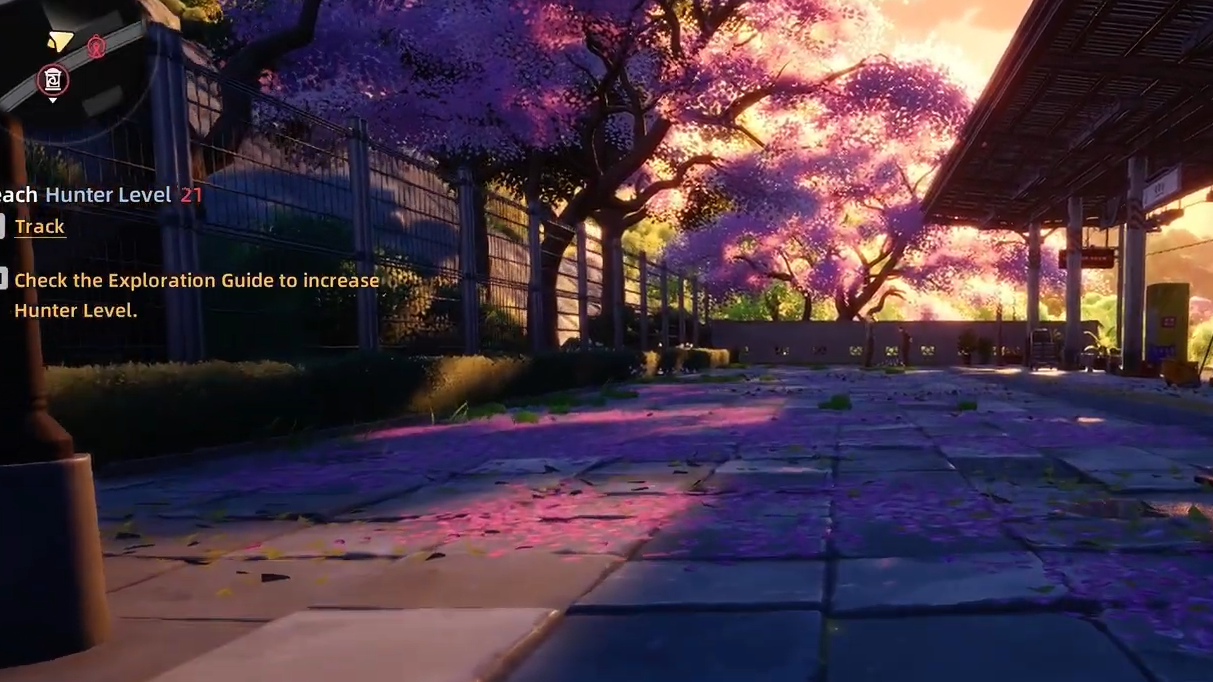
First-person sensitivity and field of view
The same First Person Settings panel exposes three sliders that only affect the first-person camera. Adjust these independently of your third-person sensitivity so combat and exploration feel correct in each mode.
| Setting | Range | Effect |
|---|---|---|
| First-Person Horizontal Sensitivity | up to 10.0 | Controls left/right look speed when in first person |
| First-Person Vertical Sensitivity | up to 10.0 | Controls up/down look speed when in first person |
| First-Person Field of View | up to 100 | Widens or narrows the visible area at eye level |
Lower horizontal sensitivity values (around 3.0) feel closer to a typical third-person action RPG, while pushing vertical sensitivity to maximum makes it easier to look up at Hethereau’s tall neon signage without dragging the mouse. The FOV slider tops out at 100, which reduces the closed-in feeling of the default cockpit framing.
Where the camera switch applies
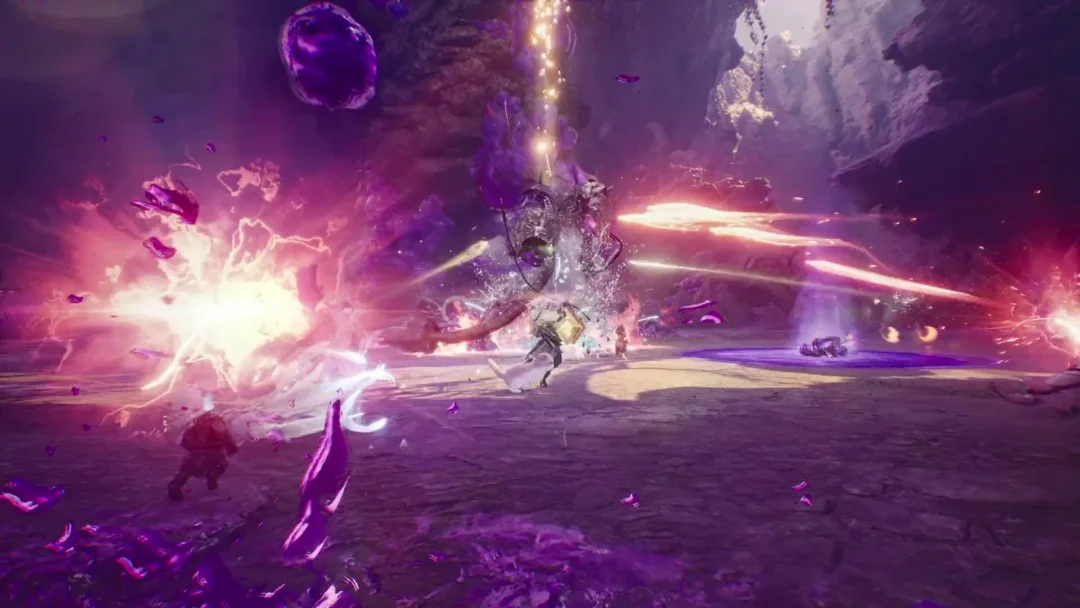
First-person mode is a contextual option, not a global play mode. The third-person camera remains the intended view for fighting Anomalies because the combat system relies on aerial combos, parry timing windows, character swap-in attacks, and area-of-effect ultimates that need wide spatial awareness.
| Activity | First-person available |
|---|---|
| Walking around Hethereau | Yes, toggle with Z |
| Driving cars and motorbikes | Yes, toggle with Z while seated |
| Hand-holding companion scenes | Yes, on the launch roadmap |
| Anomaly combat and boss fights | No, third person only |
| Story cutscenes | No, cinematic angles only |
Controller and mobile players
On PlayStation 5 and when using a gamepad on PC, the perspective toggle is rebindable through the same Control panel. The camera itself is driven by the right analog stick, with separate sensitivity sliders for on-foot and vehicle camera available alongside the first-person options. Mobile players on iOS and Android can adjust virtual button placement and use the same Settings → Control → First Person Settings path to enable the toggle.
If first-person driving feels jittery on keyboard, switching to a controller smooths out steering input considerably; the analog stick handles gradual turns better than the binary WASD keys, which is especially noticeable at the eye-level cockpit framing.
Common reasons the toggle does nothing
Three specific conditions stop Z from switching perspectives:
- The First Person Camera option in Settings is set to Off.
- You are currently in a combat encounter or a scripted cutscene where the camera is locked.
- The Z key has been rebound to a different action under the Control panel.
Resetting keybinds to default in the Control settings restores Z as the perspective toggle if a custom binding has overwritten it.
Neverness to Everness launches globally on April 29, 2026, across PC, PlayStation 5, iOS, and Android, with the PC client available through the official Perfect World site. The first-person option ships as part of the launch build, so the Z toggle and its sensitivity sliders are present from day one rather than waiting for a post-launch patch.