

The Goblin Flamethrower is a weapon in Hytale that shoots a continuous stream of fire, damaging mobs and igniting flammable blocks in the environment. It was added to the game in a pre-release build on February 5, 2026, alongside a new fire spread system. It's one of the most visually distinctive weapons in the game so far — and one of the most restricted.
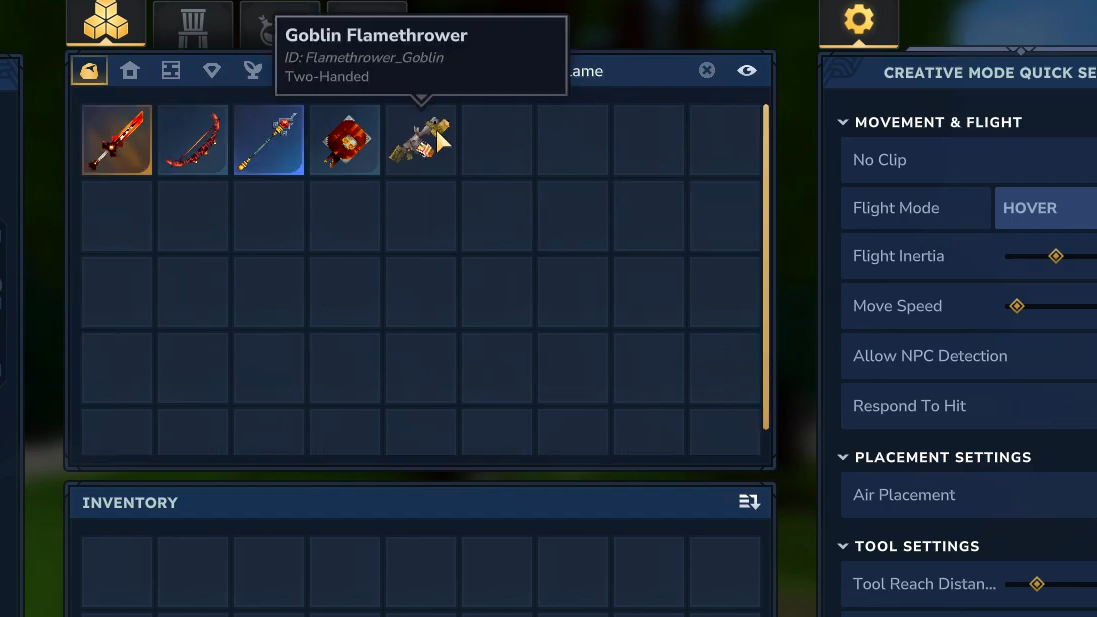
Quick answer: The Goblin Flamethrower cannot be crafted in Exploration Mode. It is currently only available in Creative Mode. No crafting recipe exists for it yet.
Goblin Flamethrower Stats and Item Properties
The Goblin Flamethrower is classified as a weapon with an item level of 40. It deals a flat 12 damage. Its internal game identifier is Flamethrower_Goblin, which is the reference used in data files and console commands for modding purposes.
| Property | Value |
|---|---|
| Item Type | Weapon |
| Item Level | 40 |
| Damage | 12 |
| Game ID | Flamethrower_Goblin |
| Availability | Creative Mode only |
Design and Lore
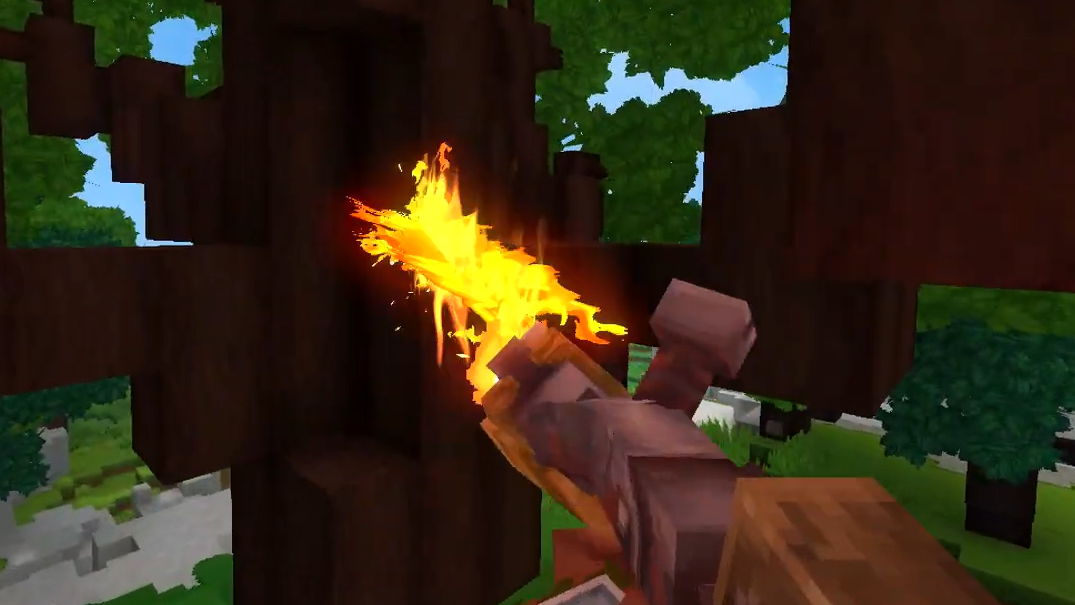
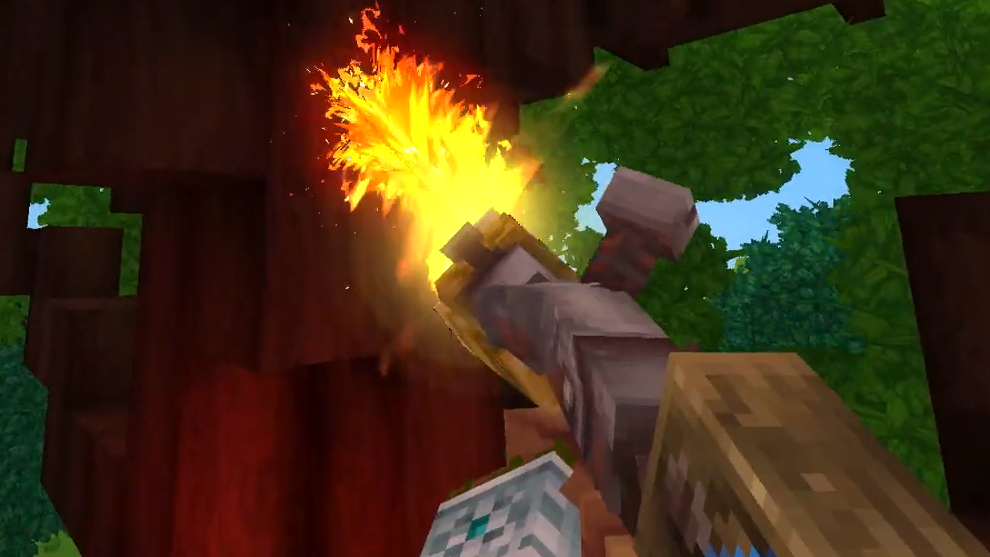
The flamethrower looks exactly like something a goblin would cobble together. It's a crude, makeshift contraption with a candle strapped to the end and a glass jar mounted on the body. Inside that jar sits what appears to be a captured Living Spark, one of Hytale's fire spirit creatures. The eye visible through the glass matches the Living Spark's eye design, strongly suggesting the goblins trapped a living creature and turned it into fuel for the weapon. It's a small but effective bit of worldbuilding that gives the item real personality.
How the Flamethrower Works in Game
When used, the Goblin Flamethrower projects a sustained stream of flames rather than firing a single projectile. Mobs caught in the stream take continuous fire damage over time. But the weapon's effects go well beyond direct combat damage.
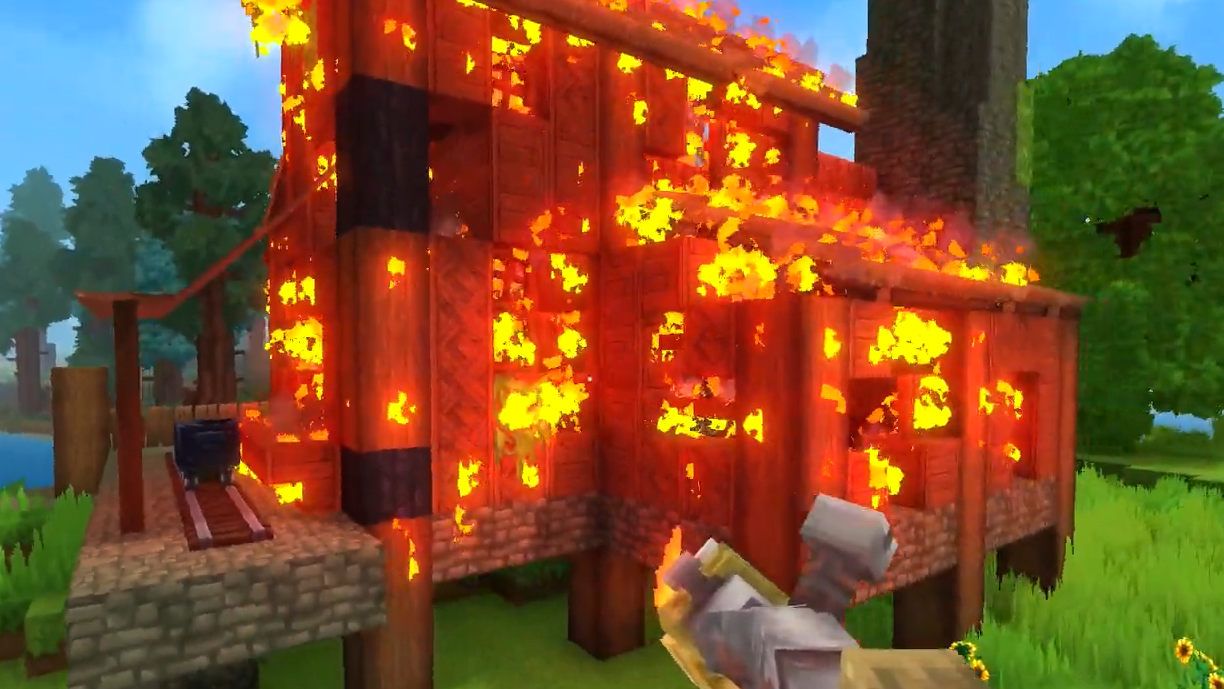
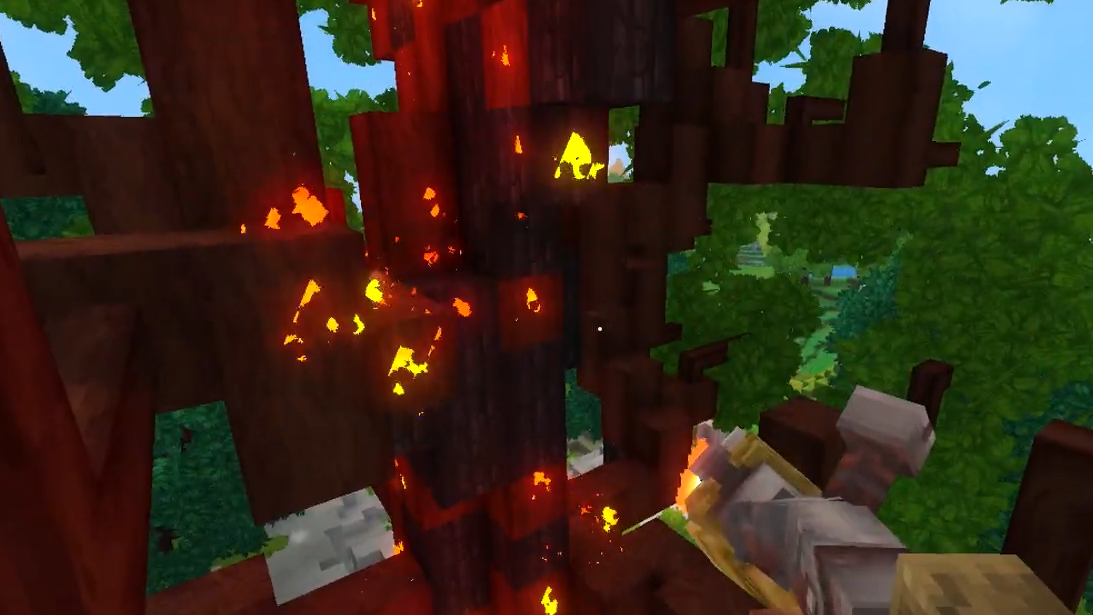
Wooden structures hit by the flames will catch fire, burn through, and eventually collapse as individual blocks are destroyed. Wooden blocks don't simply vanish — they transform into charred "burned wood" variants before being consumed. Grass also ignites, and fire will spread naturally across open terrain from block to block.
The fire spread system has built-in limits to prevent total destruction. Fire cannot jump across non-flammable surfaces or gaps between blocks. If there's stone, dirt, or empty space between two flammable objects, the fire stops. This means you won't accidentally burn down an entire forest by lighting a single tree, but you can still cause significant, targeted destruction to wooden buildings and grassy areas.
No Crafting Recipe Exists Yet
The Goblin Flamethrower does not appear in any of Hytale's crafting tables. It is not listed among the weapon recipes at the Workbench or the Blacksmith's Anvil at any tier. The weapon is exclusively available through Creative Mode, where you can access it directly from the item menu without needing materials.
Hytale's crafted weapons follow a clear material progression — Crude, Copper, Iron, Thorium, Cobalt, Adamantite, and Mithril — and the Goblin Flamethrower sits outside that system entirely. It's a unique, themed weapon rather than part of the standard crafting tree. Whether Hypixel Studios plans to add an Exploration Mode recipe or make it a loot drop from goblin encounters in a future update remains unconfirmed.
Fire Spread System and Tactical Implications
The flamethrower's arrival coincided with a broader fire spread system being added to Hytale's engine. Fire now propagates dynamically between any flammable materials. This isn't just a visual effect tied to the weapon — it's a core game mechanic that affects how the world responds to flame from any source.
For multiplayer and PvP scenarios, the implications are significant. Wooden bases and structures are now vulnerable to fire-based attacks in ways they weren't before. Server owners running PvP rulesets may need to account for fire mechanics when setting up their communities. On the defensive side, building with stone or other non-flammable materials becomes a meaningful strategic choice rather than a purely aesthetic one.
How to Access the Goblin Flamethrower
Step 1: Launch or load a world in Creative Mode. The flamethrower is not available in Exploration Mode under any circumstances right now.
Step 2: Open the item menu and search for "Flamethrower" or browse the Weapons category. Select the Goblin Flamethrower to add it to your inventory.
Step 3: Equip the weapon and use it on mobs or flammable blocks to see the fire spread system in action. Wooden blocks will char and burn, grass will ignite, and mobs will take sustained damage.
You'll know it's working when you see flames propagating from block to block and wooden surfaces transforming into burned wood variants before being destroyed.
The Goblin Flamethrower is currently a Creative Mode showcase for Hytale's fire mechanics rather than a practical Exploration Mode weapon. With no crafting recipe and no confirmed drop source, it serves as a preview of what fire-based combat will eventually look like once the system matures. If Hypixel Studios follows the pattern of rolling pre-release features into full updates, expect the flamethrower's availability to expand in a future patch.