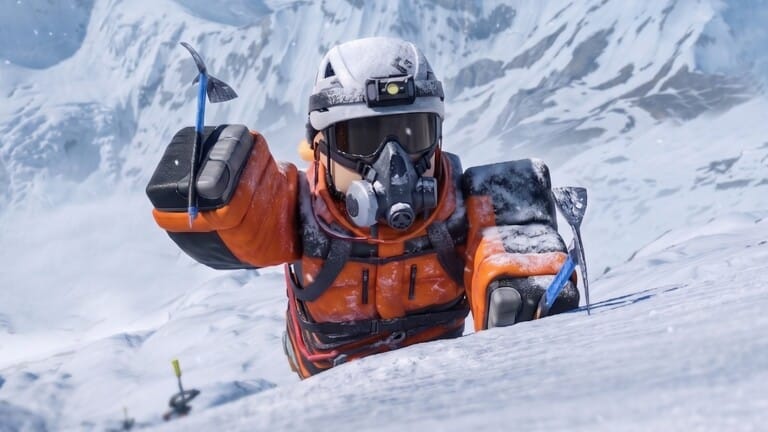
K2 Climbing Simulation drops you on the slopes of the world’s second-highest peak, where every piece of gear matters more than usual because the mountain doesn’t forgive mistakes. Codes hand out Points, the currency you spend on suits, boots, goggles, backpacks, and helmets before heading back up the route.
Working K2 Climbing Simulation codes
Each code below redeems for Points, which you can spend in the in-game shop on climbing equipment and cosmetics.
FINALLY— Redeem for Points NEW10KLIKES— Redeem for Points NEW40KMEMBERS— Redeem for PointsWEARESOBACK— Redeem for Points10MVISIT— Redeem for Points500K— Redeem for PointsD1— Redeem for PointsBETA— Redeem for Points
How to redeem codes in K2 Climbing Simulation
A successful redemption updates your Points total right away, which you can check in the top corner of the screen or inside the shop menu.
Expired K2 Climbing Simulation codes
These codes no longer give rewards when entered.
30KLIKESTttsahur
What Points buy in K2 Climbing Simulation
Points redeemed from codes go straight into the shop, where you can buy climbing suits, boots, goggles, backpacks, and helmets. These items change how your climber looks and can be swapped out before each attempt on the mountain, giving you more gear options without relying only on grinding for Points during a run.
Where to find new K2 Climbing Simulation codes
New codes are usually announced first on the 14PEAKS STUDIOS Discord server, though finding them there means scrolling through a lot of unrelated messages. Bookmarking this page is the faster way to keep track, since the list above is checked and updated regularly as new codes go live and old ones stop working.