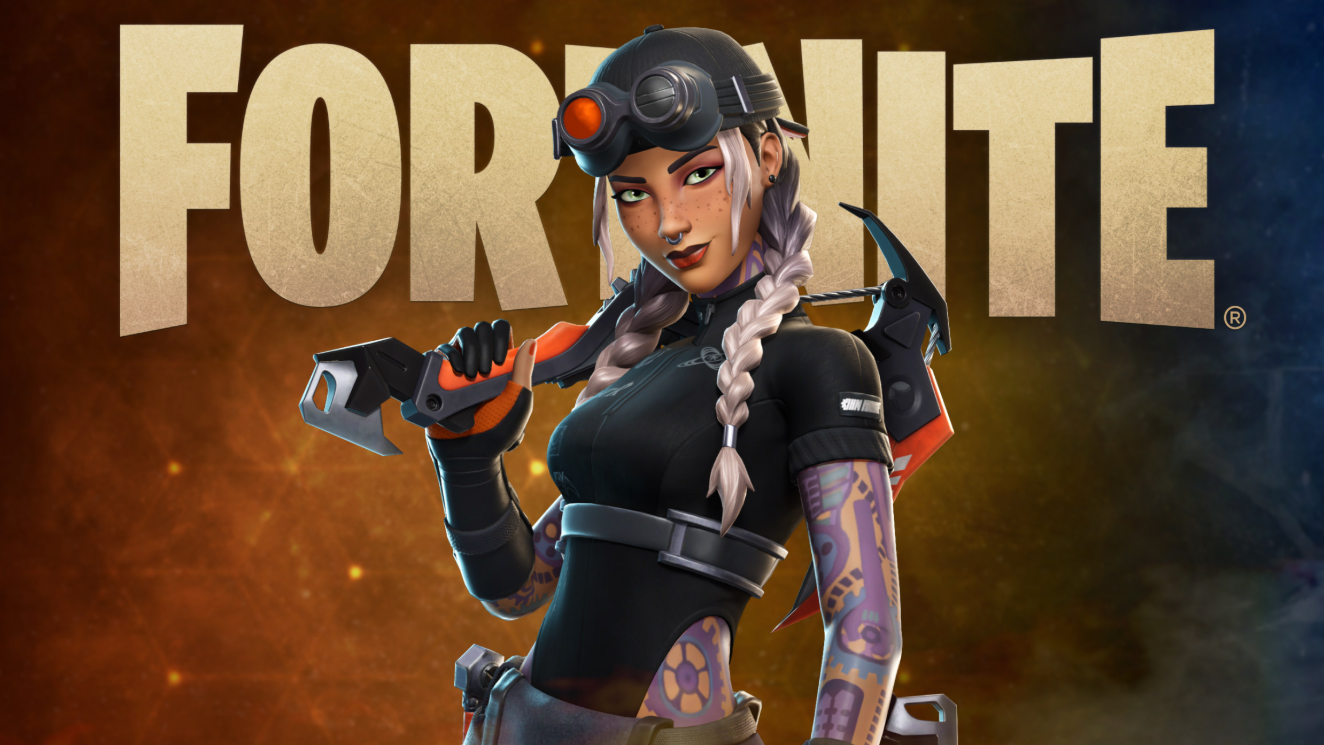
A LEGO-style Lloyd skin tied to the Ninjago crossover has been circulating in tutorials that promise an instant unlock through a chat code or a bug report submission. Those methods do not work. Fortnite does not grant cosmetics by typing strings into the public chat box, and submitting a “missing item” bug report will not add a skin you never owned.
Why the chat code trick is fake
The “method” shown in these videos follows a predictable pattern. The creator opens the in-game chat, types a long pseudo-URL string, then navigates to the Shop, opens a bundle page, and files a bug report under “Items or V-Bucks I bought aren’t appearing.” None of those actions communicate with Epic’s entitlement system in a way that grants cosmetics.
Fortnite chat is a player-to-player messaging channel. It has no command parser for redemption codes. The bug report form routes a ticket to support staff, who can only restore items you already purchased or earned. Filing a false report claiming a missing Lloyd skin will not produce one, and repeated false reports can flag your account.
How LEGO-style skins are actually granted
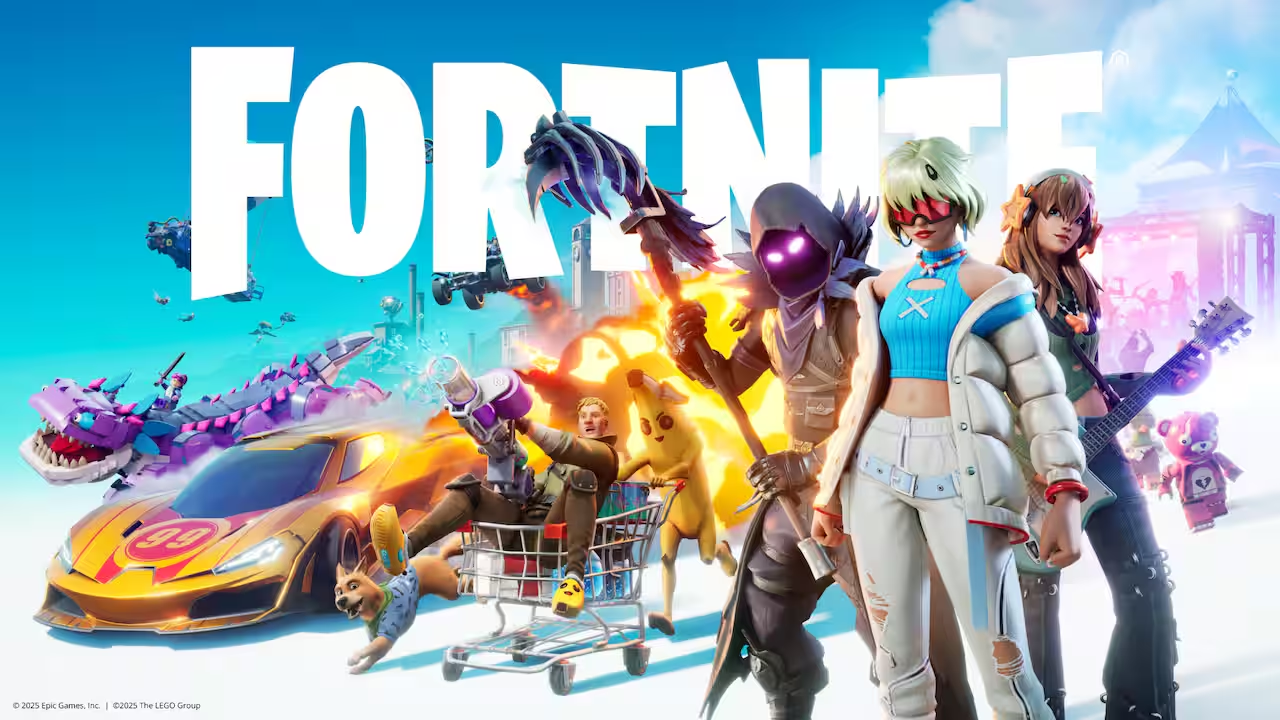
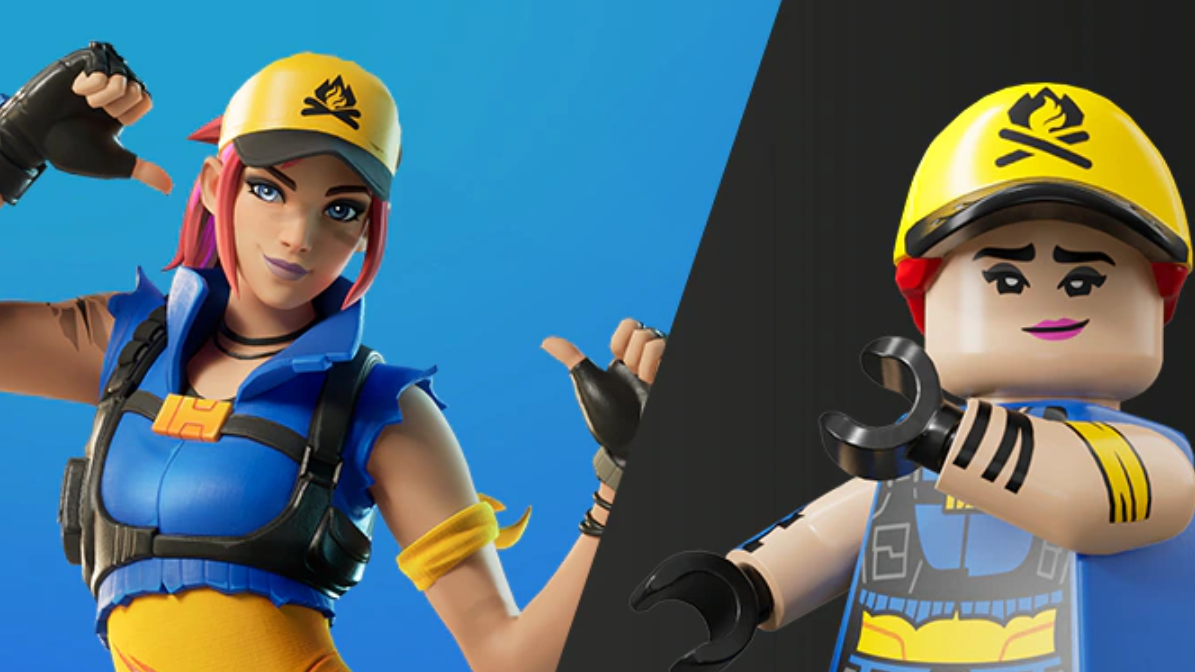
LEGO Style versions of Fortnite outfits are generated automatically for skins you already own that have a LEGO equivalent. They appear in your locker once you have played LEGO Fortnite or linked the relevant accounts. You do not buy them separately, and you cannot summon one for a character whose base outfit is not in your locker.
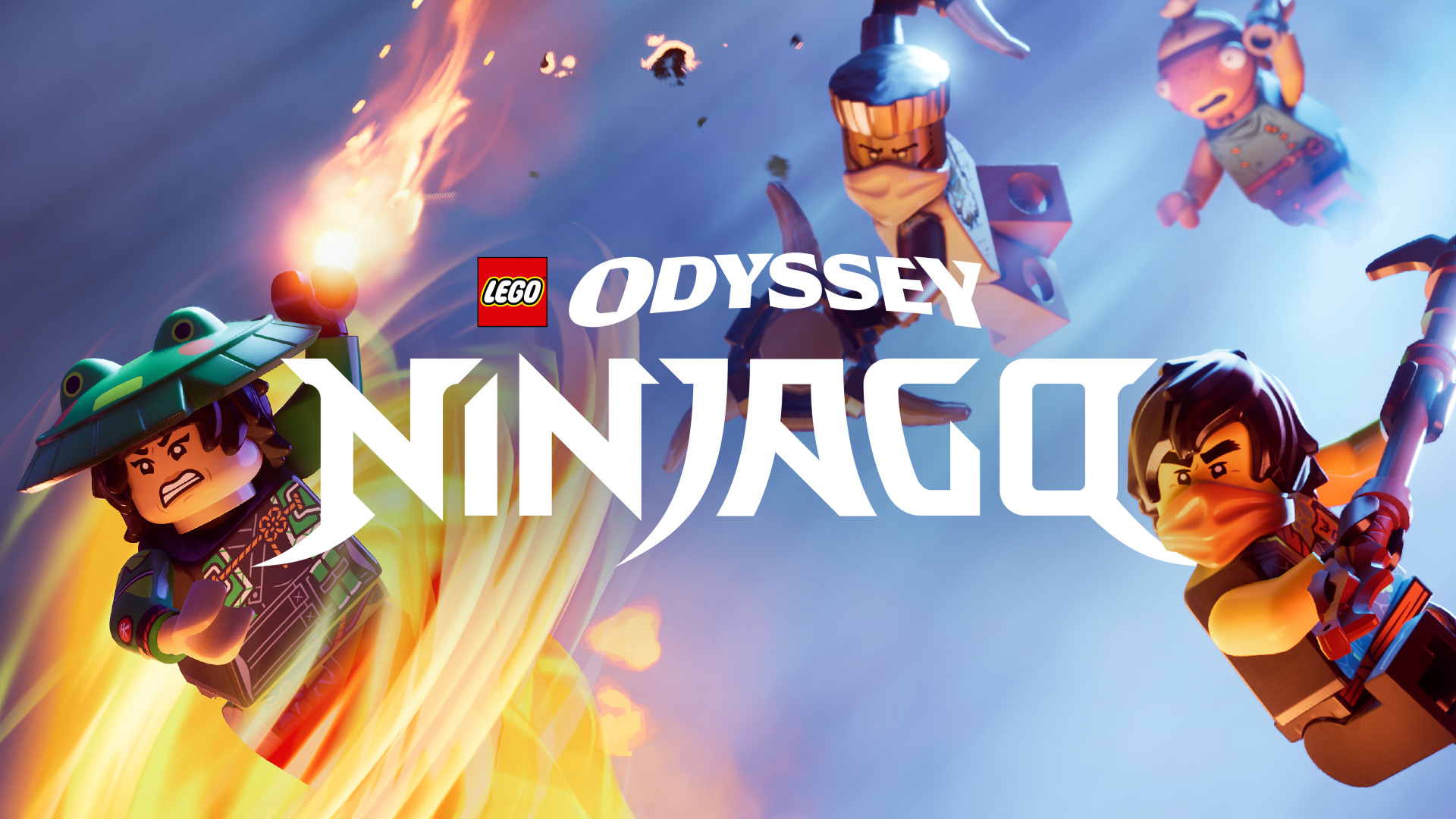
For Ninjago specifically, Epic has run crossover content tied to the Ninjago franchise, but a free, universally available LEGO Lloyd skin distributed through a code or chat trick is not part of any official promotion.
Legitimate ways to pick up free Fortnite cosmetics
Several real channels exist for free items. They require completing actual conditions, not typing strings into chat.
| Method | What you get | What it requires |
|---|---|---|
| Account linking (LEGO ↔ Epic) | LEGO-themed cosmetics tied to past promotions | Link a LEGO Insiders account to your Epic Games account |
| Save the World quests | Cosmetic rewards for hitting XP thresholds | Own and play Save the World; earn XP toward the listed milestone |
| Ranked Battle Royale and Reload quests | Pickaxe, wrap, emote rewards | Reach specified ranked tiers in-season |
| Twitch Drops campaigns | Time-limited cosmetics (such as Save the World heroes) | Watch participating Fortnite streams with linked accounts during the campaign window |
| Platform-specific bundles | Console or hardware-tied skins | Redeem codes from PlayStation Store packs, Backbone, gift cards, and similar promotions |
Linking a LEGO account for any LEGO-themed rewards
How to verify whether a “free skin” claim is real
Before following any tutorial, check Epic’s own channels. Official promotions are listed on the Fortnite news feed inside the game, on Epic’s help center, and on Fortnite’s verified social accounts. If a method only appears in YouTube tutorials and is not referenced anywhere on epicgames.com or fortnite.com, it is not a real reward path.
Two quick checks:
- Open the in-game News tab. Real free-item events are advertised here with claim instructions.
- Search the Fortnite help center for the skin name. Genuine giveaways have support articles explaining eligibility.
Why these fake tutorials keep appearing
The format is engineered for watch time. Long menu navigation, scrolling through back blings, opening the Xbox dashboard, and a “secret code” reveal late in the video all pad runtime so the creator earns ad revenue. The bug-report step is the giveaway. Submitting “Items or V-Bucks I bought aren’t appearing” without an actual purchase produces nothing because Epic’s support system checks transaction logs, not user claims.
What to do if you want a Lloyd-themed look right now
Outside of Fortnite, official Lloyd content lives in the LEGO Ninjago product line, including the Dragons Rising sets and minifigures sold through LEGO and major retailers. Inside Fortnite, your realistic options are to wait for an official Ninjago crossover, watch the in-game News tab for promotional drops, and keep your Epic and LEGO accounts linked so any future LEGO-tagged rewards land in your locker automatically.
If a code-based promotion does launch in the future, Epic will publish the redemption flow on its own site, and the entry point will be a dedicated redeem page rather than the in-game chat box.