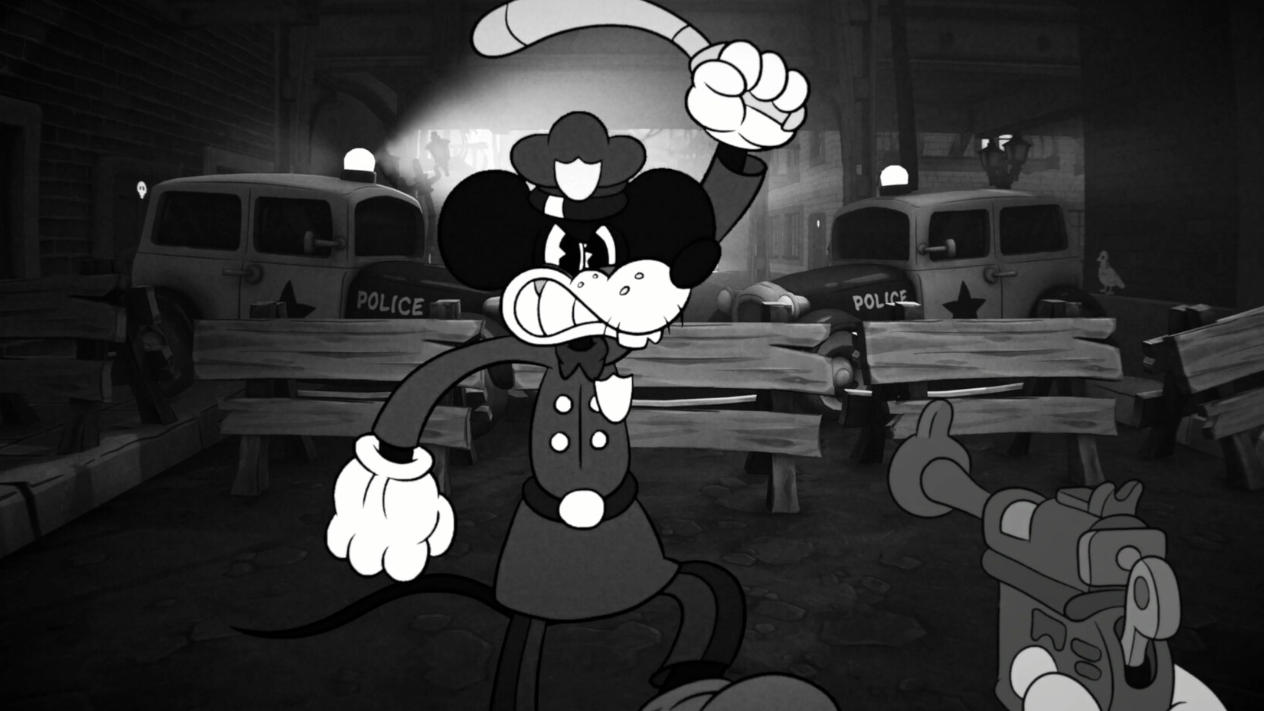
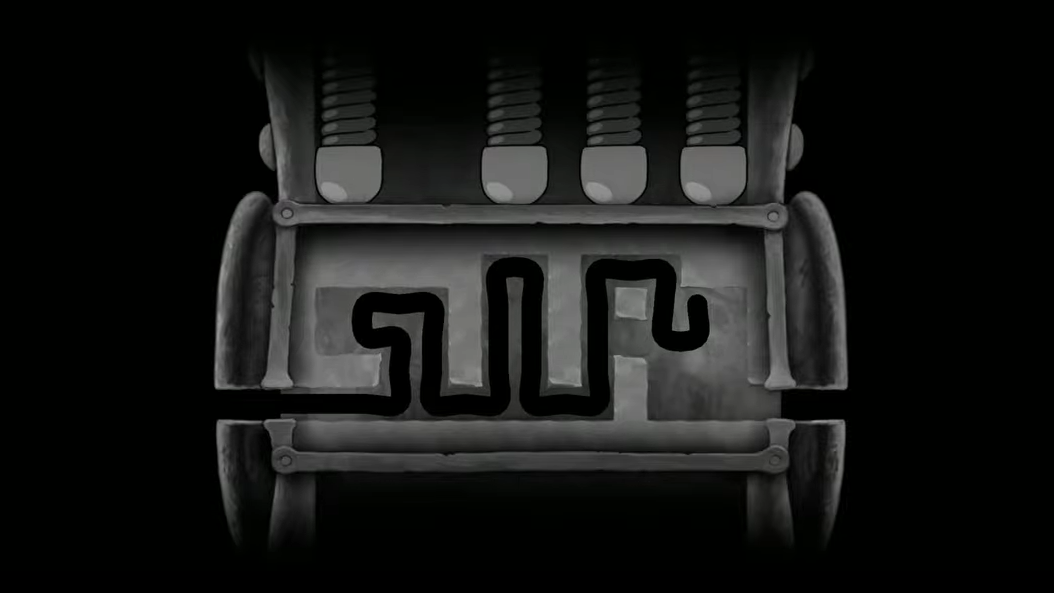
Mouse: P.I. For Hire doesn’t use a traditional lockpicking system. Instead, the game calls its lock-opening mechanic tailpicking — a path-tracing puzzle where you guide Jack Pepper’s tail through a maze inside the lock, pushing up every pin along the way and reaching the exit on the other side. It sounds straightforward, but later locks layer on time limits, move restrictions, and deadly spikes that can permanently jam the mechanism.
Quick answer: Use your movement controls (WASD on PC) to navigate your tail through the lock’s maze. Touch every pin/node to push it upward, avoid spikes and walls, and reach the opposite end. If a timed lock jams, reload your most recent save — there is no way to reopen it.
Tailpicking basics and controls
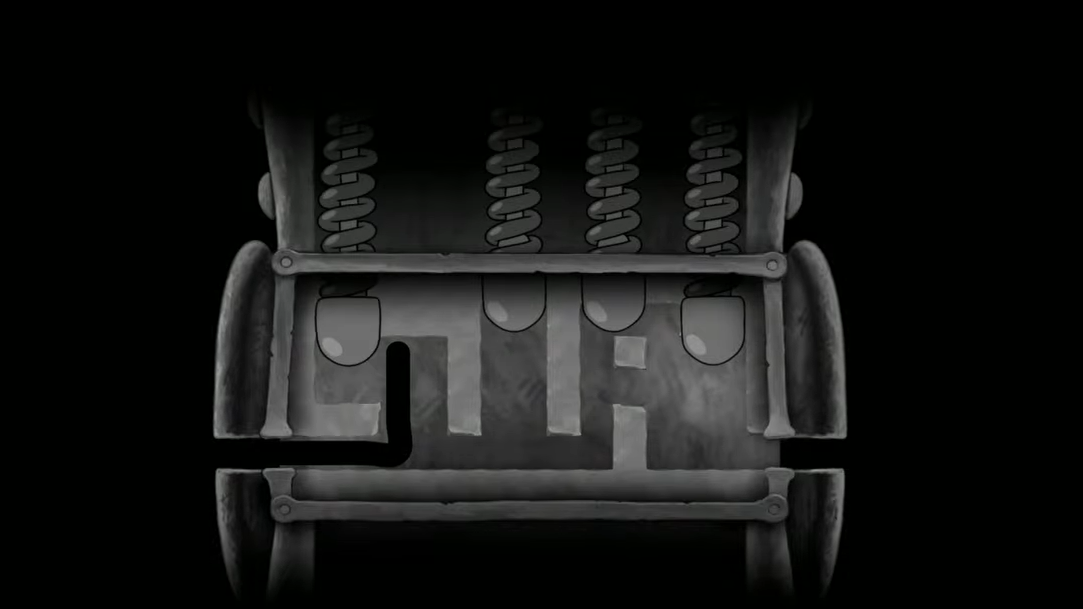
When you interact with a lock or safe, the tailpick minigame loads and presents a top-down view of the lock’s interior. A zig-zag path traces through narrow internal gaps and blocked sections. Your job is to steer the path from one end to the other using directional input — WASD on keyboard, or the left stick on a controller.
Scattered along the route are small circular nodes, which represent the lock’s pins. Each node must be touched in sequence; you cannot skip any of them. When your path reaches a node, move into the tip of the checkpoint to push the pin upward. A clean pass keeps the path moving forward. Missing a node or veering into a wall forces a full restart of the attempt.
Think of it as two overlapping tasks happening at once: threading the path through tight gaps without touching walls, while also tracking where the next node sits so you don’t overshoot it.
Spikes, thorns, and branching paths in later locks
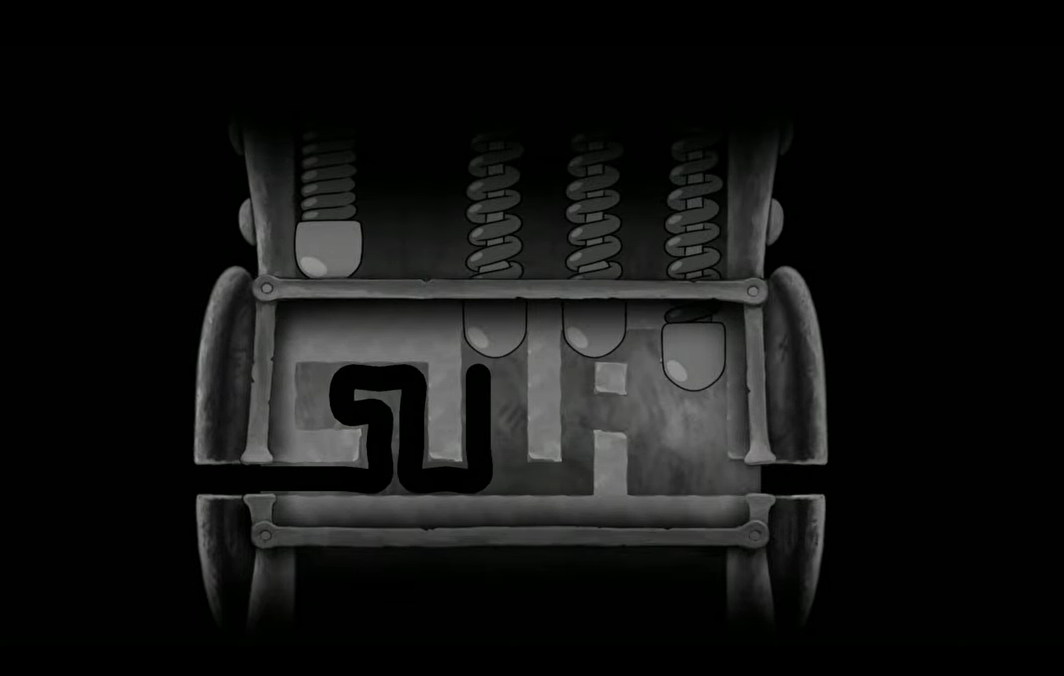
Early locks are simple single-path mazes with a handful of pins. As the game progresses, the puzzles grow significantly more complex. Later locks introduce branching paths that force you to choose a direction, and thorns (spikes) scattered throughout the route. Touching a thorn is an instant, total reset — unlike hitting a wall, there is no partial progress preserved. Everything wipes, and you start from scratch.
Some paths lead to dead ends. If you find yourself stuck, the undo button in the bottom-right corner of the screen lets you step back through your previous moves one at a time. You can press it as many times as needed, which makes it invaluable for the more intricate puzzles where planning a few moves ahead is necessary. Use it freely — it does not count against you.
Timed locks and move limits
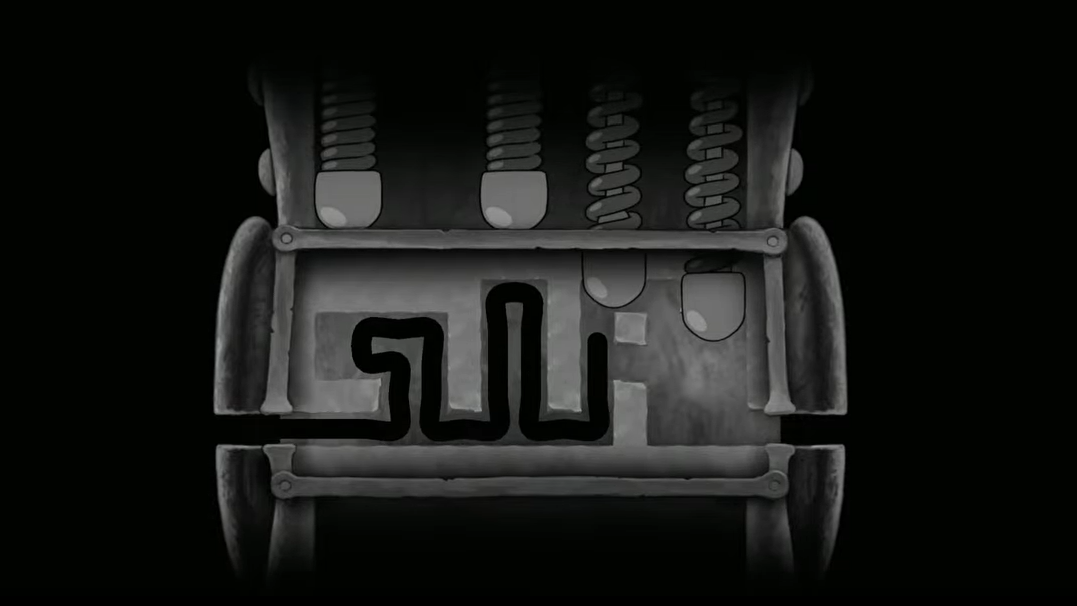
Certain locks — particularly the black safes — impose a time limit, a move limit, or both. The timer is visible in the upper-left corner of the lock interface, and the available moves are typically just barely enough to complete the puzzle. If you run out of time or exhaust your moves before finishing, the lock jams permanently. A jammed lock cannot be reopened by any in-game means, and whatever was inside — schematics, collectibles, cash — is gone for good.
The game’s manual save system uses typewriters placed throughout each level. You have 50 save slots available, so there is no reason to be conservative. Get into the habit of saving before every lock you encounter, especially if you’re aiming for full completion.
Where tailpicking appears
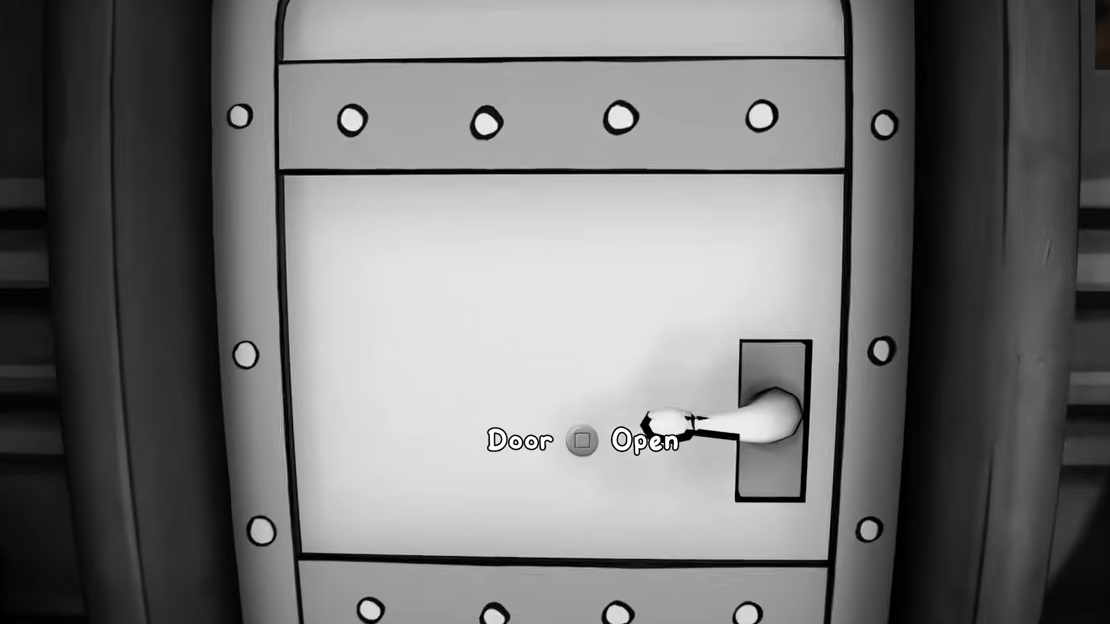
Tailpicking shows up throughout the campaign whenever you encounter a locked door or safe. It appears most frequently in missions that involve secured locations. The Bandel’s Laboratory mission, for example, has several metal doors and at least one safe that all require successful tailpicks to proceed. Missing the minigame in these moments means missing whatever is behind the door, whether that’s weapon upgrade schematics or a path forward in the level.
Since Mouse: P.I. For Hire does not allow you to revisit completed levels — doors lock behind you permanently as you progress — failing or skipping a tailpick can lock you out of collectibles entirely. The game contains 24 main missions and 14 side jobs, many of which hide rewards behind locked safes and doors.
Practical tips for difficult tailpicks
| Situation | What to do |
|---|---|
| Dead end reached | Press the undo button repeatedly to backtrack to the last branching point, then try a different direction |
| Thorn nearby | Undo immediately if you’re one move away from a thorn — touching it resets everything with no partial save |
| Timer running low | Focus on the shortest viable path to the remaining pins rather than exploring branches |
| Lock jammed | Reload your most recent typewriter save and reattempt |
| Tight space around a pin | Move slowly and deliberately; rushing through narrow gaps is the most common cause of wall contact |
The move count on restricted locks is usually just enough to complete the puzzle with no wasted steps. If you find yourself running low on moves, it likely means you took a wrong branch early on. Undo back to the fork and try the alternate route rather than pushing forward and hoping for the best.
Tailpicking is one of those mechanics that feels tricky the first few times but becomes second nature once you internalize the rhythm of navigating, hitting nodes, and using undo as a safety net. The real danger isn’t the puzzle difficulty — it’s forgetting to save beforehand and permanently losing access to whatever the lock was protecting.