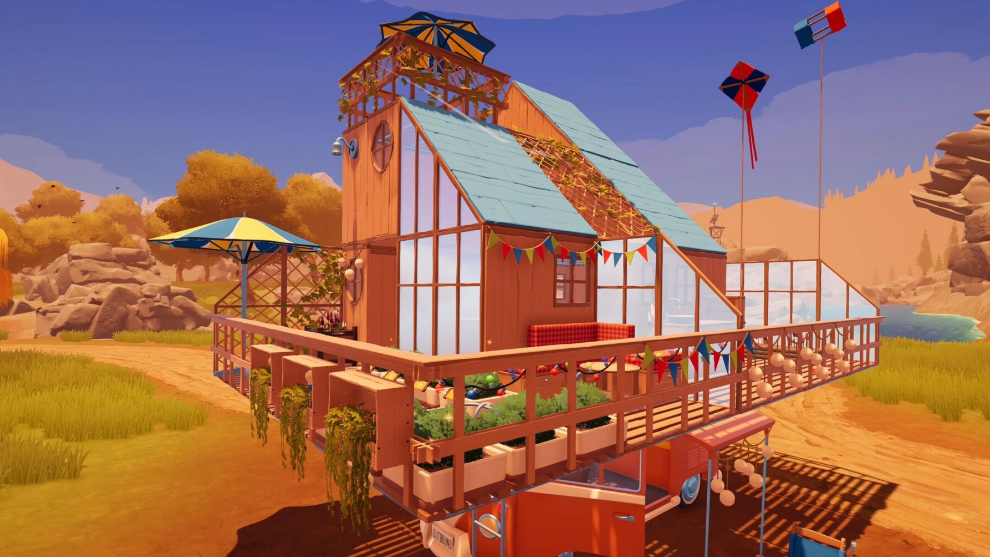
Outbound supports online co-op for up to four players, but matches are limited to people on the same platform family. The cozy camper-van game from Square Glade Games runs on PC, Xbox Series X|S, PlayStation 5, and Nintendo Switch (including Switch 2), and the multiplayer pool is separated by platform.
Quick answer: No. Outbound does not support crossplay. You can only join a co-op session with friends who own the game on the same platform as you.
Outbound crossplay support by platform
Co-op in Outbound uses online matchmaking through each platform’s own networking, so a PC player cannot join a PlayStation host, and an Xbox player cannot join a Switch host. The developer has confirmed there are no current plans to add cross-platform play, citing the extra certification and quality assurance work it would require on consoles.
| Platform | Online co-op | Crossplay with other platforms |
|---|---|---|
| PC (Steam) | Yes, up to 4 players | No |
| Xbox Series X|S | Yes, up to 4 players | No |
| PlayStation 5 | Yes, up to 4 players | No |
| Nintendo Switch / Switch 2 | Yes, up to 4 players | No |
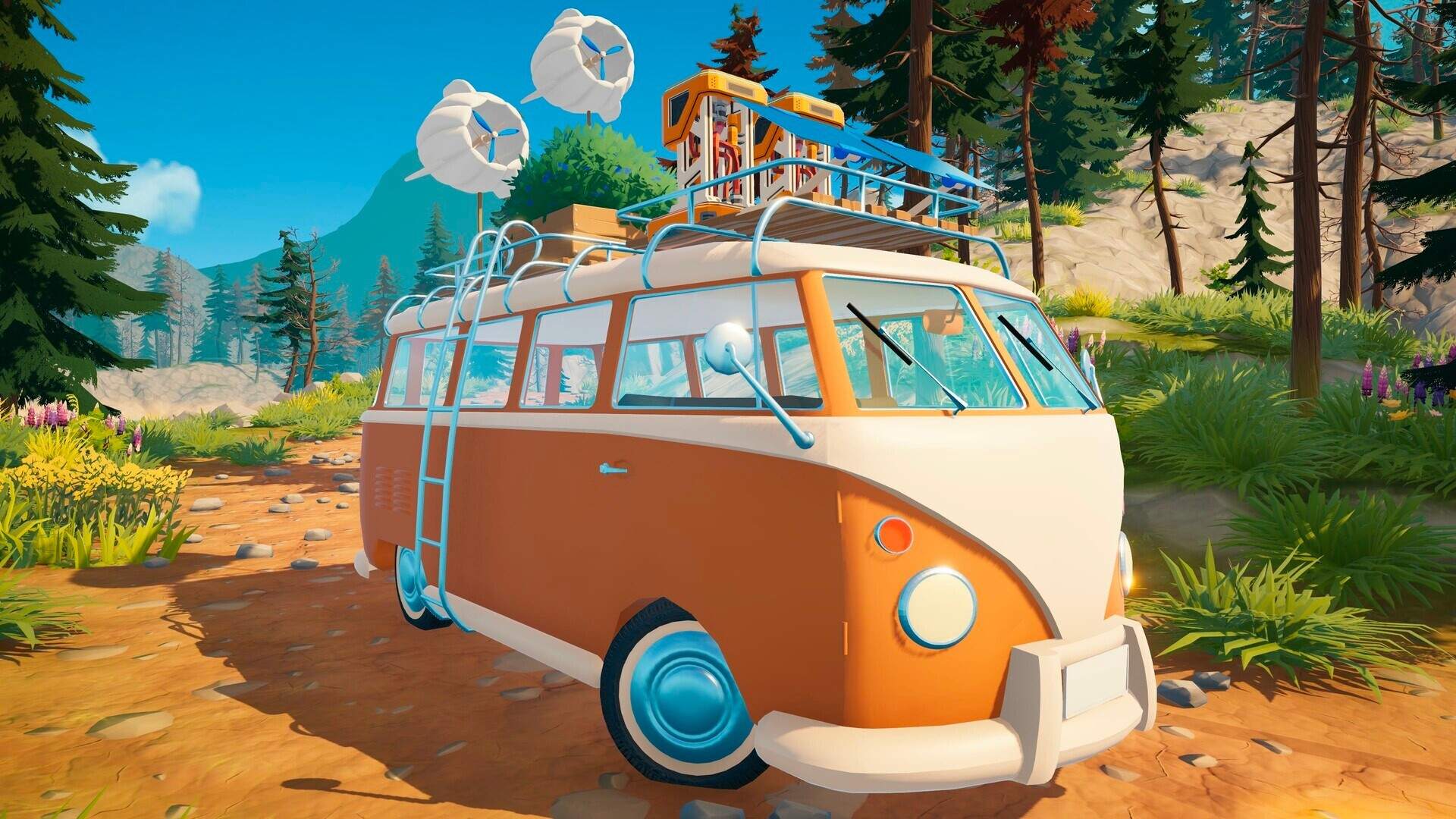
How Outbound co-op works without crossplay
Co-op runs as a host-and-guest model. One player loads their save and opens the session, and the others join that world. All progress made during the session is tied to the host’s save file, which means the host keeps every unlocked recipe, structure, and area after the group logs off.
Guests can still gather materials and craft inside the host’s world, but items collected as a guest do not transfer back to the guest’s own single-player save. Those items remain in the host’s world. If the guest rejoins the same host later, any items they had on their character return to them.
Play with friends on the same platform
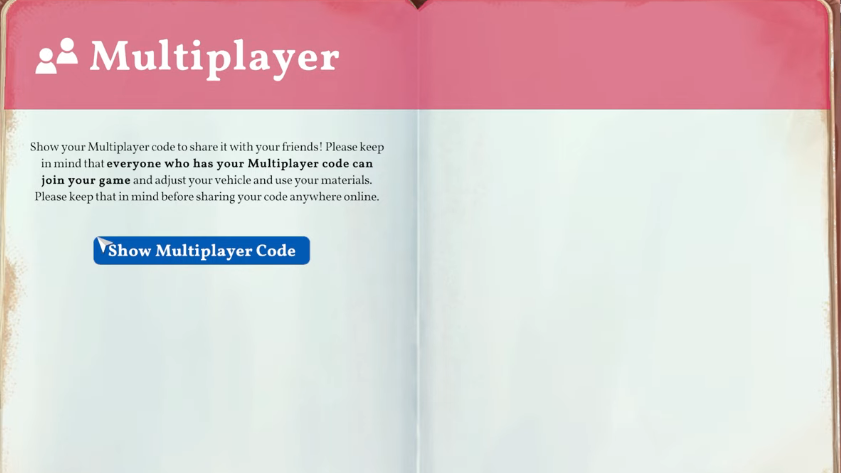
Common reasons co-op invites fail
If a join attempt does not work, the cause is almost always one of three things. The invited player is on a different platform, which Outbound does not bridge. The host has not opened their world for online play, so the session is still private. Or the platform’s own networking service is having an outage, which blocks invites regardless of the game.
Outbound is built around shared road trips, but that sharing currently stops at the platform boundary. If you and a friend want to play together, decide on one platform before buying, since there is no way to bridge a PC copy with a console copy or to mix consoles from different manufacturers.