PLS Donate is a Roblox experience created by developer Hazem where players set up personalized donation booths and compete for Robux contributions from the wider community. Codes hand out Giftbux — the in-game currency spent on booth upgrades and cosmetics — along with the occasional exclusive booth skin. A distinctive-looking stand tends to attract more donors, so putting free Giftbux to work gives you a real edge on a crowded server.
Working PLS Donate codes
HAUNTED— 30 GiftbuxPLSDONATENEWS15— 15 Giftbuxlazarbeam— Laser Beam Boothhazem— 50 GiftbuxEagle_15— 15 Giftbuxquataun— 50 Giftbuxplsdonate2— 20 Giftbuxpixel— Free Pixel Booth
None of the active codes above carry a confirmed expiry date, but Hazem can deactivate them without notice. Redeeming them sooner rather than later is always the safer move.
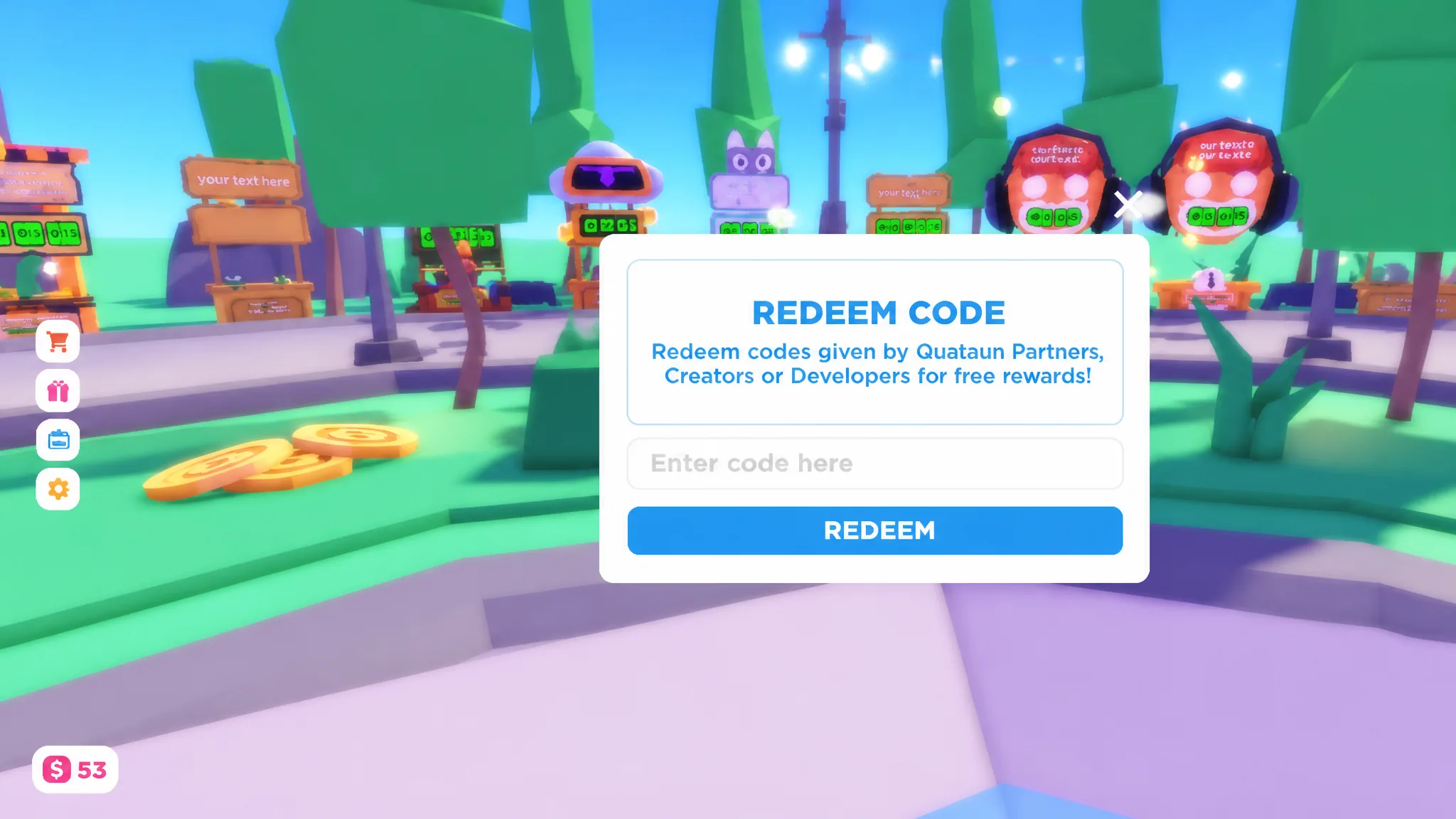
How to redeem PLS Donate codes
Expired PLS Donate codes
The codes below are no longer active and will return an error if entered.
pd2025pd2024glassEastervalentine2024alienevent23projectsupreme50STEAK15olixolix10iloveeagleeyes10plsdonatenews10ggliquate10HAZEM20valentine2023hazem20qtn15
How to find new PLS Donate codes
Hazem tends to release new codes around major game updates, donation milestones, and seasonal events. Following the developer at @haz3mn on social media and keeping an eye on the official PLS Donate Discord server — where new codes often appear in the announcements channel — are reliable ways to catch them early. Bookmarking this page and checking back regularly will also keep you current whenever new codes drop.