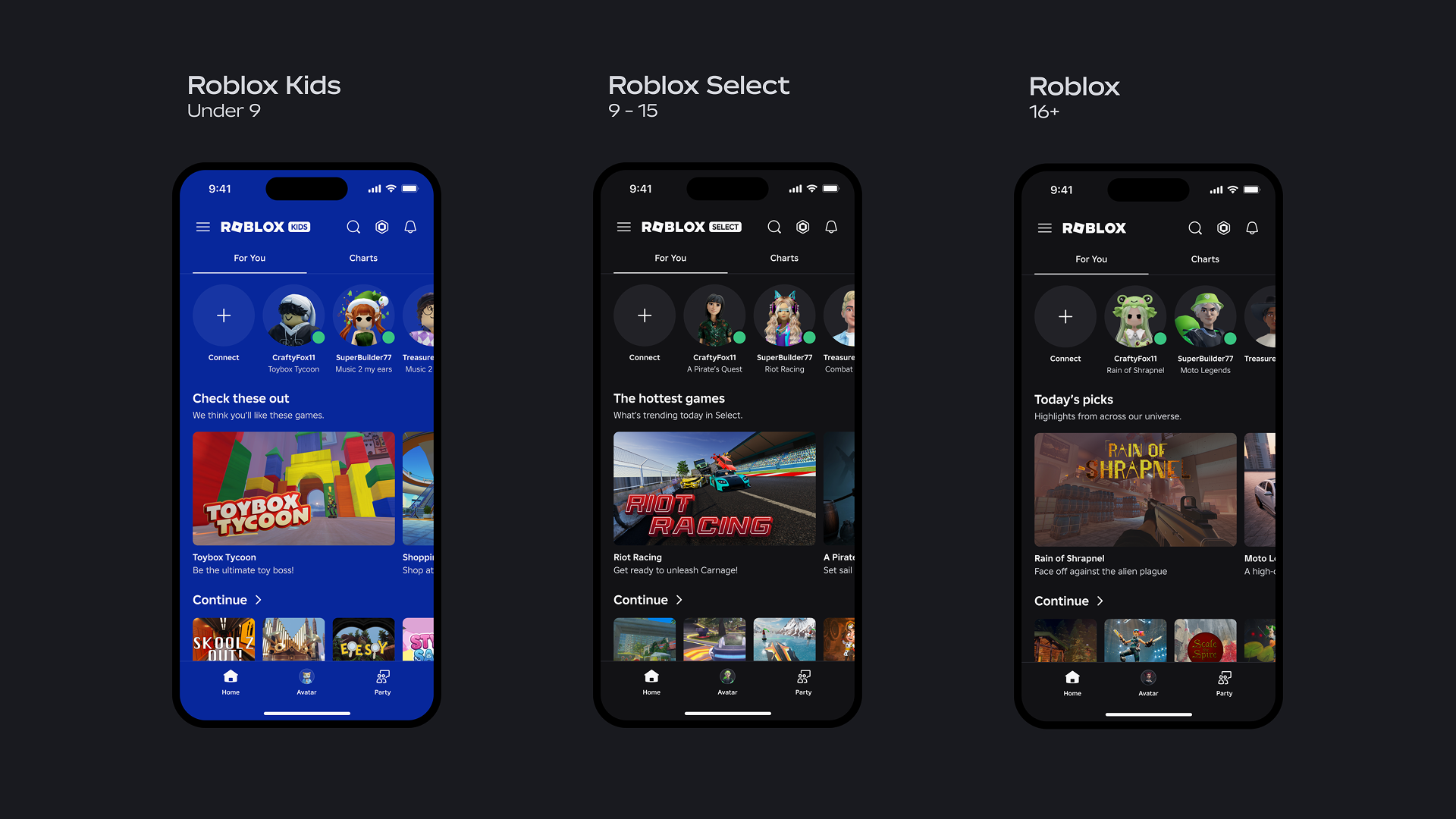
Roblox Kids and Roblox Select accounts are now live worldwide, and they change how anyone under 16 plays on the platform. The system reads a user’s age check, then drops them into one of two account types with its own game catalog, chat rules, and safety defaults. Players who are 16 and older see no change at all.
Quick answer: Age-checked users aged 5 to 8 get a Roblox Kids account with chat off by default and access only to games rated Minimal or Mild. Age-checked users aged 9 to 15 get a Roblox Select account with access up to Moderate games and chat that opens up gradually by age. Accounts move up automatically, from Kids to Select at age 9 and from Select to a standard account at 16.
Roblox Kids vs Roblox Select accounts
Both account types restrict what a younger player can open and who they can talk to, but the limits loosen as a child gets older. Kids accounts carry the strongest defaults. Select accounts widen the catalog and ease into chat over time.
| Account | Age range | Games allowed | Chat default |
|---|---|---|---|
| Roblox Kids | 5–8 | Minimal or Mild | Off (parent can approve specific contacts) |
| Roblox Select | 9–15 | Up to Moderate | Opens gradually by age (parent can change) |
| Standard Roblox | 16+ | Unchanged | On |
Exact ages, games, and features vary by region, so two children of the same age in different countries may not see identical settings. Ages come from age checks, not just a typed-in birthday.
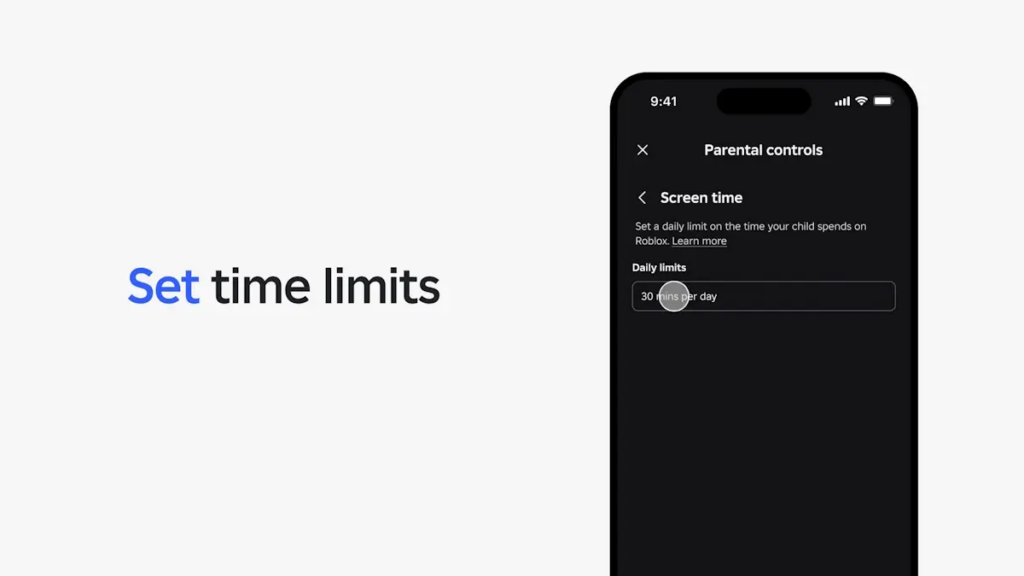
How games get into the Kids and Select catalogs
Games shown to under-16 accounts pass an extra review on top of Roblox’s standard moderation. That review includes developer verification, real-time evaluation of gameplay, and a content rating before a title can appear for younger players.
By default, both catalogs leave out games built around sensitive issues, social hangout spaces, and free-form drawing tools. Many popular titles stay available, but each one has to clear the stricter bar to remain in the younger catalogs.
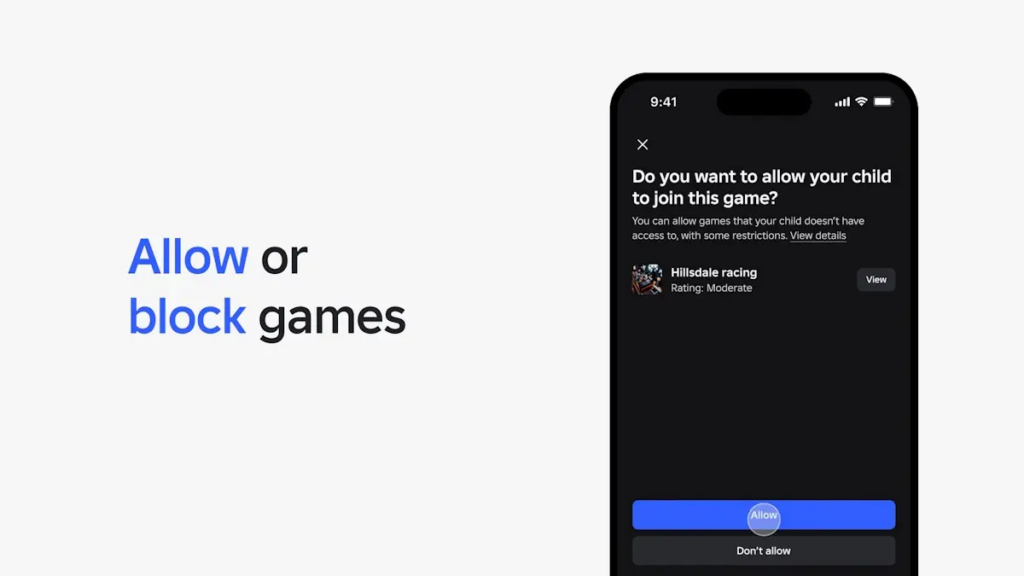
Chat rules tied to the age check
Chat is the clearest split between the two account types. For Kids accounts, chat is turned off until a parent approves specific people. For Select accounts, chat access grows as a user ages, with safeguards staying in place for everyone under 16.
The age check matters here. A user who never completes one cannot use Roblox chat at all, regardless of the age they typed in. Unverified users still land in a Kids or Select account based on their stated age, but with limited features and no chat.
| How age is set | Account | Chat |
|---|---|---|
| Age-checked 5–8 | Roblox Kids | Off (parent can change) |
| Age-checked 9–15 | Roblox Select | Increases gradually (parent can change) |
| Age-checked 16+ | Roblox | On |
| Self-declared 5–8 | Roblox Kids | Off |
| Self-declared 9+ | Roblox Select | Off |
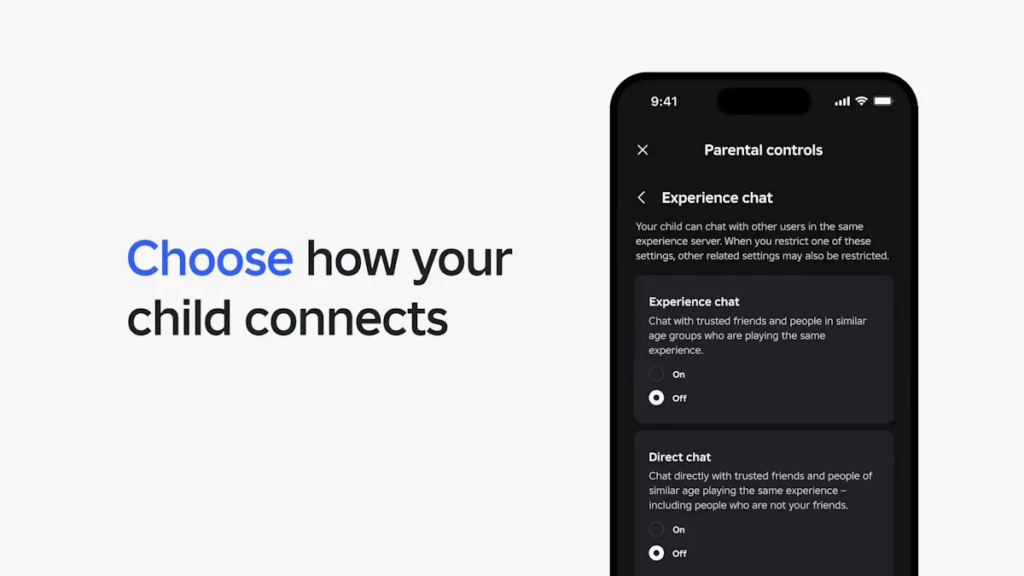
Note: link sharing is also tightening. Social media links have never been allowed in chat, and Roblox is now blocking users under 16 from sharing or viewing them on profiles, game detail pages, Community pages, and the Creator Hub.
Set up parental controls for a Kids or Select account
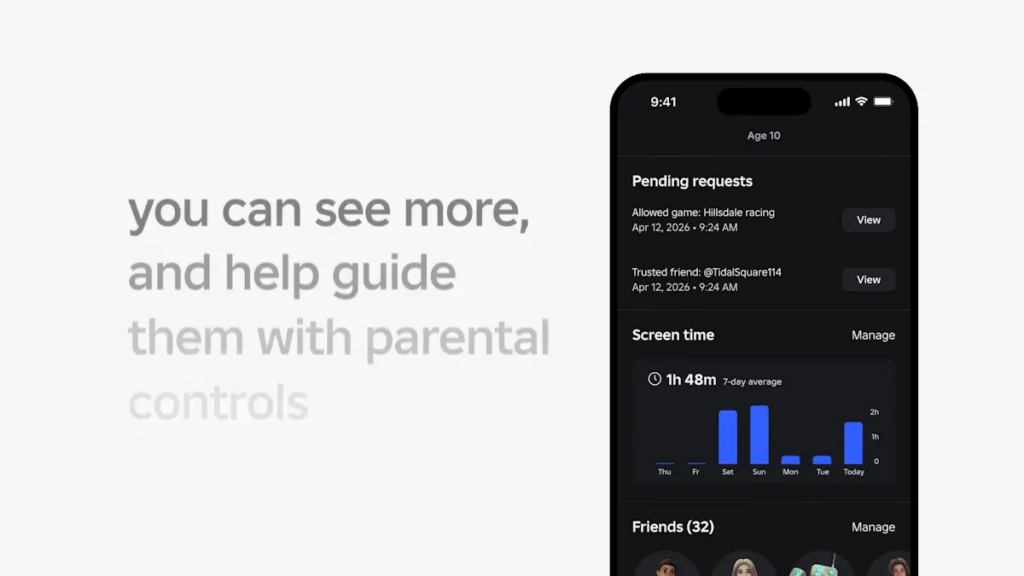
A linked parent account is what unlocks the full set of controls. Once linked, you can see gameplay activity and friend lists and adjust content ratings, communication, screen time, and spending limits.
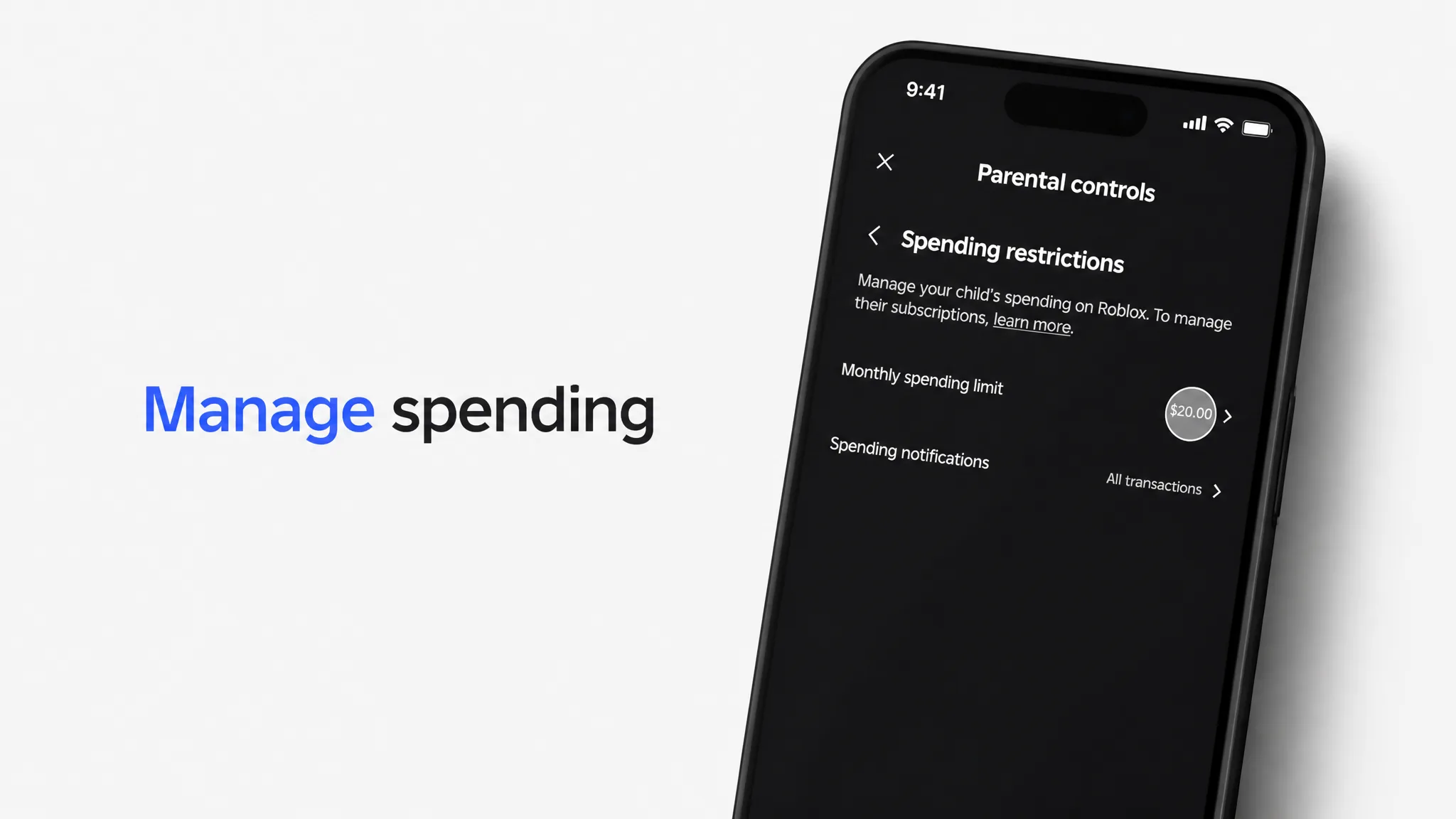
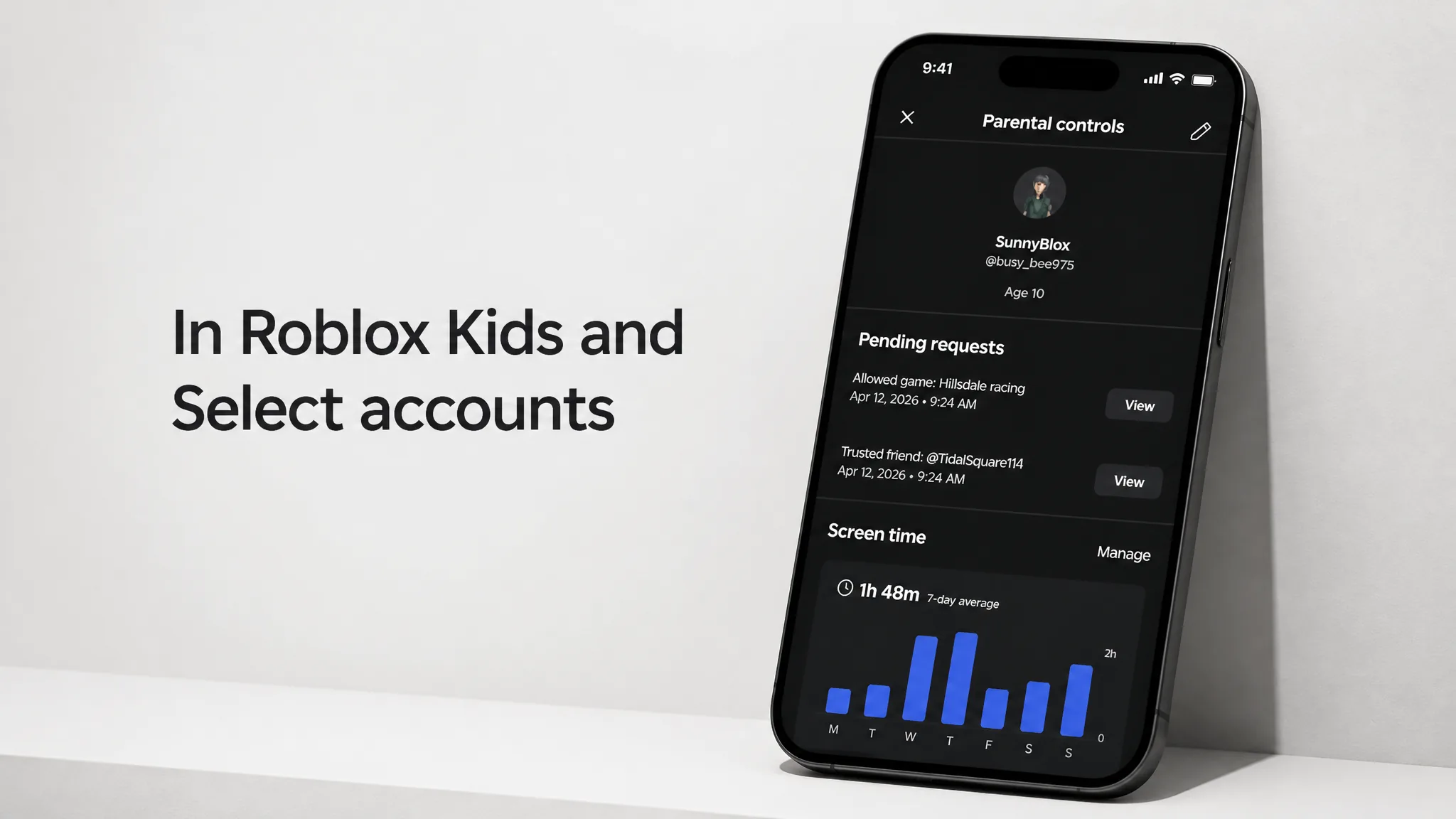
With this rollout, several of these controls now stay available until a child turns 16, including granular game blocking and direct chat management. That gives a parent a longer window to adjust how much freedom each child gets.
If your child landed in the wrong account
A common mistake is a parent completing the age check on a child’s device, which can flag the child as an adult. If that happens, you can correct a child’s age from your parent-linked account, and the account will move into the right experience.
Roblox also watches in-game behavior. If a user’s actions don’t match their verified age, the system can prompt a new age check or revoke an existing one. You will know the change took effect when the account’s available games and chat options shift to match the new age group.
The accounts first ran in a limited rollout across Australia, Indonesia, the Netherlands, and New Zealand before going global. Roblox plans to move to the International Age Rating Coalition (IARC) framework for content ratings later this year, which should standardize how game labels are assigned across regions. For now, the practical takeaway is simple: complete the age check honestly with your child’s face, link a parent account, and set the limits that fit your family.