
Shells has players combing beaches for rare shells, then rerolling traits and charms to boost luck, dig speed, and carry weight. Codes hand out coins, cash, pearls, and lucky rolls that speed up that grind without extra digging.
Working Shells codes
Enter these exactly as written, since Shells codes are case-sensitive.
OASISDEPTH— 10k coins, 1.5k pearls, and 20 lucky rolls (level 5 required) NEWFELIXCITO— 5k coins, 500 pearls, and 10 lucky rolls NEWSORRY4THEDELAY— 20k coins, 2k pearls, and 25 lucky rolls (level 20 required) NEW0PT1MIZ3D— 2.5k pearls and 15 lucky rolls (level 20 required) NEWIMGETTINGANGRY!— 10k coins, 2k pearls, and 10 lucky rolls NEWSUMMEROASIS— 50k coins and 6k pearls (level 15 required) NEWARMAGEDDON— 10k cash and 500 pearlsLYTTAKEOVER2026— 20k cash and 1k pearlsUNIVERSALRESETSOON— Rewards (level 75 required)HEIYUNISTHEBEST— Rewards (level 75 required)LYTING— Rewards (level 75 required)LOVEYOUTOO— Rewards (level 75 required)ShellsUpdateNumeroTHREE— 15k cash, three lucky rolls, and 2.2k pearls2WEEKMANTIENCE— Free rewards, requires Level 20SORRY4WAIT— Free rewards, requires Level 15HOPEYOUENJOY— 10,000 Coins, 1,000 Pearls, and 5 Lucky Rolls
How to redeem codes in Shells
A few of the codes above need a specific level before they’ll register, so it helps to get the setup steps right first.
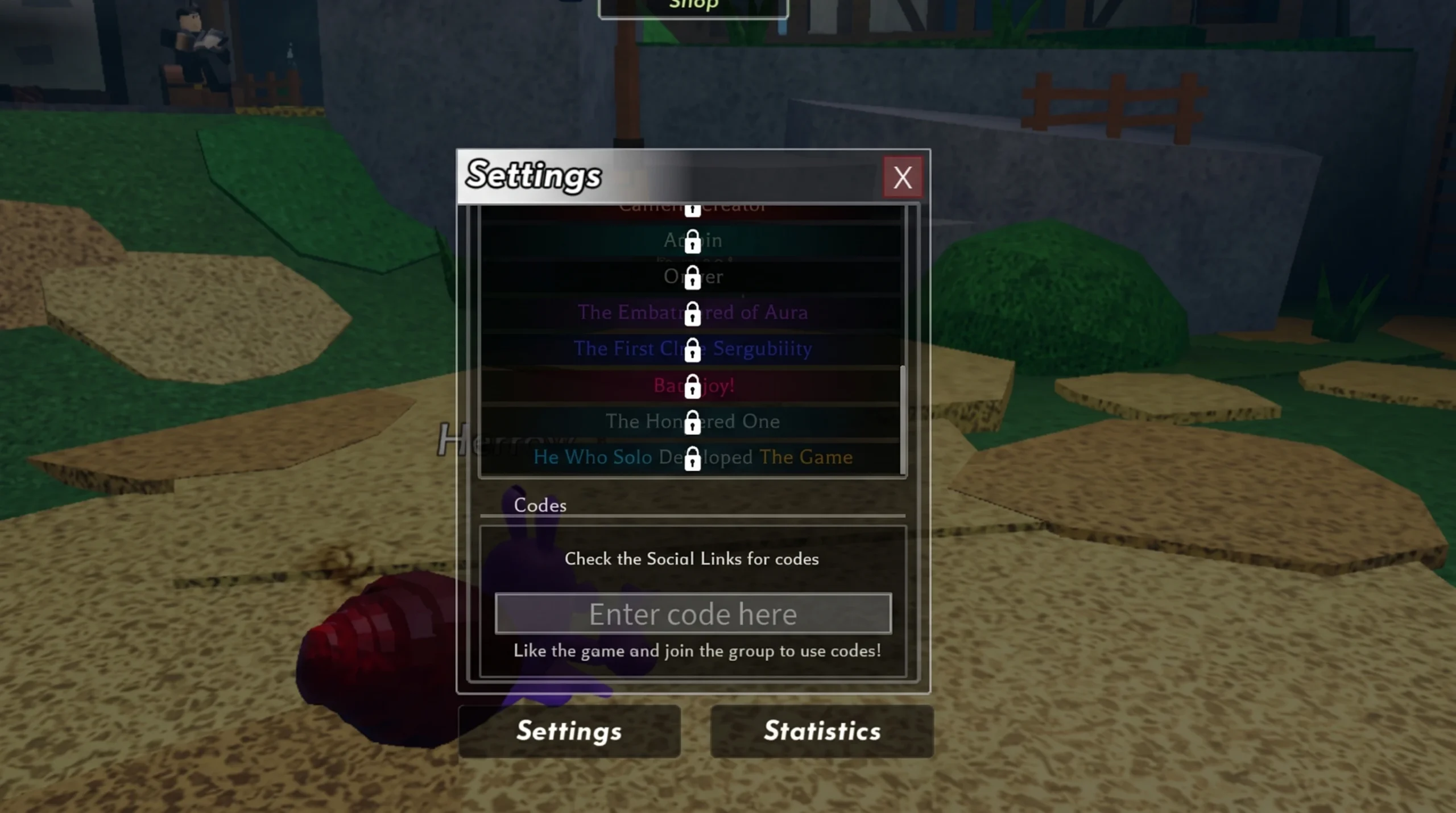
A successful redemption shows the reward added to your coins, cash, pearls, or lucky roll count right away. If nothing changes, check that you’ve copied the code precisely and that you meet the level requirement listed next to it.
Expired Shells codes
These no longer redeem any rewards, so skip them if you spot them elsewhere.
UPDATEFOURGOINGUNDERWATER50KCOMMUNITYMEMBERS20KFAVOURITESWOOP10KMEMBERSINTHEBLUEAPPSORRYGAMEPATCHEDMOUNTAINANDSKYISLANDWOWSORRYFORTHEBUGSCHARMSFIXEDBlubBlubBlubLOTUSBLOSSOMUPDATE1HOTFIXESANDBALANCESFASTFASTFASTFEELINGNICE1KPEARLS1THOUSANDLIKESALREADY1500GROUPMEMBERSWOW1kPearls!!LUCKY1000ONLYFASTESTGETTHISCODERelease
New codes tend to arrive around player or like milestones and during real-life holiday periods rather than on a fixed schedule, so the fastest way to catch one is through the official Shells Discord server. Bookmark this list and come back for updates as new codes get added and expired ones get removed.