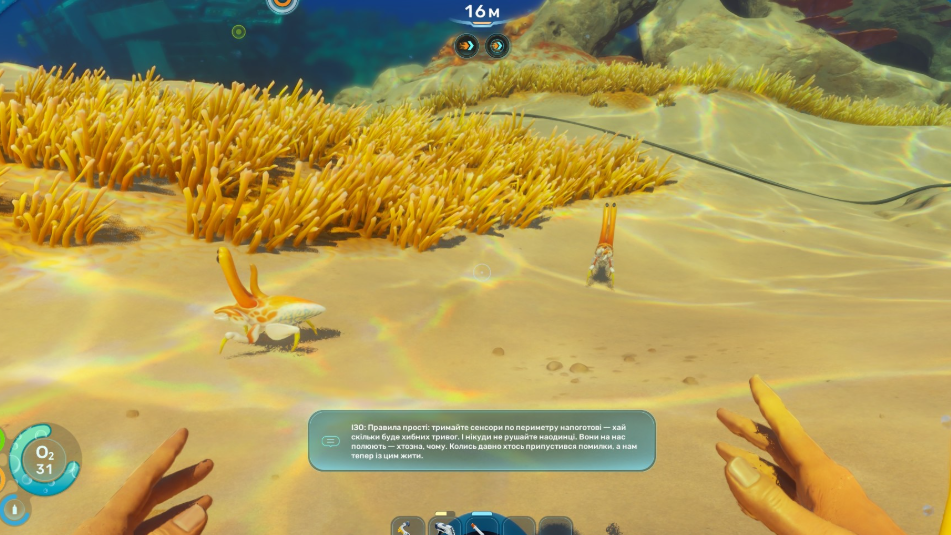
Subnautica 2 entered Early Access on May 14, 2026, and the community has already produced a small but useful set of mods that smooth out the rougher edges of the launch build. Most of what’s worth installing right now sits in the quality-of-life category: bigger inventories, a real FoV slider, a brighter flashlight, and tweaks to the systems that Unknown Worlds hasn’t fully polished yet.
Install UE4SS first
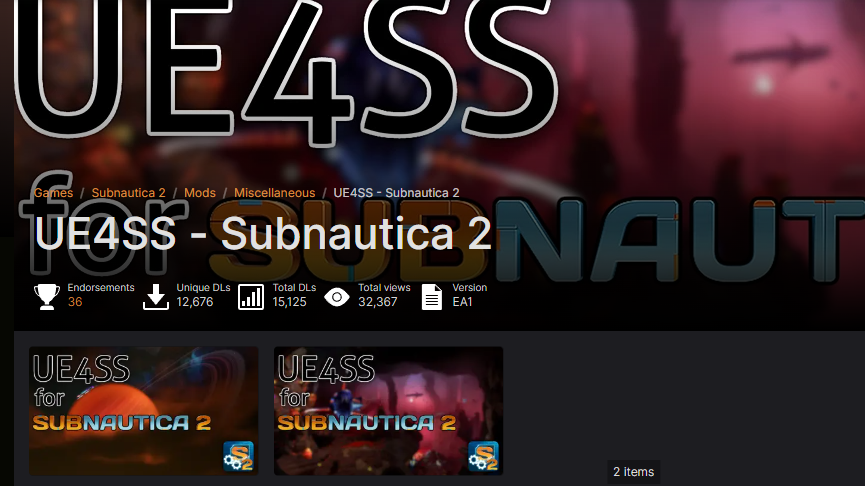
Almost every gameplay-affecting mod for Subnautica 2 depends on UE4SS, a fork of the Unreal Engine scripting system maintained by the Subnautica 2 Modding Organization. Without it, UE4SS-tagged mods on CurseForge and Nexus Mods won’t load. A separate UE4SS Mod Manager by Volitio and gtekaz makes it easier to toggle individual mods on and off without manually editing folders.
Pure config-file mods (like engine.ini tweaks) don’t need UE4SS, but anything that changes game behavior does.
Quality-of-life mods worth installing
| Mod | What it changes | Platform |
|---|---|---|
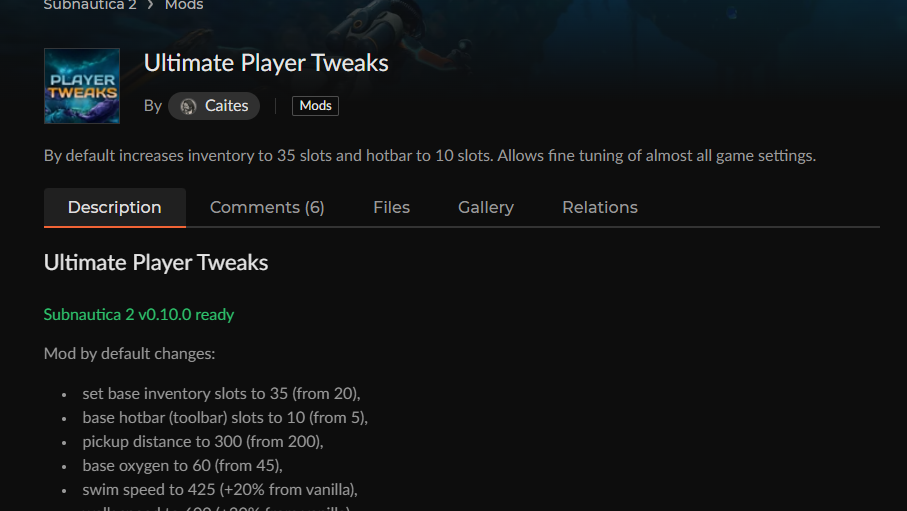
| Ultimate Player Tweaks | Larger inventory and hotbar, longer pickup distance, faster swim/walk speed, more base oxygen | CurseForge |
| Comfort Tweaks (FoV / PDA pause) | Adds an FoV control and pauses the game when the PDA is open | Nexus Mods |
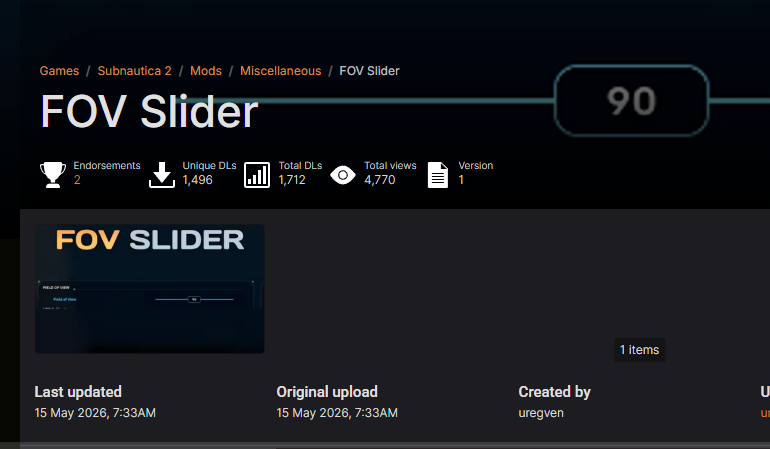
| FOV Slider | Standalone field-of-view slider | Nexus Mods |
| Better Flashlight | Brighter flashlight, removes the blue tint, optional narrow-cone “Immersive” mode | CurseForge |
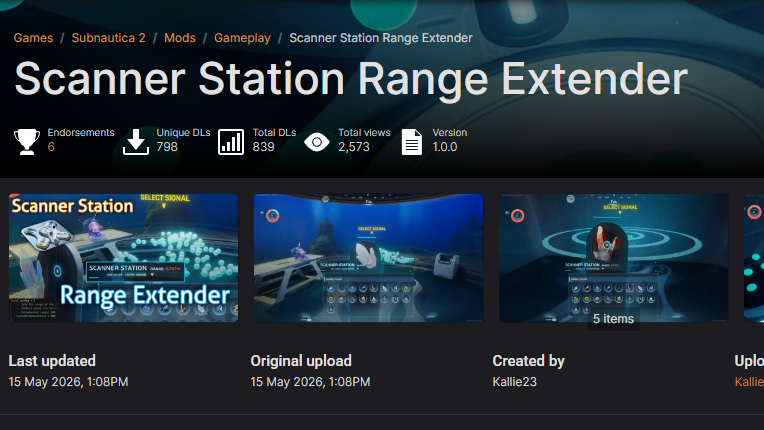
| Scanner Station Range Extender | Increases Scanner Station range, configurable | Nexus Mods |
| SeaSprint | Hold Left Ctrl to sprint on land or while swimming | CurseForge (UE4SS) |
| Proximity Chat | In-game voice chat with 50m falloff and an underwater filter | CurseForge (UE4SS) |
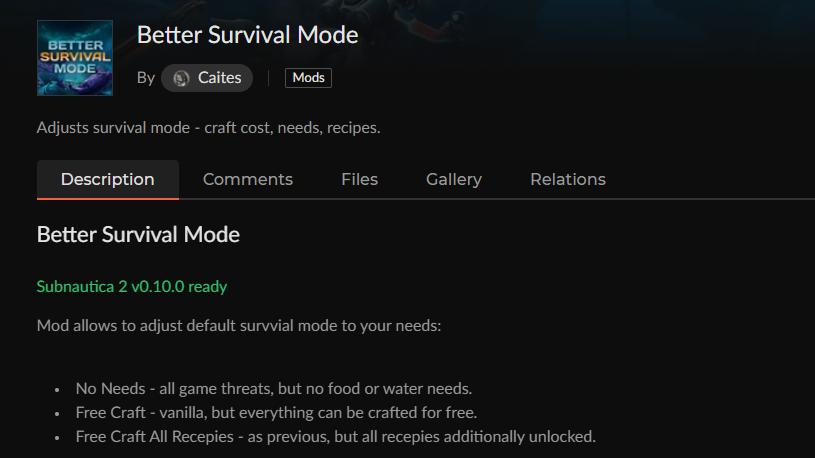
| Better Survival Mode | Toggles for removing threats, free crafting, and unlocked recipes | CurseForge |
| No Intro | Skips the logo and warning screens at launch | CurseForge |
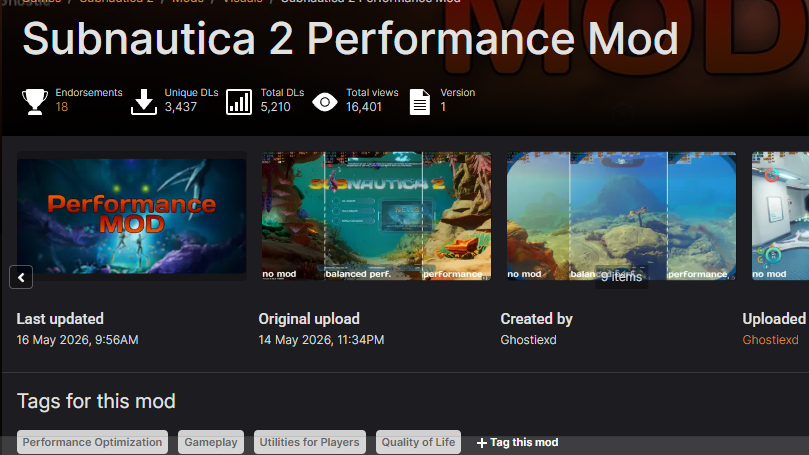
| Subnautica 2 Performance Mod | engine.ini tweaks that disable demanding effects to raise FPS | Nexus Mods |
The inventory and movement fix
The base inventory in Subnautica 2 fills up fast, and swim speed in the vanilla build is slow enough that long trips back to a base feel like dead time. Ultimate Player Tweaks by Caites addresses both at once. It raises the inventory grid and hotbar slot count, extends pickup distance so you stop chasing materials that drift away, and bumps swim and walk speed, along with base oxygen.
If you only want the movement half, SeaSprint by MeAlam is a lighter UE4SS mod that adds a hold-to-sprint input on Left Ctrl rather than rewriting base stats.
Field of view and PDA pause
Subnautica 2 ships without an FoV slider in the options menu, which is uncomfortable if you’re used to anything wider than the default. Two mods solve this. FOV Slider by uregven on Nexus Mods is the minimal option. Comfort Tweaks by Volitio bundles FoV control with a second fix, pausing the game while the PDA is open, which the vanilla build doesn’t do in single-player.
Don’t install both FoV mods at the same time, since they touch the same setting.
Flashlight, scanner, and other visibility fixes
The vanilla flashlight casts a dim blue cone that’s hard to read against deeper biomes. Better Flashlight by Caites raises brightness and removes the tint, with an “Immersive” preset that’s brighter but with a narrower beam if you want something closer to a focused dive light.
For base building, Scanner Station Range Extender is the one to grab. The Scanner Station’s vanilla range is conservative for the size of the map, and the mod auto-applies a larger radius on install. The range value is configurable, so you can set it lower if you want a milder change rather than a full reveal.
Performance and launch-time tweaks
If you’re running on minimum-spec hardware, the Subnautica 2 Performance Mod by Ghostiexd is a small engine.ini override that disables or reduces several expensive graphical effects. It’s aimed at raising FPS on lower-end systems and the Steam Deck, where the game is officially supported but tight on headroom at default settings.
No Intro by Caites is the smallest mod of the bunch. It strips the logo splash and warning screens so the game goes straight to the main menu on launch.
Multiplayer and survival adjustments
Subnautica 2 supports co-op but doesn’t have native voice chat. Proximity Chat by uwudwagon adds spatial voice with a 50-meter falloff, plus a muffled filter when you’re underwater. It removes the need to keep Discord open in a window for short coordination calls, though you’ll still want it for anything beyond that range.
Better Survival Mode by Caites is the right pick if you want to soften the survival systems without dropping to a different difficulty. Its settings panel can disable threats, enable free crafting, and unlock recipes individually, so you can keep some friction while removing the parts you don’t want.
Where to get them
Subnautica 2 mods are split across two hubs. CurseForge hosts most of the UE4SS-based gameplay mods through its Subnautica 2 page, while Nexus Mods carries the config-file tweaks, the FoV options, and the performance mod on its Subnautica 2 listing. Stick to those two domains. CurseForge has already flagged impersonation attempts and fake “early access” lures around the launch, so download from the linked mod pages directly rather than mirrors.
Expect mods to update frequently over the next few weeks. Subnautica 2 is in Early Access for roughly two to three years per Unknown Worlds’ plan, and patches during that window will break individual mods until authors recompile against the new build. The UE4SS Mod Manager makes it easy to disable a single mod if a patch causes a crash without uninstalling everything.