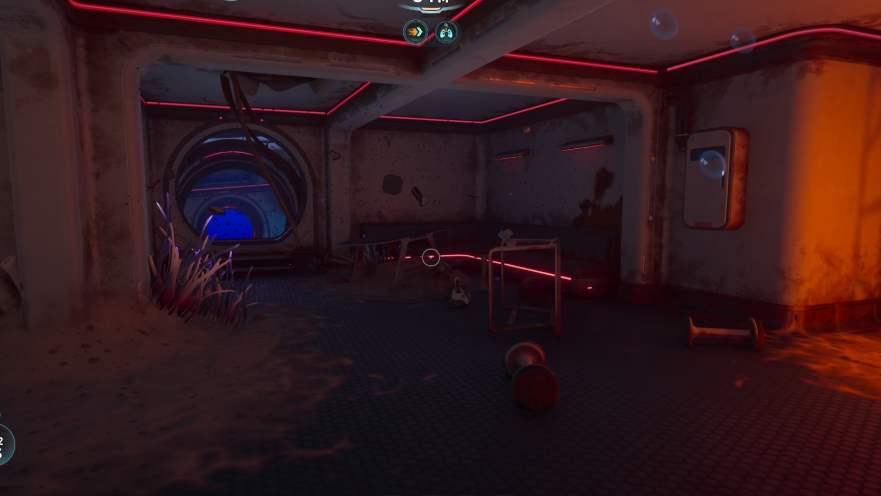
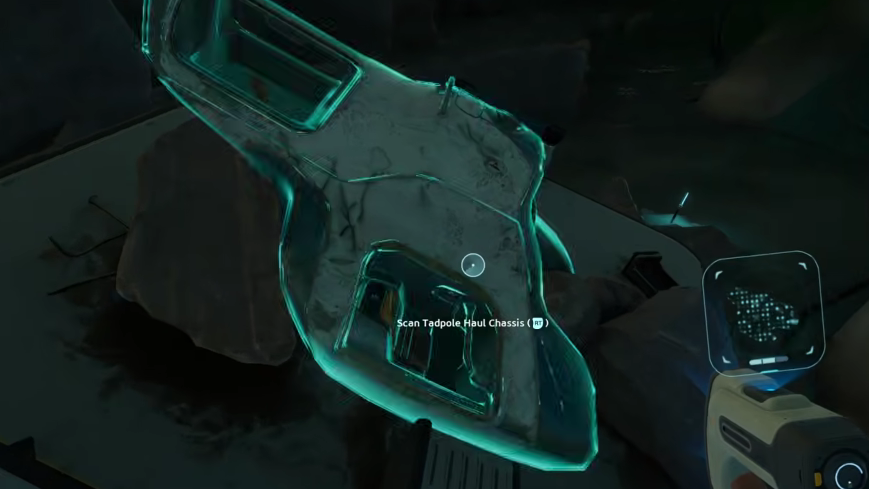
The Tadpole Haul Chassis is the bulky cargo frame for the Tadpole submersible in Subnautica 2, and its size is exactly what causes the “insufficient space to dock” failure inside a standard Moonpool. When the Tadpole tries to attach to the Haul rig while still docked, the combined footprint clips into the Moonpool geometry, leaving the vehicle frozen in place with no pilot prompt and no way to drive out.
Why the Haul Chassis fails to dock
The Haul Chassis adds catamaran cargo pods, two side seats, an upper handlebar, and two hardpoints to the Tadpole. That bulk roughly doubles the vehicle’s width and length compared to the bare Tadpole or the Scout Ray Chassis. The Moonpool’s docking volume is sized for the base Tadpole, so when the Haul rig attaches mid-dock, the collision check fails, and the game locks the vehicle in an “insufficient space to dock” state.
The most common trigger is trying to swap onto the Haul Chassis while the Tadpole is parked in the Moonpool. The chassis snaps to the hull, but the Moonpool refuses to release it because the new shape no longer fits the dock clamps cleanly.
Recover a stuck Tadpole
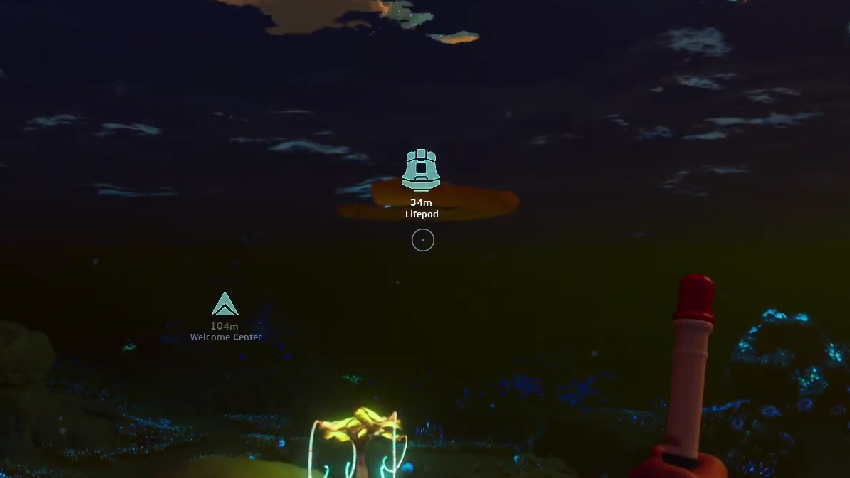
You will know recovery worked when the “Pilot” interaction prompt appears again on the Tadpole and the chassis can be detached or re-attached freely outside the Moonpool.
Dock the Haul Chassis without getting stuck
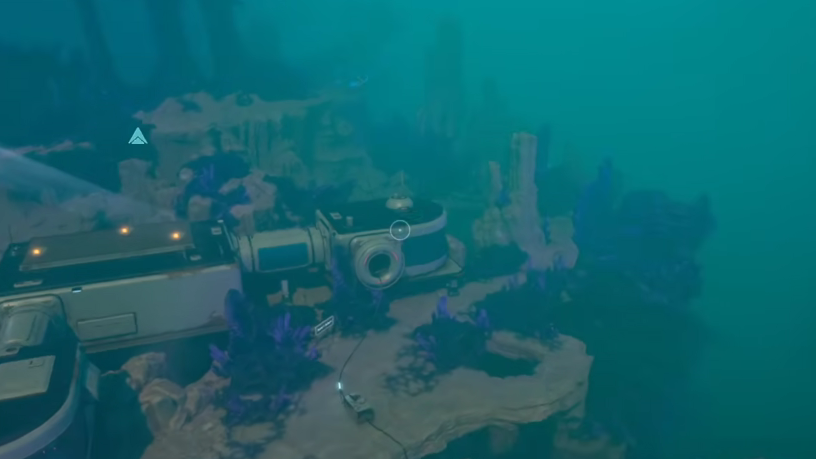
The Haul Chassis is designed to be swapped in open water, not inside the Moonpool. Treat the chassis swap as a seabed operation, the same way the Scout Ray Chassis is intended to be deployed.
Moonpool placement that prevents the bug
Even with a bare Tadpole, a poorly placed Moonpool can re-create the docking failure later. The Moonpool needs unobstructed space directly beneath it and around its sides for any vehicle that approaches.
| Requirement | What to check |
|---|---|
| Vertical clearance below | No seabed, rocks, or base modules within the docking shaft beneath the Moonpool |
| Horizontal clearance | Open water on all sides so the Haul Chassis pods don’t intersect terrain on approach |
| Tadpole Dock orientation | Placed on an open edge of the Moonpool, not facing into a wall or adjacent module |
| Vehicle Fabricator placement | On a different Moonpool edge than the Tadpole Dock to keep the docking volume clear |
| Chassis swaps | Always performed in open water, never while the Tadpole is inside the Moonpool |
If the vehicle is unrecoverable
If deconstructing both the Tadpole Dock and the Moonpool fails to release the Tadpole, or the vehicle clips into terrain and cannot be reached, the chassis and Tadpole can be rebuilt from scratch at the Vehicle Fabricator. The Tadpole recipe needs 2 Titanium Ingots, 1 Glass, 1 System Chip, and 1 Power Cell. The Haul Chassis recipe needs 4 Titanium Ingots, 3 Strontium, 3 Enameled Glass, and 1 Dedicated Core.
Before rebuilding, reload the most recent save if the lockup happened in the last few minutes. Saving and reloading sometimes resolves the collision lock on its own because the docking state re-evaluates the vehicle’s bounding box on load.
Why the chassis is worth the trouble
The Haul Chassis carries a 30-slot built-in container plus two hardpoints that accept Portable Lockers, which can push effective capacity to roughly 60 slots when both hardpoints are loaded. It also adds a downward-facing camera and light under the hull, and an oxygen port next to the upper handle that refills air without holding on. The trade-off is slow acceleration, equal top speed to the base Tadpole, and noticeably worse maneuverability, which is why the rig is rated for cargo runs rather than exploration into hostile biomes.