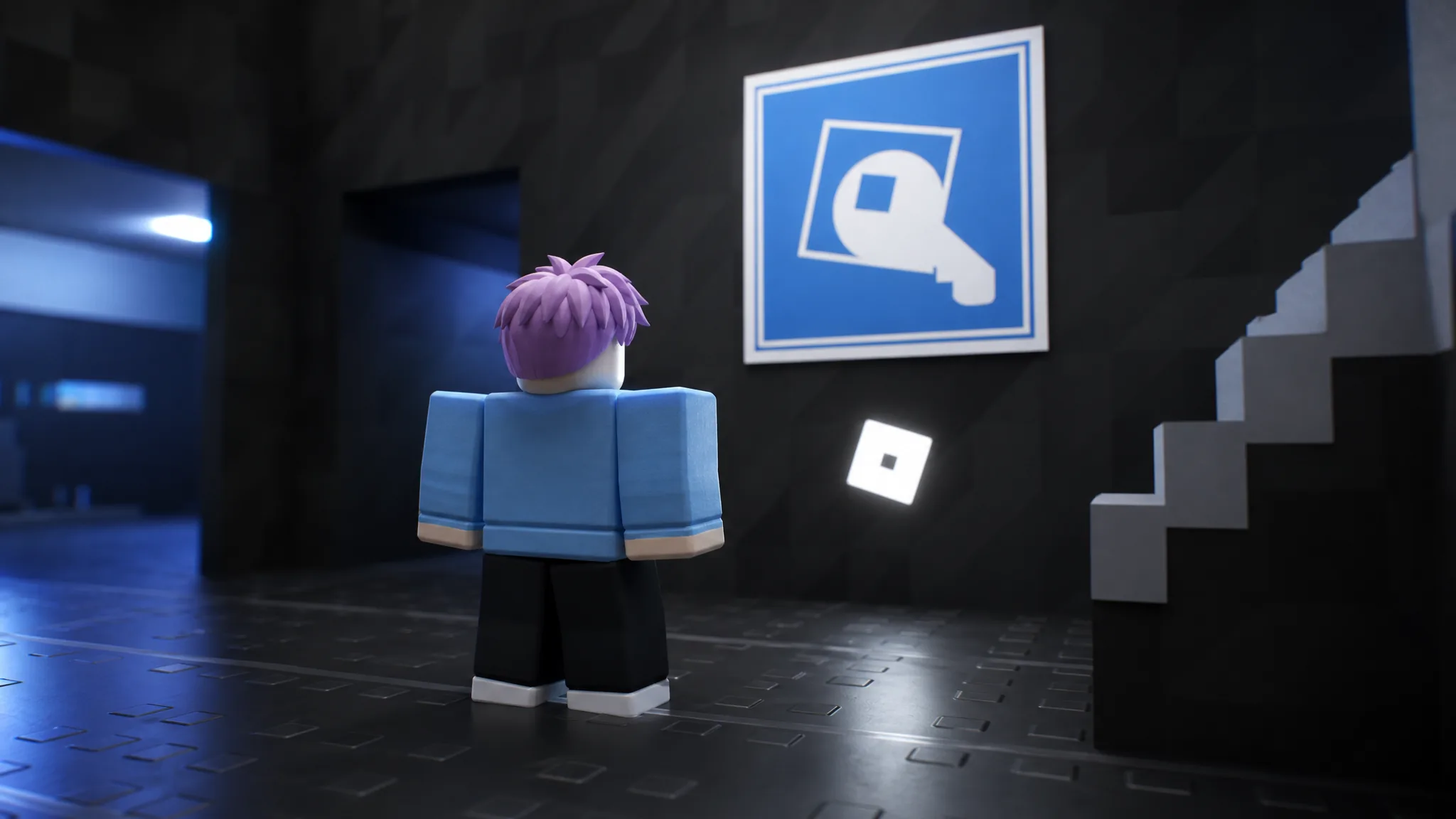
The Login Game turns a single sign-in into a gauntlet of 105 separate verification steps. Built by The Woods Company, it strings together fake sign-in screens, mini-games, and even real-world tasks, and each method you clear only opens the next one. There is no shortcut menu. You finish by completing every check in sequence, surviving a final boss modeled on the Password Game, and clearing a short platformer before the account finally logs in.
Quick answer: Complete each login method in the exact order it appears. Start by clicking “Continue” and “Confirm and Give Access” on the Roblox authorization prompt, then work through every check until you beat the Password Game boss and the platformer, which triggers the successful login.
How progression works
Every method is a gate. Clear it and the game advances to the next screen automatically, so you cannot skip ahead or pick an easier path. The difficulty ramps as you go. The opening stages copy familiar sign-in flows, then shift into puzzles, timing challenges, and eventually offline tasks like solving a Rubik’s cube, assembling IKEA furniture, and filling out tax disclosures.
If a step glitches, retry it rather than restarting. The Cloudflare-style slider in particular can stutter and may need several attempts before it registers.
Early login methods and how to clear them
The first stretch establishes the pattern of parody sign-in screens mixed with quick mini-games. Work through them in this order.
| Method | How to clear it |
|---|---|
| Roblox OAuth | Click “Continue,” then “Confirm and Give Access” to authorize the account. |
| Google Offline | Play the dinosaur jump game on the simulated Google page. |
| Electronic Post | Enter your username on the Google-style sign-in page. |
| Slider | Drag the Cloudflare-style slider; retry if it glitches. |
| PIN | Enter a 4-digit PIN on the mobile interface. |
| Match | Swipe through the Tinder-style app to find your own profile. |
| Face ID | Align the Roblox avatar face for camera verification. |
| Coin Flip | Flip a coin on the simulated Google search page. |
| Pattern | Draw a pattern across the 3×3 grid. |
| 2-Step Verification | Read the verification code from the simulated Gmail inbox and enter it. |
Mid-game puzzles and timing challenges
After the sign-in parodies, the checks lean on precision and pattern memory. These are the stages where rushing causes the most failures.
| Method | How to clear it |
|---|---|
| Verification | Complete the sliding puzzle-piece captcha. |
| Perfect Circle | Draw a circle with at least 70% accuracy. |
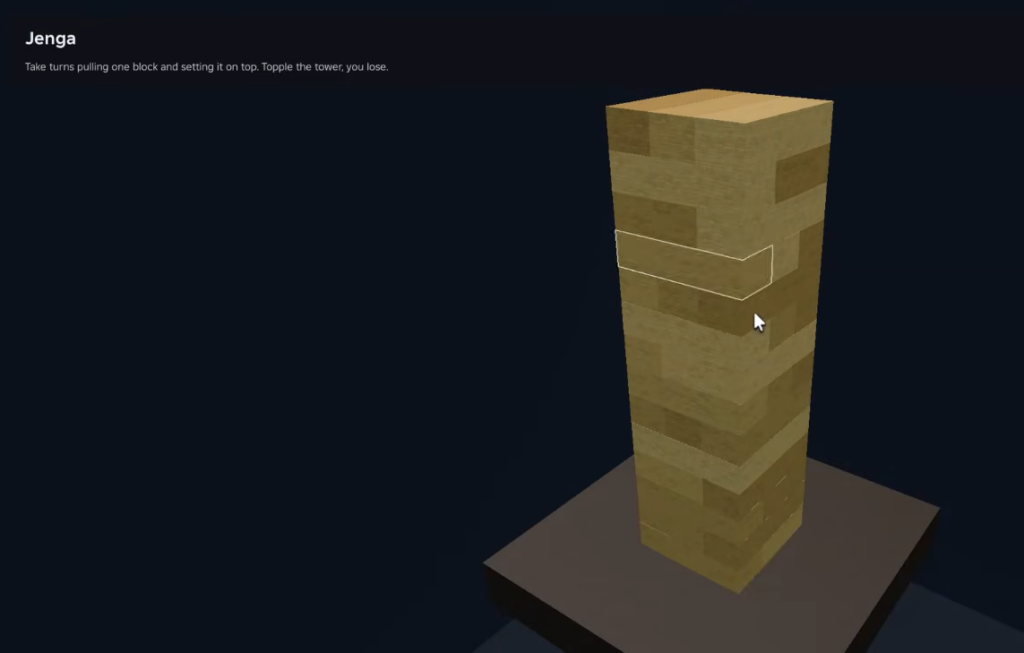
| Jenga | Pull a block from the tower without it toppling. |
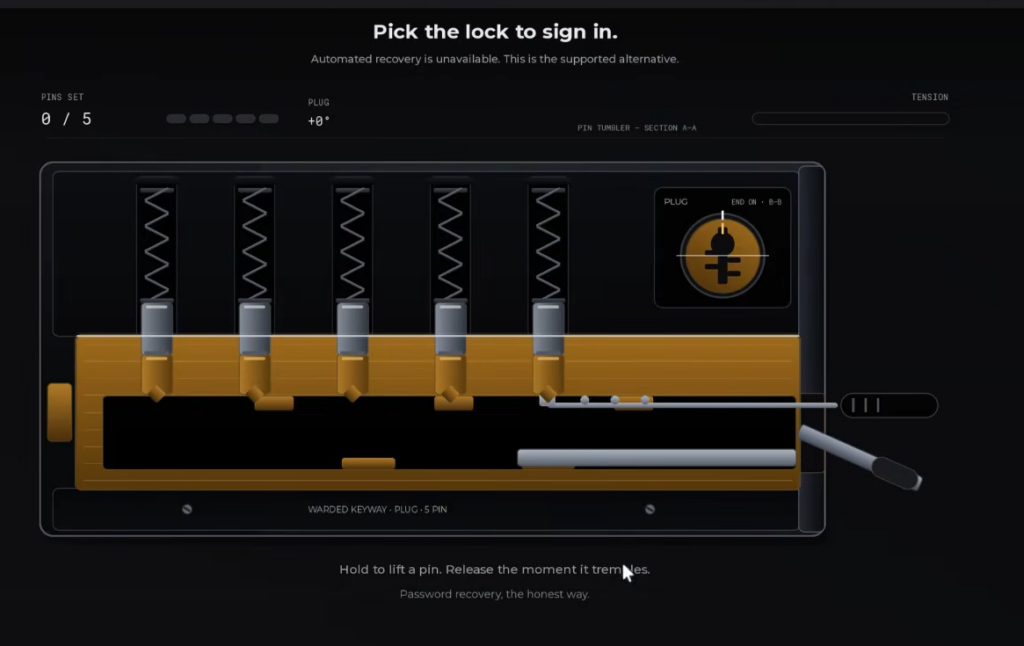
| Lockpick | Pick the 5-pin lock by timing each click. |
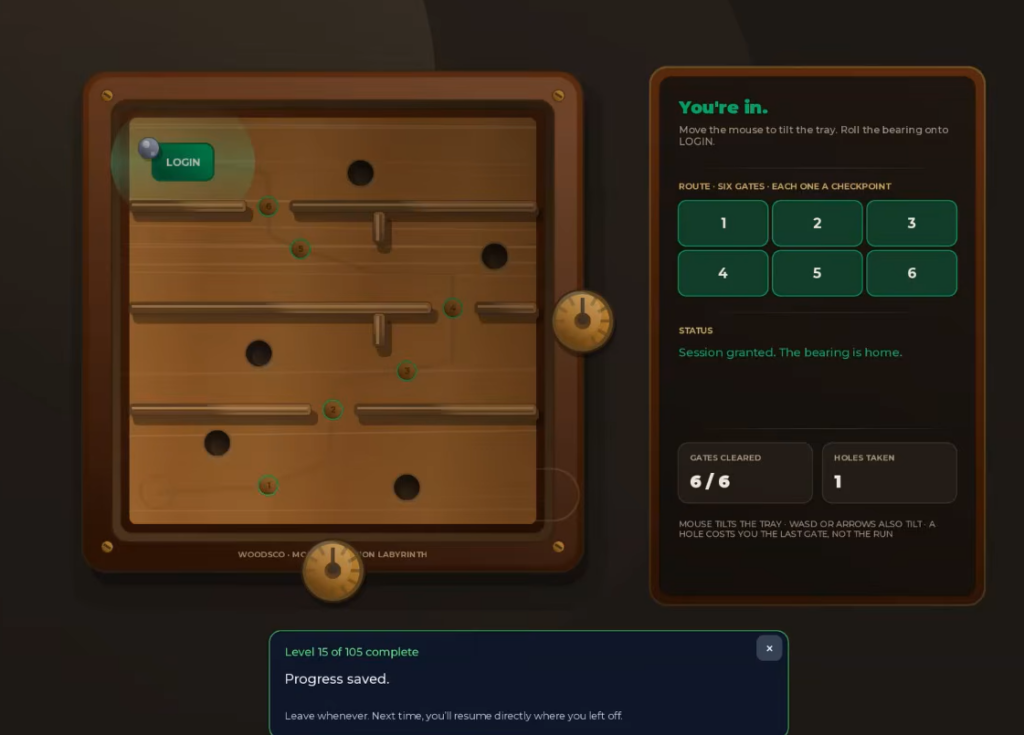
| Session Labyrinth | Tilt the wooden maze to roll the ball to the exit. |
| Group | Join the “WoodsCo” server on the Discord clone. |
| Advertisement | Watch the simulated video ad, then skip it. |
| Simon Says | Repeat the color sequence on the Simon wheel. |
| Wordle | Solve the Wordle puzzle; the answer is LEARN. |
| Crash | Work through the simulated Roblox connection error screen. |
For the Perfect Circle stage, draw slowly and finish where you started to keep your accuracy above the 70% threshold. The Simon Says wheel adds one color each round, so watch the full sequence before you tap.
Final boss: the Password Game and platformer
The run ends with a boss fight built around the Password Game. You are asked to build a password that satisfies escalating, conflicting rules, and each new condition can invalidate what you already typed. Read every rule as it appears and adjust the password to keep all conditions true at once.
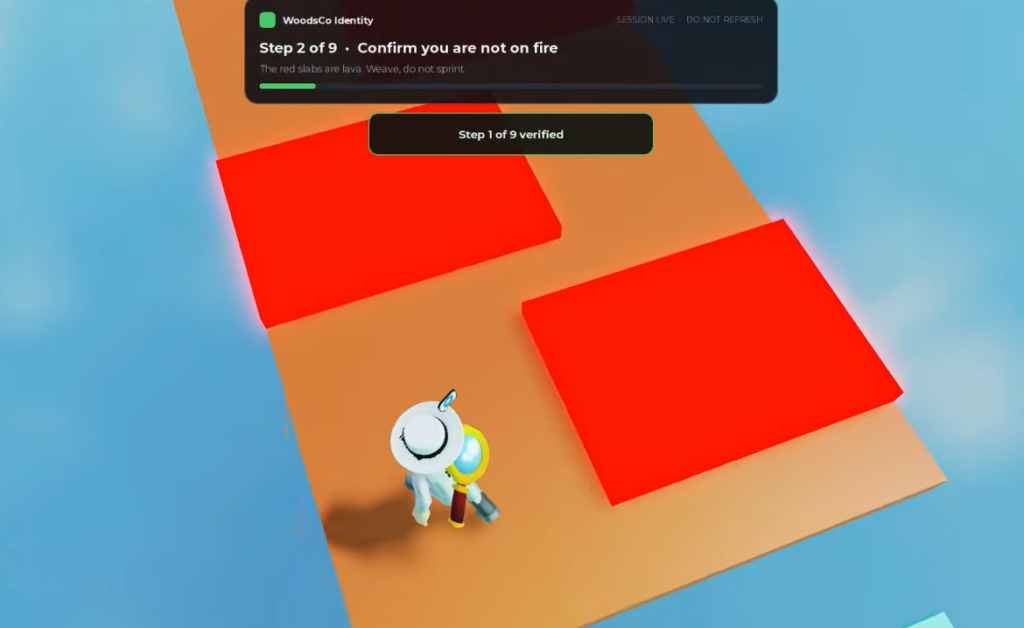
Once the password clears, the game drops into a platformer sequence. Finish that jump section to complete the login. The account signs in, and the run wraps up with a logout.
Badges that confirm your progress
The game hands out authentication-themed badges as you push deeper into the login stack. They double as progress markers, so if a badge pops, that stage counted.
| Badge | What it marks |
|---|---|
| One-Factor Authentication | Clearing the first login stage. |
| Two-Factor Authentication | Passing the two-step check. |
| Ten-Factor Authentication | Reaching ten stacked verification methods. |
All three are free-to-earn badges tied purely to progress, so you do not need to do anything beyond completing the matching stages.
Upcoming Community Workshop
The developers have an in-game event, The Community Workshop, on the schedule. It lets players build their own login methods, expanding the pool of challenges beyond the current set. You can enable a notification on the game’s official Roblox page so you know when it goes live.
Work the stages in order, retry anything that glitches instead of restarting, and treat the Password Game boss as the real difficulty spike. Clear it and the platformer, and the account logs in.