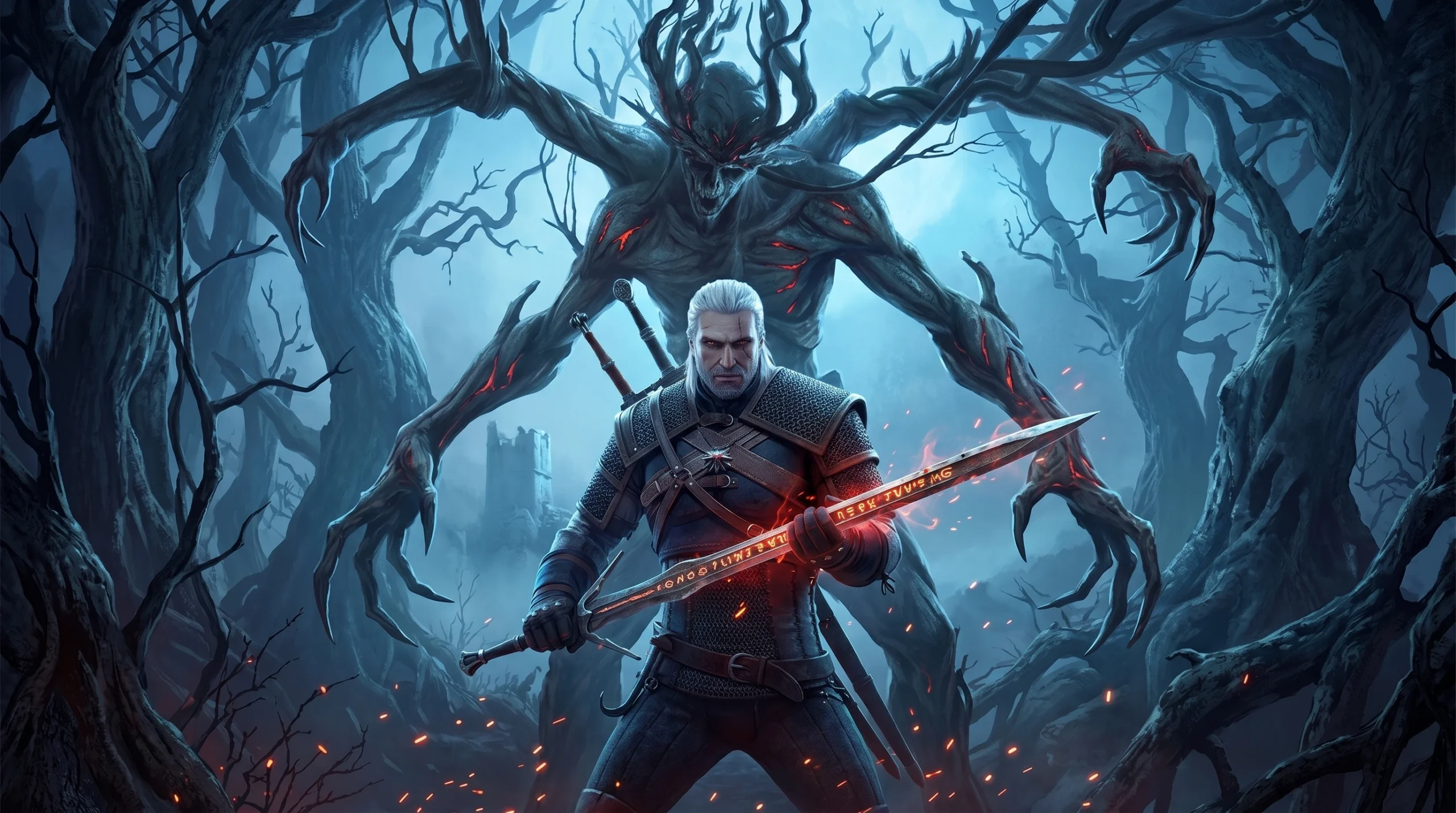
With The Witcher 3: Songs of the Past confirmed for a 2027 release and The Witcher 4 on the horizon, a return trip through Geralt’s world makes sense right now. The base game still holds up, but the modding scene has moved far past it. Since the REDKit tools opened up, players have built deeper, more polished modifications that change how the game feels from the first hour.
Quick answer: Install Witcher 3 Script Merger first, then add Vladimir UI, The Witcher 3 Enhanced Edition, Gwent Redux, and Brothers in Arms. Run the merger after installing more than one mod, and follow each mod’s Nexus page for its specific merge steps.
Install Witcher 3 Script Merger first
Running several mods at once creates conflicts in the game’s scripts. Script Merger reconciles those conflicts so the mods load together without breaking. If you only ever install a single mod, you can skip the merger entirely. The moment you add a second one, it becomes mandatory.
Every mod below can be enabled at the same time as long as the merging is done correctly. Read each mod’s Nexus description before merging, since each one carries its own instructions and compatibility notes.
Vladimir UI – HUD and menu overhaul
The vanilla interface is cluttered and slow to read after a few hours of questing. Vladimir UI rebuilds the menus, map, mini-map, and quest markers into a cleaner layout with a good amount of customization, so you can shape it to your taste. It borrows heavily from the earlier Witcher games, especially The Witcher 2, and folds those ideas into a faster, more legible experience.
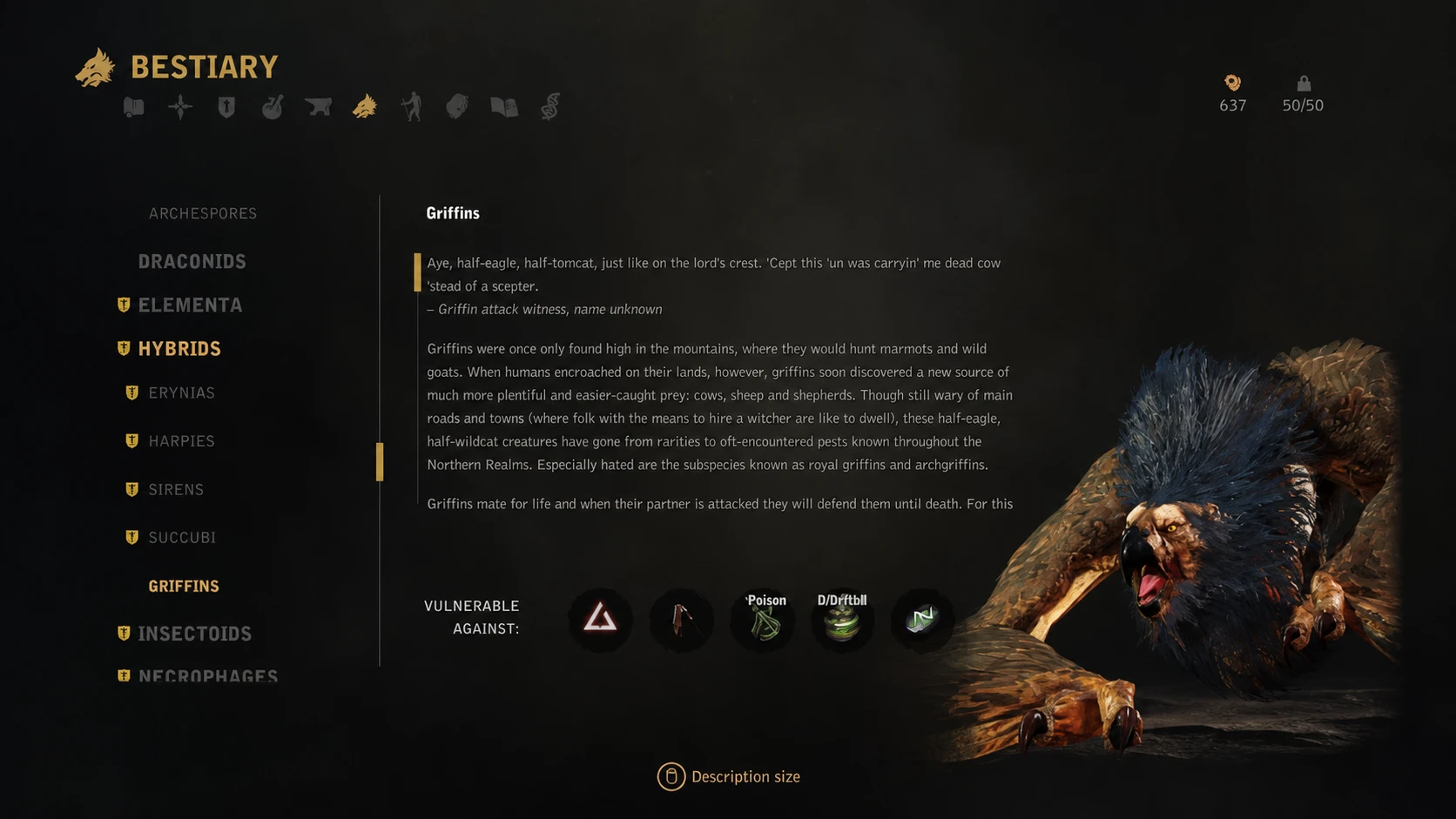
You can grab it from its Nexus page. The bestiary screens are fully animated, which is one of several touches that make it the standout UI option for the game.
The Witcher 3 Enhanced Edition – combat and systems rework
If you have played through the game several times already, W3EE changes enough to make the experience feel new. It replaces the default combat with a system built around parrying and deflecting, and reworks leveling, gear scaling, and alchemy so your decisions carry real weight.
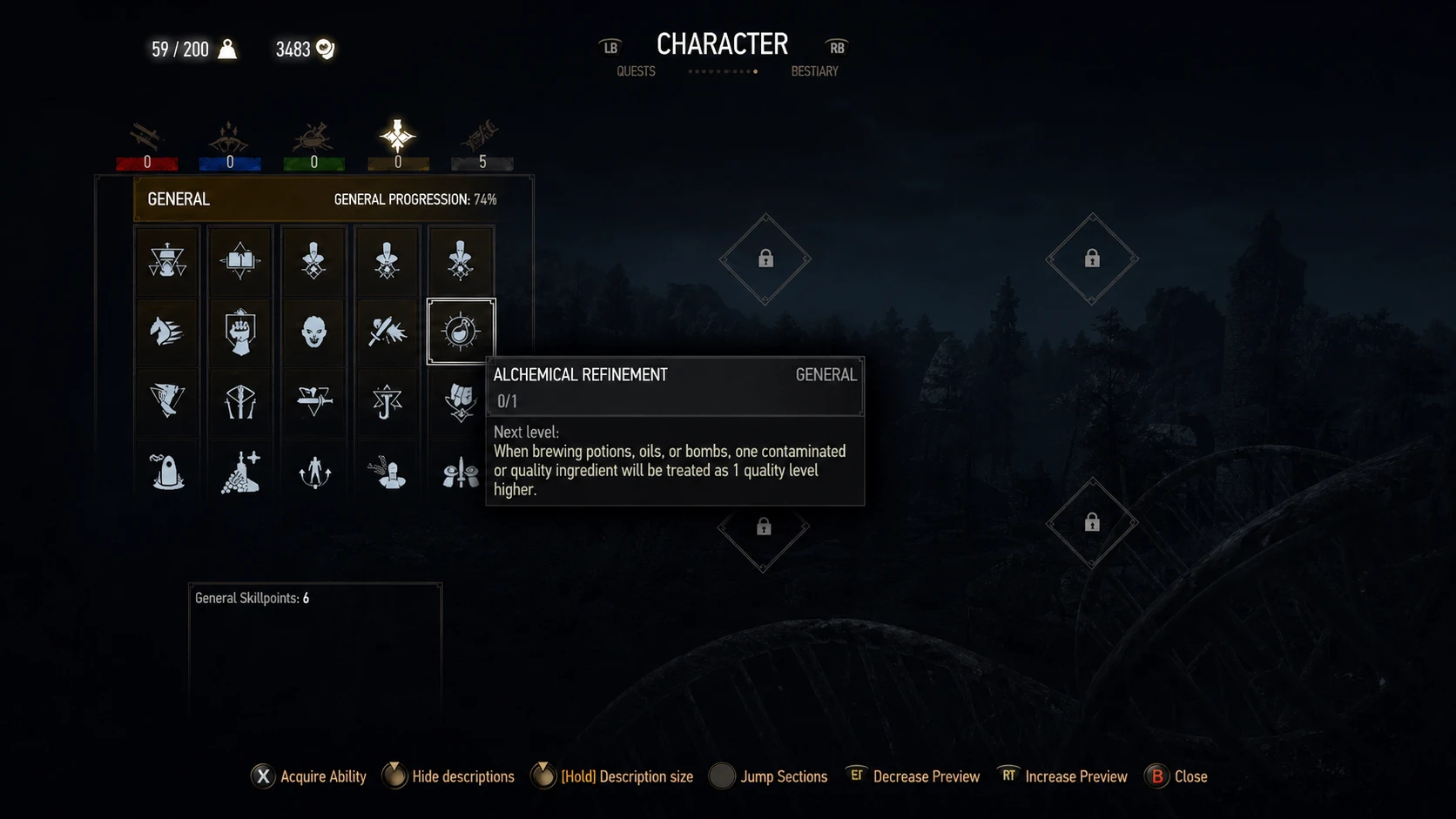
The mod is highly customizable, and you can disable individual parts to keep only the changes you want. Fights become tougher and demand more thought, so expect to lose a few until you adjust. It is available on its Nexus page.
Gwent Redux – expanded card game
Gwent Redux is a simpler addition than the systems overhauls, but it turns the card game into something worth chasing again. It adds lore-friendly cards, rebalances the existing ones, and makes nearly every card useful, so building a collection becomes a genuine pursuit rather than a checklist.
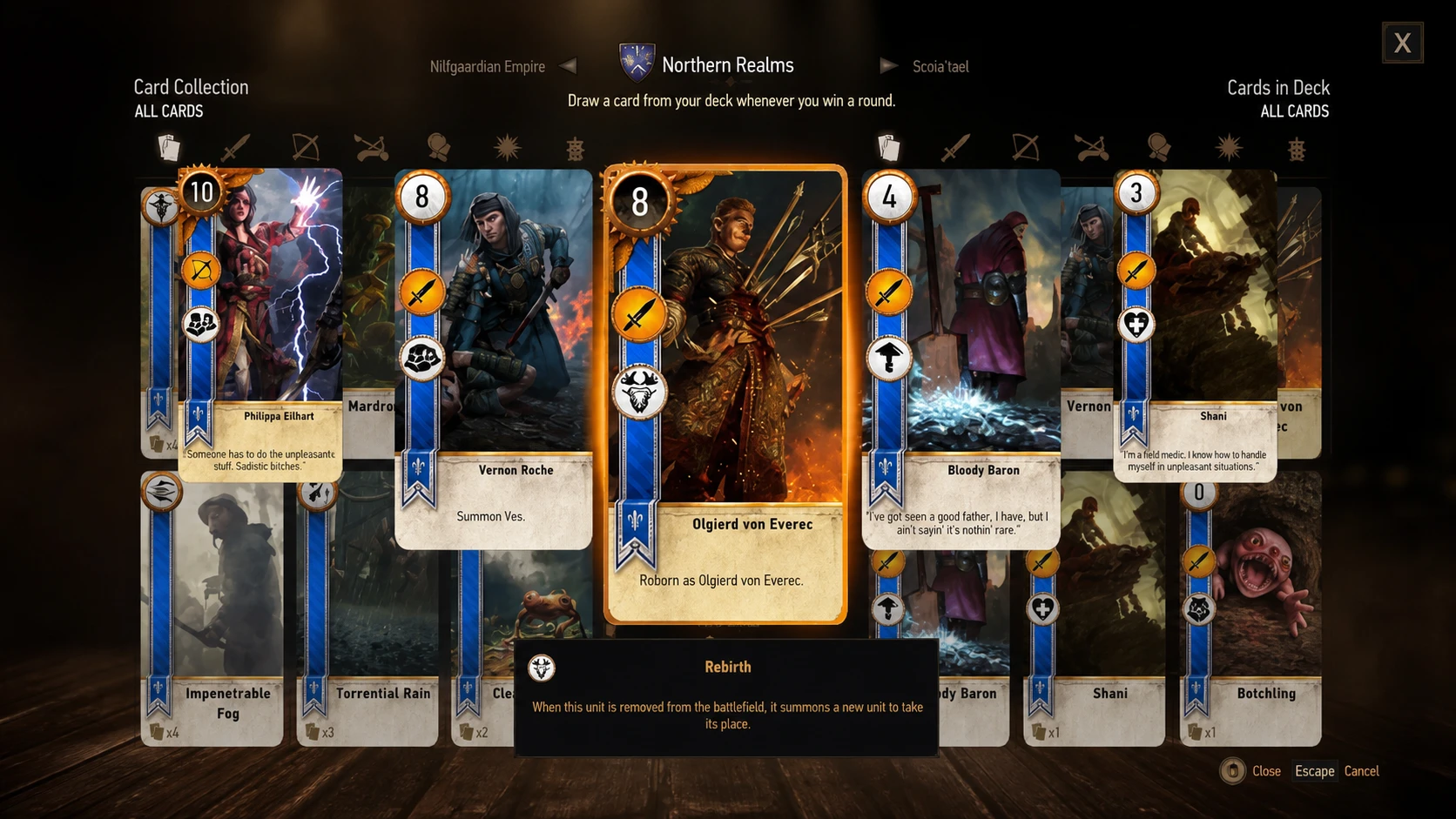
If Gwent matters to you at all, this is hard to play without once you have tried it. You can find it on its Nexus page.
Brothers in Arms – cut content and bug fixes
Brothers in Arms restores a large amount of content that was removed before release, usually because of time and budget limits rather than quality. It also fixes a long list of lingering bugs in the latest version and offers optional restorations that can change how certain quests play out.
If you only install one mod for a clean run, this is the one to pick. It is a community project that quietly repairs quest logic and adds back optional scenes, available on its Nexus page.
Graphics mods for ray tracing setups
If you are running modern hardware, a handful of visual mods sharpen lighting, reflections, and HDR. These pair well with ray tracing and a capable GPU.
| Mod | What it does |
|---|---|
| Super Turbo Lighting | Improves weather and lighting |
| RTX Mirrors | Adds reflections in mirrors; requires ray tracing |
| RT Water Reflection fix | Fixes water reflections when RT is enabled |
| All-in-One RT Performance fix | Can improve frame rate with RT on |
| No artificial player light | Stops Geralt from glowing in dark scenes |
| RenoDX Native HDR Fix | Reshade plugin that corrects the game’s broken HDR |
RTX Mirrors works on both the Steam and GOG versions. The RT-related fixes only matter if you have ray tracing turned on, so skip them if your setup does not support it.
Installing multiple mods and surviving future patches
Download through Nexus Mods, then run Script Merger to resolve any conflicts. Check each mod’s page for its merge steps, since some include presets and compatibility patches for the others on this list.
Mods can clash with official updates. Back up your saves before patching, watch the Nexus comment threads for compatibility reports, and test new patches on a controlled save before committing. Script Merger and the REDKit tools are the community standards for keeping mods working alongside CD Projekt RED’s updates.
Note: Songs of the Past is being co-developed by CD Projekt RED and Fool’s Theory, returns you to Geralt rather than Ciri, and is slated for 2027. That leaves plenty of time to set up a modded run now and arrive at the expansion already familiar with the game at its best.