

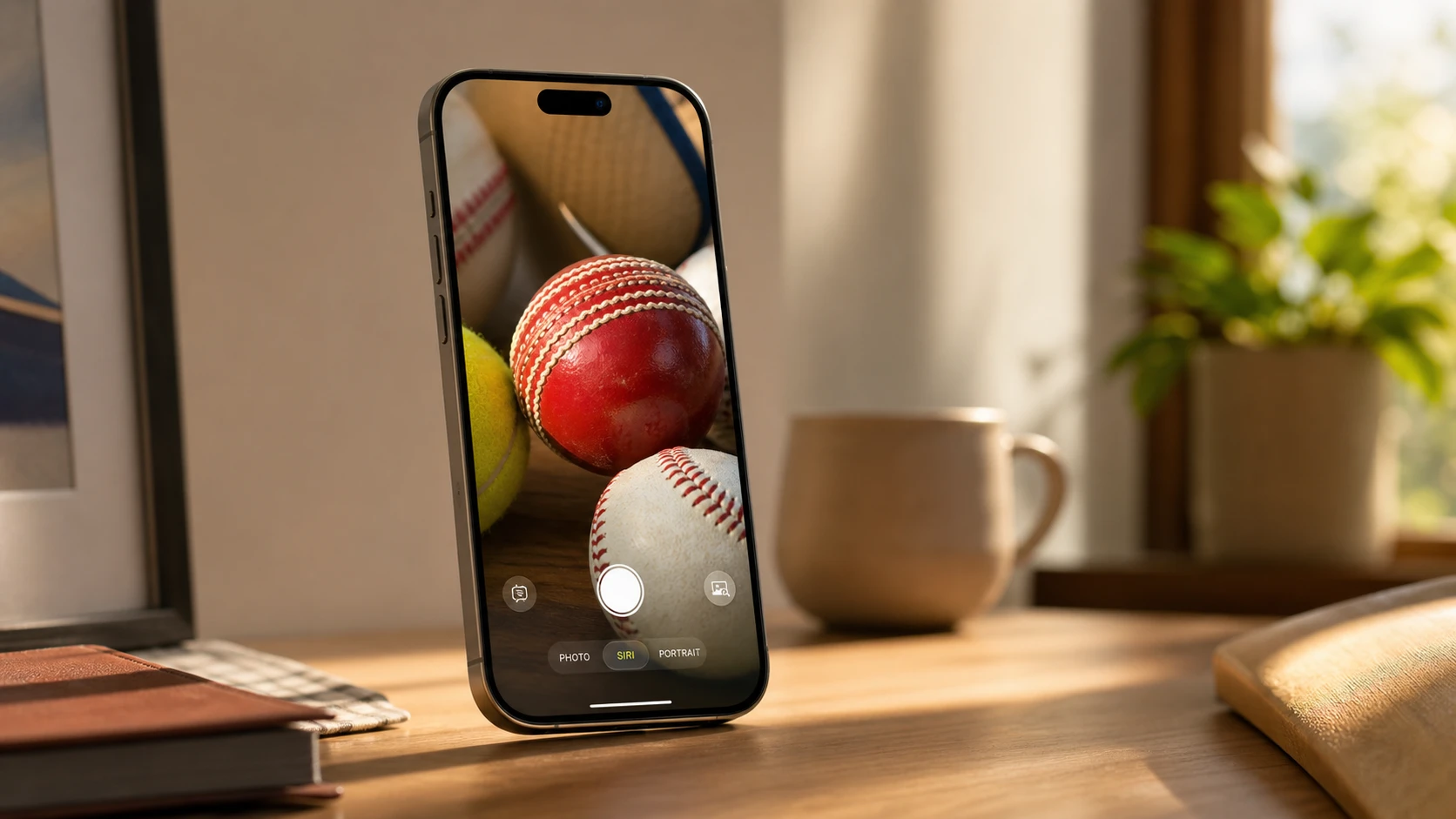
Visual Intelligence is getting a new Siri mode inside the Camera app, letting your iPhone read real-world objects and act on them right away. Apple showed the upgrades during its WWDC keynote, with software engineering vice president Sebastien Marineau-Mes walking through how the camera now interprets what it sees and offers useful next steps.
Quick answer: Point the Camera app at a restaurant check to split the bill and send payments through Apple Cash, aim it at a plate of food to get nutritional insights, and use the same recognition on Vision Pro through visionOS.
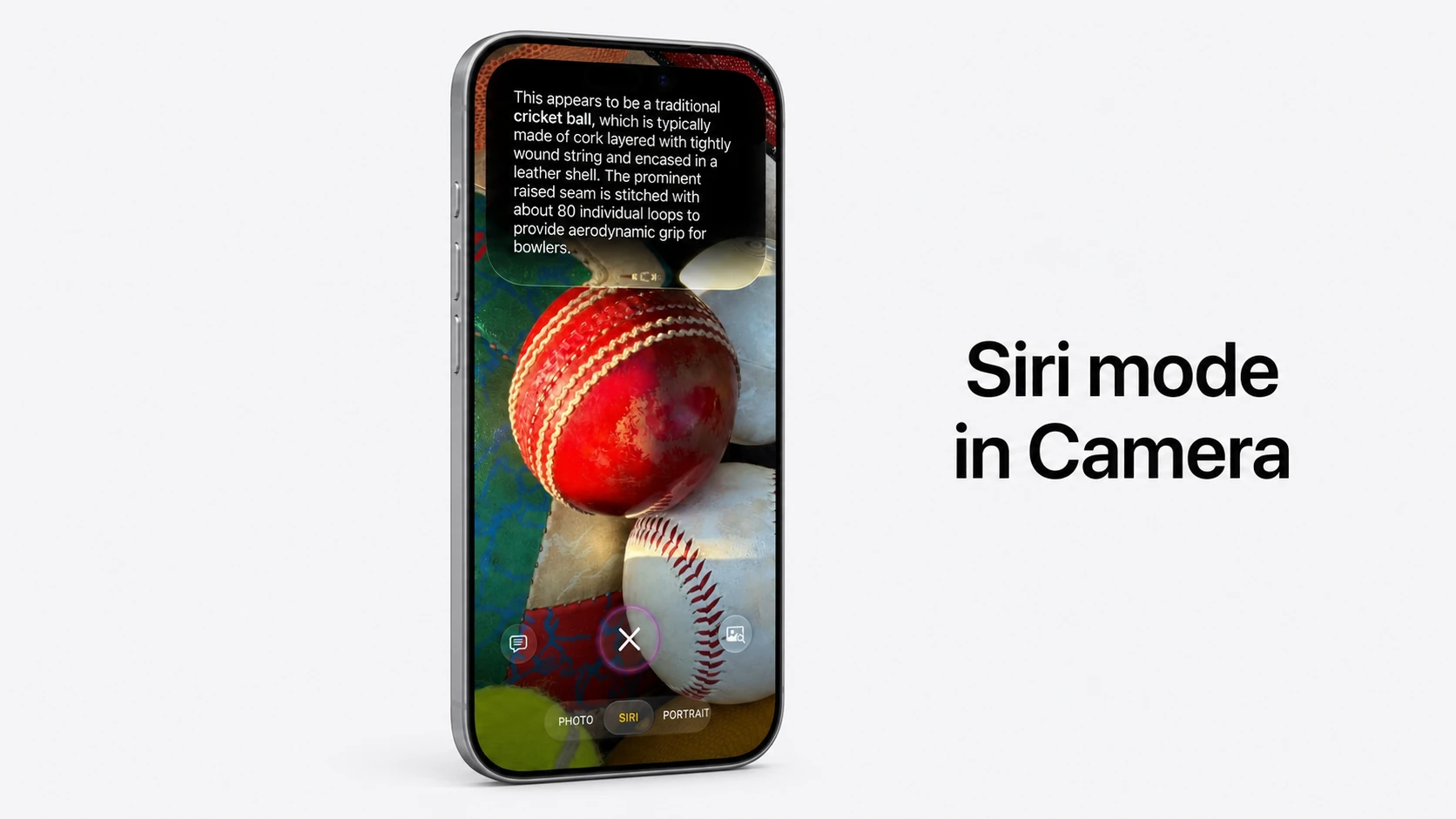
Siri mode in the Camera app
The headline change is a Siri mode built into the Camera app. It uses image understanding powered by Apple’s foundational models to figure out what the lens is pointed at, then surfaces actions that fit the moment. Instead of just identifying an object, the camera connects what it sees to something you can do next.
Bill splitting with Apple Cash
One of the main use cases is dividing a restaurant check. You aim the iPhone camera at the bill, and the total is split between friends on the spot. Apple Cash integration means the payments can be sent right then, without switching to another app to settle up.
Nutrition insights from a plate of food
Point the camera at a meal and Visual Intelligence returns nutritional insights about what’s on the plate. Apple demonstrated this during the keynote, building on the broader push to pull useful, actionable information out of what the camera sees rather than just labeling it.
Visual Intelligence on visionOS
The same capability is expanding to Apple’s spatial computing platform. On visionOS, Siri can recognize real-world objects in your surroundings and surface relevant details about them when you ask. That brings the camera-based recognition that started on iPhone to the Vision Pro headset.
What’s new across the platforms
| Capability | What it does |
|---|---|
| Siri mode in Camera | Reads real-world objects and offers actions based on what the camera sees |
| Bill splitting | Divides a restaurant check and sends payments via Apple Cash |
| Nutrition insights | Identifies a plate of food and returns nutritional information |
| visionOS support | Recognizes objects in your environment and surfaces details on demand |
These additions build on the screen-based features Apple introduced earlier, where Visual Intelligence could already search what’s on your display, ask questions about a screenshot, and pull events into the Calendar. The shift now is toward the live camera doing the work and tying recognition directly to payments, health information, and spatial context. You can read more on Apple’s Apple Intelligence page.