

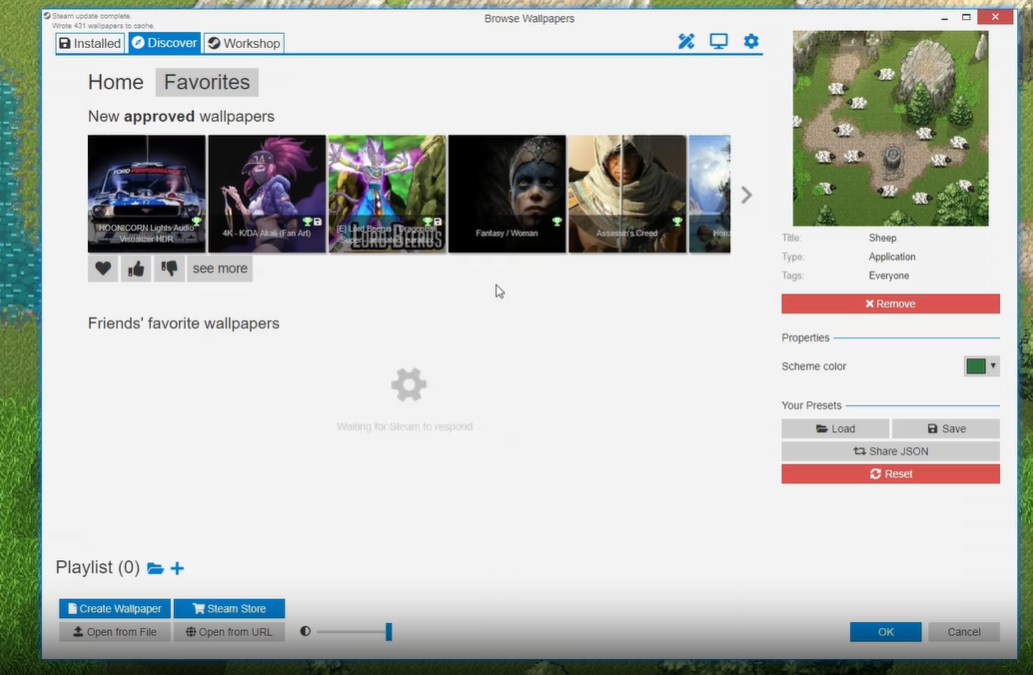
Wallpaper Engine no longer accepts application wallpapers on the Steam Workshop. The change arrived with version 2.8.42 after security researchers found that this specific wallpaper type was being used to smuggle malware onto users’ PCs, including account-stealing backdoors and cryptocurrency miners.
Quick answer: As of Wallpaper Engine 2.8.42, application wallpapers can no longer be uploaded to or downloaded from the Steam Workshop. If you installed one of these executable wallpapers before the change, run a full scan with an up-to-date antivirus and remove anything it flags.

What changed in Wallpaper Engine 2.8.42
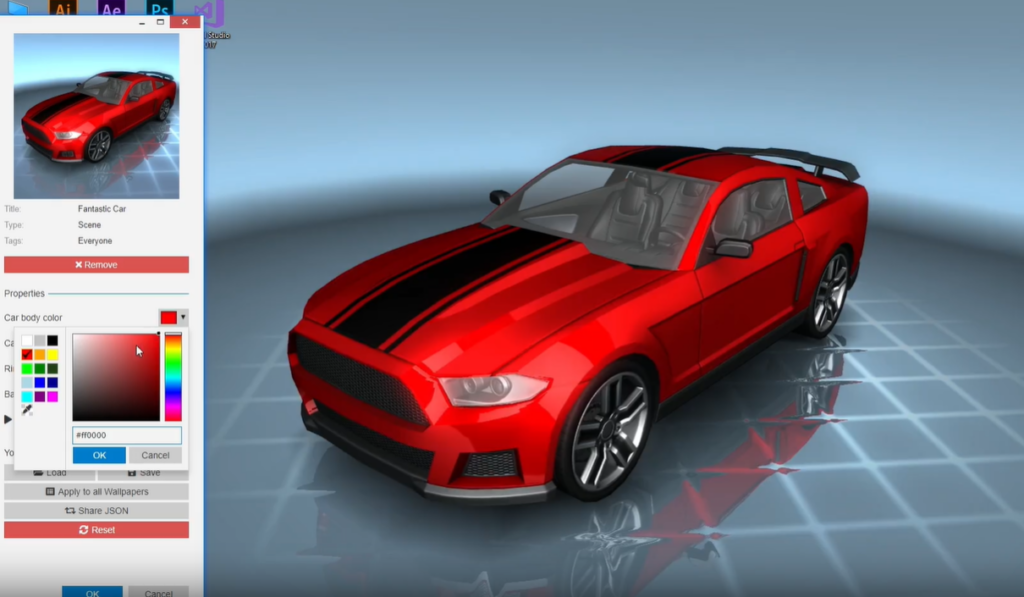
Wallpaper Engine supports four wallpaper types. Three of them render video, interactive scenes, or web pages that can play audio and video. The fourth type, application wallpapers, is different. It runs an actual Windows program and pins its window to your desktop as the background. That covers things like small games, desktop widgets, and system monitoring tools.
Because an application wallpaper is executable code, it can do anything a normal program can. Version 2.8.42 pulls this type from the Steam Workshop entirely, so new application wallpapers can’t be published, and existing ones can’t be fetched through the Workshop anymore. The other three wallpaper types are unaffected.
Why application wallpapers were abused
The executable nature of the feature is exactly what attackers exploited. Starting at least in late 2025, threat actors uploaded booby-trapped application wallpapers to the Steam Workshop and relied on Wallpaper Engine’s large user base, which has close to a million reviews on Steam, to attract victims.
The malware was hidden two ways. Some packages carried the payload directly, while others tucked it inside a password-protected archive that users were tricked into opening. In either case, the malicious code ran automatically the moment the wallpaper was installed, so no extra click was needed to trigger the infection.
Dozens of these malicious wallpapers were circulating, and individual entries had already been downloaded thousands or even tens of thousands of times before removal. One sample posed as a game called NTRaholic. It launched normally to avoid suspicion while quietly installing a DarkKomet backdoor in the background, along with a modified system library named AggregatorHost.dll that hunted for Steam accounts on the machine and stole their credentials.
Malware families found in the wallpapers
The abuse wasn’t limited to a single group. Multiple threat actors pushed different payloads, which is why the samples span several categories of malware.
| Threat type | Examples found | What it does |
|---|---|---|
| Backdoor | DarkKomet | Gives an attacker remote control of the system |
| Infostealer | Lumma, Vidar | Harvests credentials and other stored data |
| Account theft | Custom AggregatorHost.dll | Finds and steals Steam account credentials |
| Cryptomining | Miner processes | Uses your hardware to mine cryptocurrency |
| Botnet / loader | Botnet loaders, RanEngine | Pulls in and runs further malicious payloads |
| Ransomware | Various strains | Encrypts files and demands payment |
What to do if you installed an application wallpaper
You’ll know the cleanup worked when a full antivirus scan comes back clean and your Steam sessions and devices match what you expect. If a scan keeps flagging the same files after removal, the infection may have persistence and the machine likely needs deeper remediation.
Steam identified and removed every malicious application wallpaper that was reported, but new uploads had been expected to follow, which is part of the reason the type was cut from the Workshop rather than simply cleaned up. Removing executable wallpapers from community sharing closes the delivery route these attackers depended on, while video, scene, and web wallpapers continue to work as before.