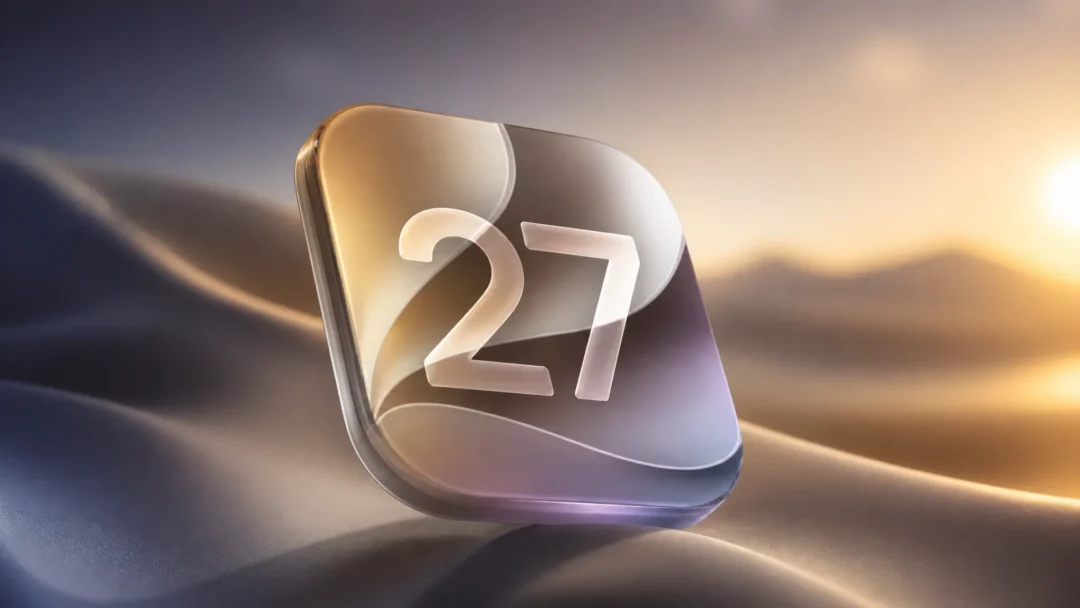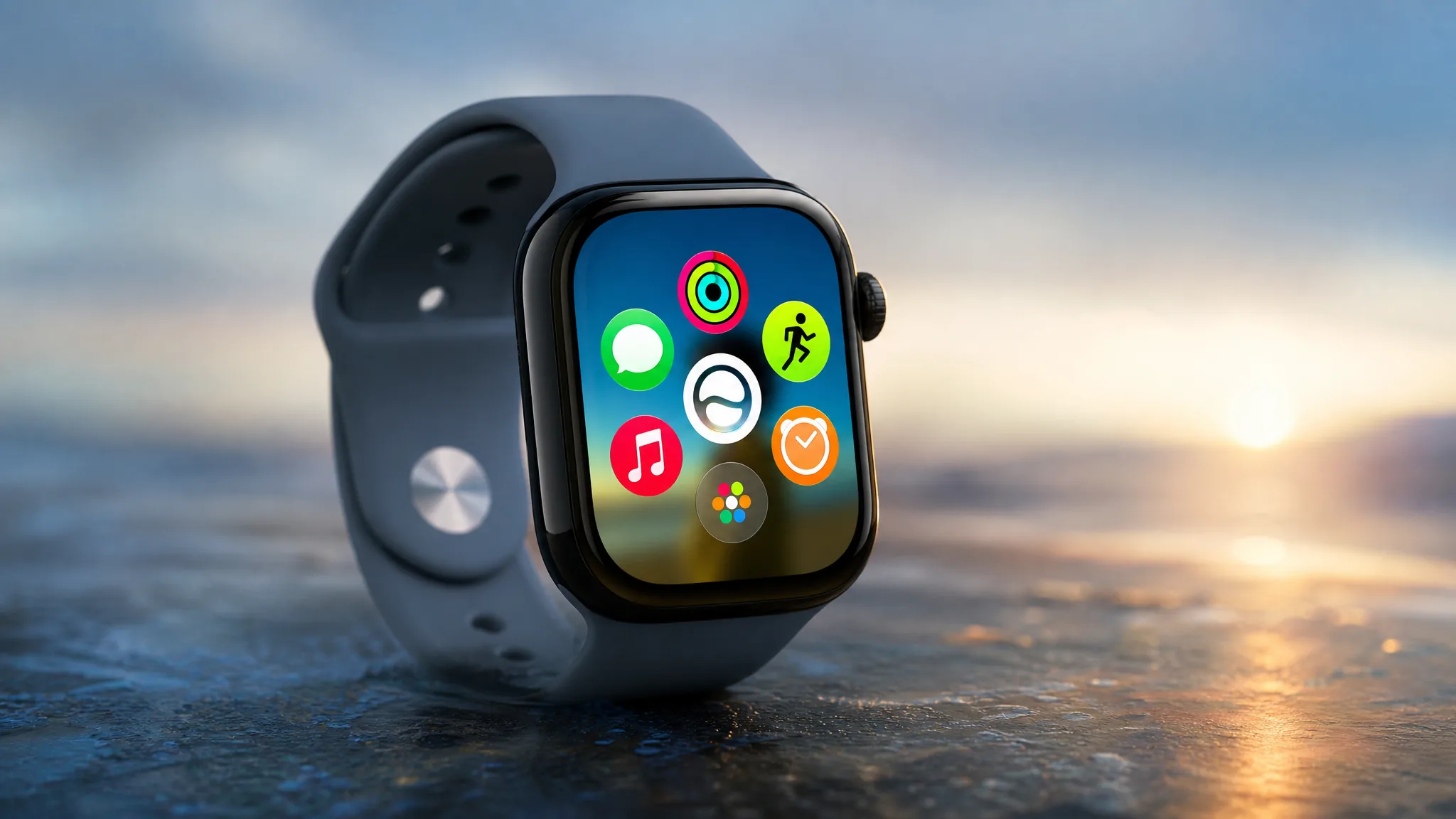
watchOS 27 reshapes how you reach apps, talk to Siri, and check what matters on your wrist. The headline changes are a redesigned dynamic app grid, a one-tap gesture for the Smart Stack, a rebuilt Siri powered by Apple Intelligence, and a long list of speed and battery refinements. It arrives this fall as a free update.
Quick answer: watchOS 27 ships this fall for Apple Watch SE 3, Series 10, Series 11, Ultra 2, and Ultra 3, paired with an iPhone 11 or later (or iPhone SE 2nd generation or later) running iOS 27. Siri AI follows later in the year, in English first.
Dynamic app grid puts five apps front and center
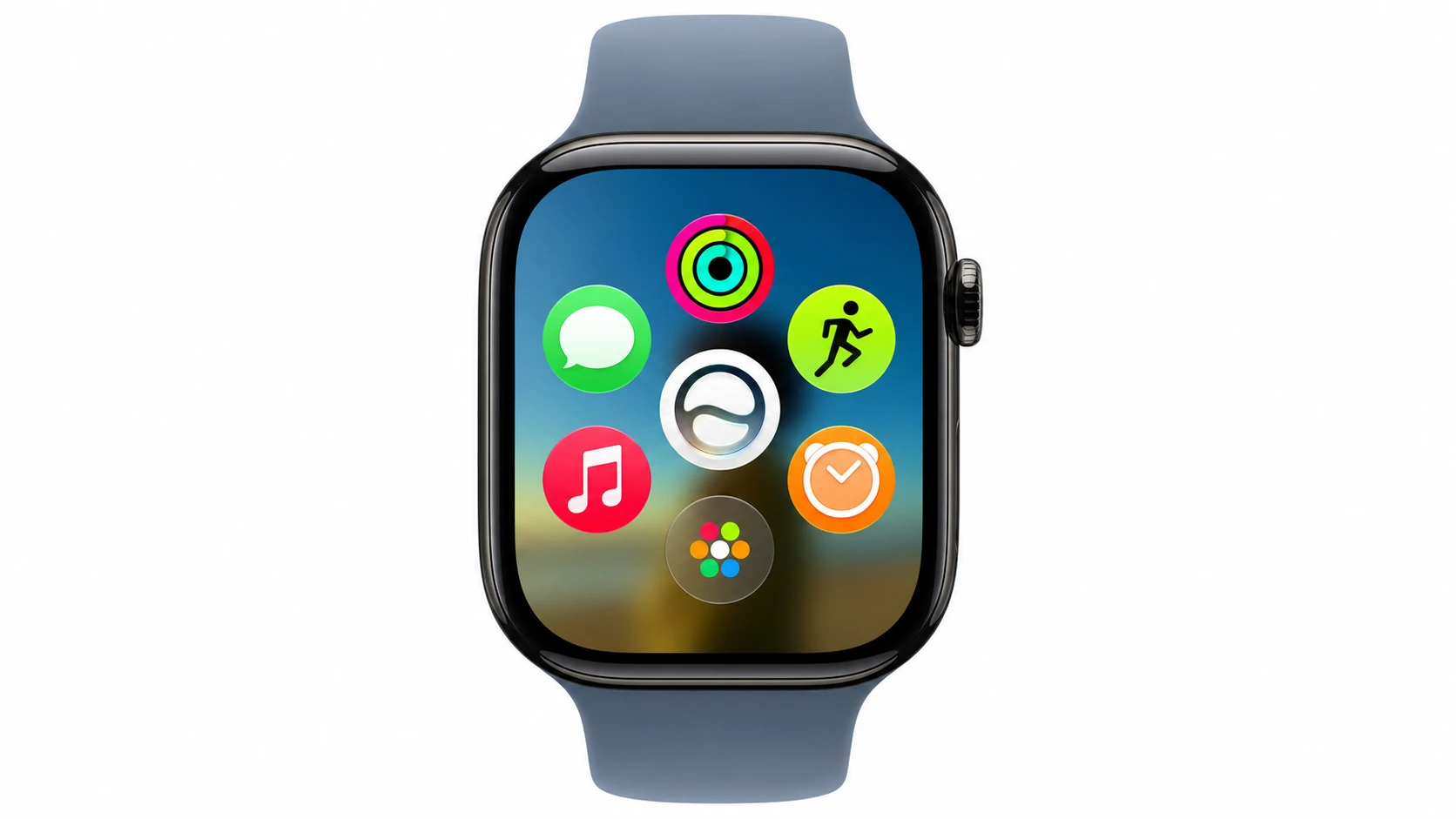
The new dynamic app grid surfaces and rearranges five apps based on your context and how you use them. Instead of scanning a full honeycomb of icons, you see the handful you are most likely to want right now, with the Siri app held in the middle. Tap the icon at the bottom center to open the rest of your apps.
The grid pulls in Siri-suggested apps alongside your most popular and recently opened ones, so the layout shifts through the day rather than staying fixed.
Single-tap gesture for the Smart Stack
A new tap gesture lets you select a widget in the Smart Stack by pinching your index finger and thumb together once. This works even when your other hand is busy, which is the whole point of putting it on your wrist. It builds on the double-tap gesture Apple introduced in 2023, trimming the action down to a single pinch for selection.
The Smart Stack itself also gets smarter about what it shows. New contextual cards include birthday reminders for close contacts, your parked car’s location, a sleep alarm adjustment before select holidays, and a transit card balance check.
Siri AI and a dedicated Siri app
Siri AI brings a more capable assistant to the wrist, powered by Apple Intelligence. You can ask open-ended questions, hold natural back-and-forth conversations, and have Siri take action inside apps, such as sharing flight details or setting a new Activity goal. Siri can also draw on your personal context, so you can ask for a saved note or a door code without digging through apps.
A new dedicated Siri app keeps your conversations in one place. You can start a question on your iPhone and pick it up on your Apple Watch, pin chats for quick access, or begin a fresh one straight from your wrist. Siri AI is coming in English later this year, and it will not be available in the EU on iOS and iPadOS at launch.
Health and fitness changes
Workout Buddy gains new insights drawn from your fitness history, covering pace, distance, and workout duration. It now works without your iPhone nearby, so you can leave the phone behind on a run and still get motivation. Workout Buddy also adds Spanish support.
Improved motion-tracking algorithms measure treadmill runs and indoor walks more precisely from the watch alone. In the Health app, Cycle Tracking can now flag logged patterns that may suggest perimenopause and point you to educational resources and symptom tracking. Cycle deviation notifications that include perimenopause are for ages 40 and above, and they are not a substitute for medical diagnosis or treatment.
Find My, Wallet, and Call Context
Find My is rebuilt around a map-centric layout that merges Find Devices, Find People, and Find Items into one view. Everything you track now lives in a single place that is easier to scan.
In Wallet, you can create custom passes for any membership or card that uses a QR code or barcode, such as a library card, using your iPhone. The pass then appears in the Apple Watch Wallet app, and you can pin it to the Smart Stack. Transit cards and IDs also show up in the Smart Stack, and you can view card balances directly in Wallet.
Call Context can surface relevant details from your apps during a call to a business. For example, it can show a confirmation code from Mail when you phone an airline. This feature is coming in English.
Speed, battery, and design refinements
Liquid Glass is tuned for better readability, with more uniform refraction and improved contrast. Much of the rest of the update is about responsiveness and reliability.
- Faster Music playback startup
- Faster app extension launches
- Improved Wi-Fi connectivity
- More efficient water detection
- Better battery efficiency with suggested optimizations
- Guest Key support
- Step count in the Fitness app synced with the Health app
- A redesigned settings interface in the Apple Watch app on iPhone
Child Safety also expands. A Child Account adds built-in protections, and Apple Watch For Your Kids lets you set up a watch for a child who does not yet have an iPhone so they can stay connected and active.
watchOS 27 compatibility and release
watchOS 27 needs an iPhone 11 or later, or an iPhone SE (2nd generation or later), running iOS 27. The supported Apple Watch models are listed below.
| Requirement | Details |
|---|---|
| Supported watches | Apple Watch SE 3, Series 10, Series 11, Ultra 2, Ultra 3 |
| Paired iPhone | iPhone 11 or later, or iPhone SE (2nd gen or later) with iOS 27 |
| watchOS 27 release | This fall |
| Siri AI | Coming later this year, in English to start |
You will know the update installed when your watch shows the new app grid and the refreshed Apple Watch settings on your paired iPhone. Full details and the feature list live on Apple’s watchOS 27 preview page. Apple Intelligence features, including Siri AI, require a paired iPhone that supports Apple Intelligence with the device and Siri language set to a supported option, so older watches without an eligible phone will not see those parts.