

Windows 11 build 28020.1685 is a small Canary Channel update, but it touches two places people use all the time: File Explorer and Storage. The build adds voice typing when you rename files in File Explorer, and it improves the reliability of deleting Windows Update files and the Windows.old folder from Settings > System > Storage.
Quick answer: Build 28020.1685 lets some Canary testers press Windows + H while renaming a file in File Explorer, and it makes Storage cleanup more dependable when removing update leftovers and Windows.old.
What changes in build 28020.1685
| Area | What changed | What you should notice |
|---|---|---|
| File Explorer | Voice typing now works during file rename | You can press Windows + H while editing a filename |
| Storage | Removal of Windows Update files and Windows.old is more reliable |
Cleanup from Settings > System > Storage should fail less often |
File Explorer voice typing during rename
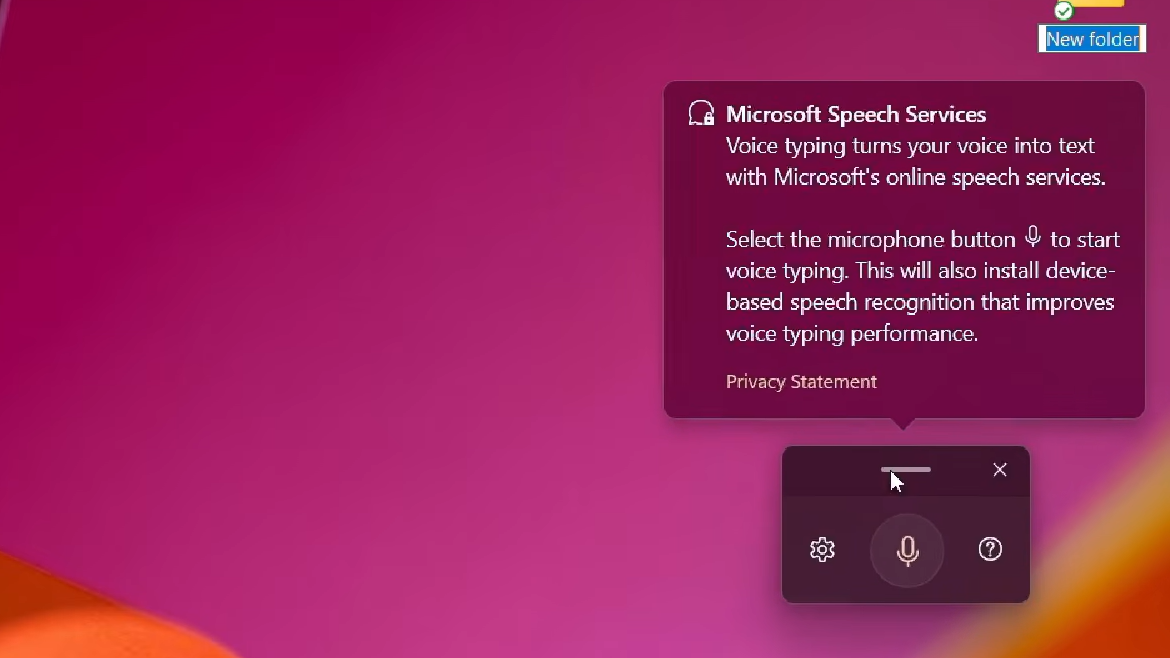
This is the more visible change. In build 28020.1685, the rename field in File Explorer can accept Windows voice typing. Start renaming a file, then press Windows + H to open dictation and speak the new name.
The practical value is simple. Renaming files becomes easier if you prefer dictation, rely on accessibility features, or just want a faster way to enter longer names without stopping to type them.
How you know it worked is straightforward: the voice typing panel opens while the rename field is active, spoken text is inserted into the filename box, and the new name is applied when you confirm the rename.
Storage cleanup for Windows.old and update files
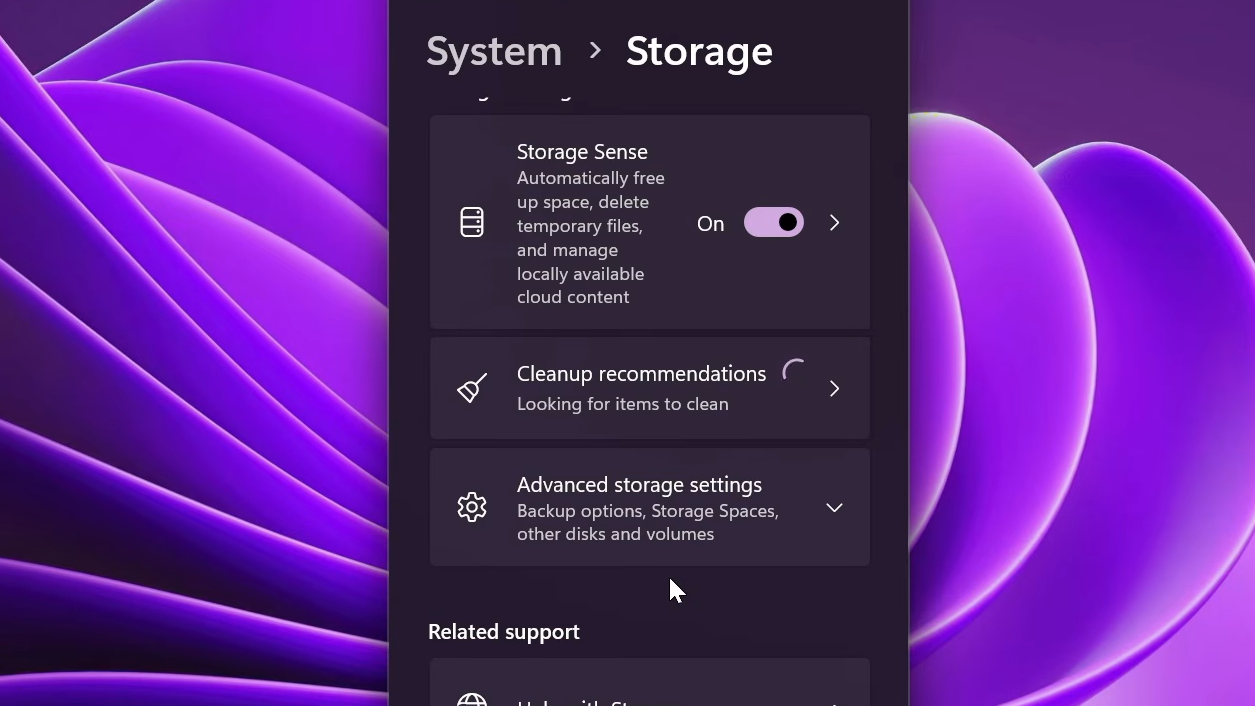
The second change is less flashy but arguably more useful. Build 28020.1685 improves how Windows 11 handles cleanup of Windows Update leftovers and the Windows.old folder through the Storage page in Settings.
That matters because Windows.old can take up a large amount of space after a major upgrade. When cleanup works properly, you can recover storage without falling back to older cleanup tools or manual deletion.
You know this part worked when the cleanup completes from the Storage interface, and the space used by previous installation files or update files drops afterward.
Why these two changes matter
Both updates are small, but they target common friction points. File renaming is one of those tiny desktop tasks that happens constantly, and adding voice typing extends a built-in Windows input method into one more place where it feels natural.
Storage cleanup is more practical. Previous Windows installations and update debris can consume a lot of disk space, especially on machines with smaller SSDs. A more reliable cleanup path in Settings reduces the need to hunt for older tools or deal with cleanup failures.
Who gets this build
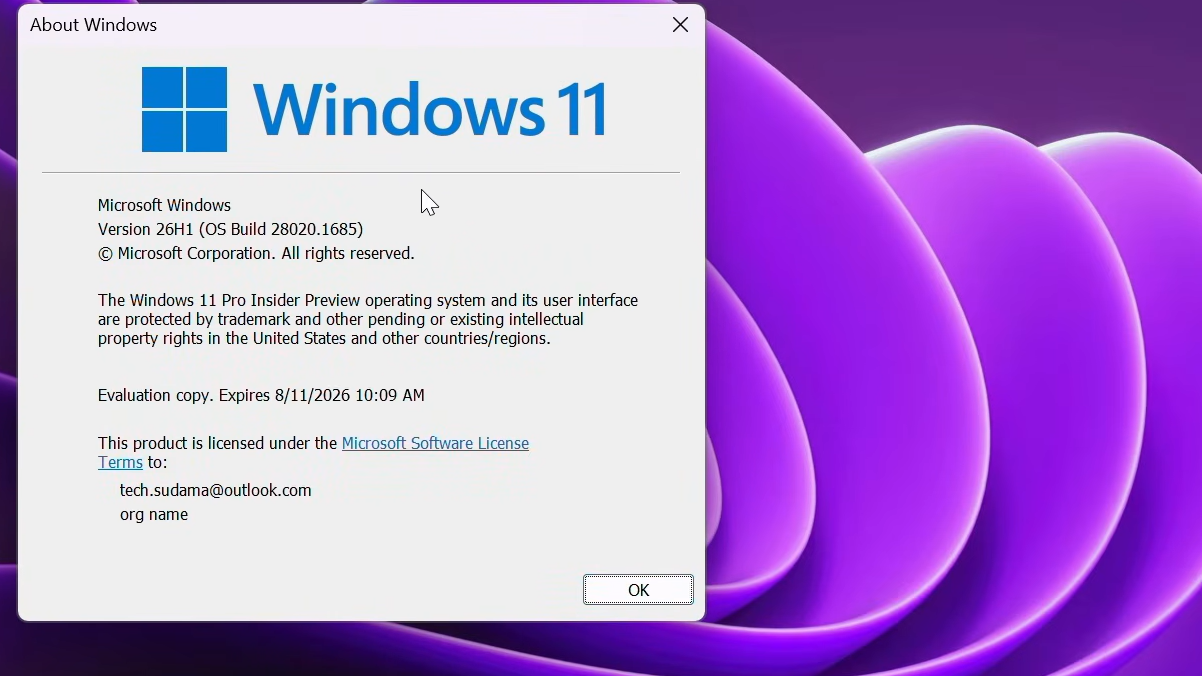
Build 28020.1685 is a Canary Channel release under KB5079381. Canary builds are pre-release software, and Microsoft flags them as potentially unstable, with features that may roll out to only a subset of testers at first.
If you leave the Canary Channel later, moving to a lower channel requires a clean install of Windows 11. That is still the rule here.
Windows 11 26H1 hardware scope
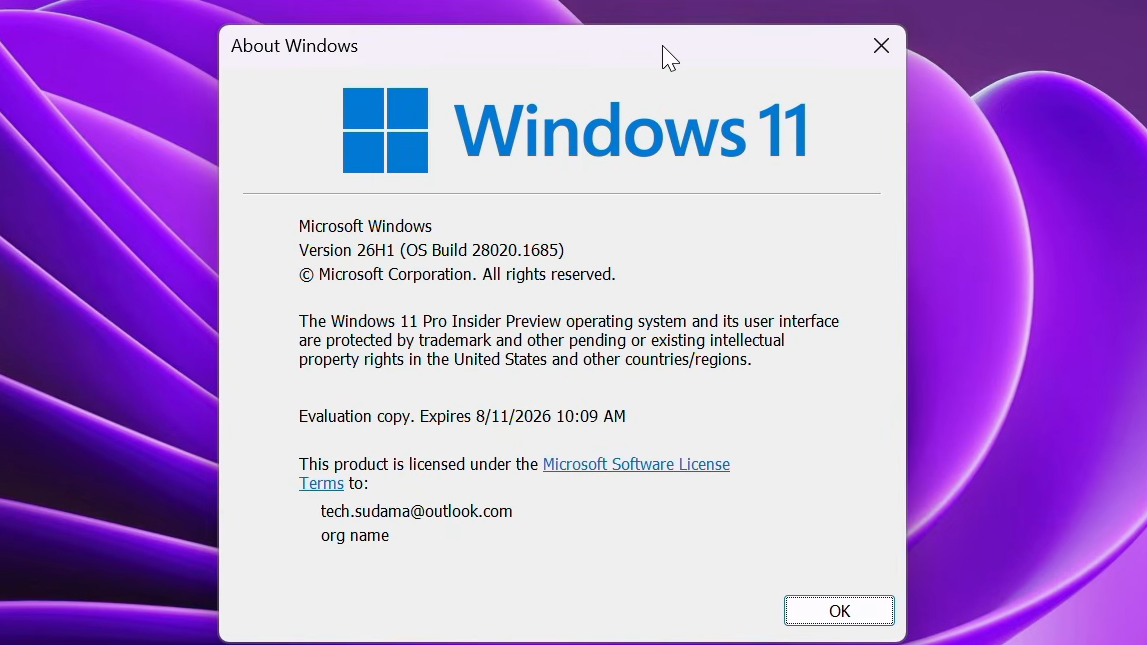
This build is tied to Windows 11 26H1, which is not being positioned as a normal upgrade path for existing Windows 11 PCs. The 26H1 release is intended for new ARM64 hardware, including systems based on Snapdragon X2 Plus, Elite, and Extreme processors.
Intel and AMD systems are not part of that supported 26H1 path through Windows Update or another supported upgrade route. That makes this build relevant mainly to Canary testers following the ARM-focused branch.
What may keep the new features from appearing
The most common reason is staged rollout. Microsoft is using controlled feature rollout in Canary, so even if the build is installed, the File Explorer rename change or the Storage cleanup improvement may not be active yet on your device.
Localization can also lag behind in Canary builds. Voice typing behavior may vary by language, and unfinished language support can affect how polished the experience feels in early testing.
Build 28020.1685 is not a sweeping Windows release. It is a narrowly focused update that improves one basic input action and one basic cleanup task. For Canary testers, that makes it the kind of build that is easy to overlook until one of those two fixes saves time every single day.