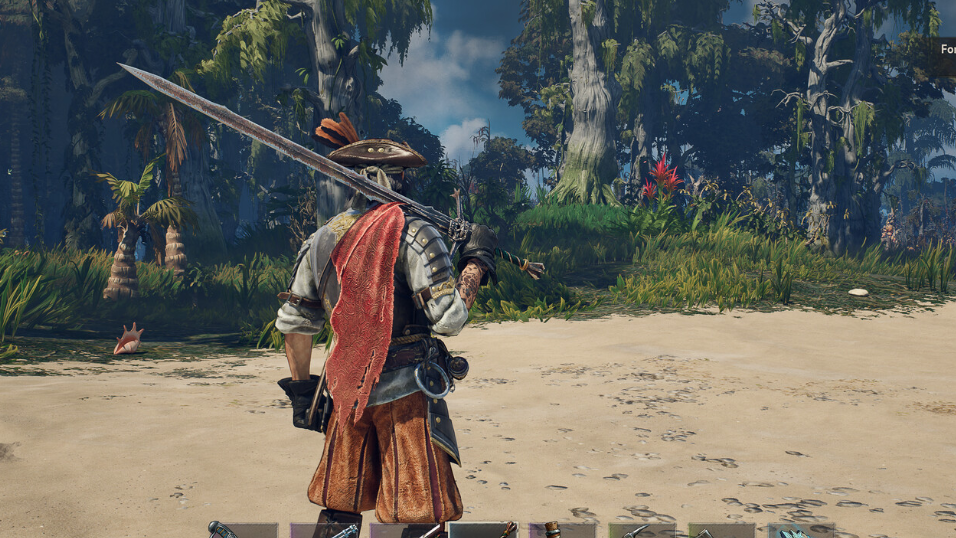
Windrose launched into early access without the tools most survival game players expect for spawning items. There is no in-game command to summon a cannon, no admin flag to grant yourself doubloons, and no official cheat menu. The developer console that ships with Unreal Engine 5 is disabled in retail builds, which means typing commands at a tilde prompt does nothing out of the box.

Why spawn commands don’t work by default
Windrose is built on Unreal Engine 5. UE5 titles ship with a developer console that normally opens with the tilde or backtick key, but the retail Windrose build has that console switched off at the engine level. Pressing ~ in a vanilla install produces no prompt and no input field.
There is also no separate admin system layered on top. Dedicated servers do not expose RCON, there is no admin password field, no “/give” chat command, and no per-player permission tier. Every connected player has the same capabilities as every other player, and none of those capabilities include spawning items.
What you can actually change
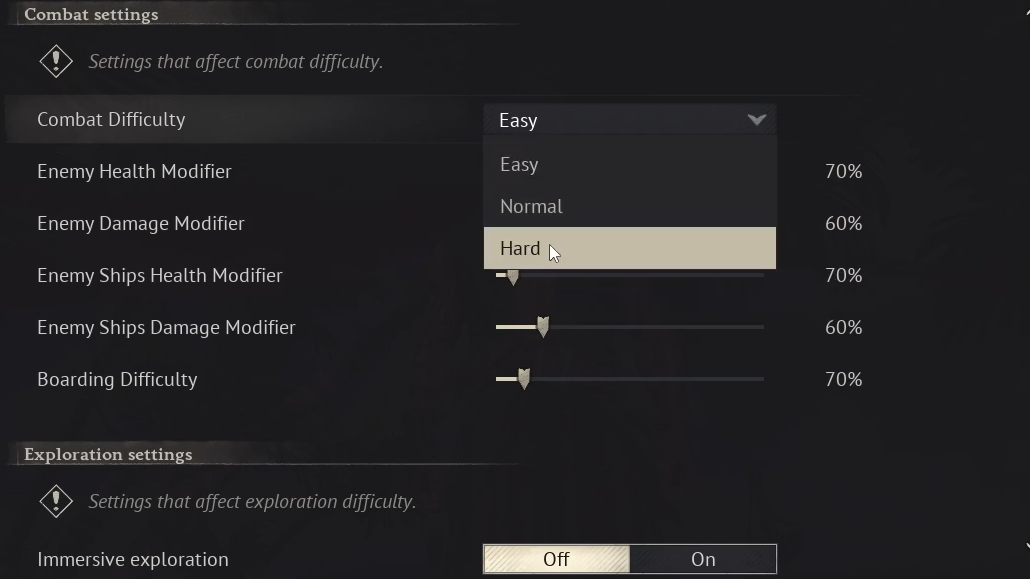
Server operators can modify world behavior through JSON config files, but none of those values spawn items into inventories. They adjust difficulty scaling and connection settings only.
| File | What it controls |
|---|---|
| ServerDescription.json | Invite code, password, server name, max player count |
| WorldDescription.json | World name, difficulty preset, enemy health and damage multipliers, ship stats, boarding difficulty, co-op scaling |
The multiplier ranges give you meaningful control over combat pacing. MobHealthMultiplier and MobDamageMultiplier accept values between 0.2 and 5.0. Ship stats have their own multipliers with slightly different ranges. CombatDifficulty is a separate string field set to Easy, Normal, or Hard. Editing any individual value flips WorldPresetType to Custom automatically.
None of this puts wood, silver, gunpowder, or weapons into your bag. For that, you still have to play the game.
The unofficial mod loader route
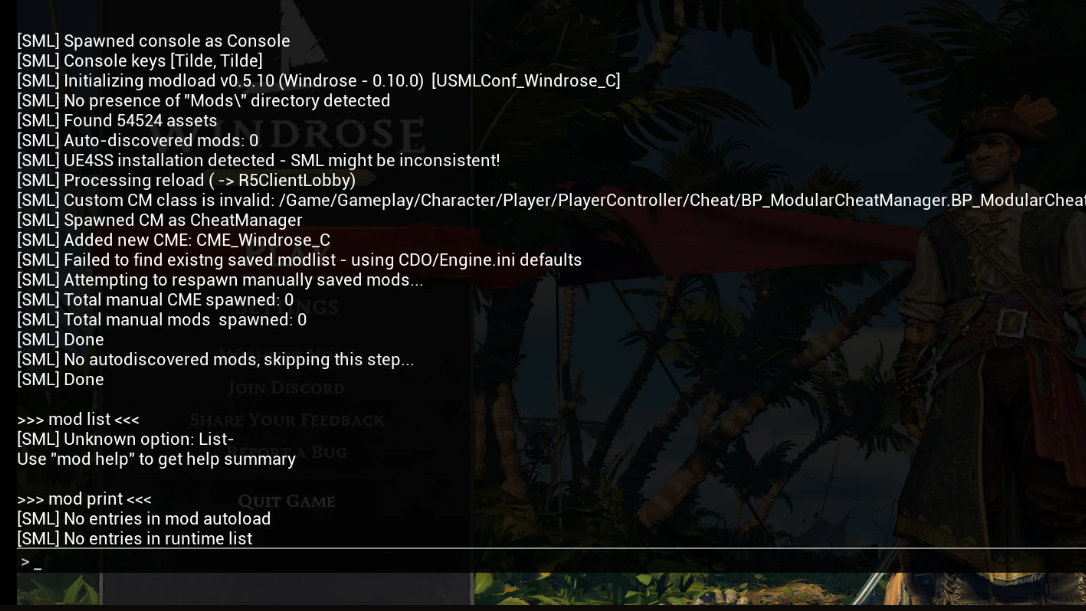
A Nexus Mods release called Simple Mod Loader (SML) re-enables the UE5 developer console on Windrose. It is a blueprint-based mod bootstrapper that installs into the game’s Paks directory and hooks the console back on at runtime. Once installed, the tilde key opens a working prompt.
Several important caveats apply:
- It is flagged as solo-only on its mod page. It will not grant you commands on a dedicated server you connect to.
- The commands it exposes are engine-level debug commands, not purpose-built cheats. Misusing them can corrupt saves or crash the client.
- Game updates can break it without warning.
- It is unsupported by the developers.
Installation drops SML’s pak files into <game_root>\R5\Content\Paks\~mods\. After launching the game, on-screen notifications confirm the loader is active. The mod’s own commands (mod add, mod print, mod spawn) manage blueprint mod actors, not game items.
The in-game method for stocking weapons
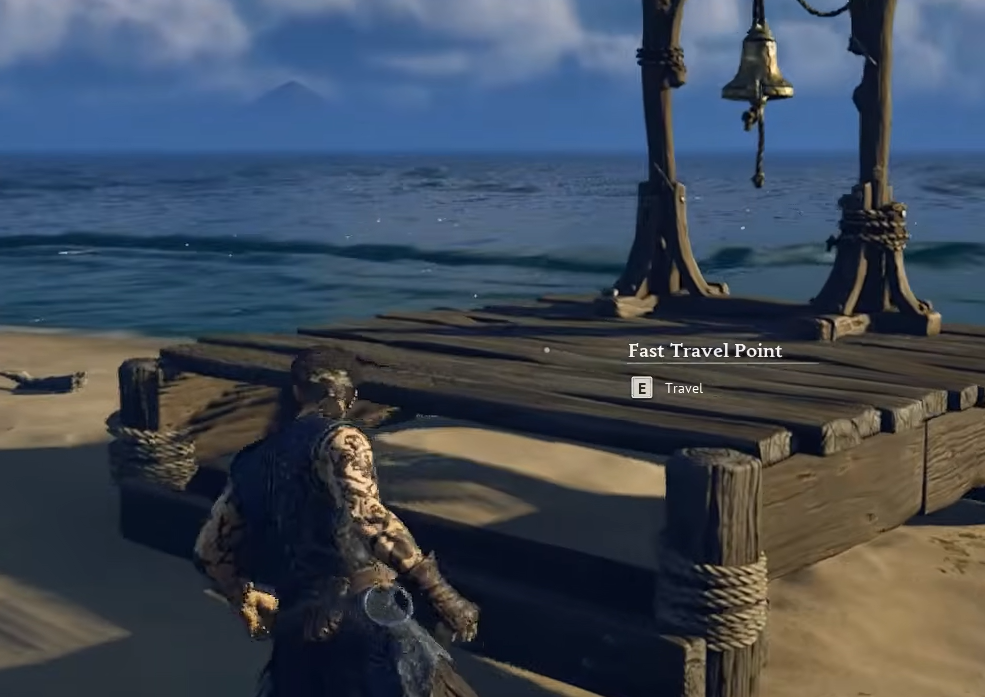
There is a legitimate, no-mods approach for acquiring weapons early, and it relies on a known spawn mechanic in chests tied to new character creation. When you start a fresh character on your own solo save, an early chest on the starting island rolls a weapon from the game’s full weapon pool. Rerolling that chest by creating new characters is how players stack their stash with rapiers, halberds, pistols, blunderbusses, two-handed swords, clubs, muskets, and sabers without mods.
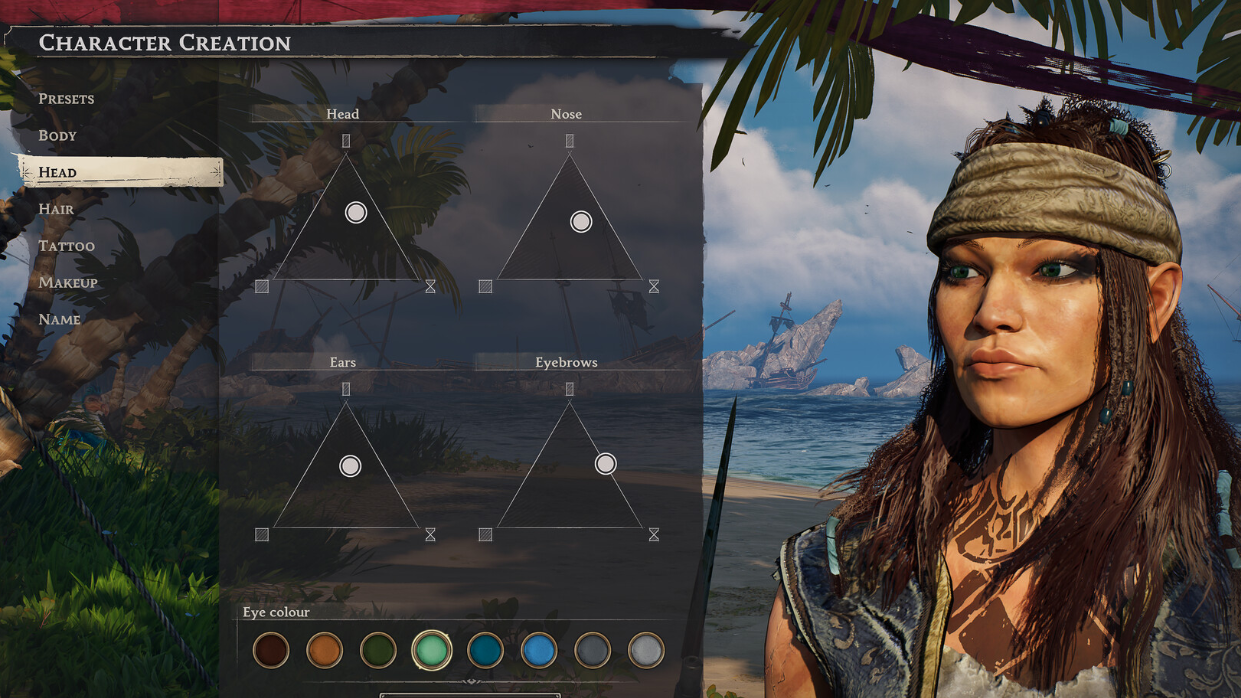
The same loop also yields gunpowder, which is why players use it to stockpile hundreds of units before ever committing to a main playthrough.
What to expect going forward
Early access survival games in this genre typically build out admin tooling over time. Ark, Conan Exiles, and Valheim all shipped with limited server controls and expanded them based on community pressure. No official timeline has been announced for Windrose admin commands, an RCON interface, or an item spawn system, and no confirmed date is available. Assume the current limitations hold until a patch note says otherwise.
For now, server owners should configure what they can through the JSON files, solo players who want to experiment with spawning can weigh the risks of the unofficial console loader, and anyone who wants a legitimate head start on weapons can use the starting chest reroll. Anything promising a one-click “Summon item” command in Windrose today is either unofficial, unreliable, or both.