Finishing a level in Wash The House comes down to two things, moving items back to their spots quickly and clearing dirt with the power washer. The map fights you with clutter and misplaced objects, so the fastest runs lean on the game’s own bonuses and abilities rather than raw manual effort.
Quick answer: Join the Crystal Clean group for the +2 item hold and +50% powerwash width bonus, buy the Bath Bomb upgrade first, then Telekinesis, Highlight, and Player Speed, and use Reset Items in settings to snap any missing objects back into place so the level can register as complete.
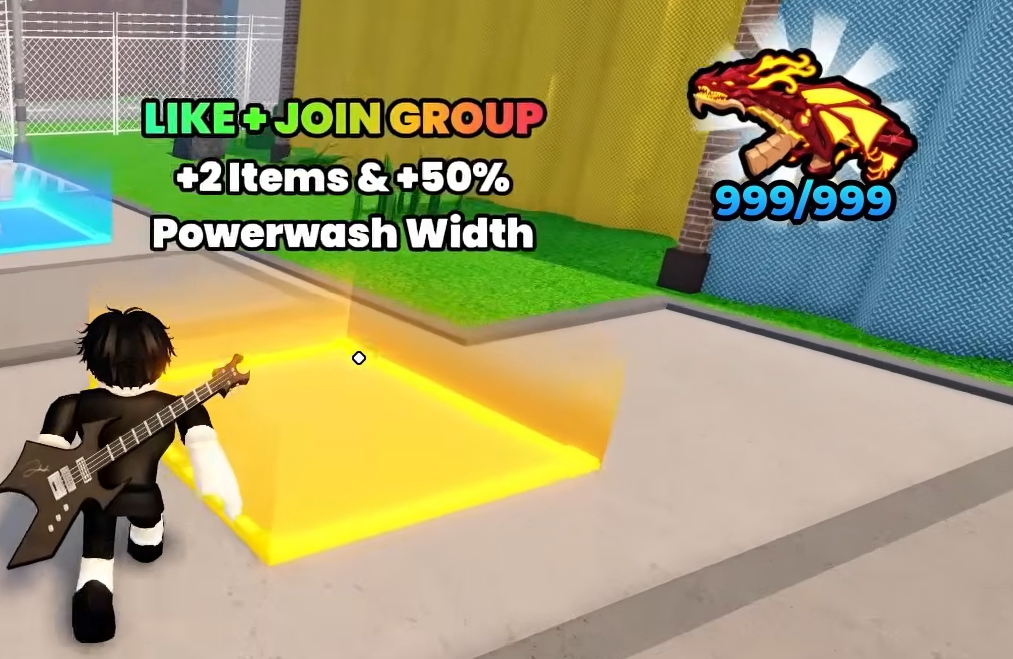
Grab the group bonus before you play
The single easiest speed boost is free. Joining the Crystal Clean community group that publishes the game grants a permanent +2 item hold capacity and a +50% powerwash width. Carrying more items per trip means fewer runs across the house, and the wider spray clears dirty surfaces in fewer passes.
Do this before you start a round. The bonus applies to every level afterward, so there is no reason to play without it.
Buy upgrades in this order
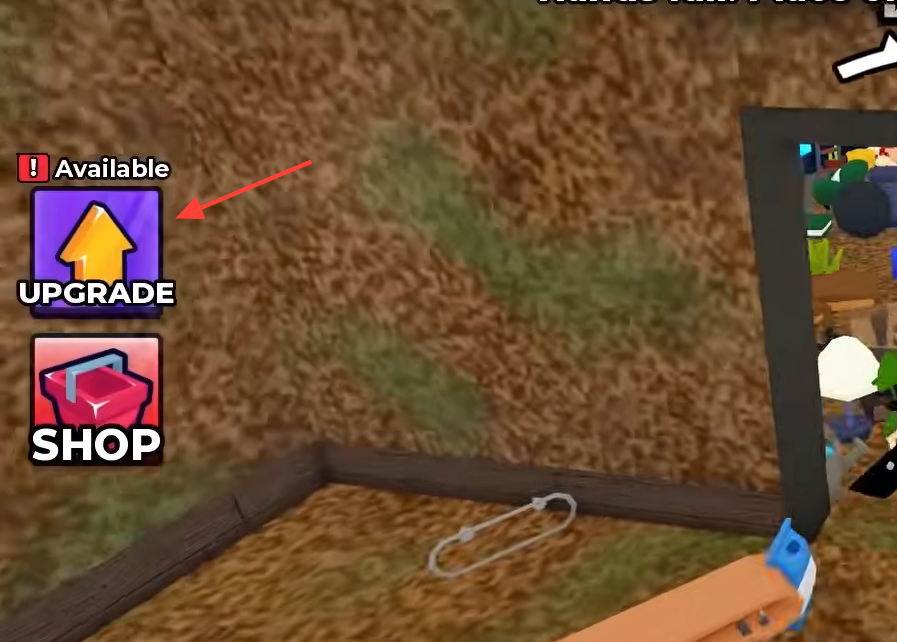
Not every upgrade saves the same amount of time. Bath Bomb wipes an entire room’s dirt at once, which removes the slowest part of a run. After that, the abilities that help you locate and move objects matter more than movement speed.
| Priority | Upgrade | What it does |
|---|---|---|
| 1 | Bath Bomb | Instantly cleans a whole room of dirt |
| 2 | Telekinesis | Picks up and places items from a distance |
| 3 | Highlight | Marks items so they are easier to spot |
| 4 | Player Speed | Increases walk speed for faster travel |
X-Ray is also available and helps you see items through walls, but Bath Bomb, Telekinesis, and Highlight give you the biggest time savings for the least money.
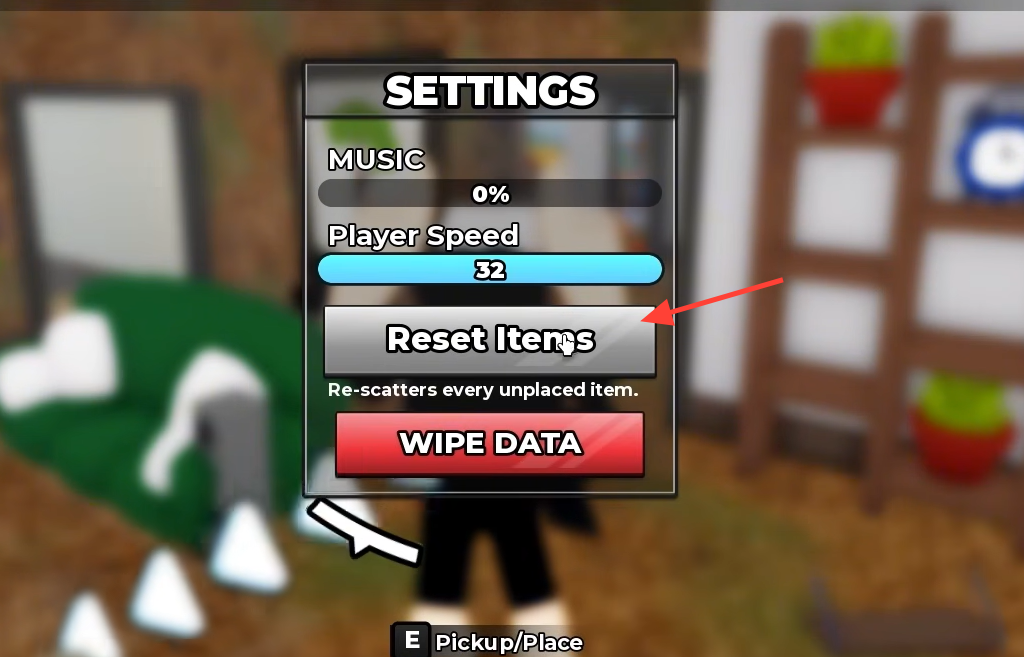
Use Reset Items to end a stuck level
The most common reason a level won’t finish is one object you can’t find, often knocked under furniture or into a corner. Open the settings menu and use the Reset Items button. It relocates misplaced objects so you can grab them and return them to their spots, which lets the level register as complete.
Reset Items is different from Wipe Data. Wipe Data clears your progress entirely, so avoid pressing it when you only want to relocate a stray object.
Pick the right house for a fast clear
Level size scales with difficulty, so a fast solo run starts on the smallest map. House is the quickest to clear, while Mansion and Penthouse add more rooms and more items.
| Mode | Difficulty |
|---|---|
| House | Easy |
| Mansion | Medium |
| Penthouse | Hard |
Controls that speed up each run
Knowing the pickup, drop, and rotate inputs keeps you from fumbling while you sweep the house. On PC, pick up items with E, drop with G, and rotate the power washer with R. On controller, the trigger and face buttons handle the same actions.
| Action | PC | Controller |
|---|---|---|
| Pick up / place | E | RT |
| Drop | G | LT |
| Rotate power washer | R | — |
| Open upgrades | — | Y |
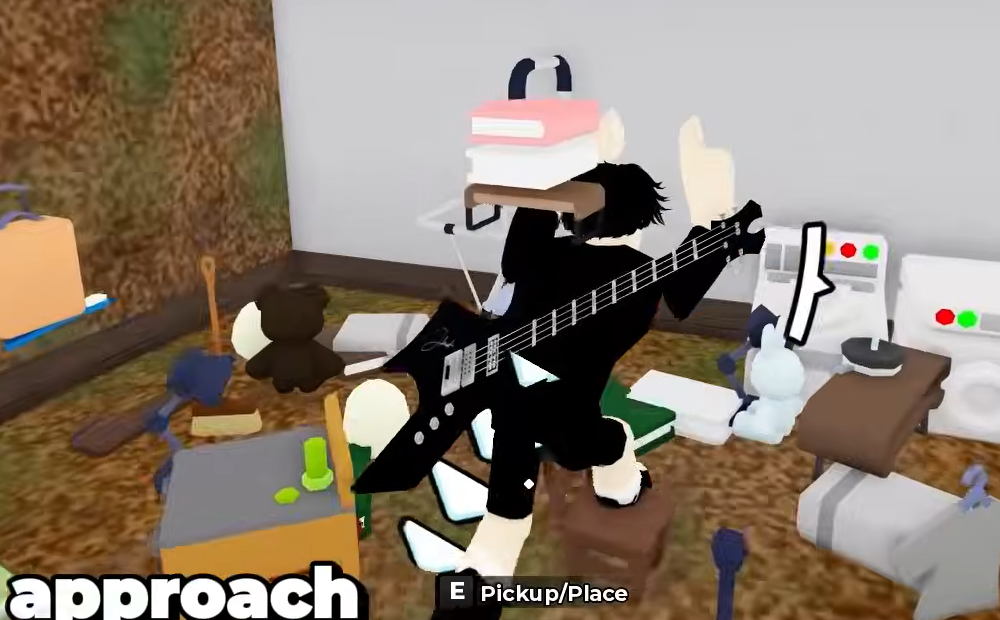
How you know the level is done
A house counts as finished once every item sits in its correct spot, and every dirty object has been power washed. If the completion screen doesn’t appear, an item is still out of place. Run Reset Items, return the last object, and the level should close out. Stacking the group bonus, the Bath Bomb-first upgrade path, and that reset trick is the most reliable way to keep each clean, short, and finish house after house without wasted trips.