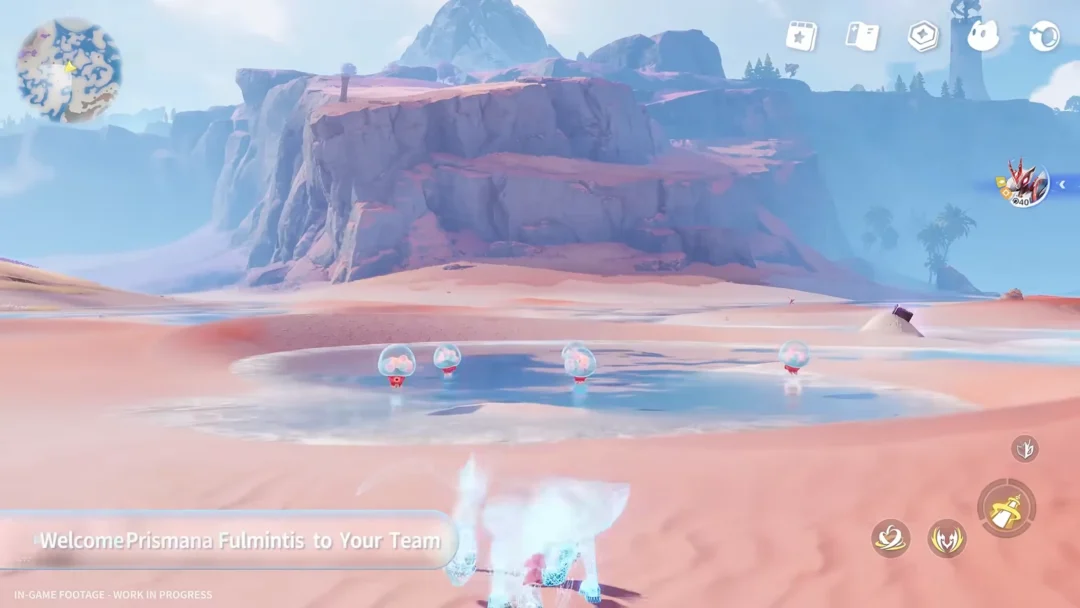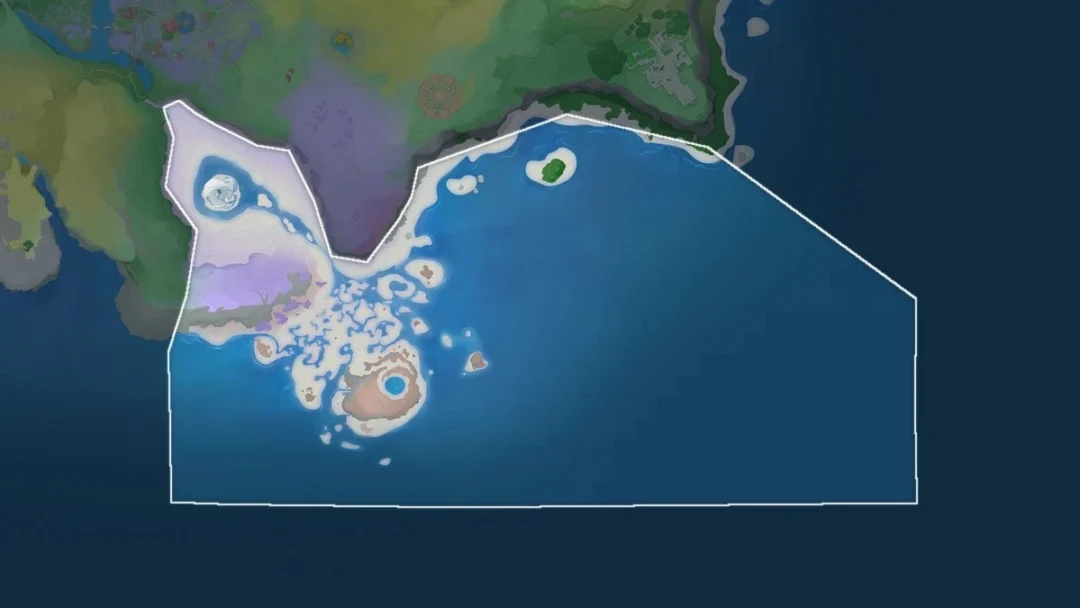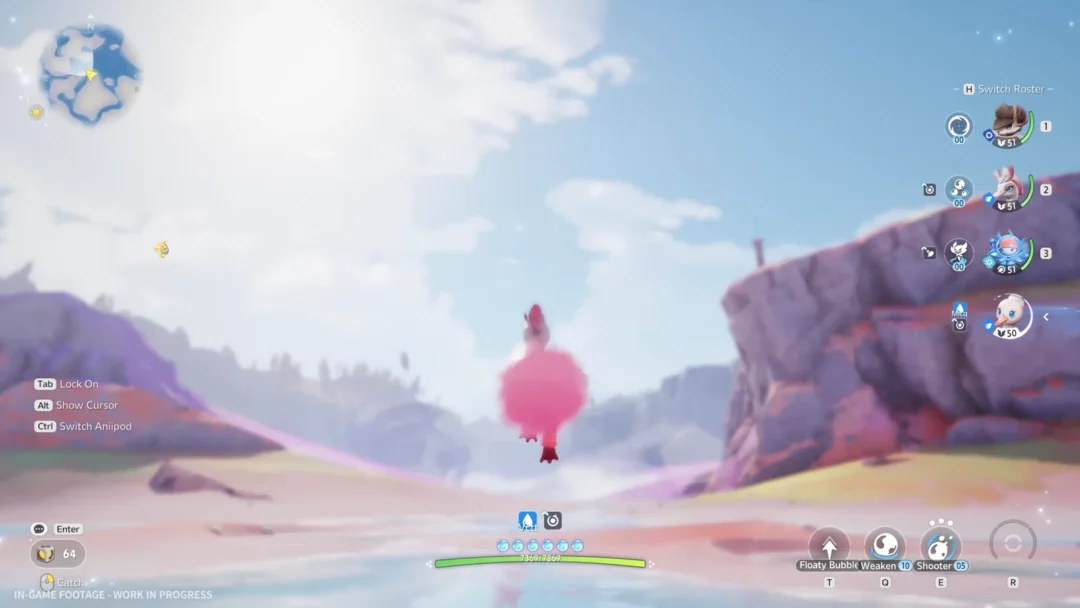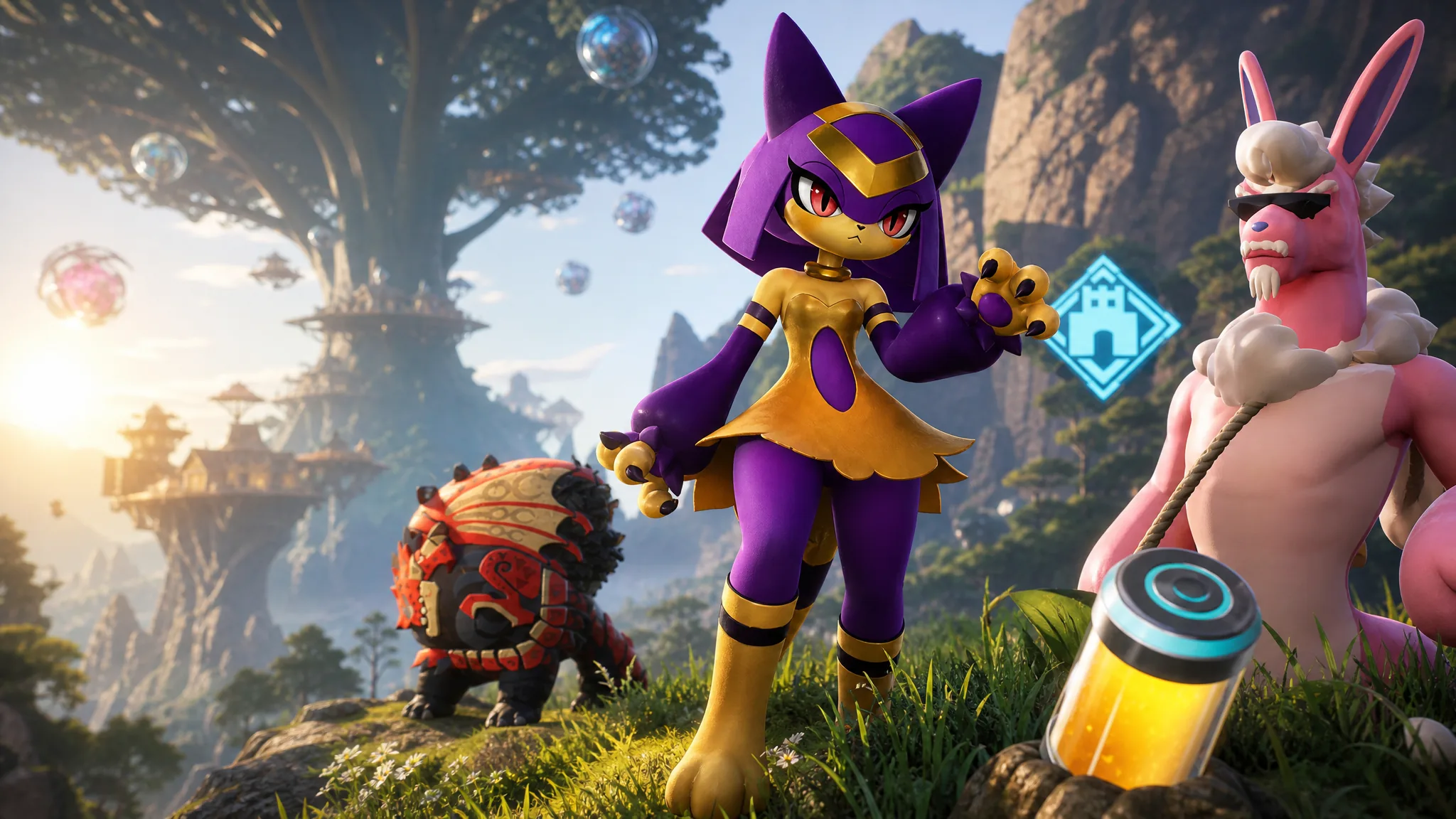
The Palworld 1.0 update rebuilt so many underlying systems that every mod from the Early Access era stopped working the moment the patch landed. Booting the game with old .pak files now risks crashes and save problems, which is why a fresh, 1.0-compatible loadout matters before you touch Sunreach, the World Tree, or aquatic base building. The mods below are the ones worth setting up first, from character cosmetics to traversal and base tweaks.
Quick answer: Delete your Early Access mods, then reinstall updated 1.0 builds. Drop simple .pak mods into the ~mods folder, and install UE4SS first for script-based mods like Remote Fast Travel and Instant Palbox Search.
Why your Early Access mods stopped working in 1.0
Version 1.0 overhauled combat, base building, multiplayer, Pal stats, and progression, and it added 72 new Pals along with the Sunreach and World Tree regions. Those changes altered the game files that older mods hooked into, so leftover modifications can cause crashes to desktop or corrupt saves. Pocketpair recommends removing outdated mods before installing 1.0, and simply disabling them is not enough.
Before you install anything, back up your save. On Steam, copy the folder at %appdata%/Local/Pal/Save/Savegames to a separate location. Major version updates can occasionally break older save files, so a backup protects your bases and Pals regardless of which mods you run.
The Palworld 1.0 mods in the showcase
These mods cover cosmetics, traversal, base placement, and quality-of-life search tools. Each one is designed to run on the 1.0 build.
| Mod | Creator | What it does |
|---|---|---|
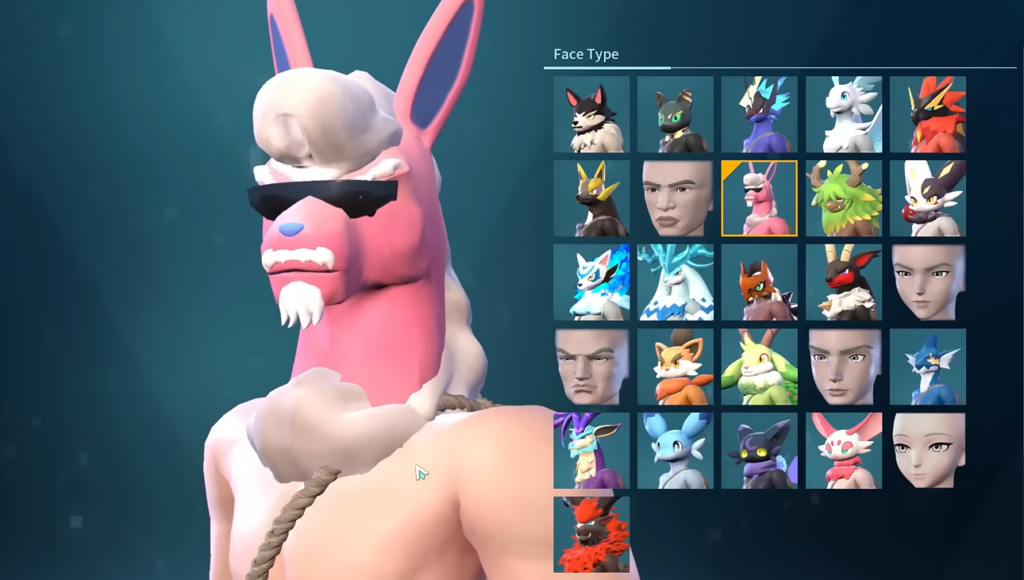
| Palified Player | tarruvi | Replaces the default human head options in character creation with Pal heads such as Anubis, Katress, Orserk, and Melpaca. |
| FSS – Full Sphere Summon | MatthewJadesphere | Summons a Pal at the exact spot a thrown Pal Sphere lands, letting you deploy across rivers or toward distant towers. |
| No Fuel Flight | Sarfflow | Lets the wing pack glide continuously without draining fuel or stamina, keeping the fuel gauge full. |
| Build in World Tree Map | Thortoast | Enables placing structures like stone stairs and roofs in the normally restricted World Tree area. |
| Remote Fast Travel | promise1226 | Fast travels directly from the map screen without visiting a Great Eagle Statue. |
| Lucky Prism – Shiny Recolors | octndev | Adds alternate shiny color schemes for Lucky Pals such as Slowatt, Celaray, Petallia, and Mammorest. |
| True First Person MOD | OyaYYDS | Renders gameplay from a full first-person view, with hands, weapon, and feet visible during fights. |
| Mini Base Pals | XDynis | Shrinks working base Pals to a miniature size so they stop getting stuck on geometry. |
| Instant Palbox Search | Arion4K | Adds a search bar and filters to the Palbox for Passive Skills, Active Skills, and Partner Skill. |
| Pal Army | Shady101852 | Removes the 5-slot active party limit so you can summon a large group of Pals at once. |
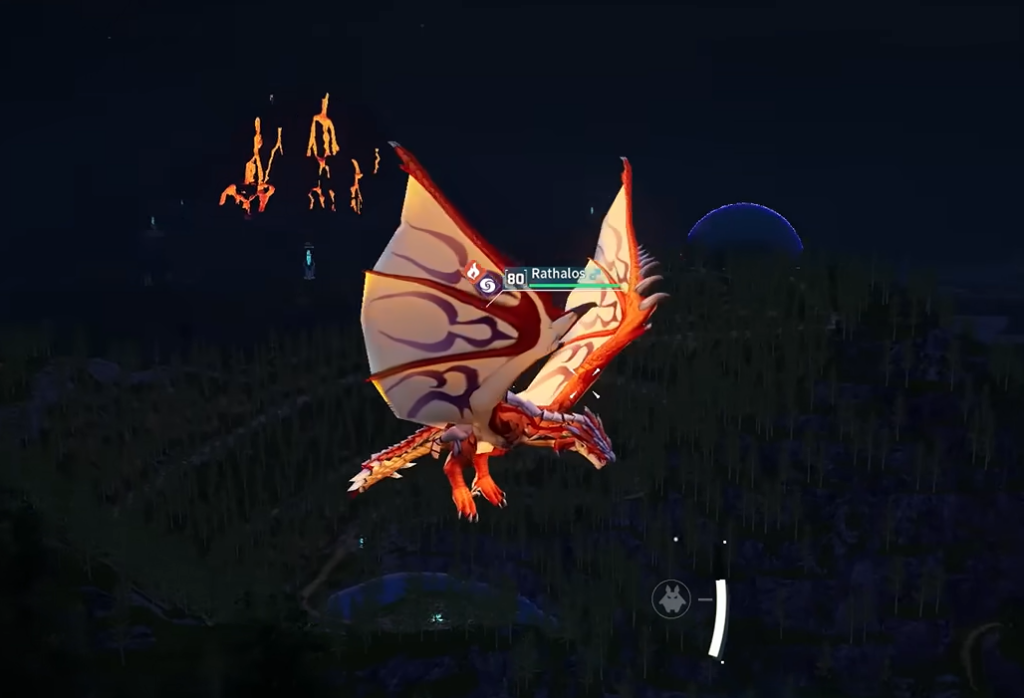
| Rathalos (Monster Hunter Stories) | skymoon0 | Model replacement that swaps Vanwyrm and Faleris for Rathalos. |
Model swaps and cosmetic recolors are visual changes only, while traversal and party mods alter gameplay rules and may not behave the same in multiplayer. Read each mod’s description for its own compatibility notes.
Install simple .pak mods
Cosmetic and model mods like Lucky Prism, Palified Player, and the Rathalos replacement ship as .pak files that drop straight into a mods folder. No extra tools are required for these.
steamapps\common\Palworld\Pal\Content\Paks\~mods. If the ~mods folder does not exist, create a new folder and name it exactly ~mods..pak files into that folder. Game Pass users follow the same logic, placing their files in the equivalent Paks\~mods directory.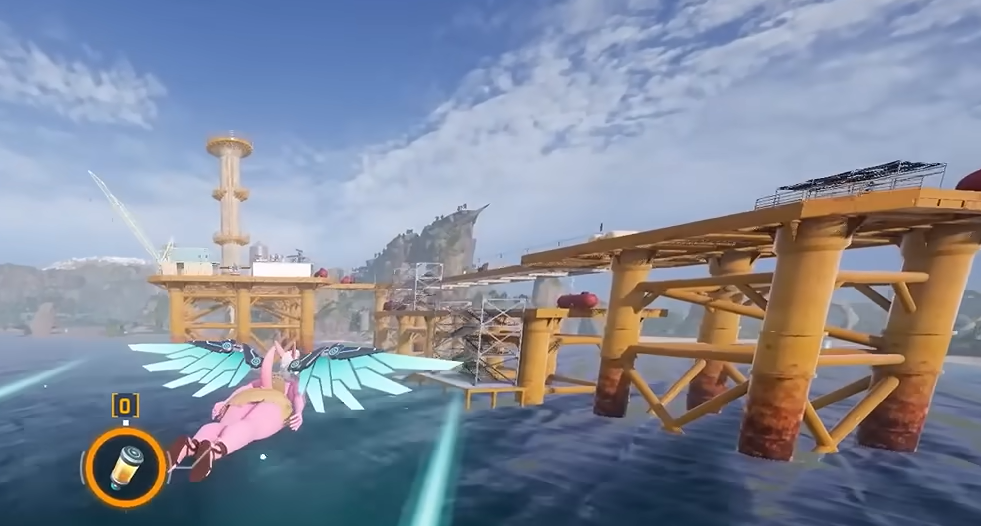
Install script mods with UE4SS
Script-based tools such as Remote Fast Travel, Instant Palbox Search, Full Sphere Summon, and Pal Army need UE4SS (the Unreal Engine scripting system) installed first. Without it, these mods will not load.
UE4SS_v{...}.zip file.Palworld\Pal\Binaries\Win64 on Steam. Xbox PC app users extract into the WinGDK folder instead, reached through Manage > Files > Browse.Mods directory, then open mods.txt and enable the mods you added. Once the folder structure is set, adding new script mods later only takes a moment.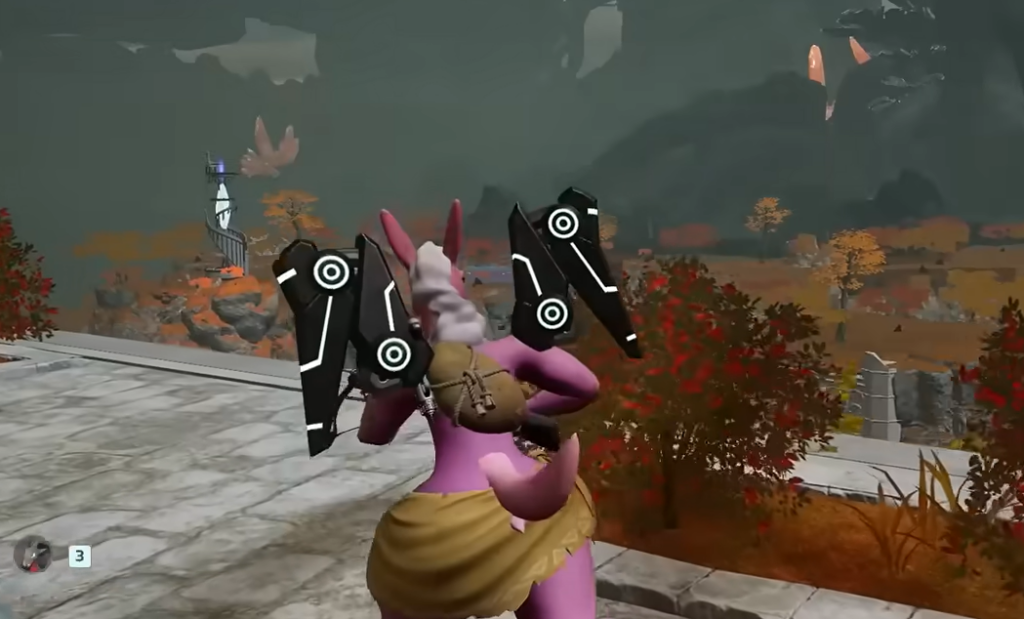
If a mod does not load
Most failures come down to two things. First, an outdated file from before 1.0 will crash or refuse to load, so replace it with a build updated for the full release. Second, script mods will not appear at all if UE4SS is missing, installed in the wrong folder, or the mod is not enabled in mods.txt.
Because 1.0 reset main mission and sub-mission progress and rebalanced Pal spawns, keep gameplay-altering mods separate in your mind from those official changes. If you run co-op, check each mod’s multiplayer support before assuming it will sync for everyone. When something behaves oddly, uninstall the newest mod first and restore your save backup to get back to a clean state.