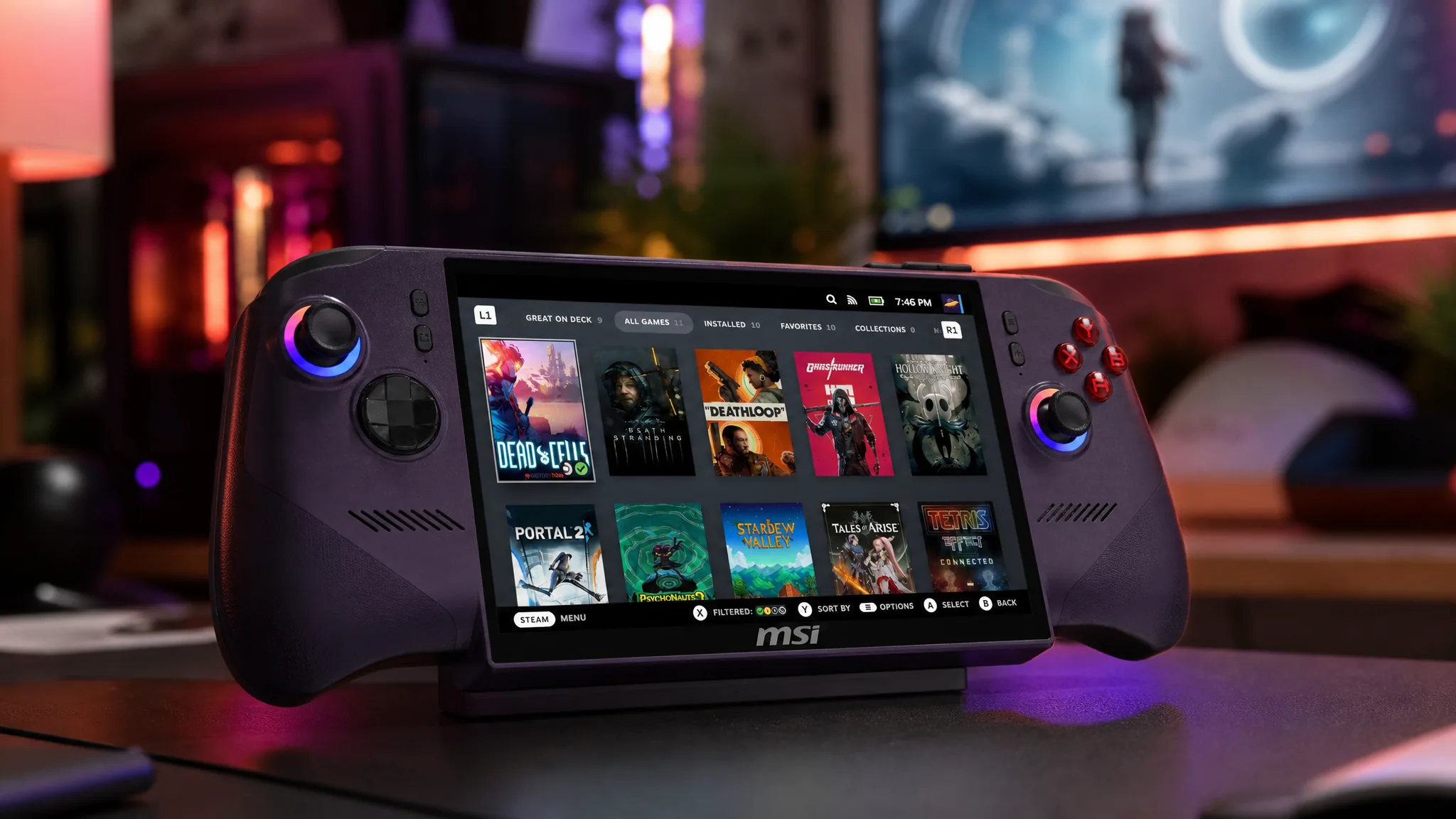
Valve keeps widening the list of handhelds its SteamOS software can run on, and the newest beta pushes that work further with targeted fixes for MSI Claw and OneXPlayer devices. The same build also brings the platform’s first gamepad support for a pair of Android handhelds, the Konkr FIT and the Ayaneo Pocket S2, alongside a batch of repairs for the Steam Machine and Valve’s own accessories.
Quick answer: Opt into the Beta channel under Settings, System, System Update Channel on your handheld, then update. The build reports as SteamOS 3.8.22, and it contains the MSI Claw, Legion Go, OneXPlayer, Konkr FIT, and Ayaneo Pocket S2 changes described below. The matching stable release for everyone else is SteamOS 3.8.14.
SteamOS 3.8.22 beta fixes for MSI, Legion Go, and OneXPlayer handhelds
Most of the device-specific work in this cycle is about restoring controller behavior that had broken on newer firmware. If you run SteamOS on a Windows handheld, these are the changes that matter, because they decide whether your buttons, motion sensors, and rumble actually work.
| Device | What the beta changes |
|---|---|
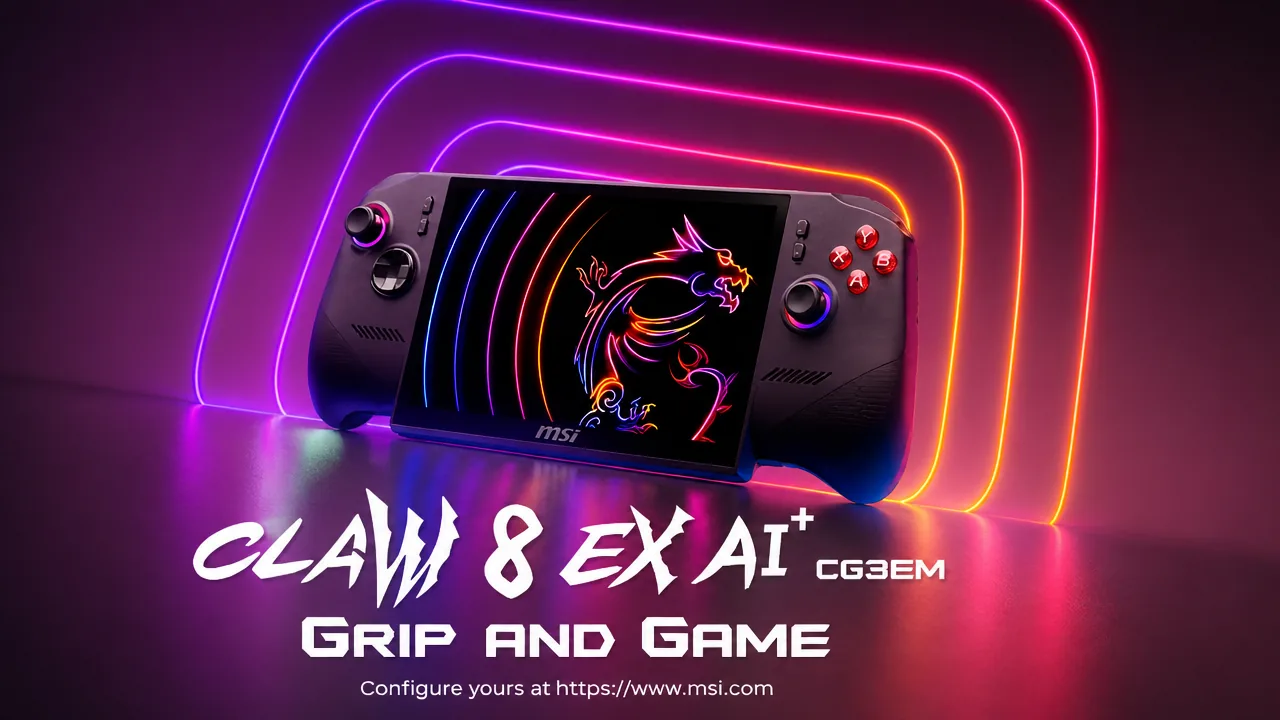
| MSI Claw | Restores access to the Guide and Quick Access Menu buttons on some units that lost them on newer firmware. |
| Lenovo Legion Go 1 | Fixes the gyroscope failing to initialize on older controller firmware. |
| OneXPlayer F1 | Restores rumble and raises the joystick poll rate; as a trade-off, the M1 (left) extra shoulder button no longer works. |
| OneXPlayer F1 and OneXPlayer 2 special edition | Adds controller support for previously missing model variants. |
| Non-Valve devices with no audio source | Removes a 20 to 30 second startup delay seen in some games. |
The reason people flash SteamOS onto these Windows handhelds in the first place is straightforward. Valve’s software carries less background overhead than the Windows setup that ships on devices like the ROG Xbox Ally X and Lenovo Legion Go, which repeatedly translates into higher frame rates and longer battery life on the same silicon.
Gamepad support arrives for the Konkr FIT and Ayaneo Pocket S2
The more unexpected addition is controller support for two Android handhelds, the Konkr FIT and the Ayaneo Pocket S2. Until now, Valve had only extended SteamOS to handheld PCs, so seeing gamepad work land for ARM-powered Android hardware is a notable shift. It stops short of a full SteamOS port for these devices, but it hints at where the platform could head next.
Steam Machine, Steam Controller, and Steam Frame changes
Beyond handhelds, the beta addresses a long-standing Steam Machine complaint by fixing a bug that caused the console to wake itself up after entering sleep mode. Related beta work also makes the Steam Machine splash screen appear more quickly after startup and adds an option to reset all audio configuration to system defaults under Settings, Audio.
Two accessory changes round out the update. There’s a firmware patch for the 2015 Steam Controller Wireless Adapter, plus preliminary support for the Steam Frame Wireless Adapter that pairs with Valve’s headset. The full set of notes lives on the official Steam Deck update listing.
What the stable SteamOS 3.8.14 release includes
If you’d rather stay off the beta track, the stable channel now carries SteamOS 3.8.14, which contains the same core fixes shipped to the Beta and Preview channels as 3.8.22. That stable build corrects an issue where WiFi speeds could be capped on certain routers that advertise incorrect MCS requirements, and it adds security and stability improvements.
A day before that, Valve pushed SteamOS 3.8.13 to stable. That version fixed controller firmware update failures on certain Steam Deck models and resolved game crashes and launch failures in some titles, including FINAL FANTASY VII REBIRTH.
How to install the beta and confirm it worked
One point to keep in mind on OneXPlayer F1: restoring rumble and the higher joystick poll rate disables the M1 left extra shoulder button, so that behavior is expected rather than a fault. With the Steam Machine already out and the Steam Frame still on the way, more SteamOS updates are likely to keep expanding this hardware list over the coming months.