
Instructional, step-by-step articles.
Content Type: How-To
-
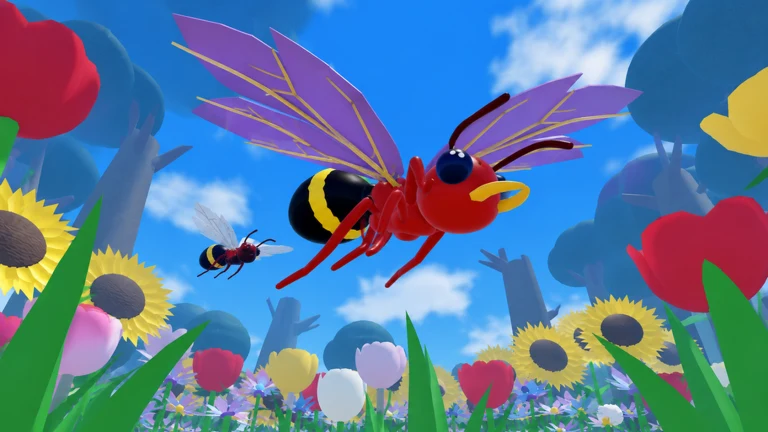
How to Get Secret Insect Parts in Roblox Ant Evolution
Secret insect parts are rolled mutations, and here’s how to earn the DNA and roll for wings, Acid Spit, Phoenix Ant and Molten Ant.
-
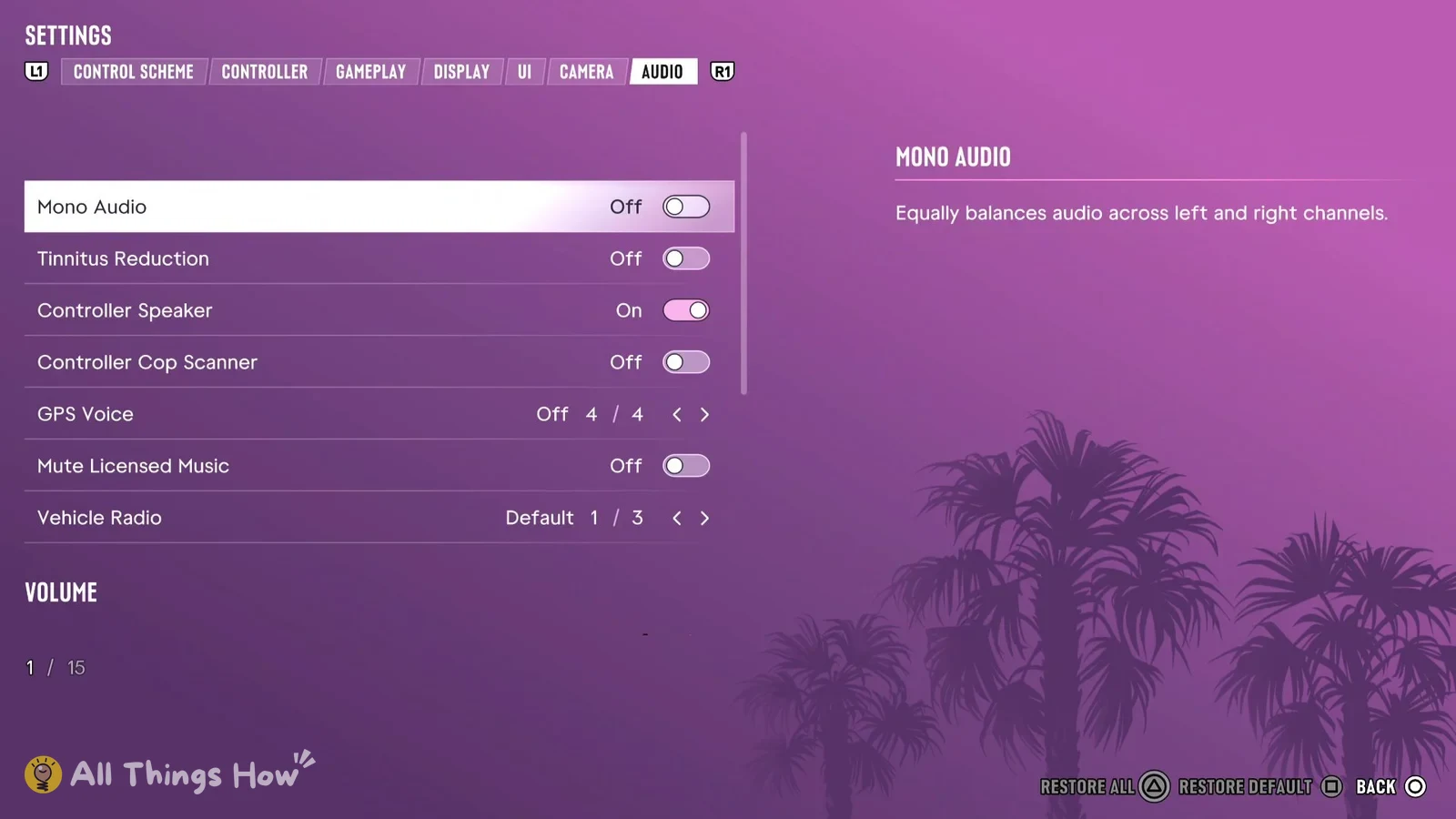
GTA 6: How to Mute Licensed Music for Streaming (PS5 Audio Tab)
The Mute Licensed Music toggle sits in the Audio tab’s SETUP group and is set to Off on a fresh install.
-
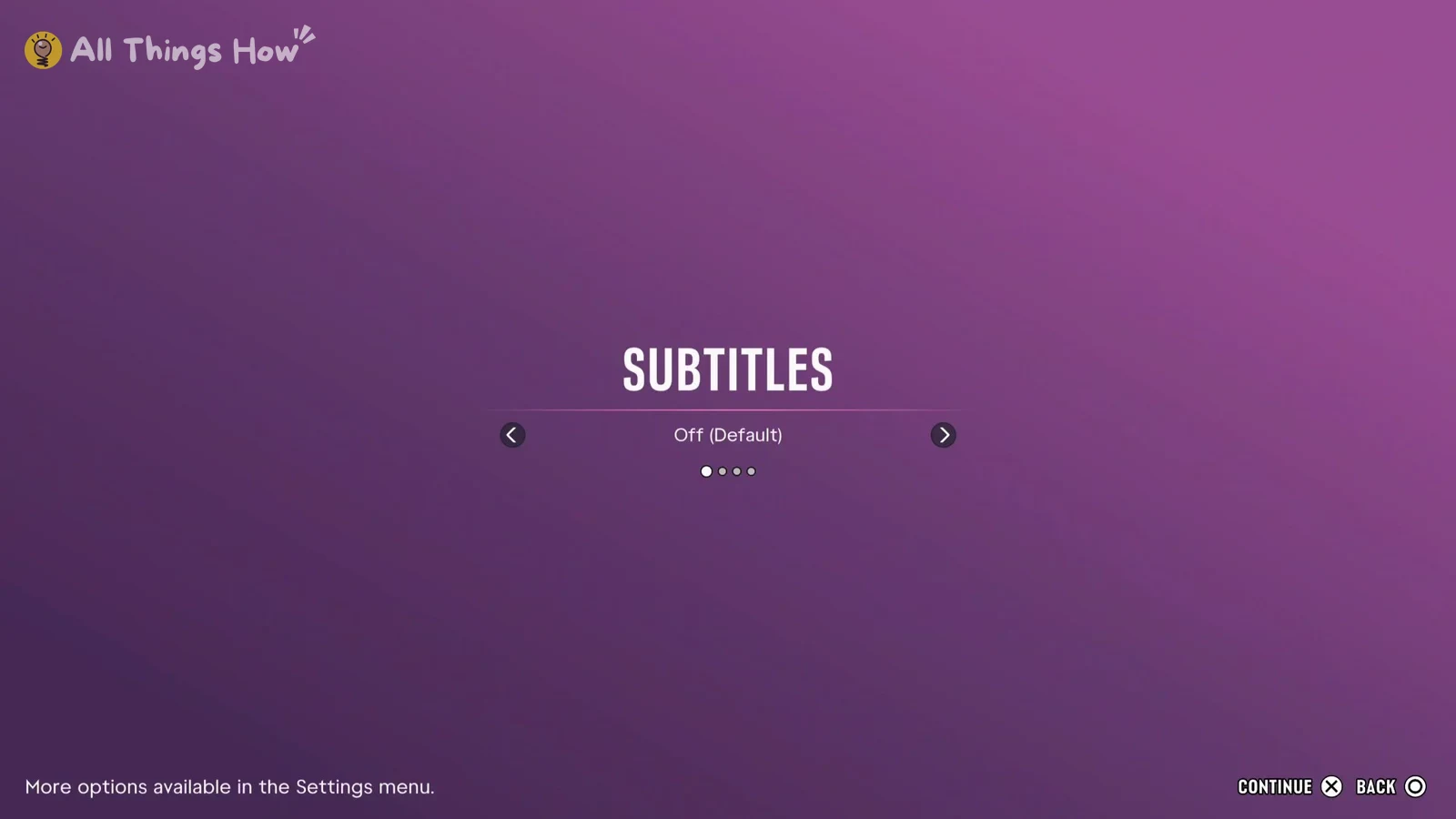
GTA 6 Subtitles on PS5: How to Turn Them On and Change the Size
Where the Subtitles & Captions settings sit in the UI tab, plus the separate size, speaker name, and background options.
-
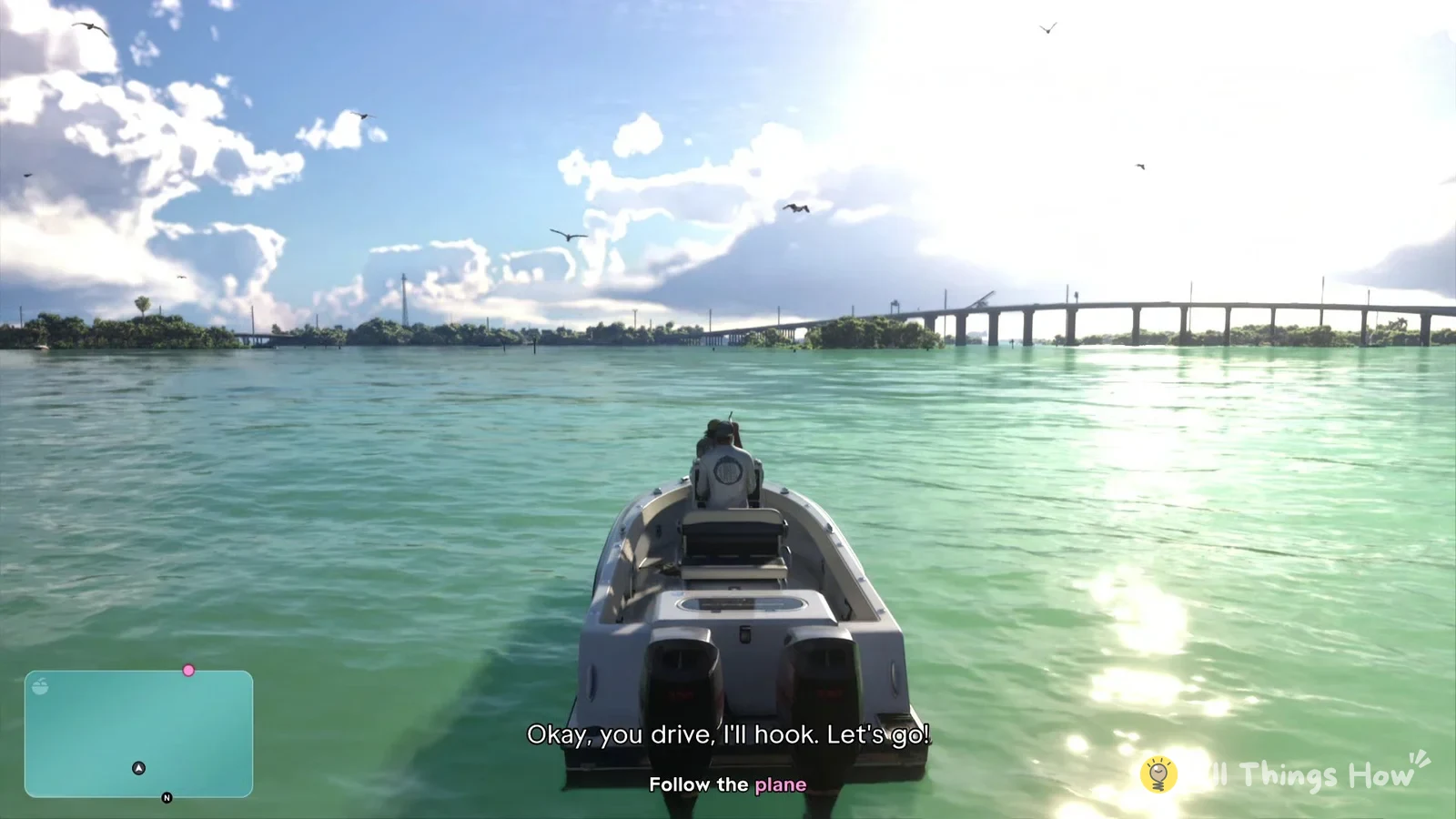
How to Open the Map in GTA 6 and Set a Destination or Marker (PS5)
Which buttons open the map, place a destination or marker, recenter on your character, and close the map in GTA 6.
-
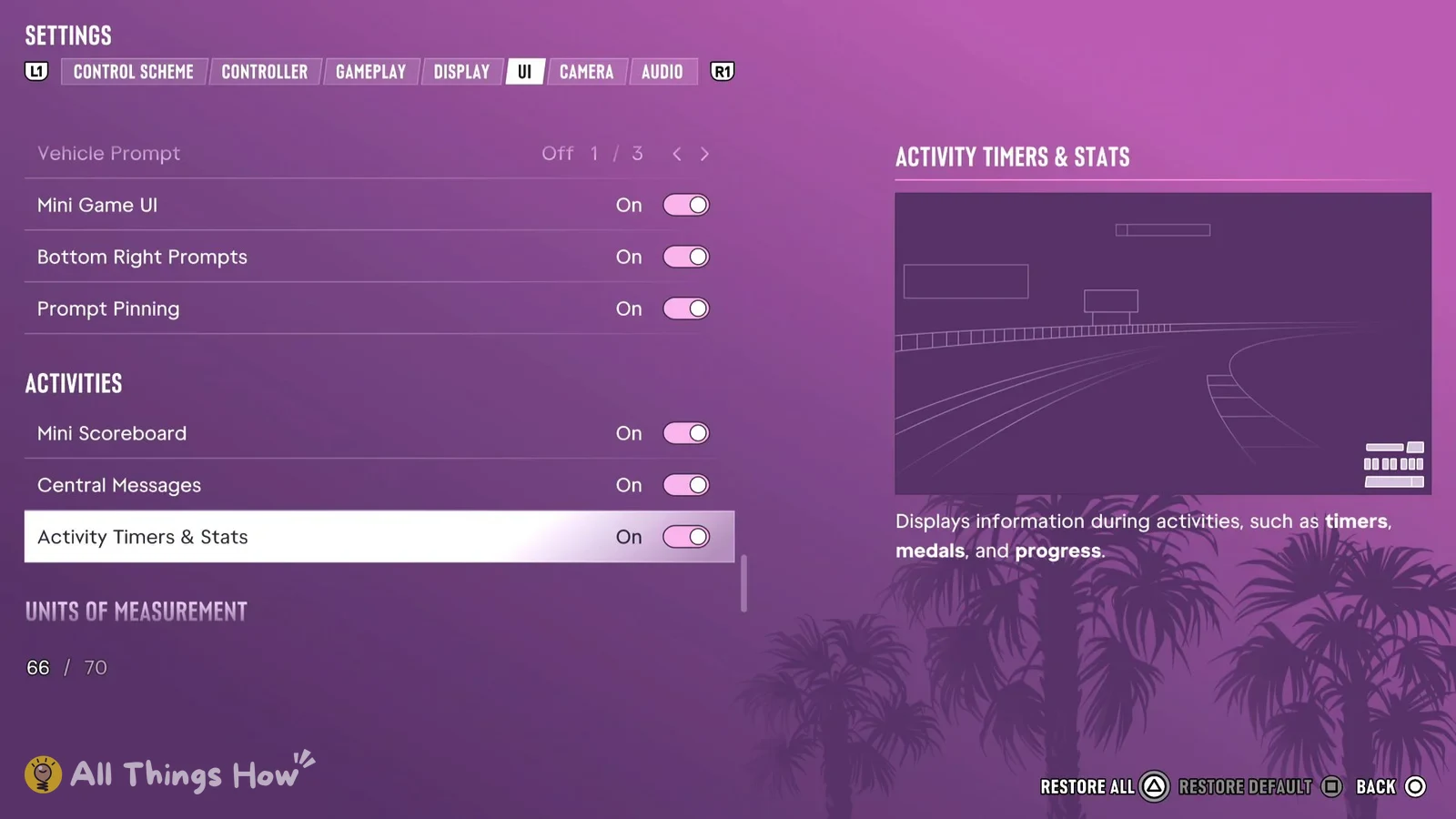
How to Show or Hide the GTA 6 Minimap and Street Names (PS5 HUD Settings)
Where the minimap, compass, street names, money and notification toggles sit in the UI tab, with every default listed.
-
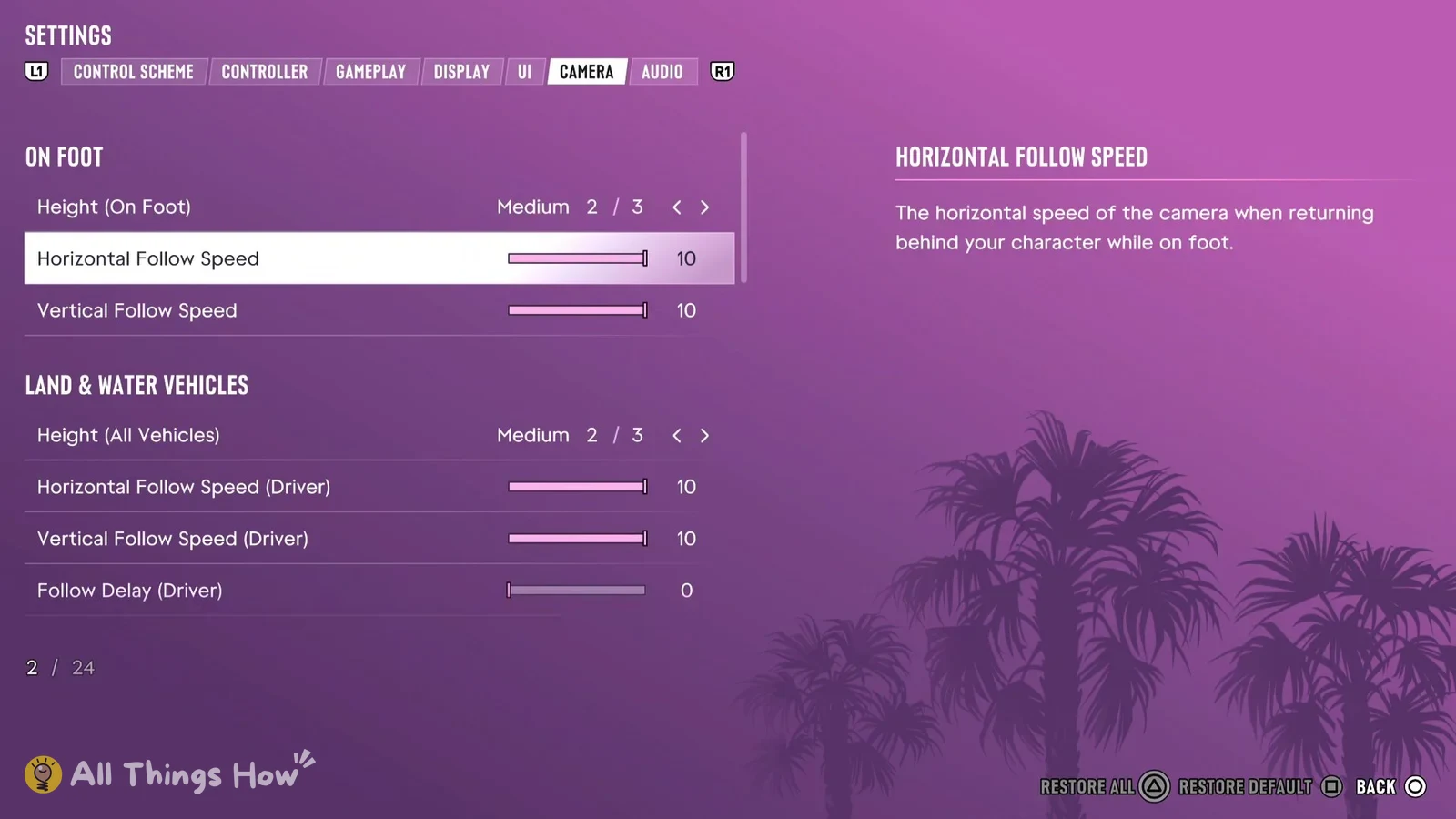
GTA 6 Camera Settings on PS5: How to Turn Off Camera Shake and Weapon Sway
Where the Camera tab is, which Comfort options cut screen motion, and the default value for every camera row.
-
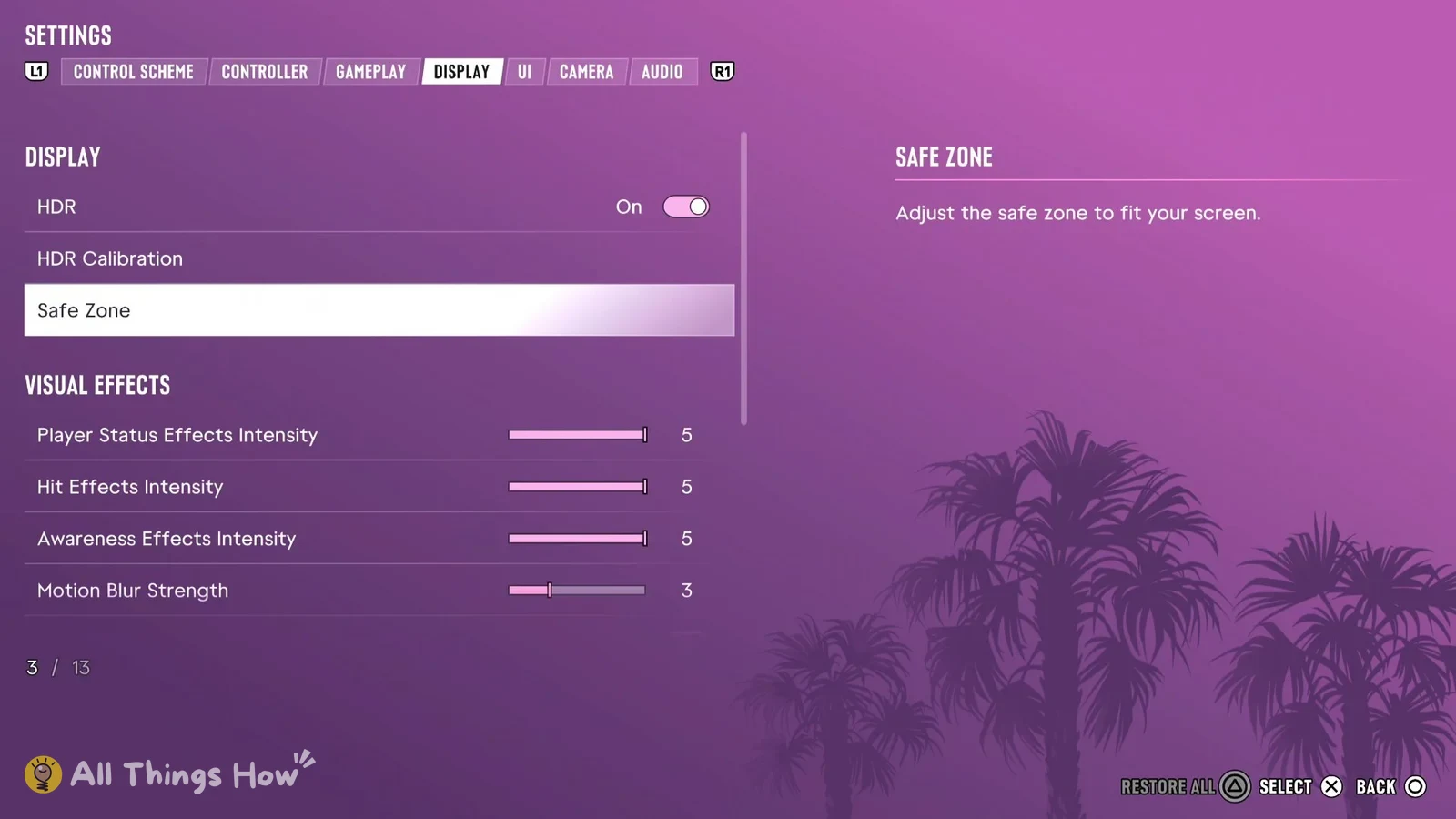
How to Calibrate HDR in GTA 6 on PS5 (Display Settings and Defaults)
Where the HDR Calibration screen is, what its three sliders and test images do, and every Display tab default.
-
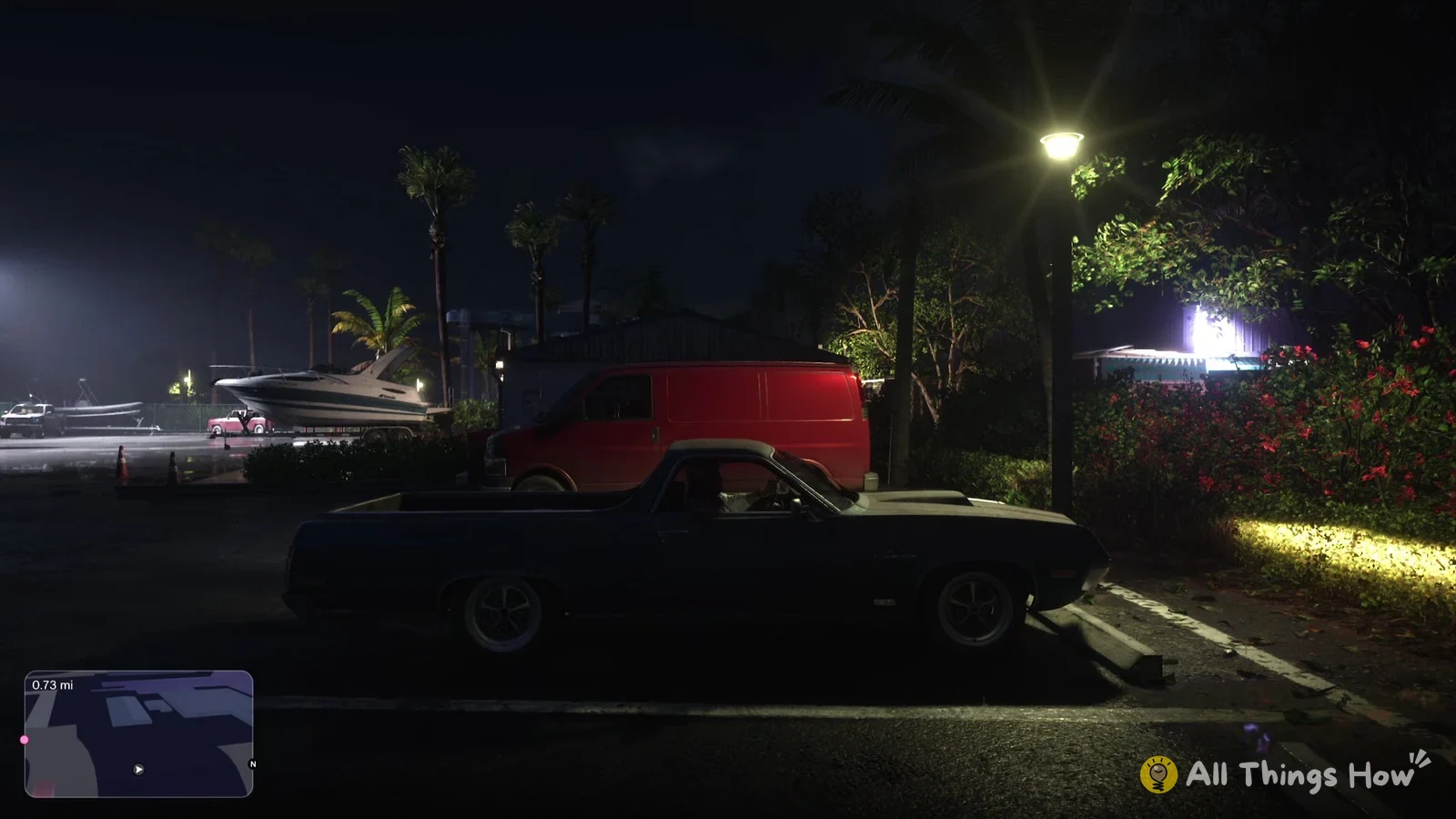
How to Reverse in GTA 6 on PS5 (Hold L2)
Back out of a parking space in Jason’s Ganado with L2, steer with the left stick, and drive off with R2.
-
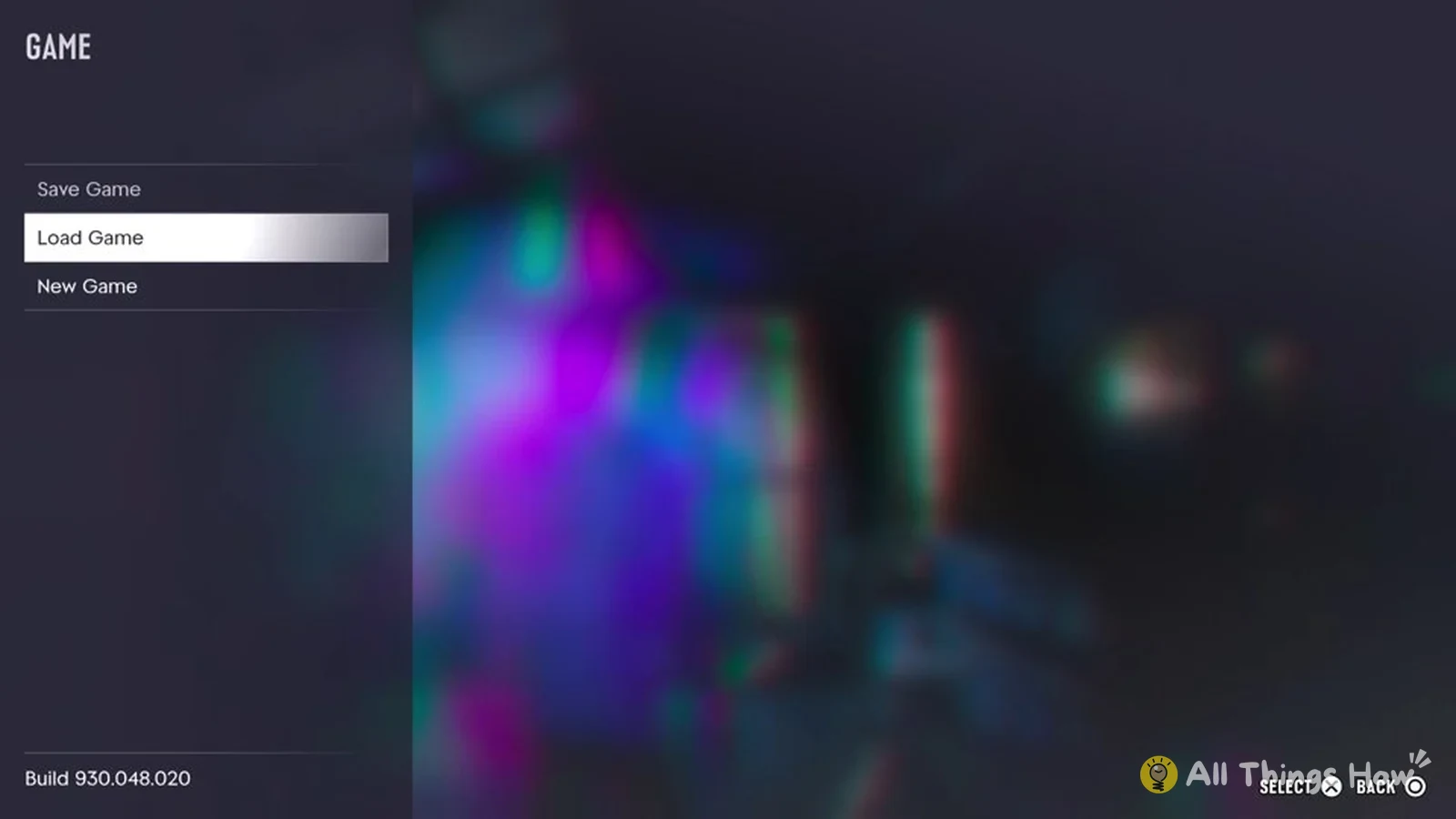
GTA 6: How to Save Your Game and Why Save Game Is Greyed Out
Where Save Game sits in the GTA 6 pause menu, why you can’t pick it mid-mission, and where your autosave is listed.
-
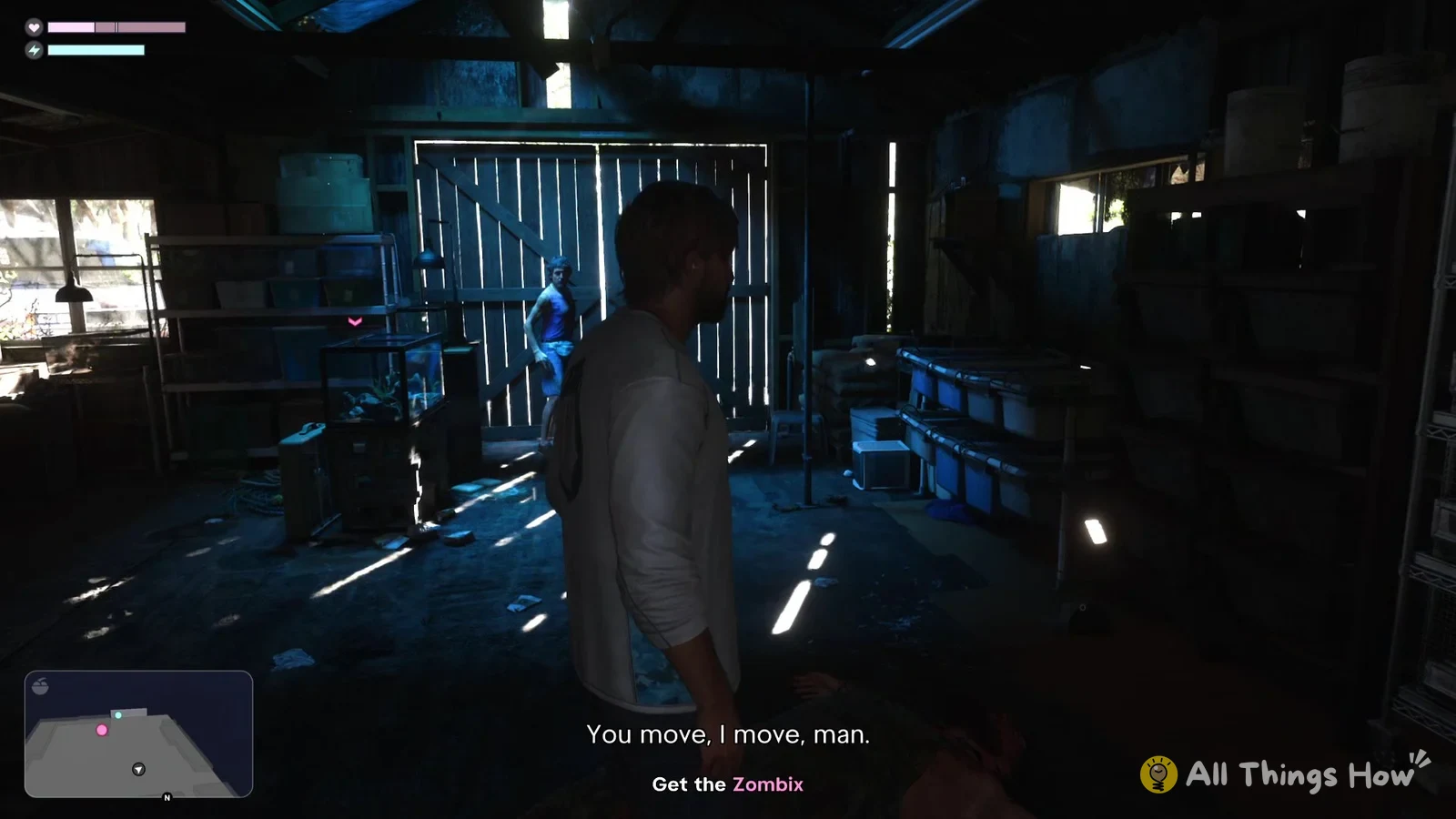
How to Punch, Block and Grapple in GTA 6 (PS5 Melee Controls)
The Default PS5 buttons for fist fights, plus how the first fight as Jason plays out and how to heal after it.