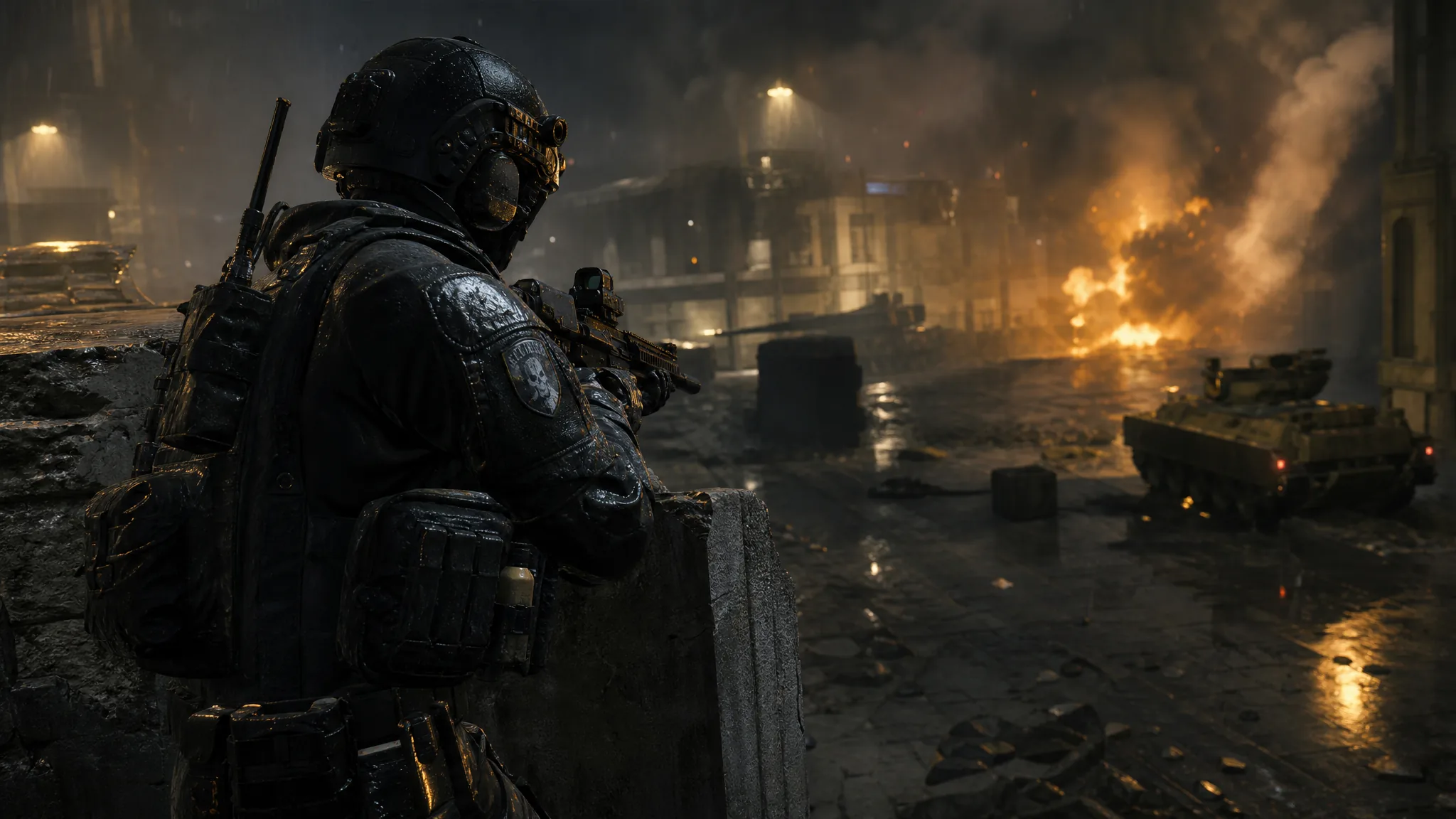
The Modern Warfare 4 Beta does not arrive the way Call of Duty betas usually do. Infinity Ward split it out into its own standalone install, so it will not show up automatically inside Call of Duty HQ and it will not appear as part of a routine update. You have to go find it on your platform’s store and start the download yourself.
Quick answer: Open your platform’s digital store, search for “Modern Warfare 4 Beta,” and download it as a separate app. Early access preload went live August 20 at 9:00AM PT; everyone else can preload from August 26 at 9:00AM PT.
Modern Warfare 4 Beta preload times and play windows
There are two beta weekends, and each one has its own preload window that opens a day or two before the servers do. Downloading during the first window is enough for both weekends — the client updates itself rather than making you start over.
| Milestone | Date and time (PT) |
|---|---|
| Weekend 1 preload (Early Access) | August 20, 9:00AM |
| Weekend 1 play window | August 21, 11:00AM – August 25, 10:00AM |
| Weekend 2 preload (Open Beta) | August 26, 9:00AM |
| Weekend 2 play window | August 28, 10:00AM – September 1, 10:00AM |
Nintendo Switch 2 is the exception. That version does not take part in the first weekend at all, and its preorders only begin on August 26, so Switch 2 players download the client for the Open Beta weekend instead.
Who can preload the early access beta
Weekend 1 is gated. Weekend 2 is not — no code, no preorder, no invitation. If you only care about the Open Beta, skip ahead and just download the client when the second window opens.
| How you got in | What you need to do |
|---|---|
| Digital preorder on PlayStation Store, Microsoft Store, Battle.net, or Steam | Nothing. You are validated automatically and the client appears in your library. |
| Preorder from a retailer | Redeem the 13-character code printed on your receipt or emailed to you. |
| Discord Nitro subscription, streamer drops, or giveaways | Redeem the code you received the same way. |
Codes go in at callofduty.com/betaredeem, and you will need to sign in with an Activision account (a free one works). Once the code goes through, you are registered, and an early access token lands in the email address on your Activision profile shortly after the August 20 preload window opens. Pick carefully at redemption — the token is issued for the single console or storefront you select.
How much space to clear before downloading
Infinity Ward has not published a file size for the beta client. Based on how recent Call of Duty betas have landed, keeping 30–40GB free is a sensible cushion so the download starts the moment the window opens rather than stalling halfway.
On PC, an SSD is not optional. The beta lists solid-state storage as a hard requirement, alongside 12GB of RAM at minimum and 16GB recommended.
How to preload the beta on PS5
How to preload the beta on Xbox Series X|S
How to preload the beta on PC (Steam, Battle.net, Xbox app)
Note: On Battle.net, shader preloading kicks in from your first install. On Steam, a one-time shader compile still happens on first boot, so Weekend 1 players there see the benefit starting with the Weekend 2 update.
How to download the beta on Nintendo Switch 2
How to confirm the preload worked
The beta is installed correctly when it shows up in your library as its own entry and launches directly, without routing you through the Call of Duty HQ launcher. If it downloaded before the play window opens, the tile will sit there until servers go live rather than throwing an error.
Sign in with your Activision account before you play. That is what carries beta progression between platforms and keeps the cosmetic rewards you earn attached to your profile so they show up in the full game at launch on October 23.
Common reasons the beta will not download or launch
- You are looking inside Call of Duty HQ. The beta is a separate install and will not appear there.
- You preordered through a retailer and have not redeemed the 13-character code yet, so no early access token was issued.
- Your code was redeemed for a different platform than the one you are trying to download on.
- TPM 2.0 or Secure Boot is disabled on your PC, which blocks online play outright.
- You are on Switch 2 and trying to get into Weekend 1, which that platform does not include.
If you are playing both weekends, one download is all you need — content and progression carry across to the second weekend, which adds Ground War: Combat Outpost and the Zodiac Resurgence map in Warzone on top of the 6v6 maps, Kill Block, and the “Entrenched” campaign mission available from the start.