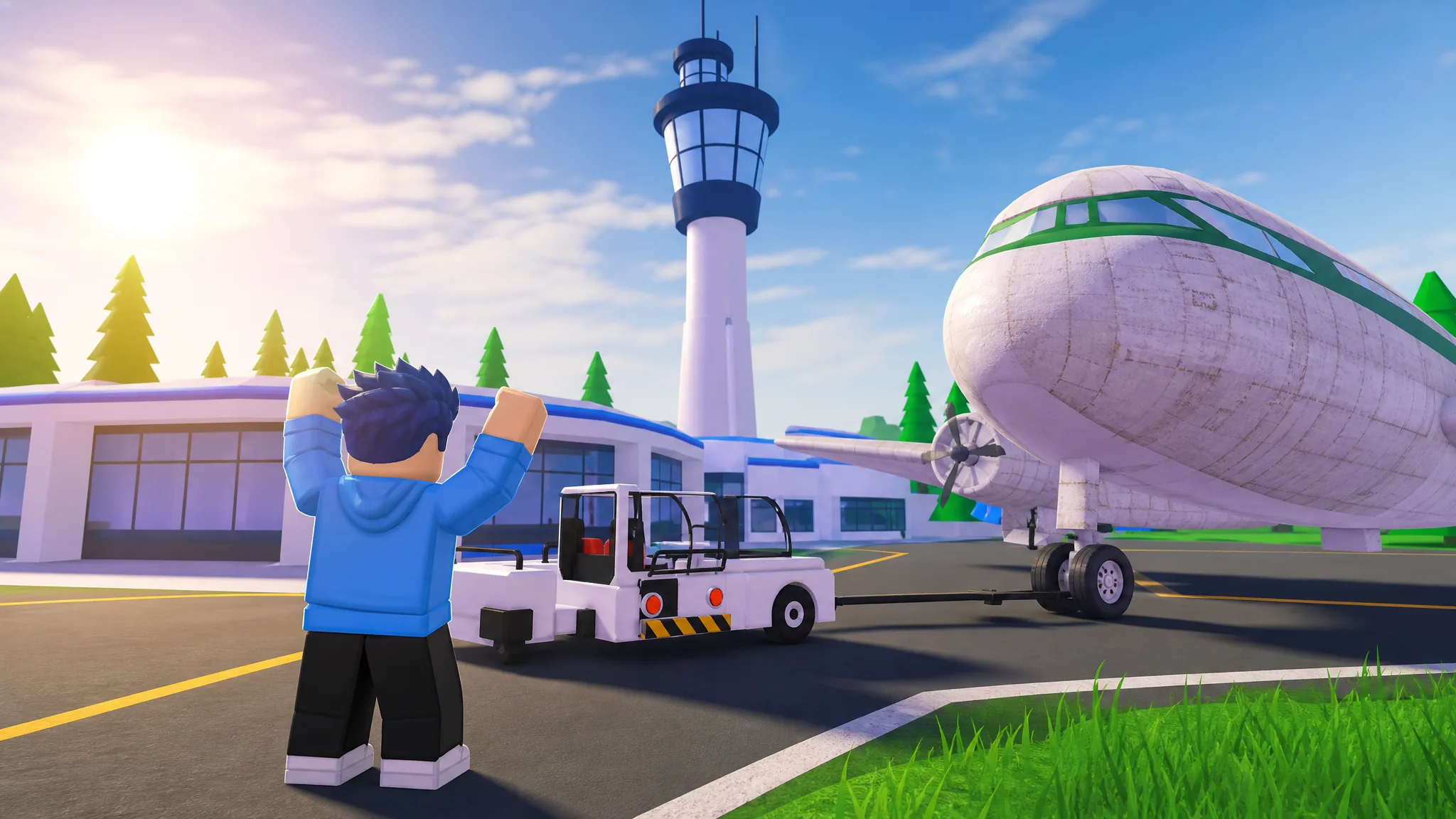
Bumpy Flight tasks you and your crew with prepping an aircraft, loading it up, and getting a full plane of passengers to their destination without falling apart in the air. Finishing a run cleanly comes down to a few fixed steps and knowing how to react when things go wrong mid-flight.
Quick answer: Load all luggage, walk every NPC straight to a seat, take off and climb to the 500-stud altitude cap, fly directly toward the shrinking distance number, clear any ice or storm damage as it appears, then line up on the runway and touch down to trigger Flight Complete.
Load the bags into the plane quickly
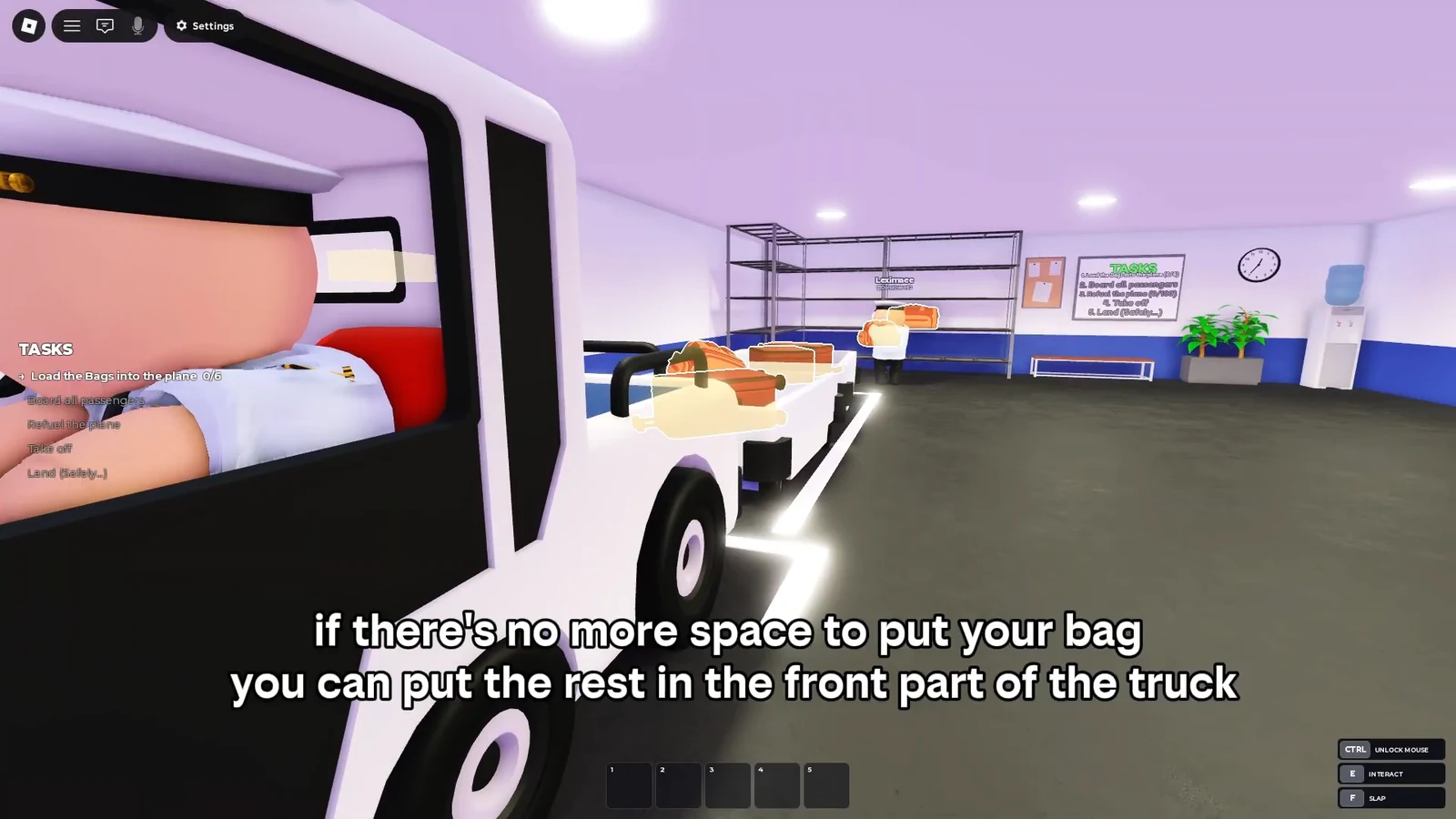
The luggage task asks you to load a set number of bags. When the truck bed fills up and there is no room left, you can keep stacking. Drop the extra bags onto the front hood of the transport truck. They stick in place automatically, so nothing slides off while you carry on.
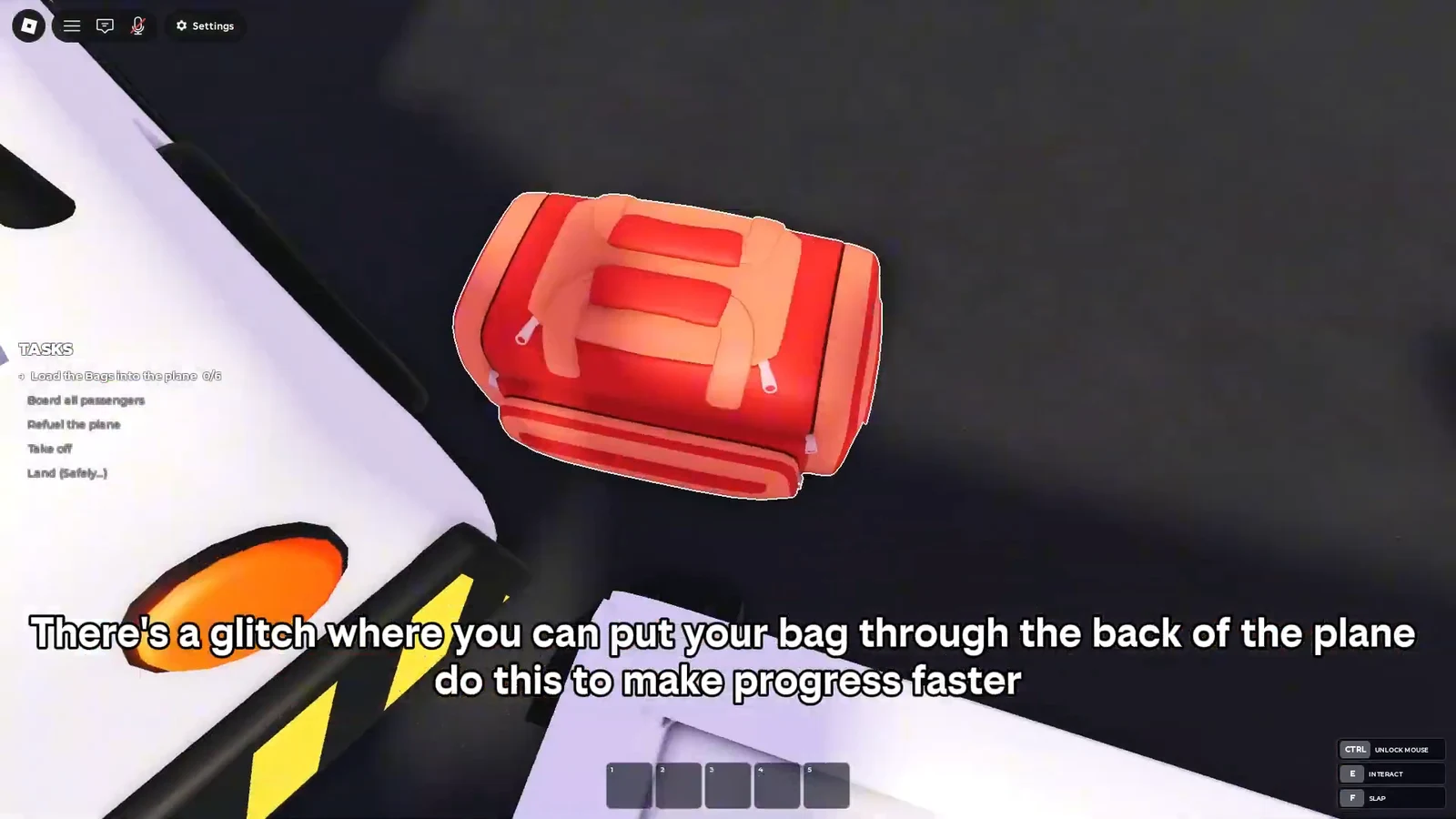
There is also a faster method. Instead of walking each bag around to the loading point, drag a bag up to the edge at the rear of the plane and release it there. The bag passes straight through the fuselage, which cuts down the time the loading task takes.
Guide passengers to their seats without them getting stuck
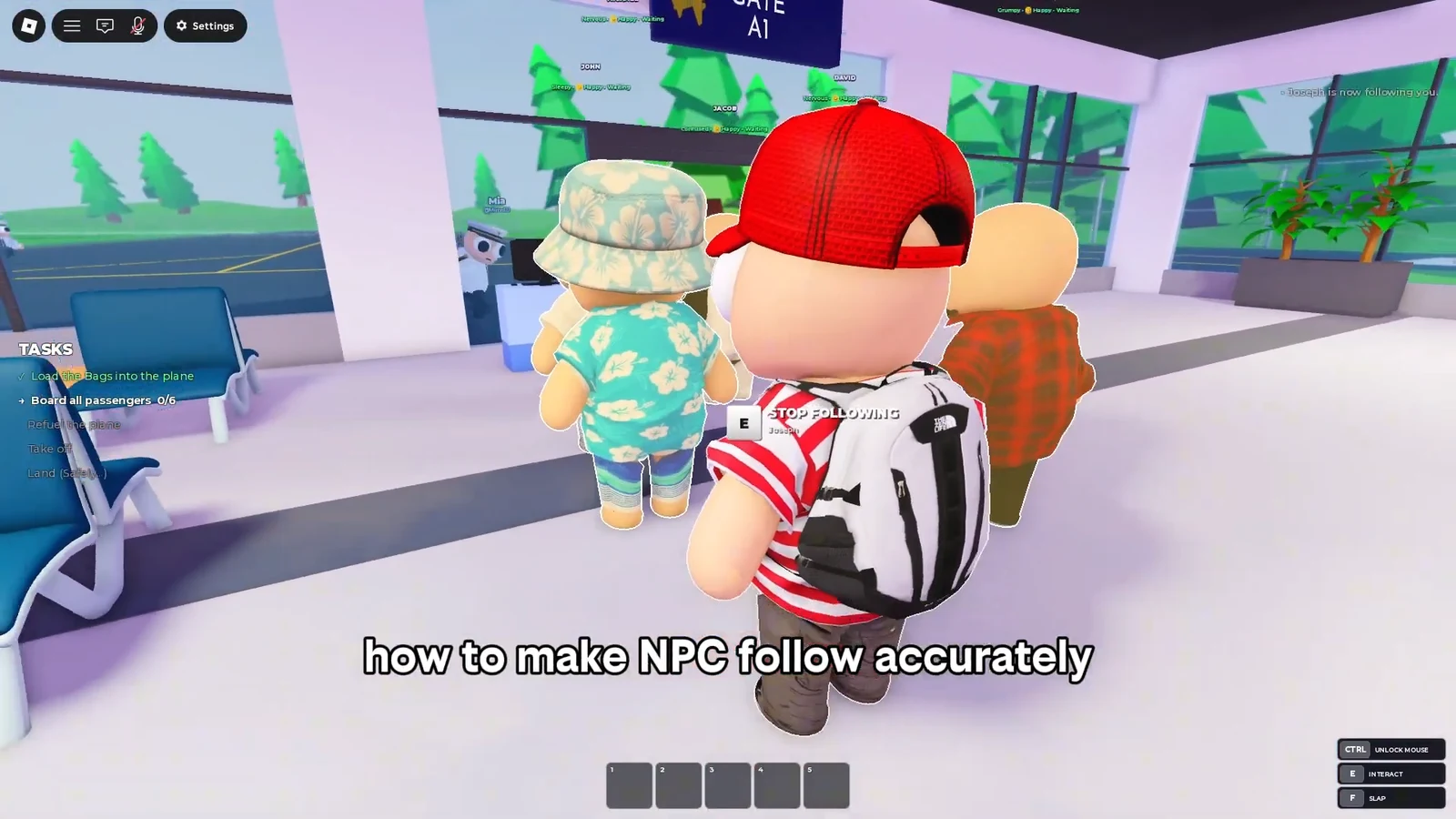
Passenger NPCs do not walk to where you are standing. They follow the trail you left behind, tracing the path you already walked. That single rule decides whether boarding goes smoothly or stalls.
Walk in a straight line from the NPC to the seat. Do not jump and do not move backward, because both break the trail the NPC is following. If one stops and appears stuck, stay put rather than running back for it. It will pick the trail back up and continue on its own.
Climb to 500 studs and hold your altitude
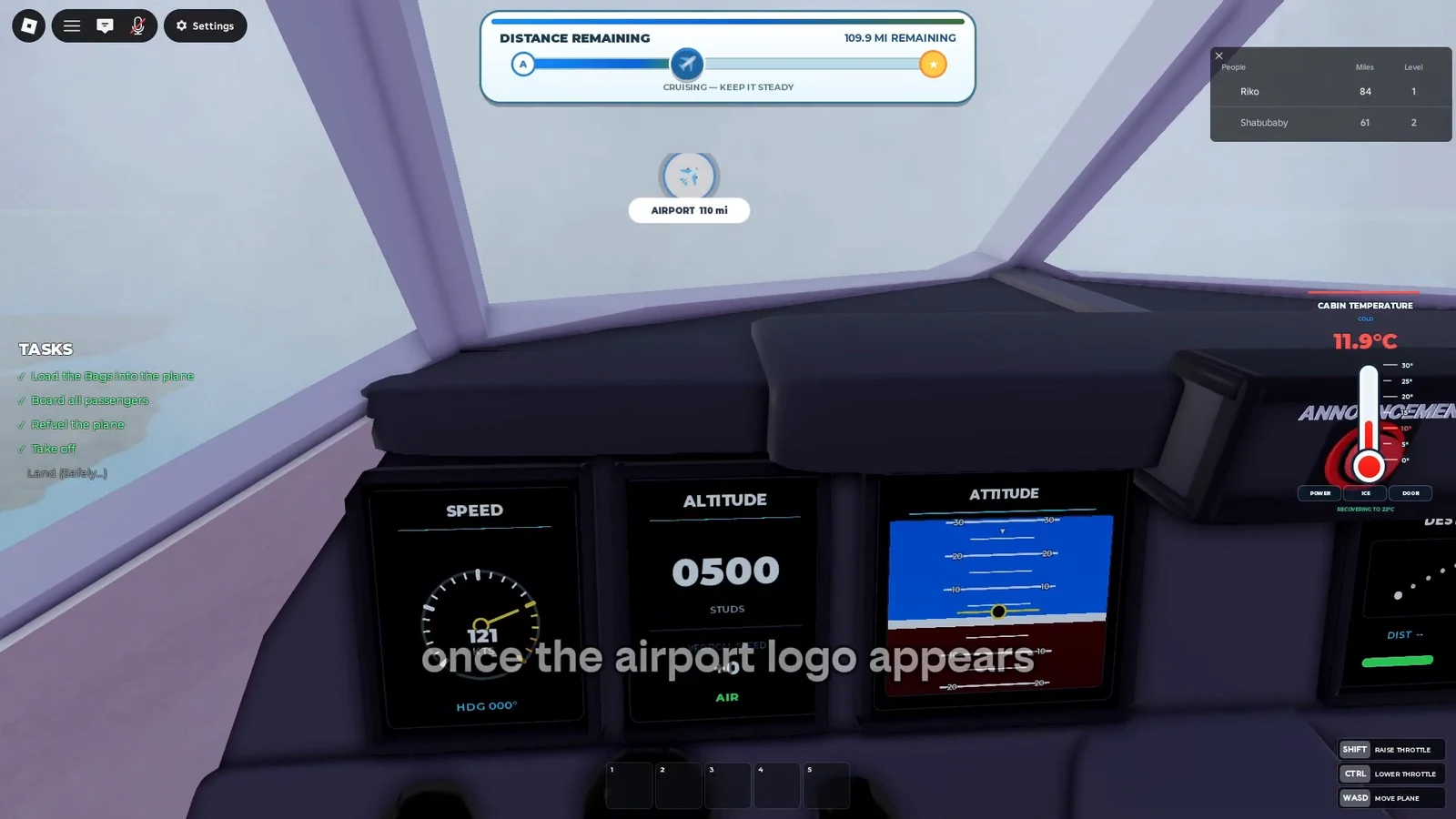
After takeoff, use throttle and pitch to climb until you reach the altitude cap of 500 studs. That is the highest point you can fly, and it keeps the plane the most balanced. It also puts you out of reach of storms, so most of the cruise can be spent simply holding steady.
The plane controls are straightforward. W and S pitch the nose up and down, A and D turn left and right, Shift increases throttle, and Ctrl decreases it. Once you are at 500, you can leave the plane level and wait for the next announcement.
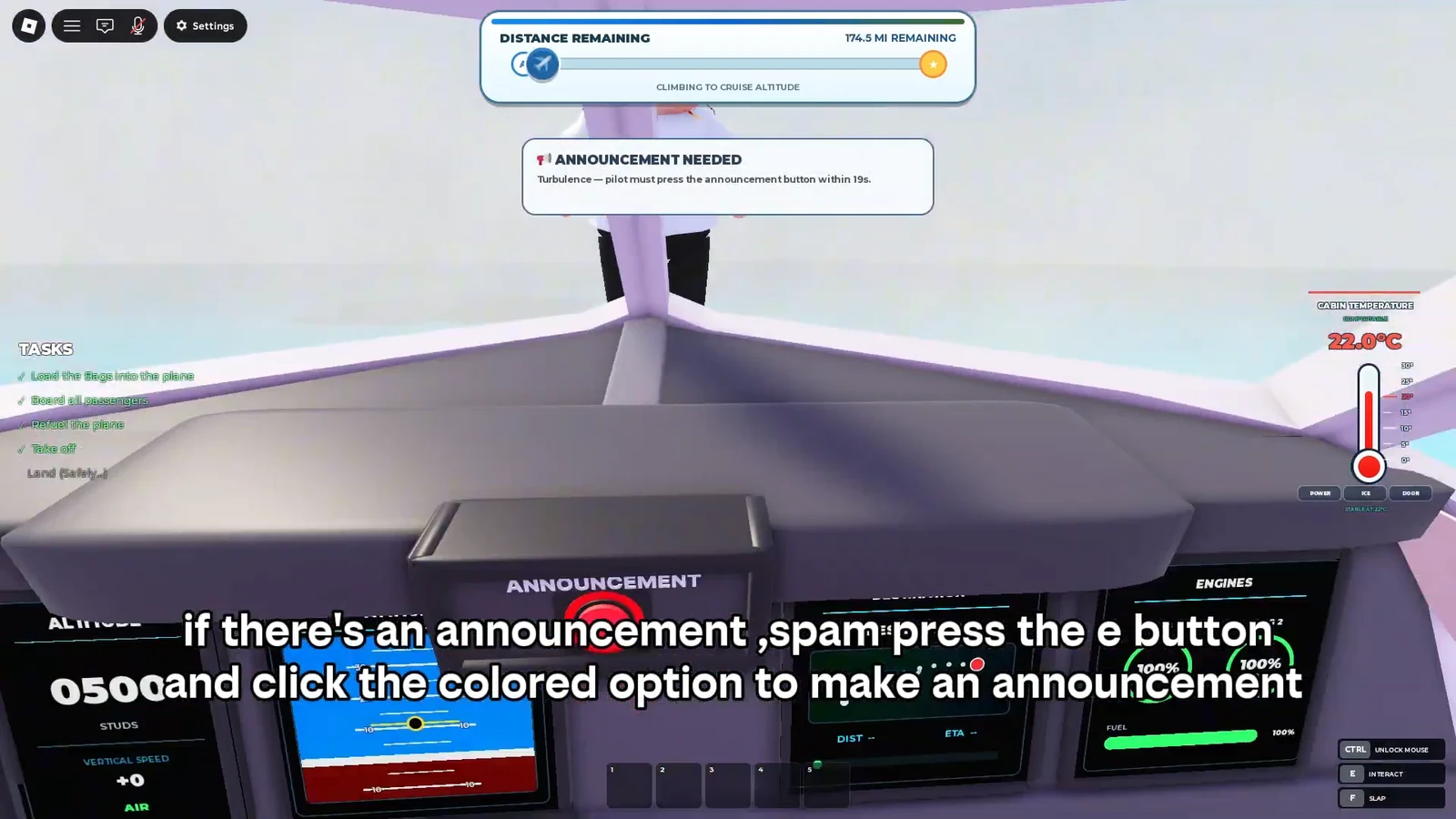
When an ANNOUNCEMENT NEEDED prompt appears, tap the E key repeatedly and pick the colored option. Completing the announcement clears the prompt and keeps the flight moving.
Fly straight toward the destination, not along the islands
The islands below curve, but you do not have to trace them. Watch the remaining distance indicator instead. As long as that number keeps dropping, hold a straight heading toward the destination and ignore the shape of the island chain.
Once the airport logo shows up, that marks your final approach direction. Point the plane at it and commit to that single heading, since it leads to the finish line.
Handle freezing wings and storms in the air
Two in-flight emergencies can slow you down. Deal with each as soon as it starts.
| Emergency | What to do |
|---|---|
| Freezing wings | Buy an Ice Scraper from the aircraft supply terminal, then walk out onto the wings and clear the frozen ice. You will not fall off while doing it. |
| Storm | Best handled with two players. One pilots and keeps the plane level using the attitude indicator, while the other repairs the engine if it takes damage. |
The supply terminal also stocks other items such as Medicine, a Sick Bag, and a Wrench for passenger and mechanical problems. Once the engine is repaired during a storm, the plane becomes stable again and you can return it to the 500-stud altitude.
Land safely to complete the flight
On final approach, adjust the plane’s position so it lines up with the runway. Use the Landing Assist alignment control to nudge left or right as needed. The alignment does not have to be perfect, so do not over-correct.
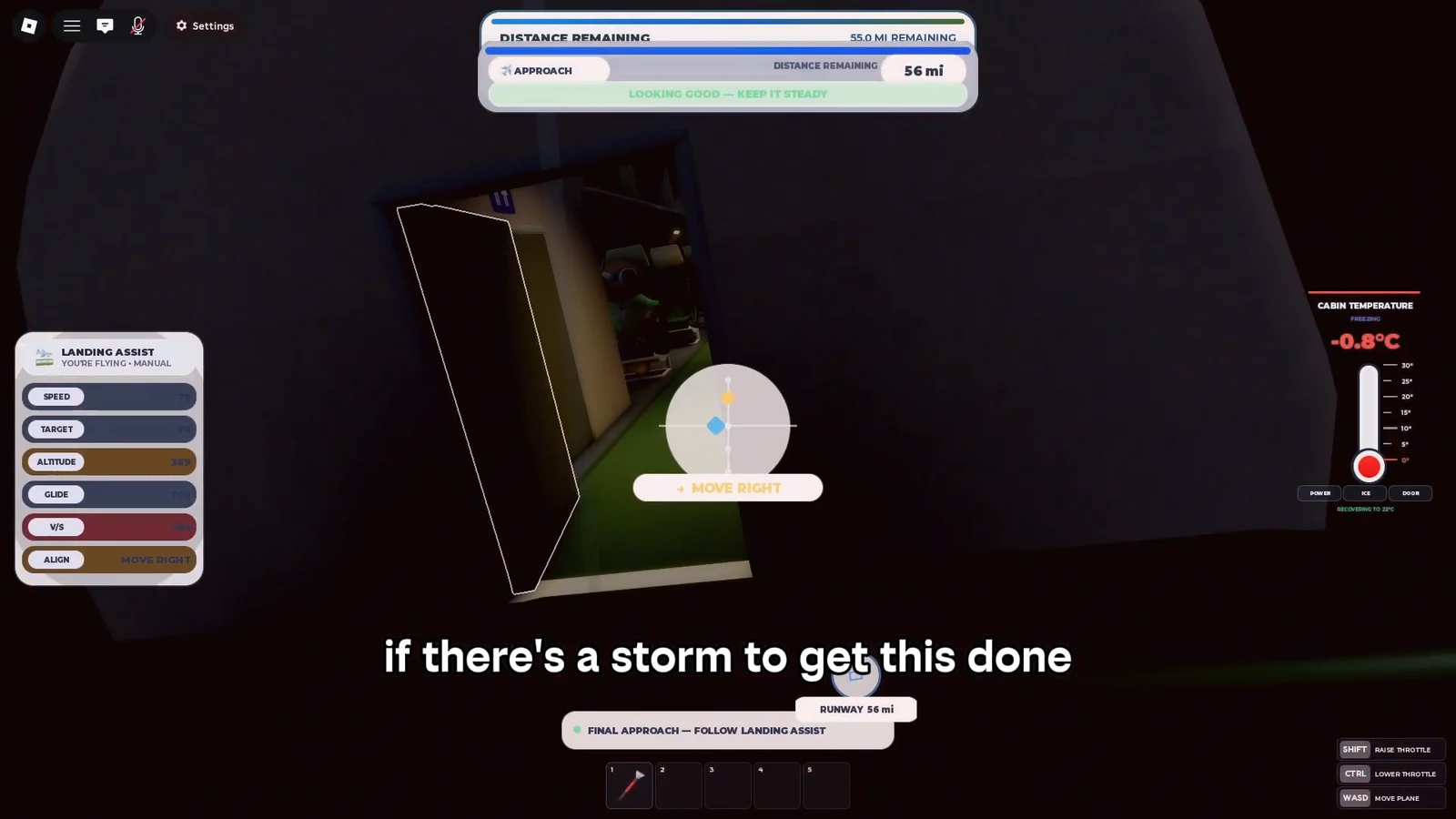
The only thing that matters is a safe touchdown on the runway. Bring the plane down without crashing and the run ends on its own.
How to know the flight is finished
A clean landing shows a FLIGHT COMPLETE screen and the game finishes automatically. A messier touchdown that still counts may instead read ROUGH LANDING, but the run still ends. If you crash before reaching the ground, the flight does not complete, so keep the nose steady through the final descent.
Bumpy Flight is still in beta on Roblox, so expect bugs and ongoing changes as the developers keep updating it. The core loop stays the same, though. Prep, load, board, cruise at 500, react to emergencies fast, and land in one piece to close out the run.